Glossary thumb index
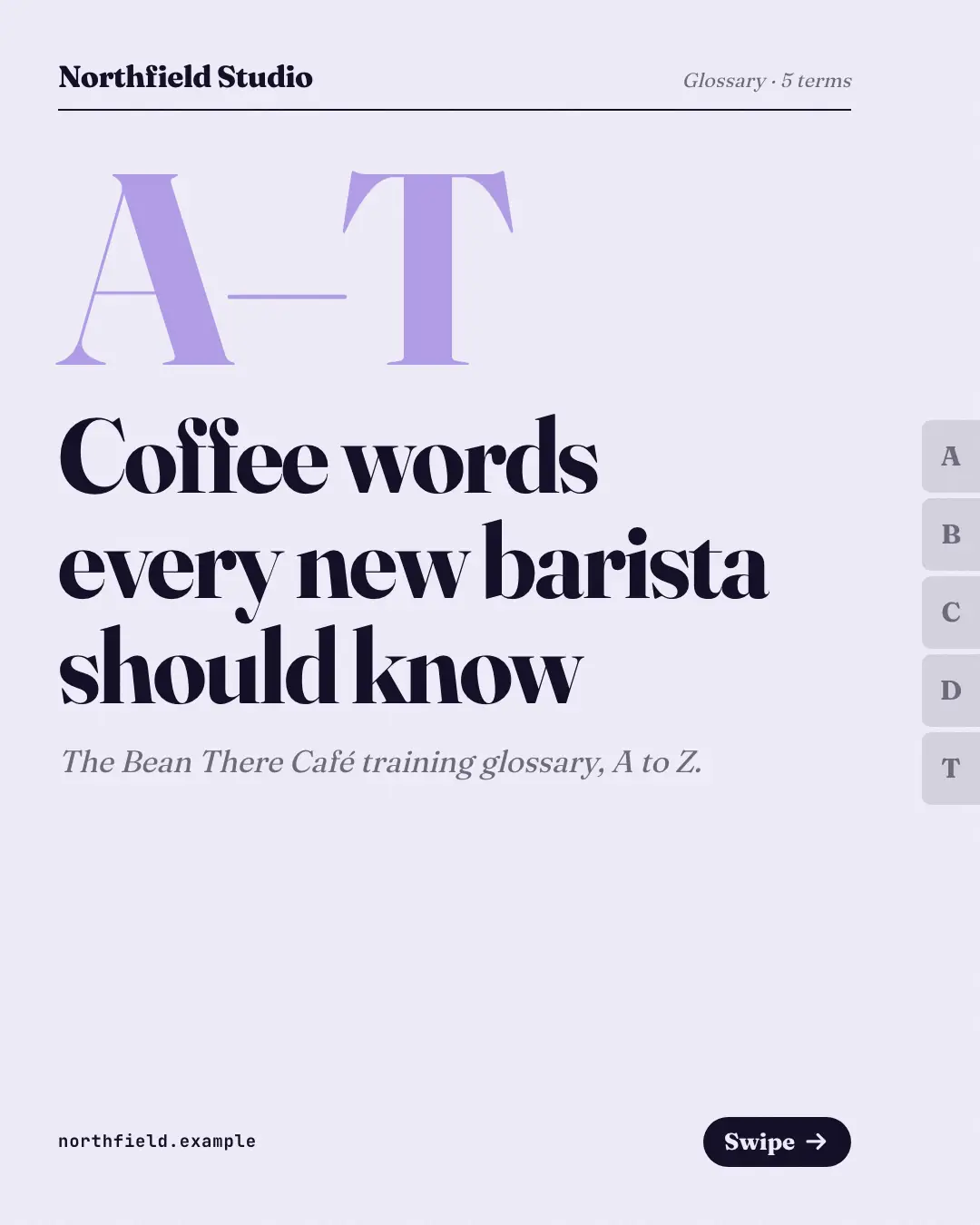
A dictionary-page glossary with thumb-index letter tabs down the edge: each page sets one headword large in serif above its plain-words definition — the current term's tab sticks out, the cover spans the A-to-Z range, and jargon becomes a reference people save.
When the AI picks it
MarketiQ’s Creative Director favours the Glossary thumb index for posts that teach or start a conversation, when the message is a list or one sharp insight. It is built first to teach.
It reads each post’s goal and shape first, then its own words, the platform and the facts you have, and offers this template only where it fits.
Who it’s for
Any business. Nothing in it assumes what you sell, so the Director can offer it to a software company, a café or a coaching centre alike — whenever the post fits.
Platforms and sizes
| Size | Where |
|---|---|
| 4:51080 × 1350 px | Instagram, Facebook, LinkedIn, Threads |
Carousel of 3–10 slides. Each size is laid out for its canvas, not cropped; the sample above is the 4:5 version.
What it needs
Only your post. It is made from your copy and your brand kit — there is nothing else to prepare.
Rules the AI follows
Word for word from the template library. The Director follows the copy rules when it writes into the template, and the visual review checks every creative against the visual rules.
Copy rules
- Each row is one term (the heading, exactly as the copy writes it) and its meaning in plain words.
- Order the terms alphabetically; definitions explain, never sell, and add no facts the copy does not give.
- The closing line offers more help to a reader who is learning the words.
Visual rules
- A dictionary page in serif type with a running head and rule; thumb-index tabs with the terms' initials run down the right edge and the current term's tab sticks out in the brand colour.
- Each term page shows a large pale initial, the headword, a 'Term n of N' rule and the definition.
- The cover sets the first-to-last letter range huge above the title; the closing page carries the CTA.
More Teaching carousels templates
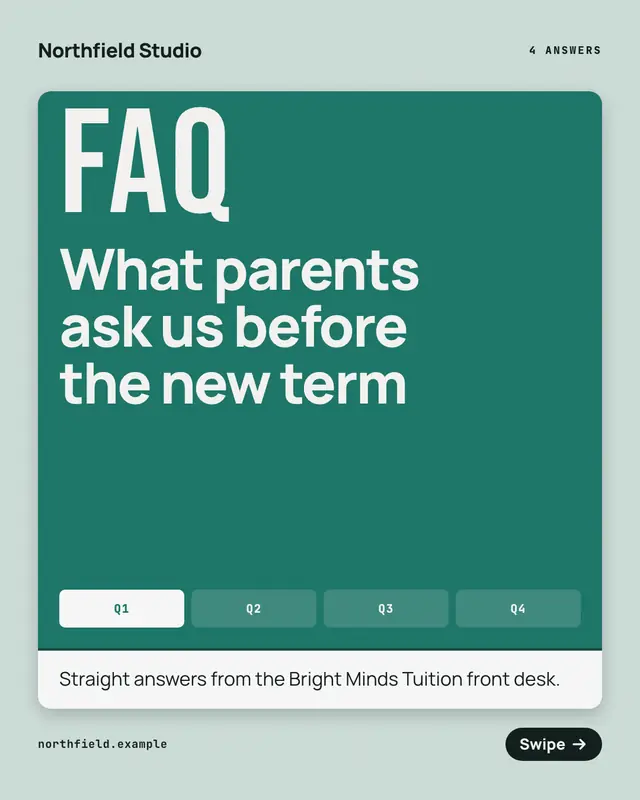
FAQ flip deck
An FAQ as a deck of folded cards: each page's brand-coloured flap carries one question under a big 'Q' and opens onto its answer under an 'A'
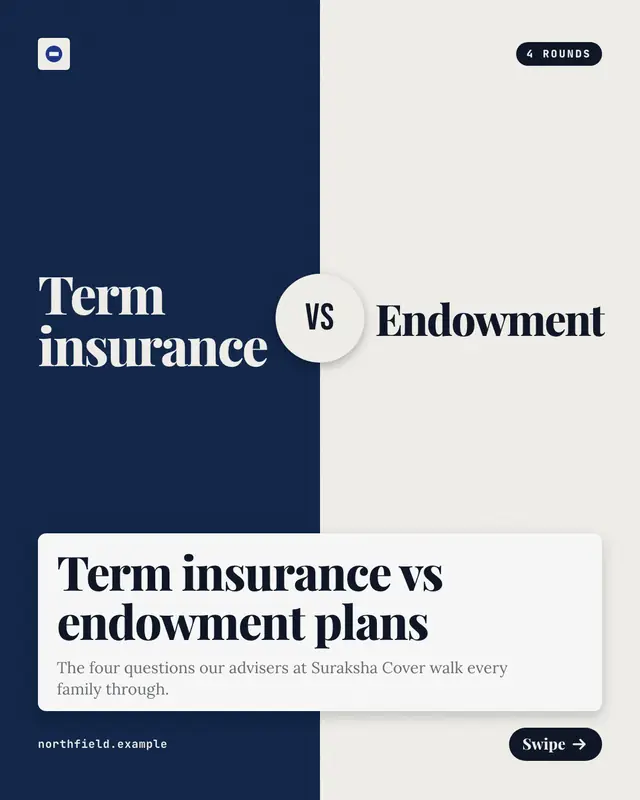
Head-to-head rounds
Two options in opposite corners, a brand half and a dark half with a 'VS' seal, compared one criterion per round with each side's answer and the verdict
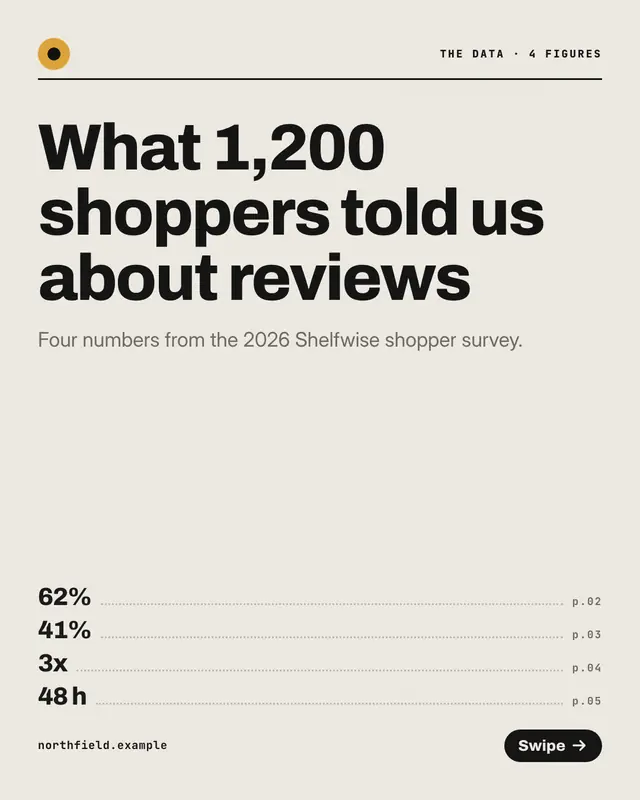
Stat-by-stat data deck
A data desk's deck, one real figure per page: the number set huge in the brand colour above a short rule, with what it means and its context beneath
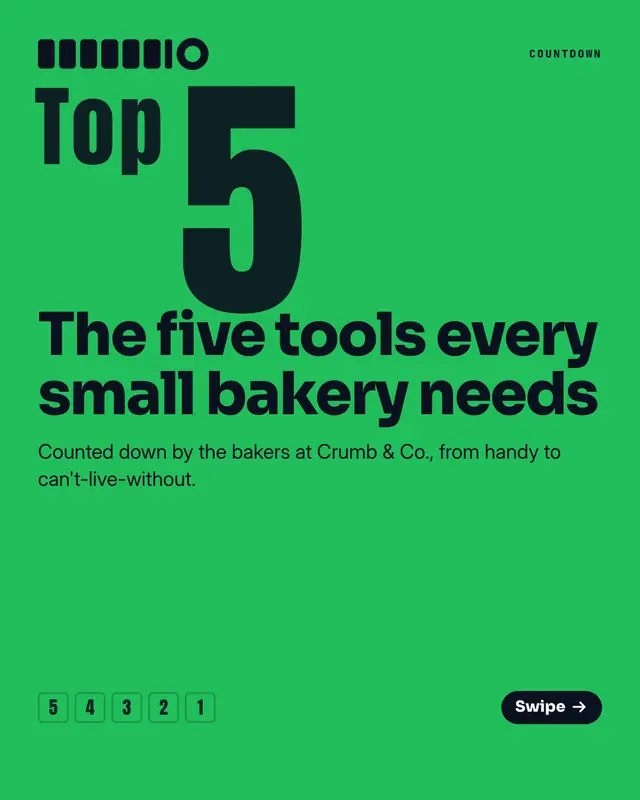
Ranked countdown
A poster-loud countdown to number one: each page sets its rank as a giant condensed numeral above the pick and why, with a ladder of ranks at the foot
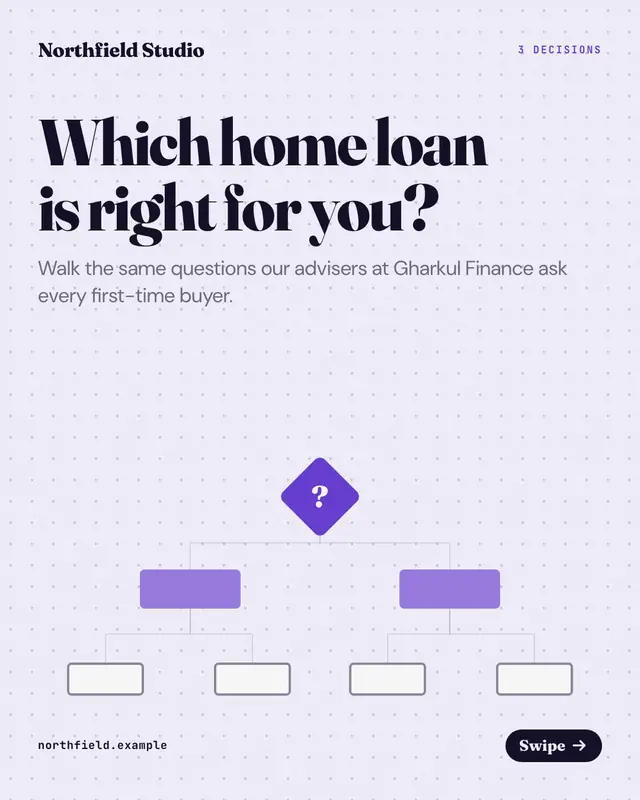
Decision-tree walkthrough
A decision tree walked one node per page on dotted flowchart paper: a yes-or-no question in a node card with its two branches beneath, the path so far as diamonds above
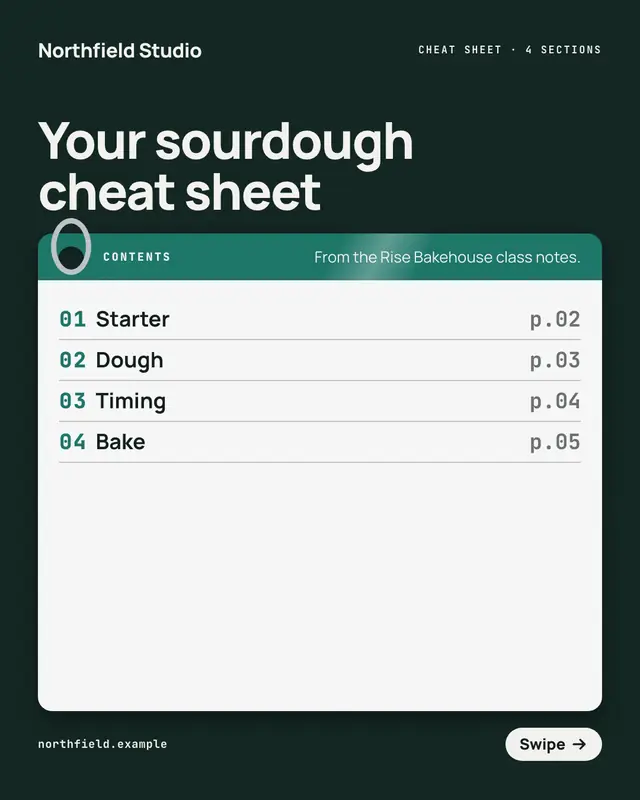
Laminated cheat-sheet deck
Ring-bound laminated cheat-sheet cards on a dark desk: each page a glossy card with a coloured section tab and its quick facts as key-and-value lines
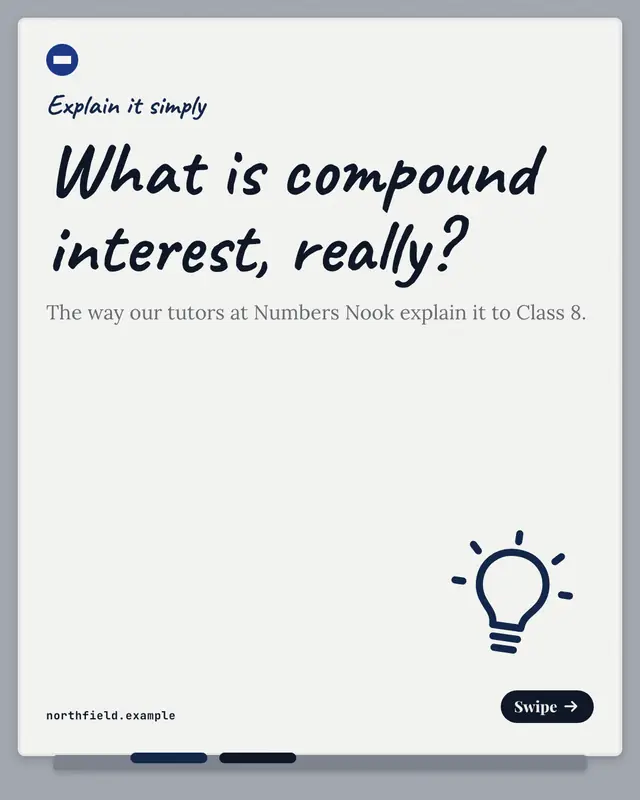
Explain-it-simply whiteboard
A teacher's whiteboard, one idea per page in marker with a circled number and a scribbled underline, the plain explanation beneath and an everyday analogy on a sticky…
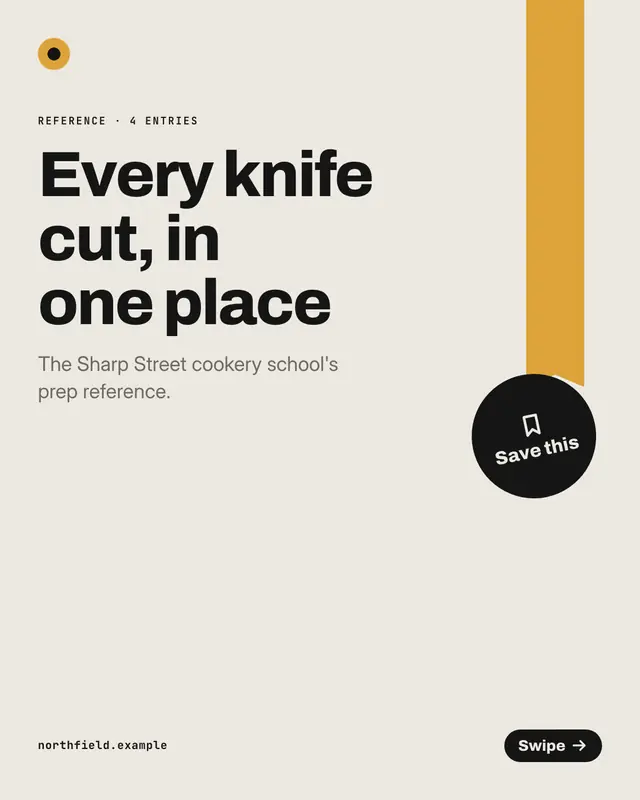
Save-this reference deck
A bookmarked reference deck, one entry per page: a ribbon hangs from the top edge and an index rail of entries runs down the left, marking the reader's place
Make a Glossary thumb index with your brand.
MarketiQ writes the post, picks the template that carries it best — this one, when it fits — and fills it with your logo, colours, facts and copy.