CREATIVE TEMPLATE GALLERY

200+ designer templates. Our AI picks the right one for every post.

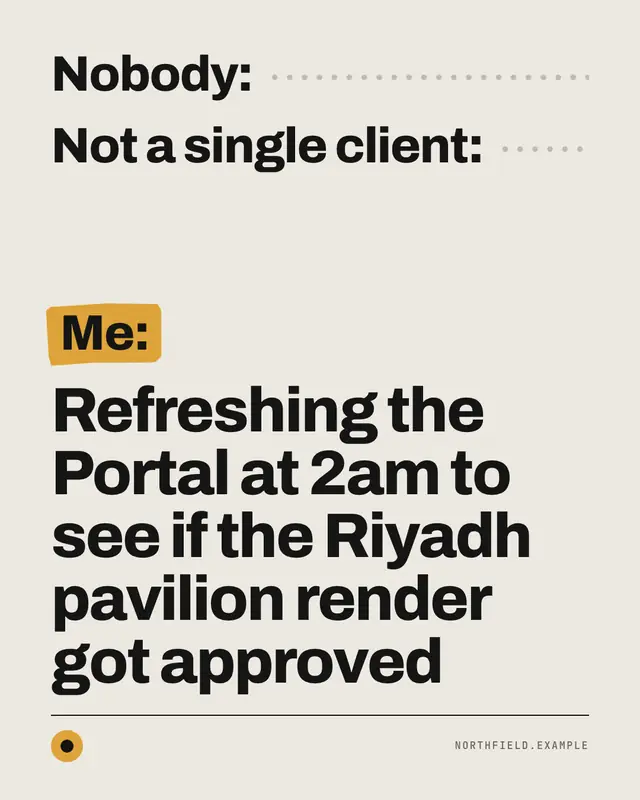
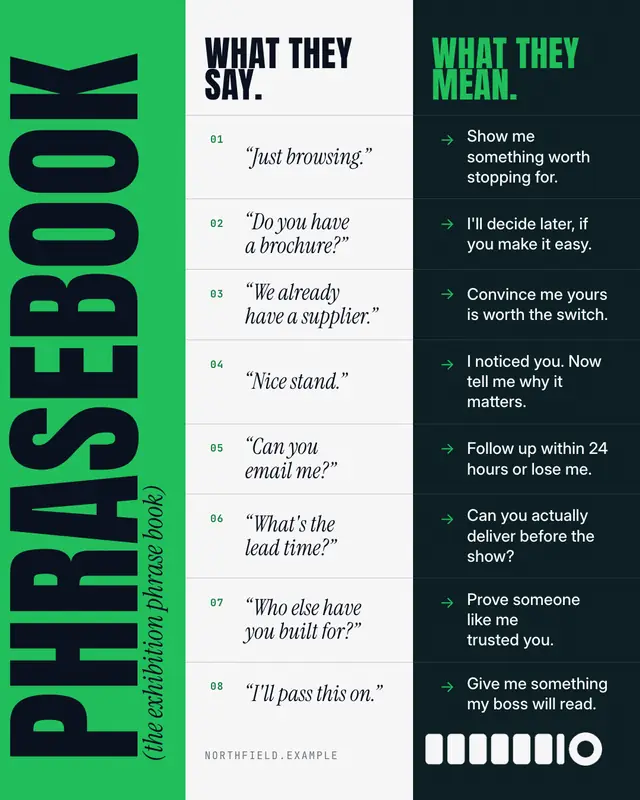
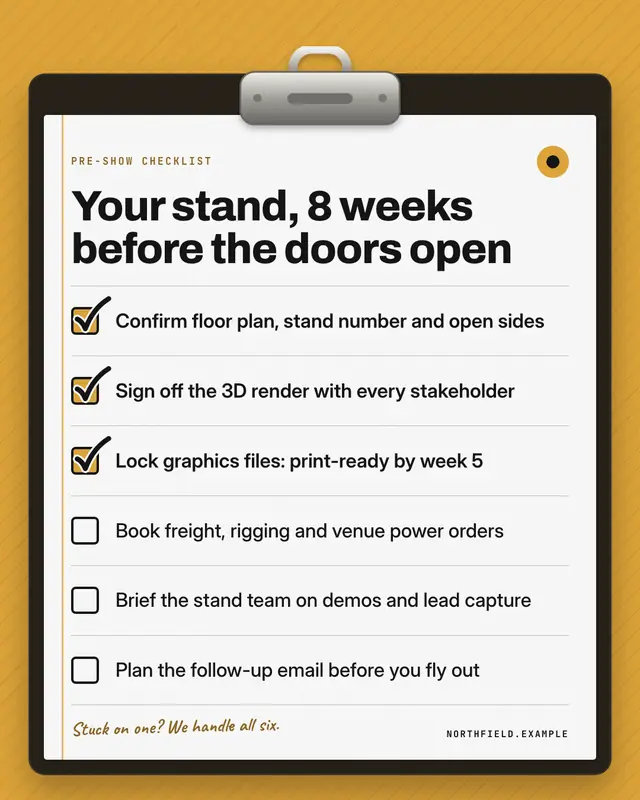
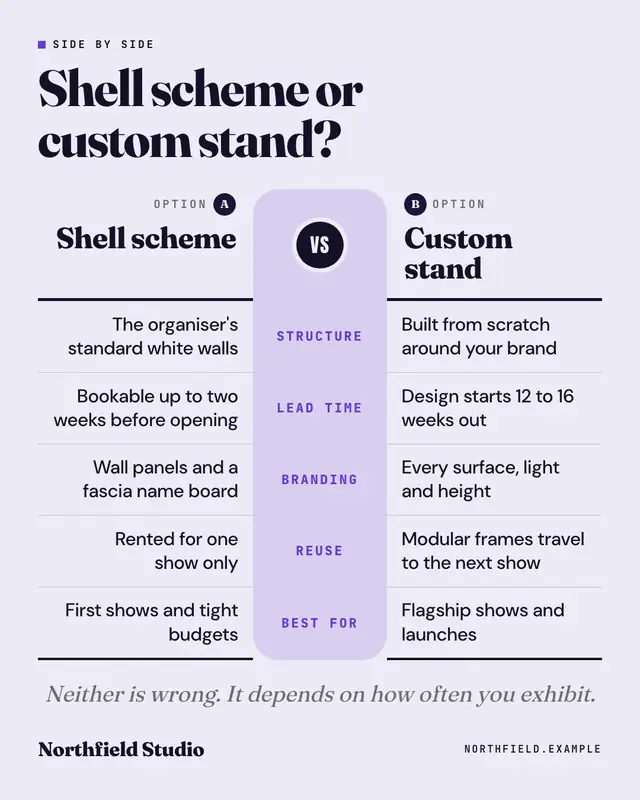
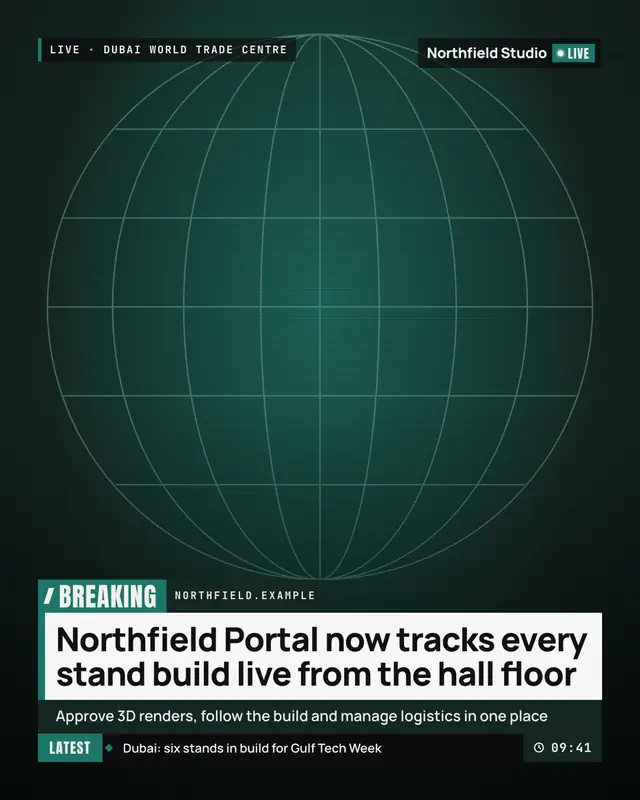
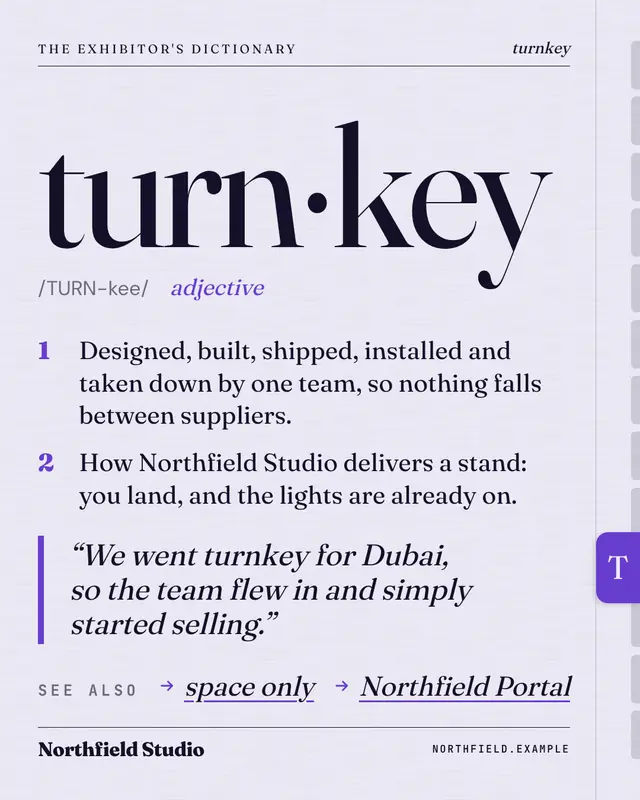
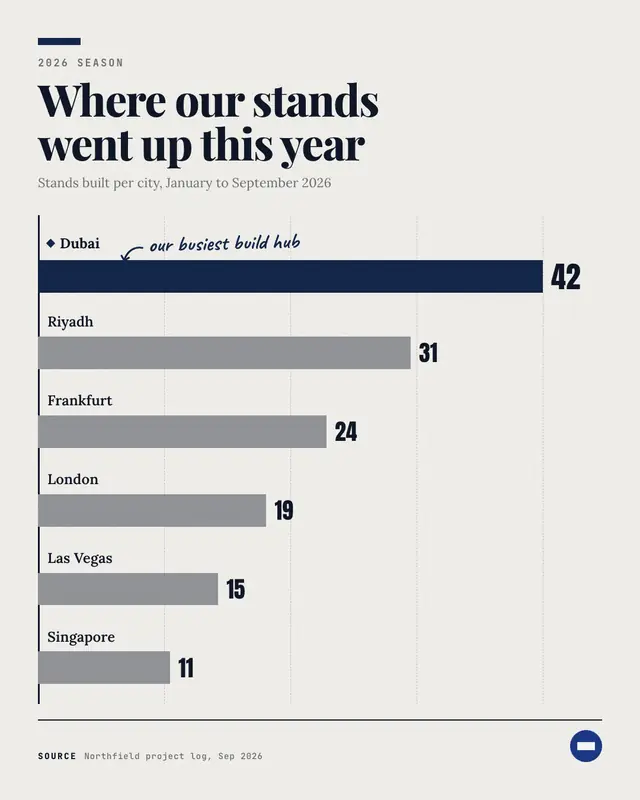
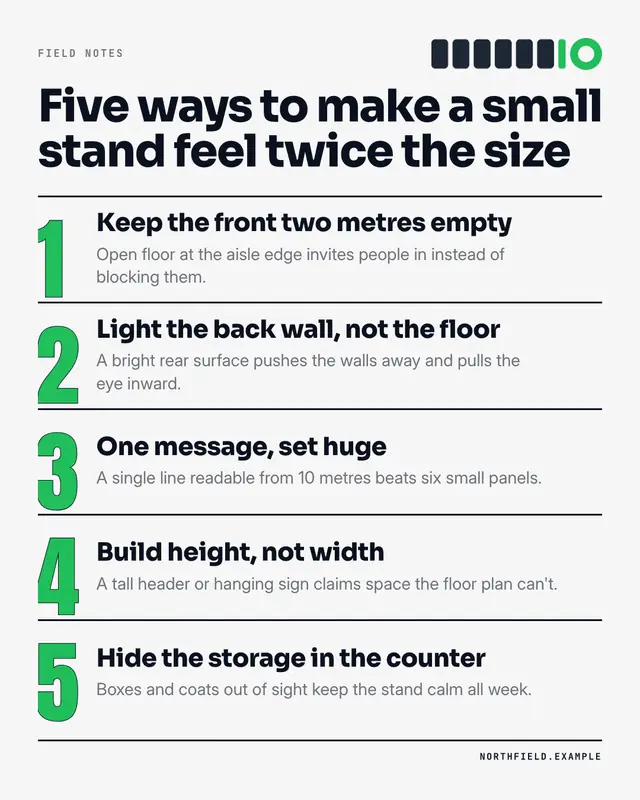
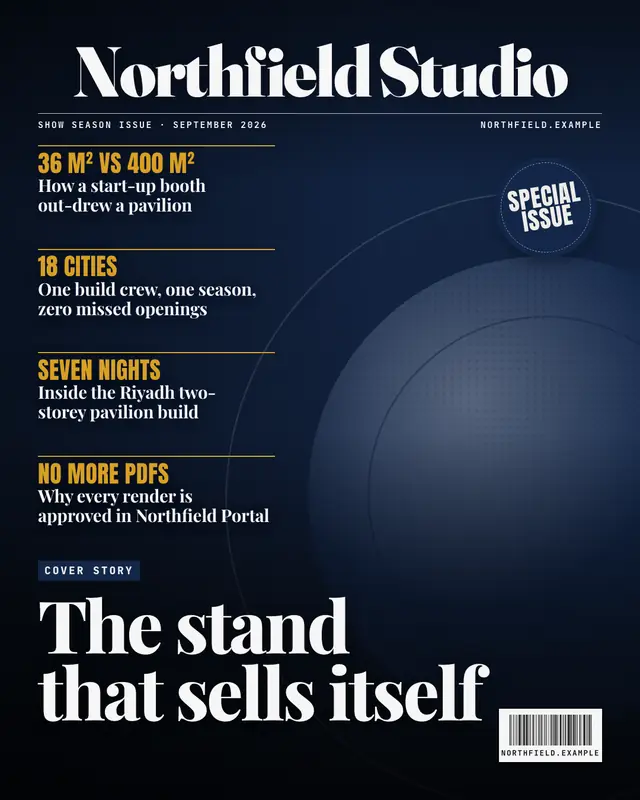
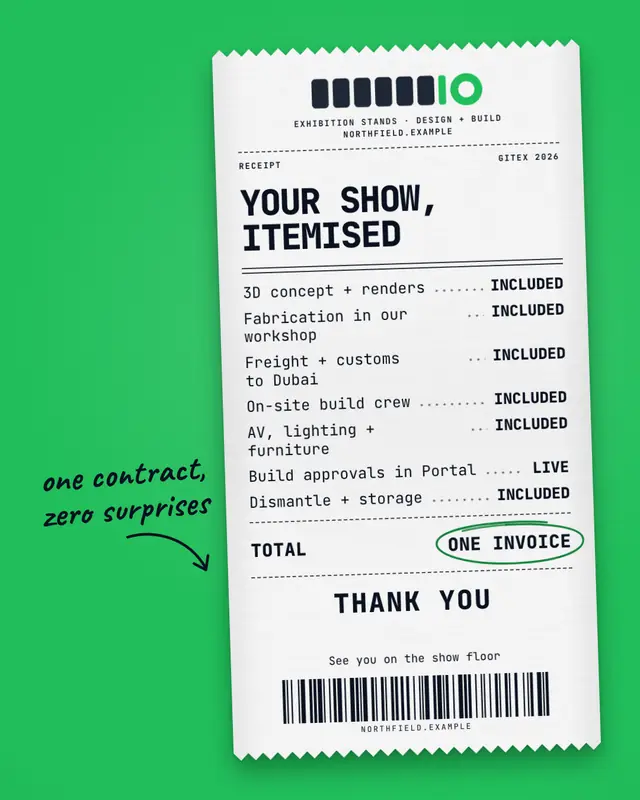
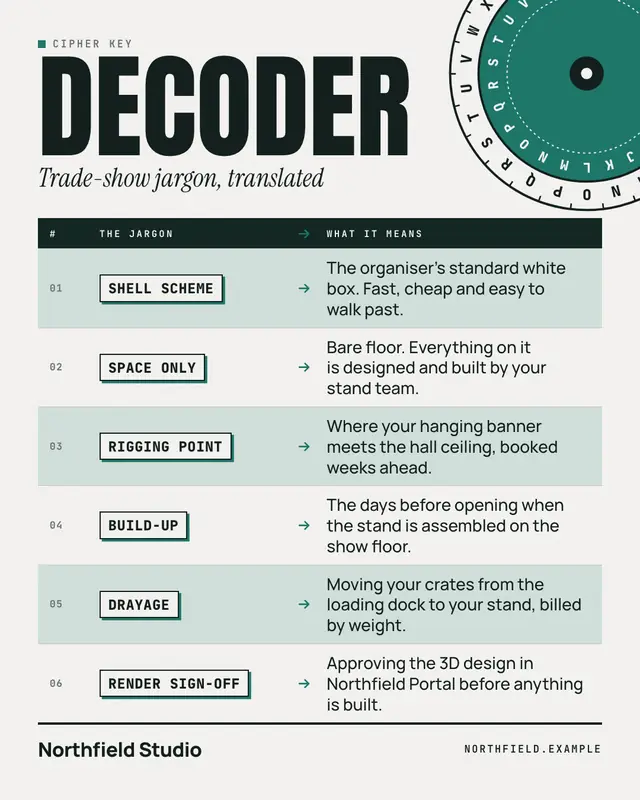
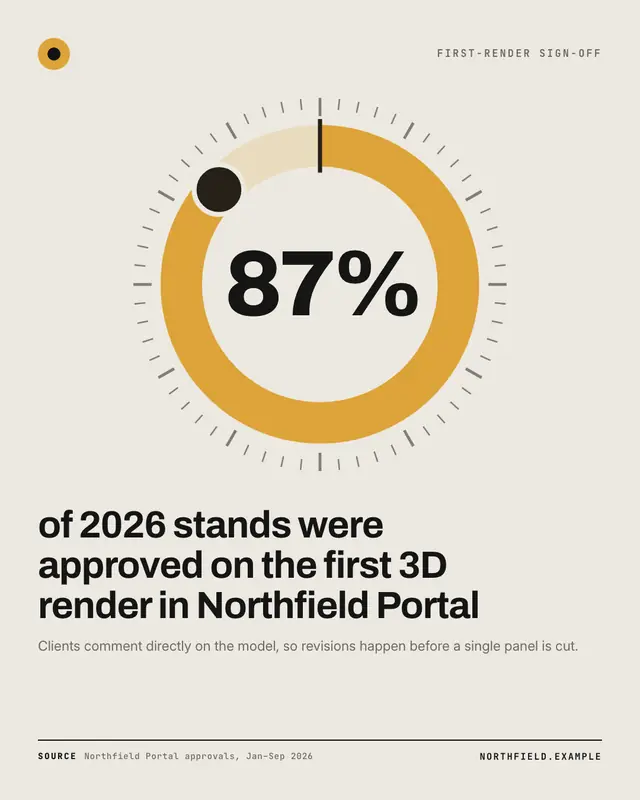
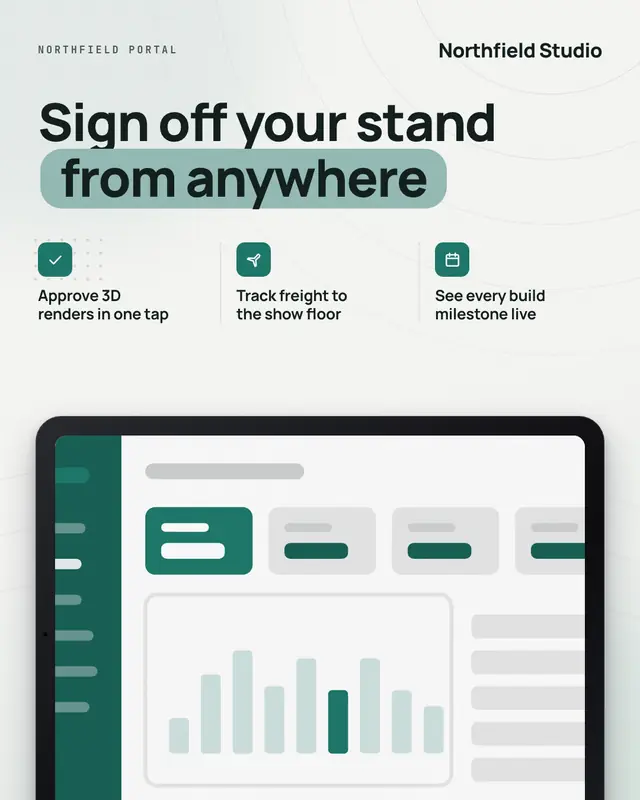
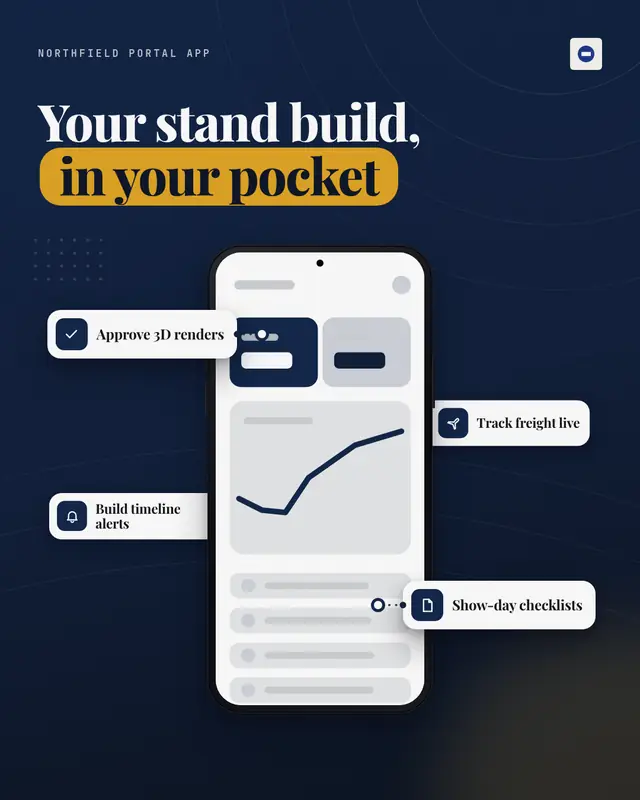
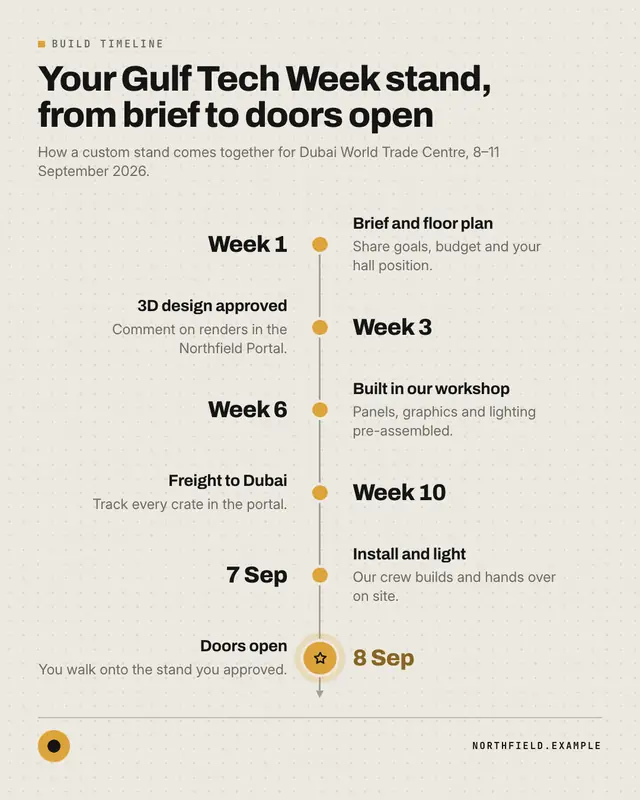
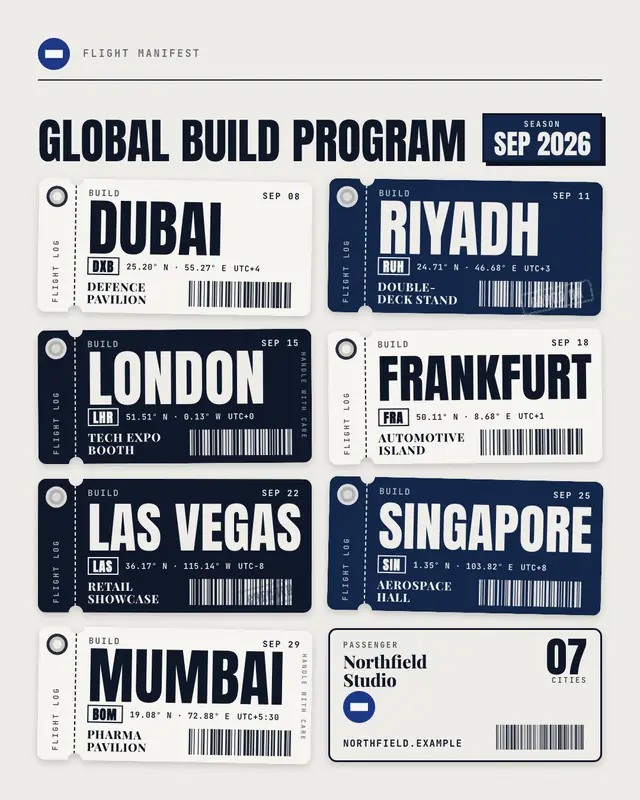
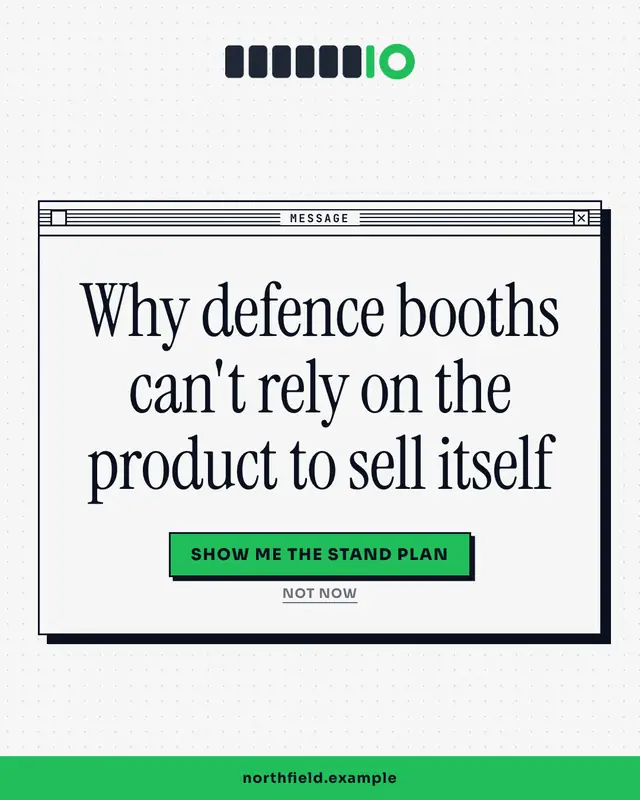
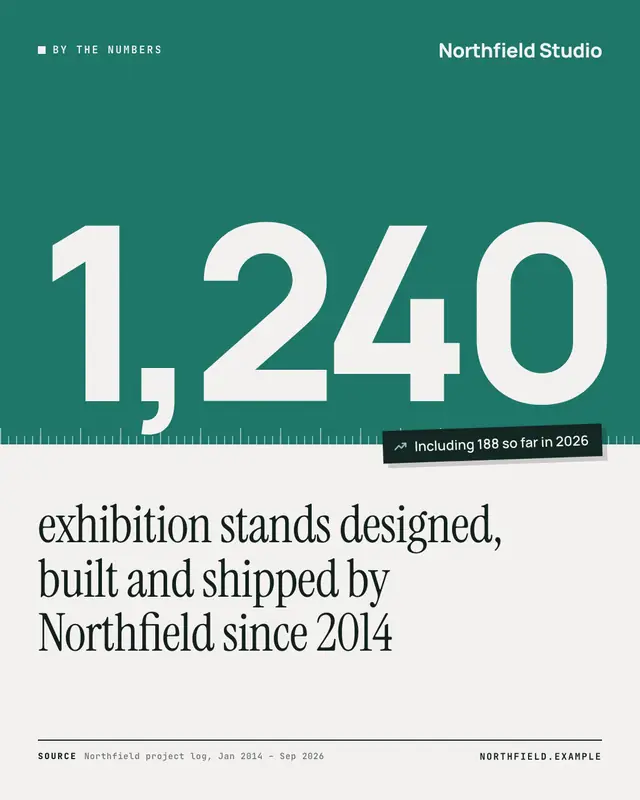
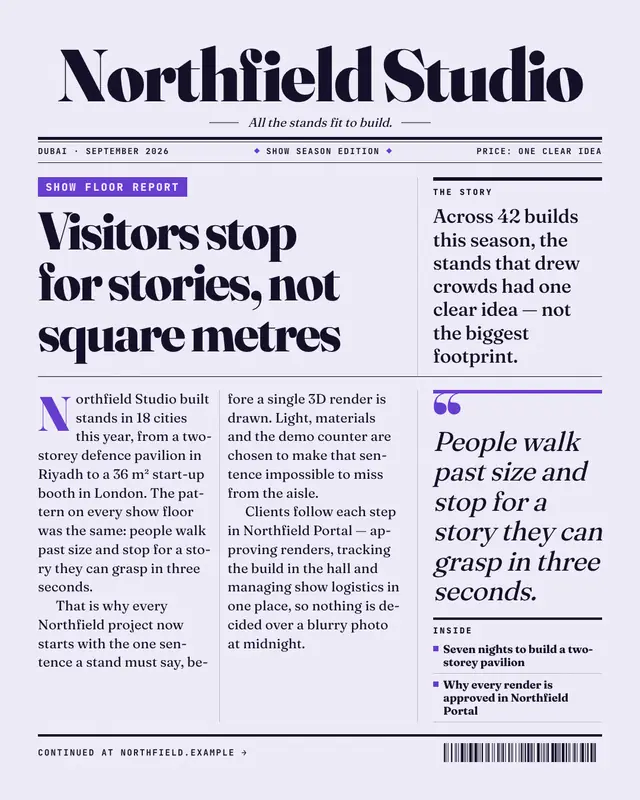
A system dialog for a sharp truth, a boarding pass for a launch, a big-number card for a result. These are the 209 templates in 15 families that MarketiQ’s Creative Director chooses from — and how it chooses.

Samples use fictional brands; MarketiQ fills each template with your brand, facts and copy.

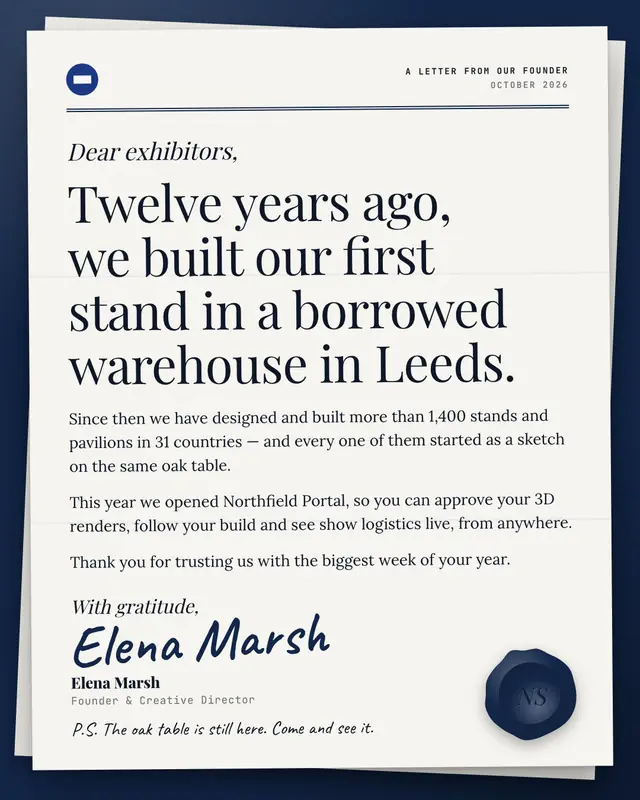
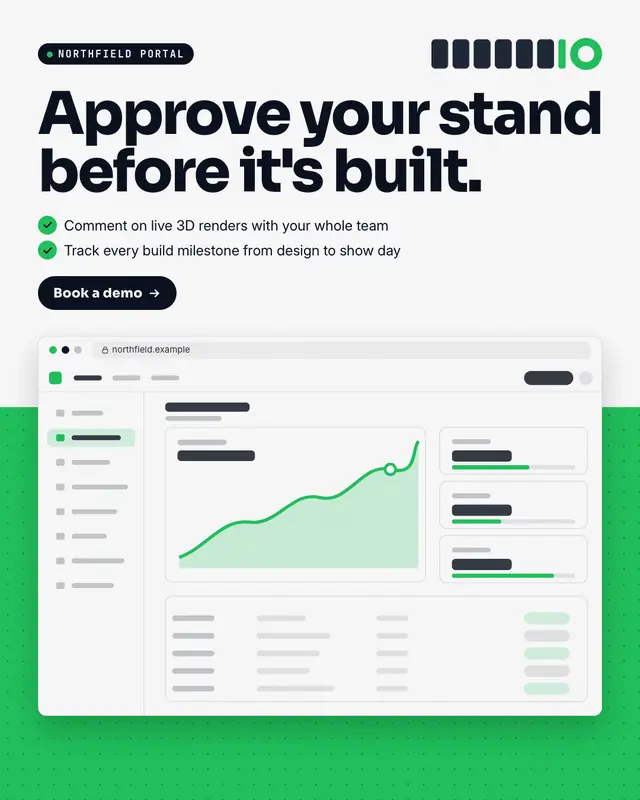
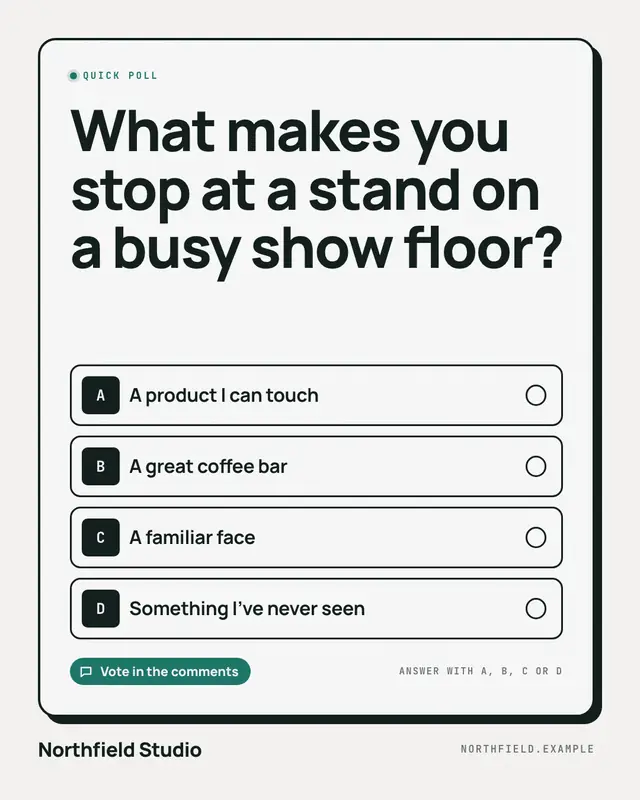
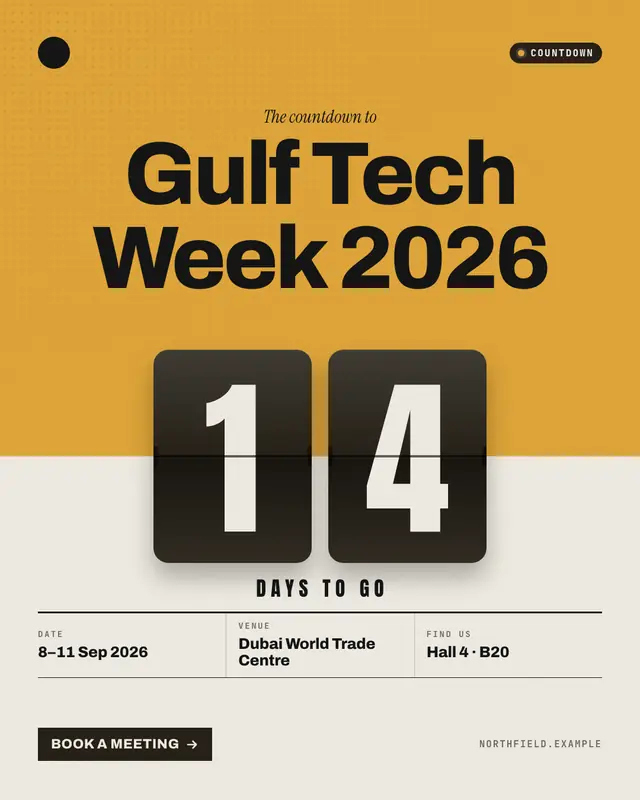
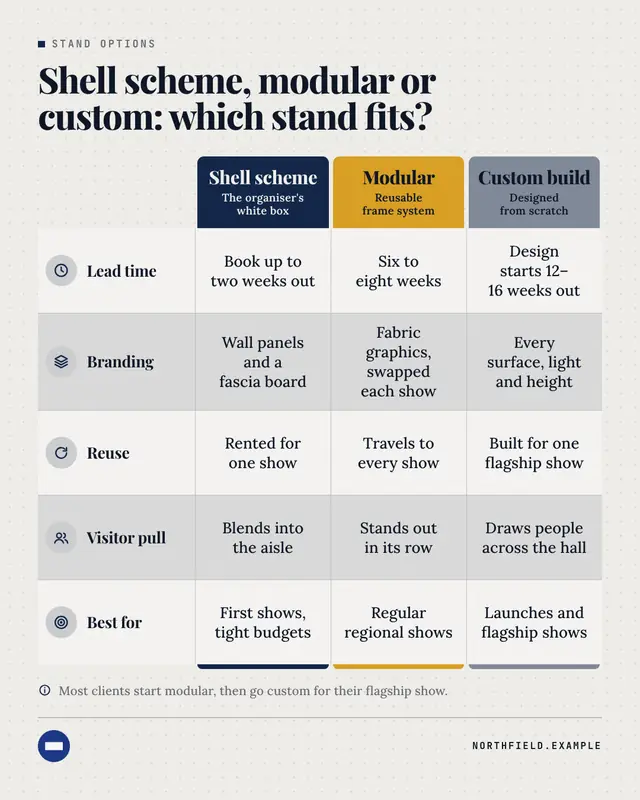
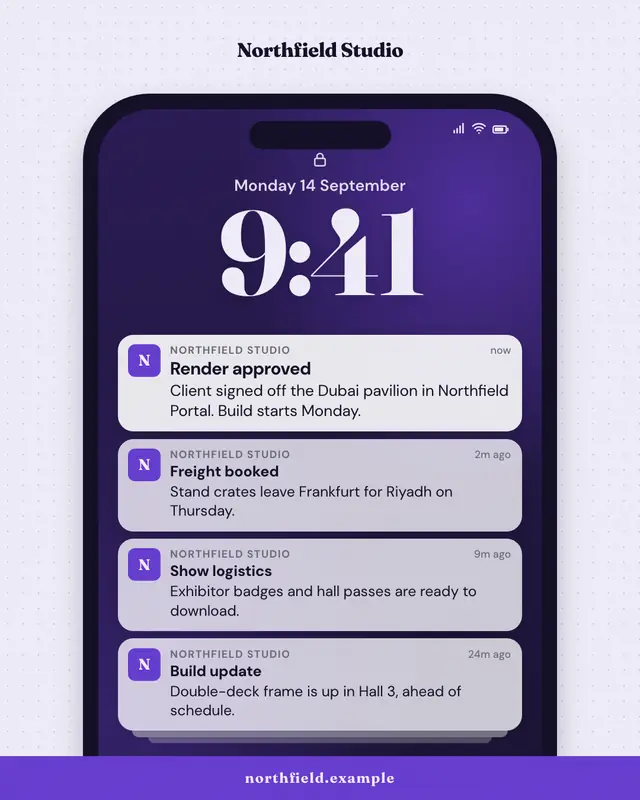
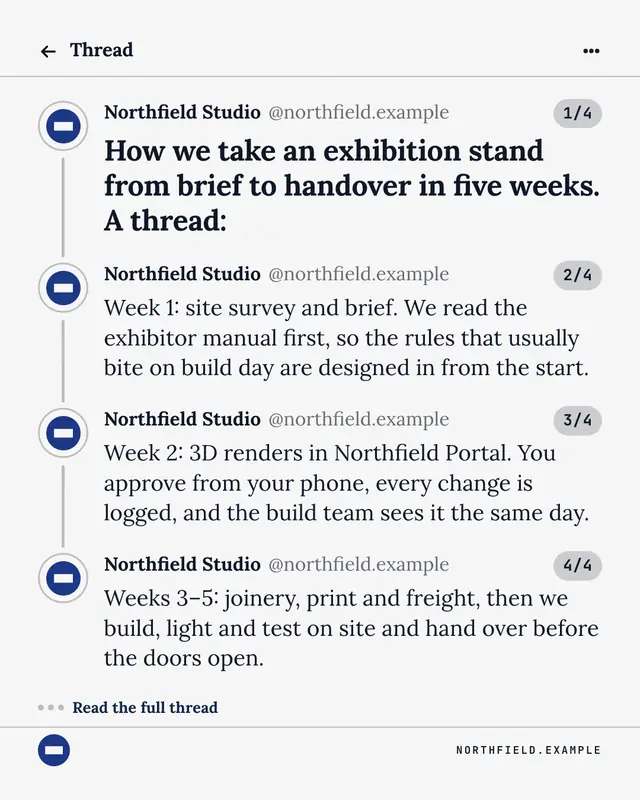
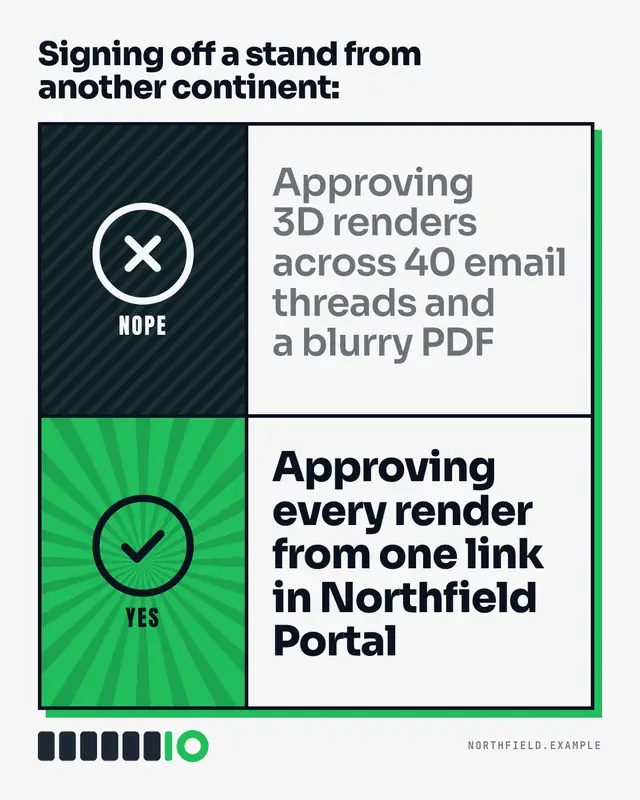
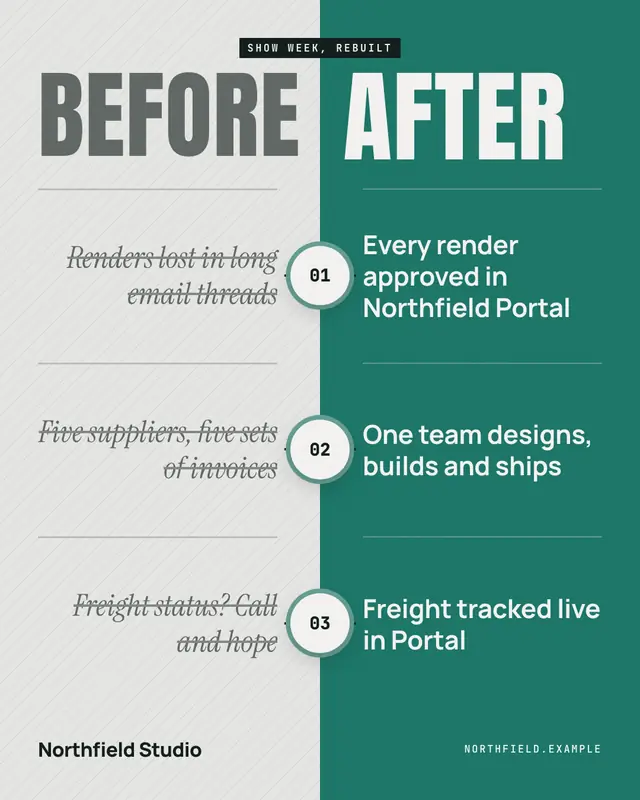
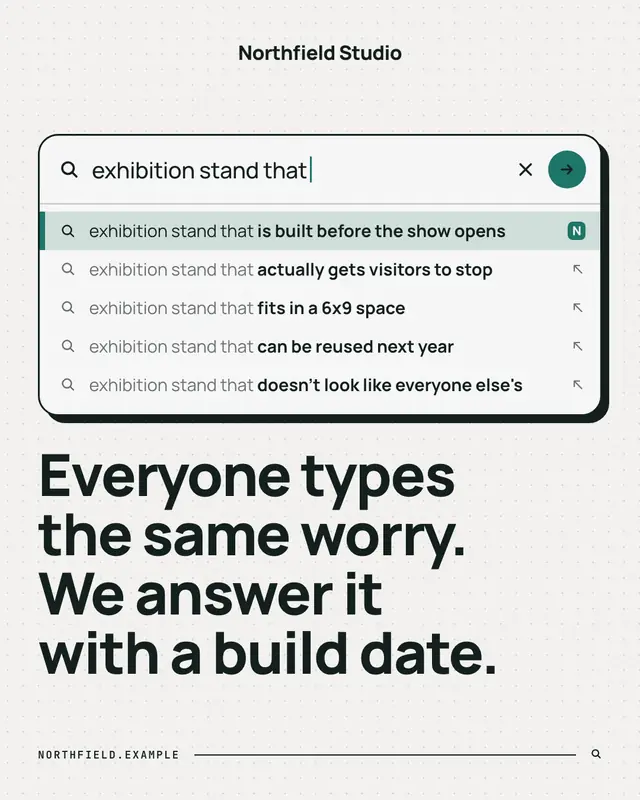
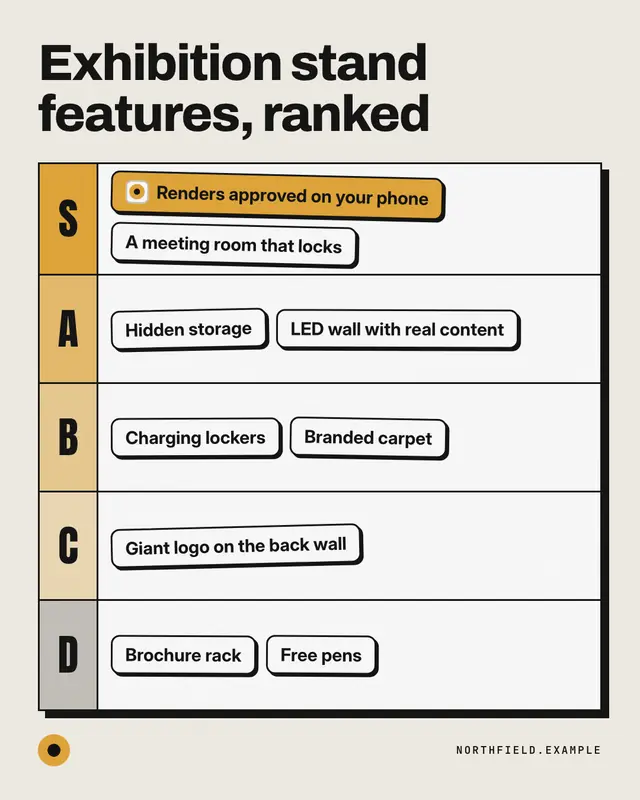
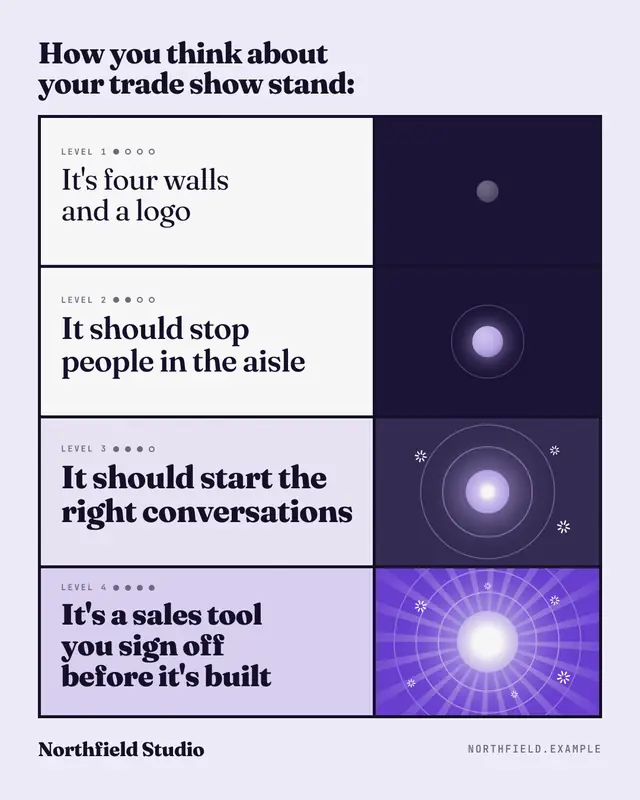
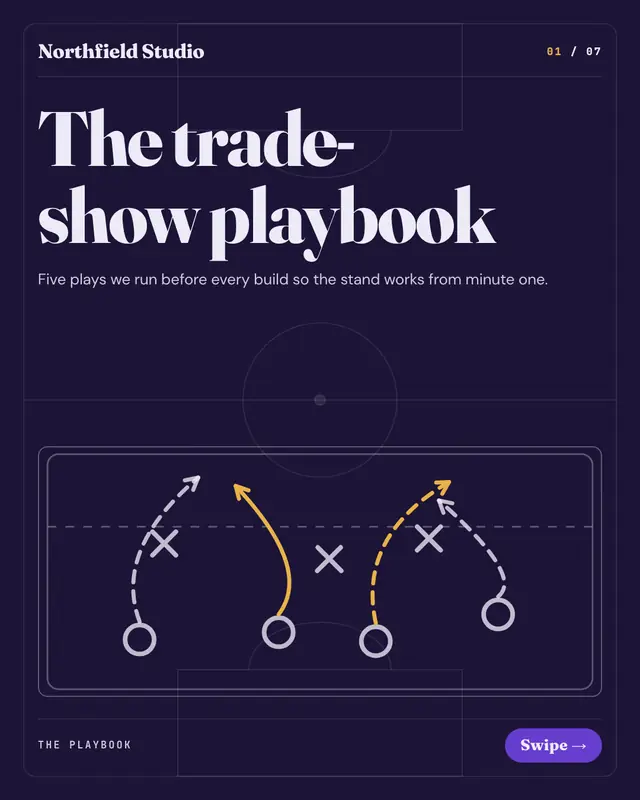
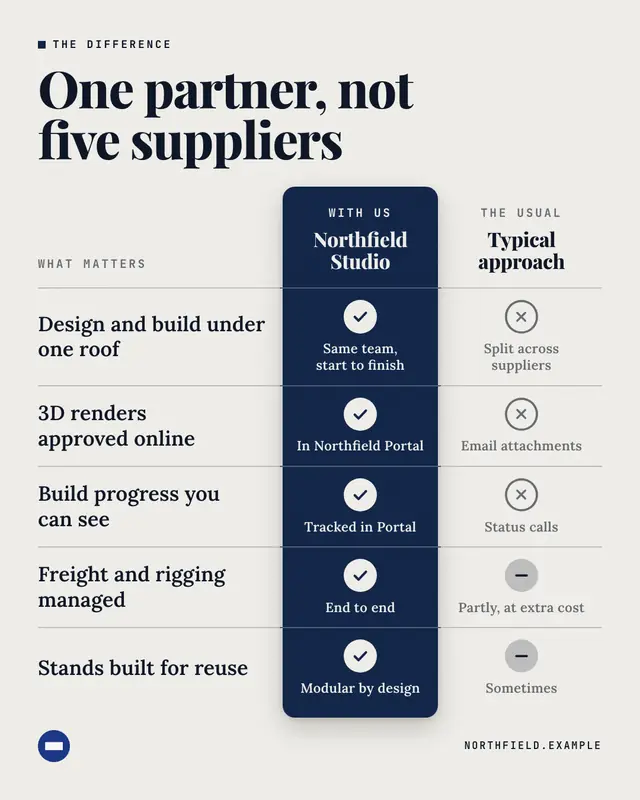
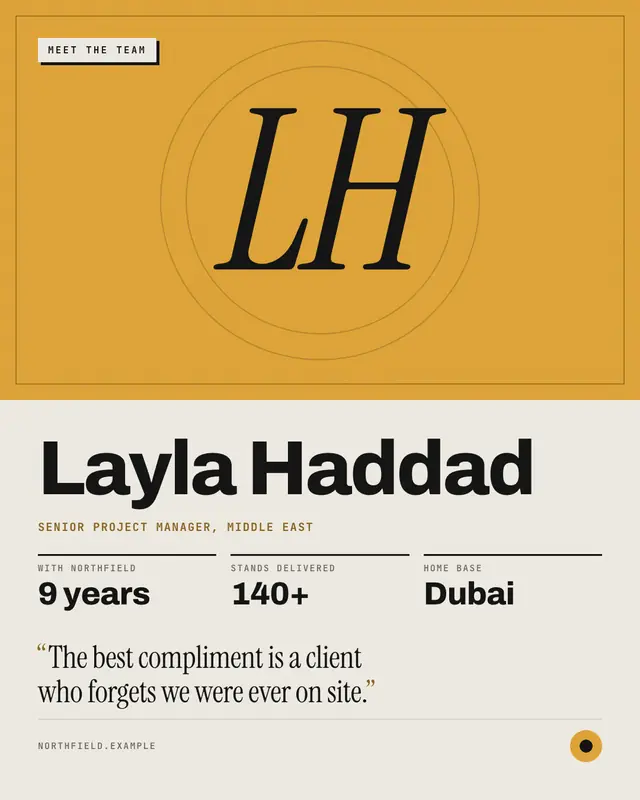
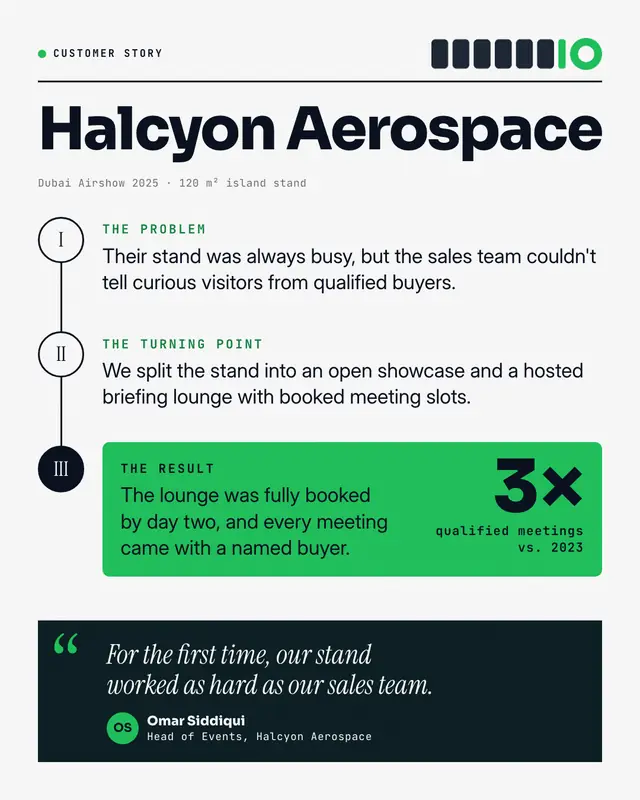
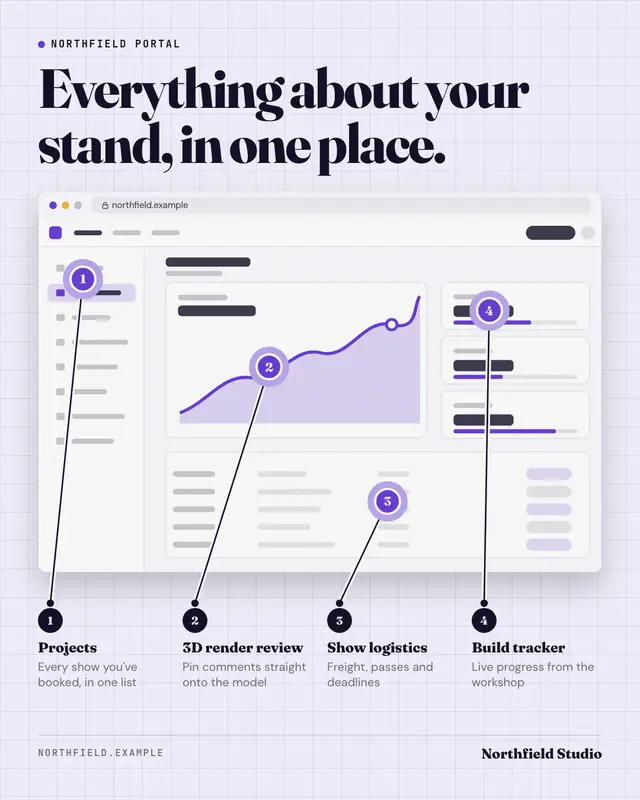
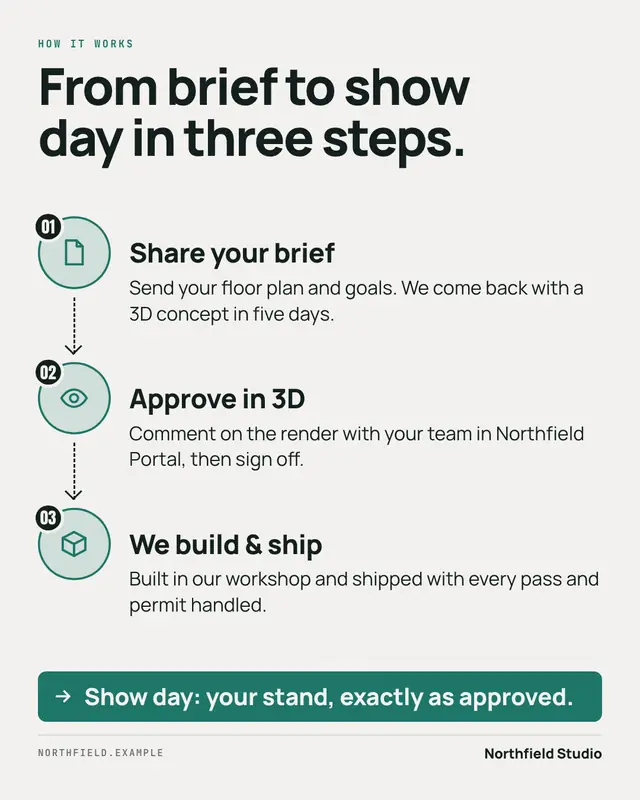
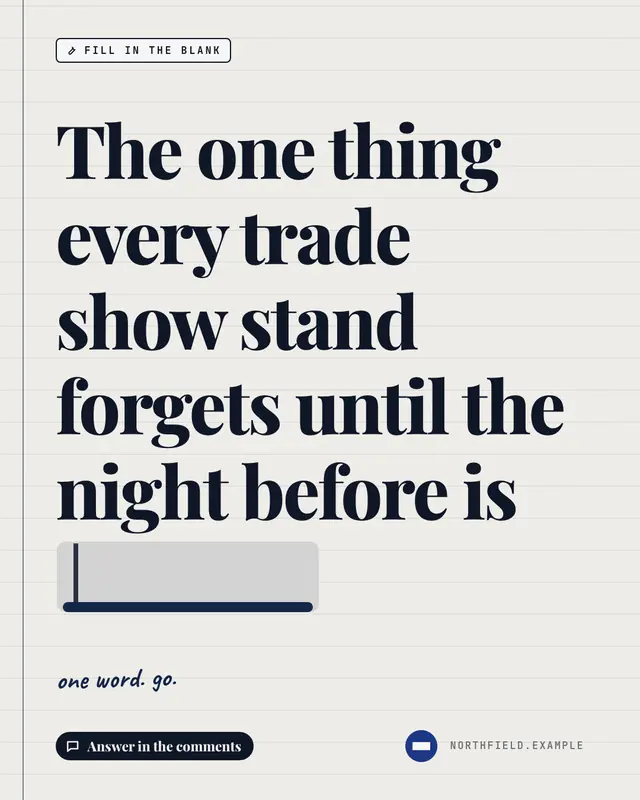
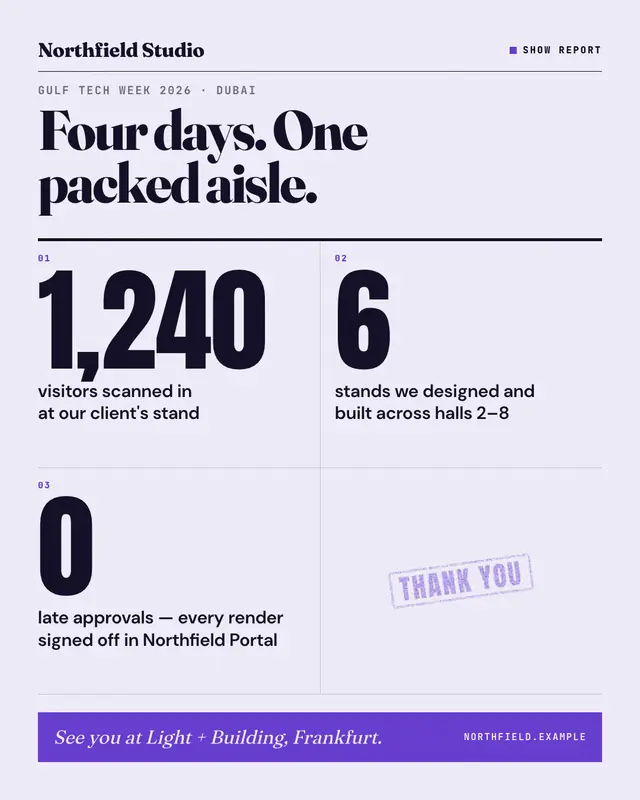
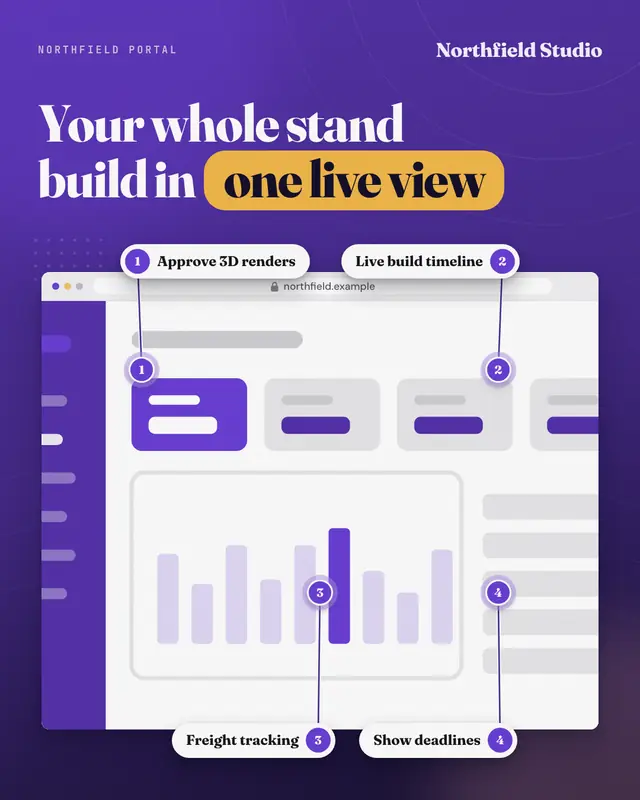
Sample Baggage manifest creative (Document & object template), shown on the fictional brand Northfield StudioSample System dialog creative (UI mimic template), shown on the fictional brand Northfield StudioSample Big stat creative (Data & proof template), shown on the fictional brand Northfield StudioSample Front page creative (News & media template), shown on the fictional brand Northfield StudioSample Browser hero with callouts creative (Device mockups template), shown on the fictional brand Northfield Studio
How it works

How MarketiQ makes a creative

A creative is never a stock design with your logo dropped in. Every post goes through the same six steps, from what it says to what goes out.

  1. Your post

    You, or your AI team, write the post: a launch, an offer, a result, a lesson or a question.

  2. The Director reads it

    The Creative Director reads its message — the goal, the shape (a list, a number, a story) and the facts it names — and what your business sells.

  3. It picks the best format

    It ranks every template that fits the platform and the facts you really have, shortlists the strongest, then picks the one that carries this message best.

  4. It fills it with your brand

    Your logo, colours and fonts, your real facts and lines from your post — every word checked against what you said and what you have verified.

  5. Vera reviews it

    Vera, the independent content reviewer, judges the finished post — copy, creative, platform and call to action — and checks its numbers and claims before it goes out.

  6. You approve and publish

    Approve it, edit a line or ask for another take, then publish or schedule. Posts go out on the approval rules you set.

See it pick

Choose a post. See the templates it gets.

Ten example posts from ten kinds of business. For each one, the six templates MarketiQ’s Creative Director ranks first — computed by the real Director, not picked by hand.

Ledgerline

Today we're launching Close Autopilot in Ledgerline. Month-end close now runs in three steps: connect your bank feeds, review the items Ledgerline flags, then approve the close. No more chasing spreadsheets on the last day of the month. Rolling out to every workspace this week.
The Director reads

Goal
Announce news
Shape
steps or a process, then a list
Business
Software & apps · Sells to businesses
Facts
Sells Close Autopilot · 3 approved app screens

Its shortlist for this post

The six templates it ranks first; green tags show where each matches the post’s goal and shape. It then picks one and fills it with this brand’s facts and copy.
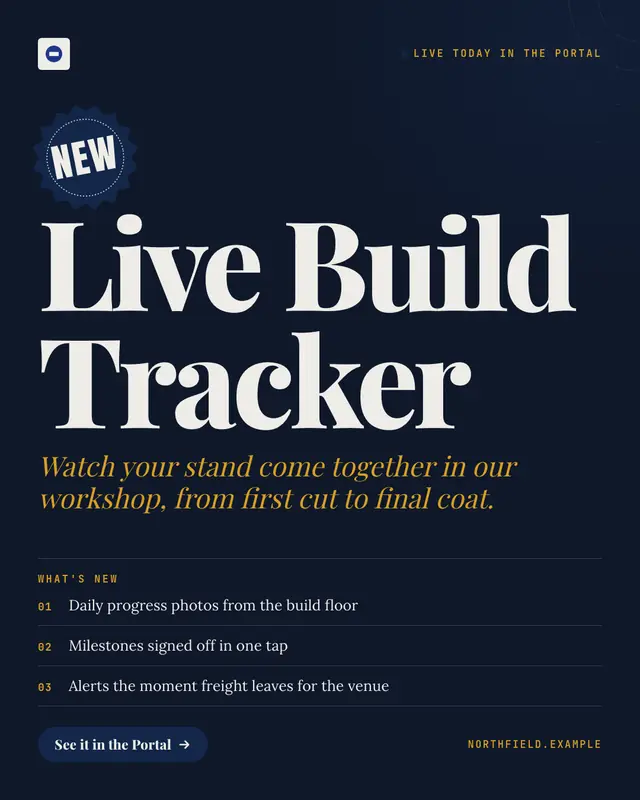
  1. Sample Launch card creative (Product showcase template), shown on the fictional brand Northfield StudioLaunch cardProduct showcaseAnnouncesLists
  2. Sample Browser hero with callouts creative (Device mockups template), shown on the fictional brand Northfield StudioBrowser hero with calloutsDevice mockupsAnnouncesShows steps
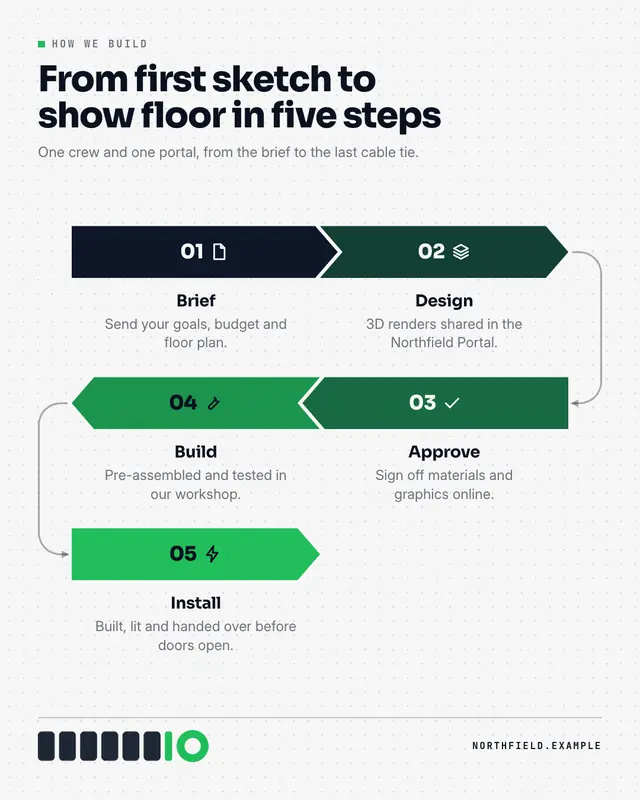
  3. Sample Process flow creative (Infographics template), shown on the fictional brand Northfield StudioProcess flowInfographicsShows steps
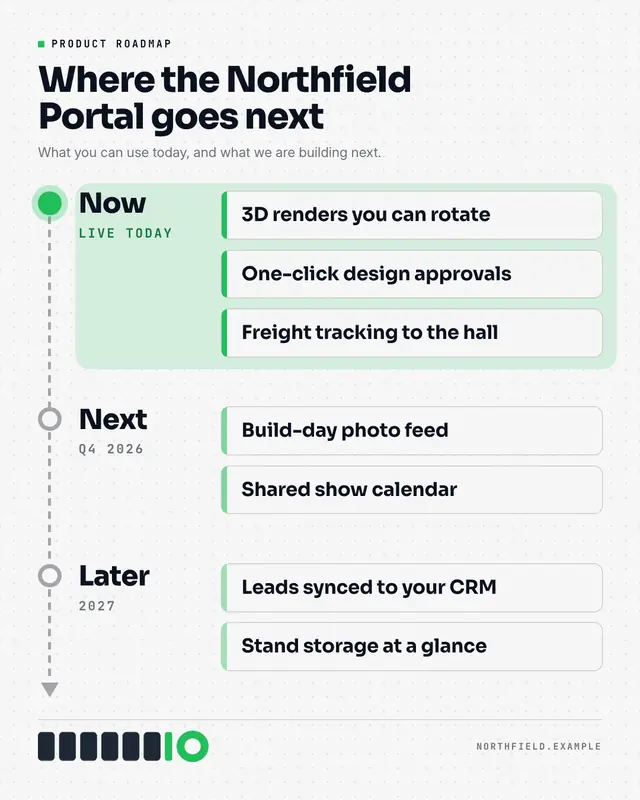
  4. Sample Now / next / later roadmap creative (Infographics template), shown on the fictional brand Northfield StudioNow / next / later roadmapInfographicsAnnouncesShows steps
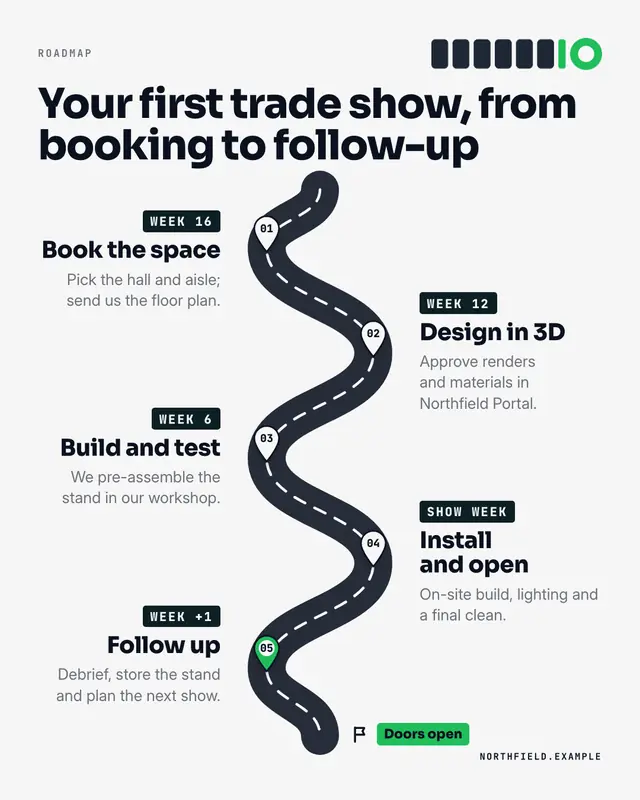
  5. Sample Roadmap creative (Lists & frameworks template), shown on the fictional brand Northfield StudioRoadmapLists & frameworksAnnouncesShows steps
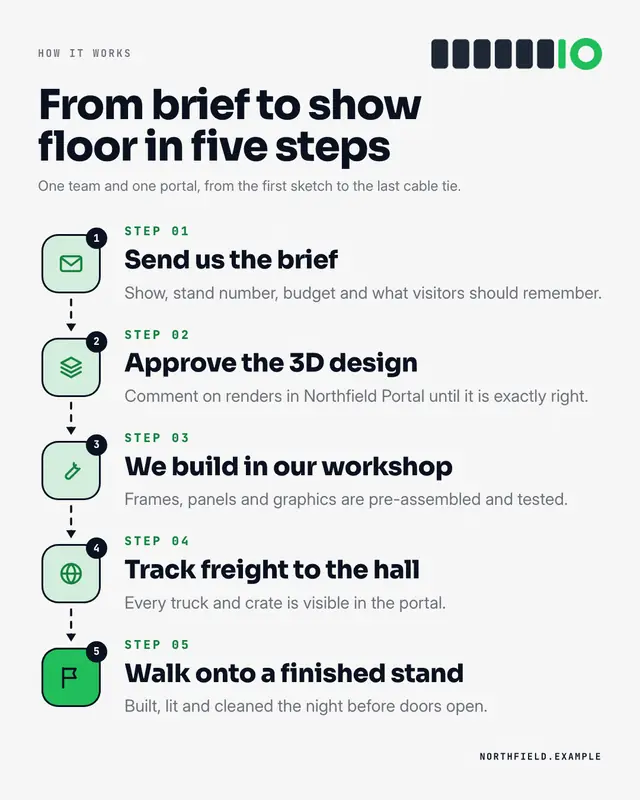
  6. Sample Step by step creative (Lists & frameworks template), shown on the fictional brand Northfield StudioStep by stepLists & frameworksShows steps

Brands and posts are fictional; the shortlists are not hand-picked. They come from MarketiQ’s real Creative Director — its first, rule-based pass, as a brand with no track record would get it on 20 Oct 2026. In your workspace it then chooses one, fills it and learns from how your posts perform.

The library

All 209 templates

Filter by family, the kind of business you run, where you post or what the post has to do. Open any template to see when the AI uses it, what it needs and the rules it follows.

All 209 templates.

Showing 24 of 209

Samples use fictional brands; MarketiQ fills each template with your brand, facts and copy.

Families

15 families, one for every kind of message

A family is a kind of visual device: an interface people already know, a document, a chart, a meme. The Director looks across all of them for the one that carries your point.

See your next post as one of these.

Connect your brand once — logo, colours, fonts and the facts you stand behind. MarketiQ writes the post, picks the template and fills it with your brand; it goes out on the approval rules you set.