Launch countdown
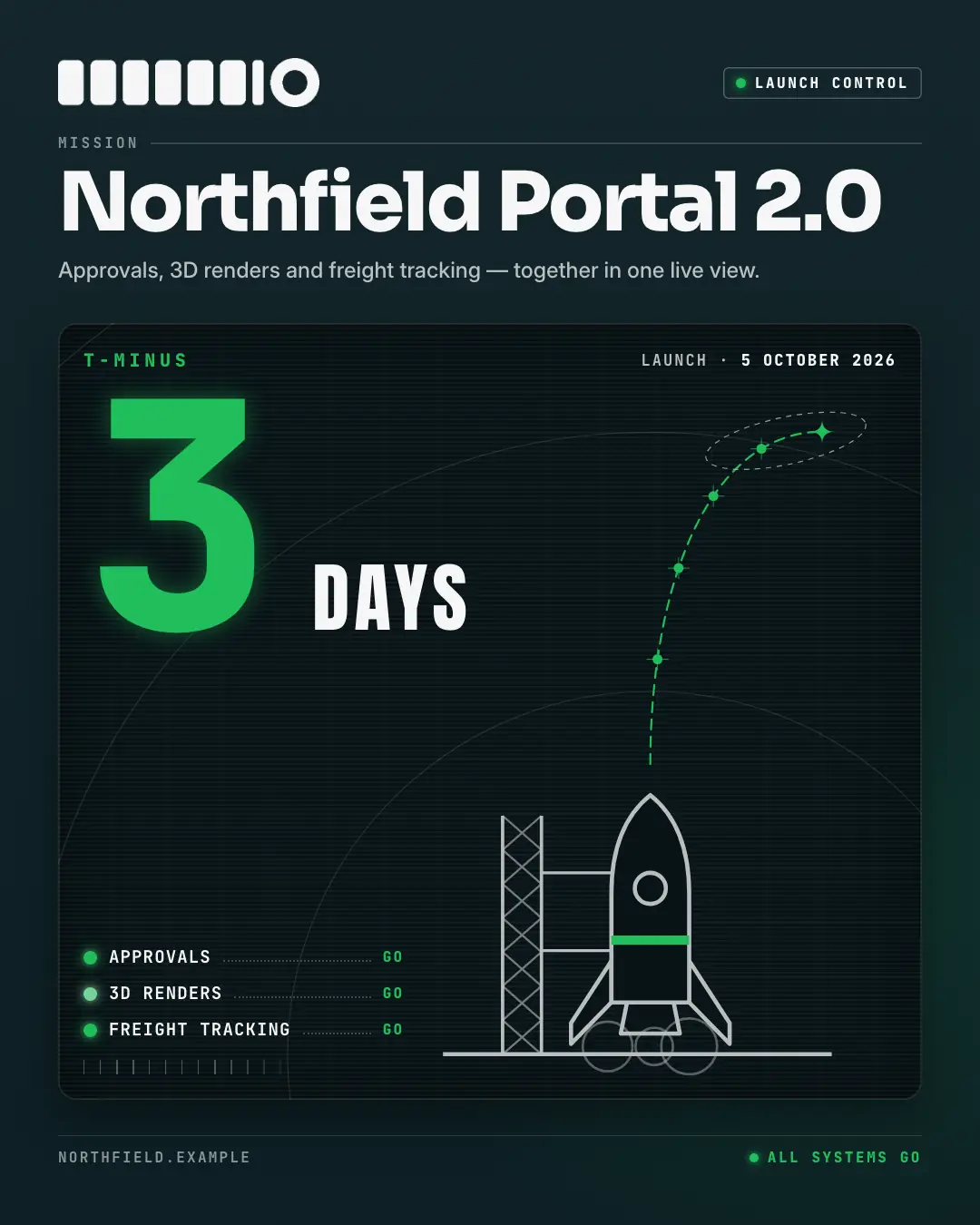
A mission-control launch countdown: a dark console screen reading 'T-MINUS' and the count from the copy huge in glowing mono digits (unlit segments ghosted behind), the unit beside it, a plotted ascent from an original rocket on its pad, and status lights with GO checks naming what ships.
When the AI picks it
MarketiQ’s Creative Director favours the Launch countdown for posts that announce news, start a conversation or get people to act, when the message is one sharp insight, a number or a list. It is built first to announce news.
It reads each post’s goal and shape first, then its own words, the platform and the facts you have, and offers this template only where it fits.
Who it’s for
Any business. Nothing in it assumes what you sell, so the Director can offer it to a software company, a café or a coaching centre alike — whenever the post fits.
Platforms and sizes
| Size | Where |
|---|---|
| 4:51080 × 1350 px | Instagram, Facebook, LinkedIn, Threads, Pinterest, Reddit |
| 1:11080 × 1080 px | X, Ads |
| 9:161080 × 1920 px | TikTok |
| 1.91:11200 × 628 px | Newsletter, Blog |
Single image. Each size is laid out for its canvas, not cropped; the sample above is the 4:5 version.
What it needs
The Director offers it only when these exist. Without them it simply picks another template.
- A real number from your post or your brand facts
Rules the AI follows
Word for word from the template library. The Director follows the copy rules when it writes into the template, and the visual review checks every creative against the visual rules.
Copy rules
- The count and the launch date come from the copy exactly as written; never compute, round or invent them.
- Name the launch as the business names it; the detail line says what it brings in plain words.
- Console checks are 1–3 word names of real parts of the launch — no invented features or numbers.
Visual rules
- A night console: logo and a LAUNCH CONTROL chip, the mission name in the heading face, then a scan-lined screen with T-MINUS, the count in glowing mono digits over ghosted unlit segments and the unit in condensed caps, plotted on a faint grid with range rings and a dashed ascent from an original rocket on its pad.
- Status lights in the palette with GO checks, the website and an ALL SYSTEMS GO status; story canvases fill the foot with a quiet bank of console keys. Distinct from the split-flap event countdown.
More Seasonal & events templates
Desk calendar
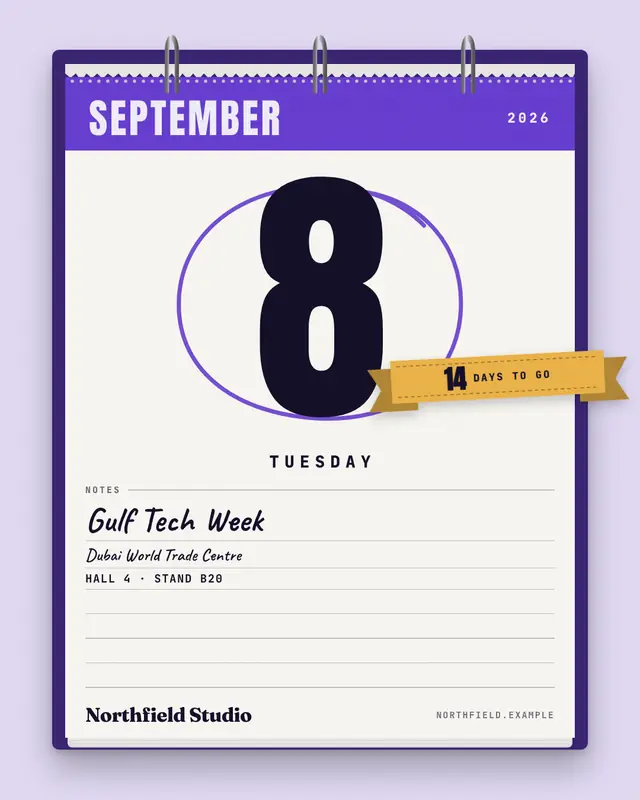
A tear-off desk calendar page for an event date: binding rings and torn stubs above a brand header with the month, the day number huge and circled in marker, the weekday…
Countdown
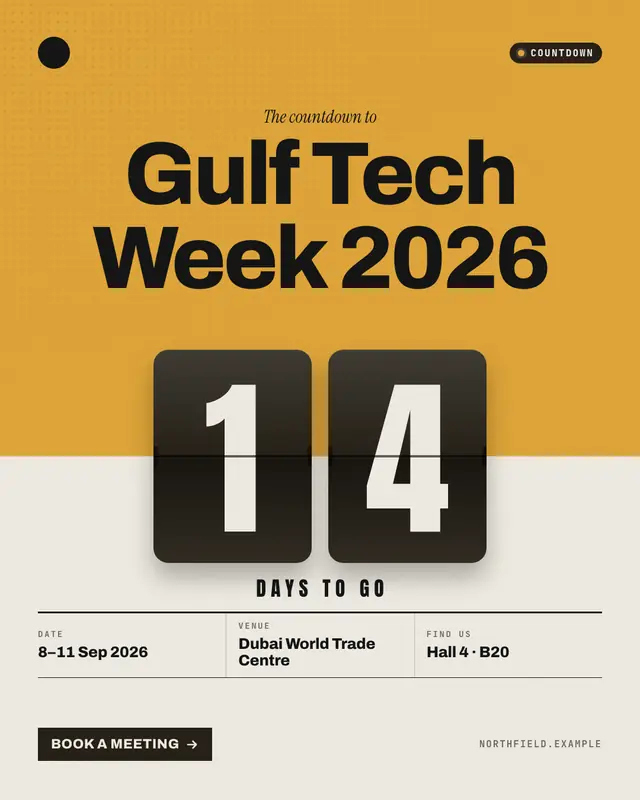
A split-flap countdown: the days to the event on flip tiles straddling a brand-colour field, the event name above and the date, venue and stand below

Save the date
An elegant letterpress save-the-date card: the event in spaced serif capitals, the dates set like a wedding invitation between ruled month and year, the venue, a stamped…
Event recap
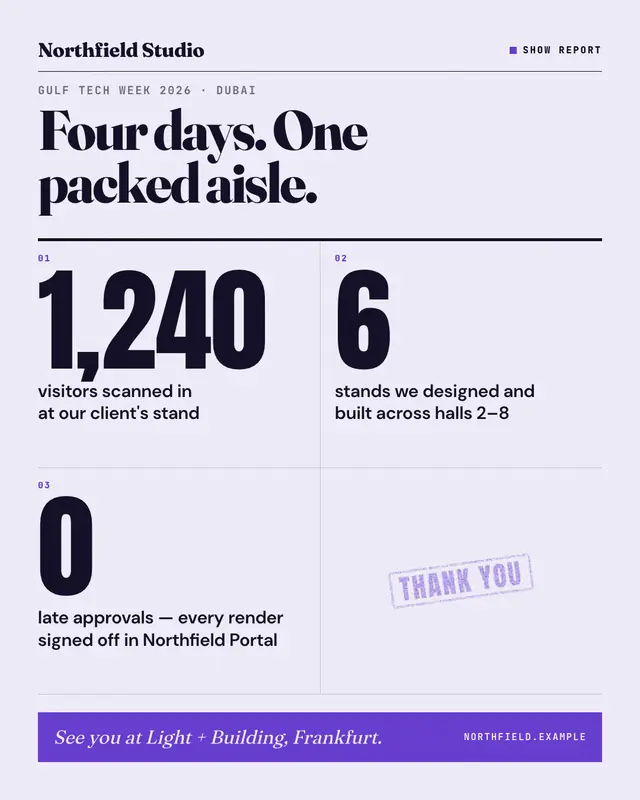
A show report after the event: the title, 3–4 numbered highlights with their real numbers set huge, and a 'See you at …' bar
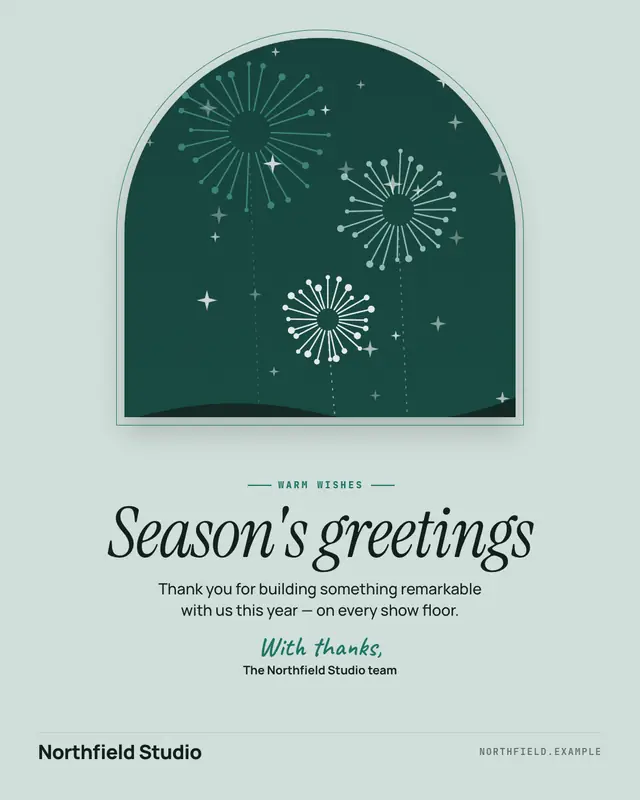
Seasonal greeting
A brand-safe seasonal greeting card: a tasteful illustration in an arch window with a foil line, the greeting set large in italic serif, a short note and a handwritten…
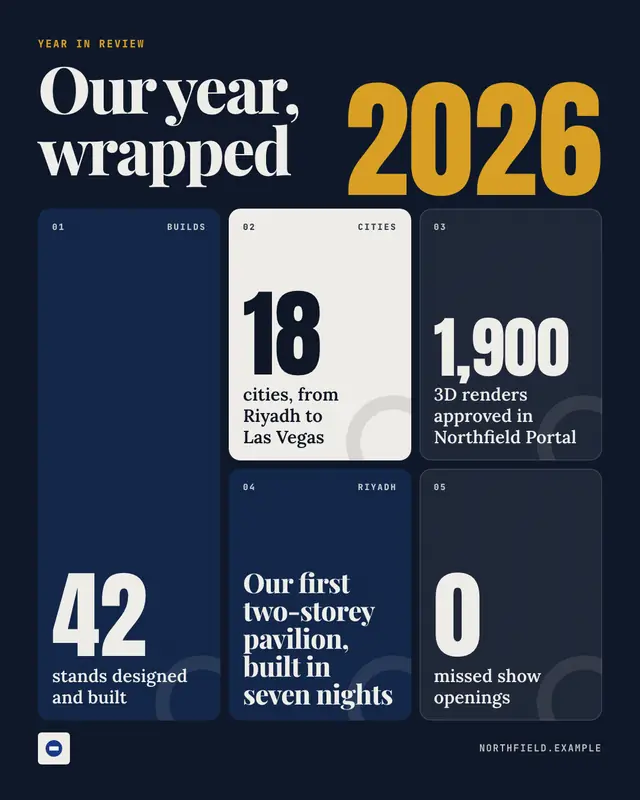
Year in review
A 'wrapped'-style year in review: the year set huge beside the title and a bold bento grid of 4–6 tiles
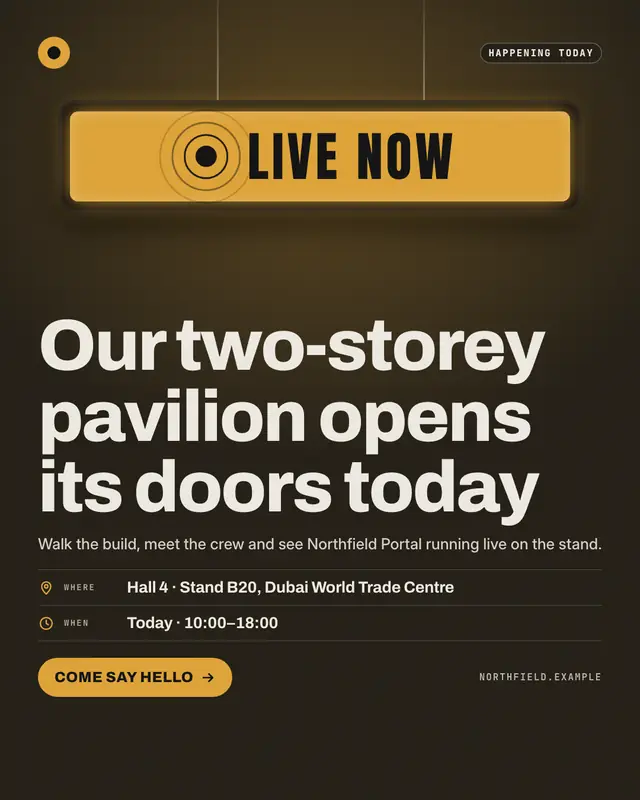
Live now
A 'live now' alert for an event day or launch: a glowing studio ON-AIR lightbox with a pulsing dot, what is happening, where and when, and one clear call to action
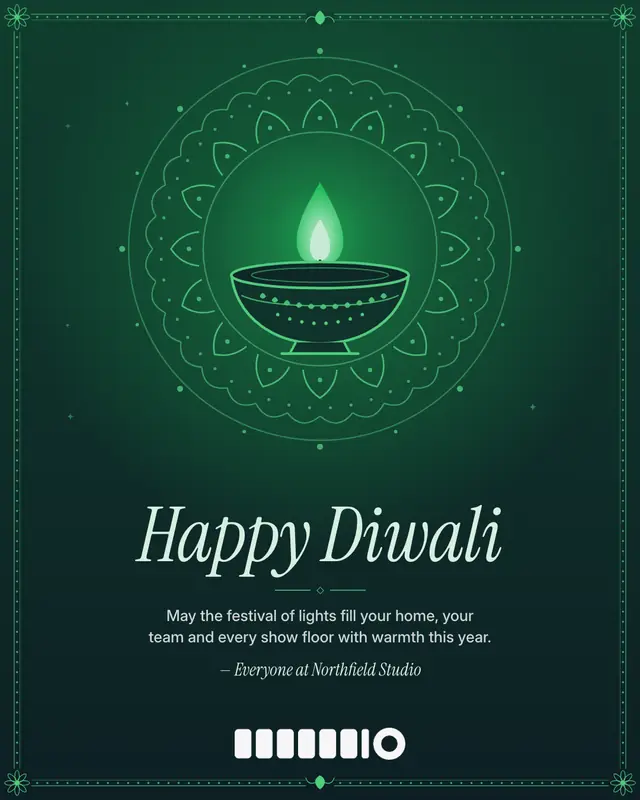
Diwali greeting
A premium Diwali card: an original line-art diya glowing at the heart of a symmetric rangoli medallion on a warm night ground, a dotted rangoli border, and the greeting…
Make a Launch countdown with your brand.
MarketiQ writes the post, picks the template that carries it best — this one, when it fits — and fills it with your logo, colours, facts and copy.