Timetable grid
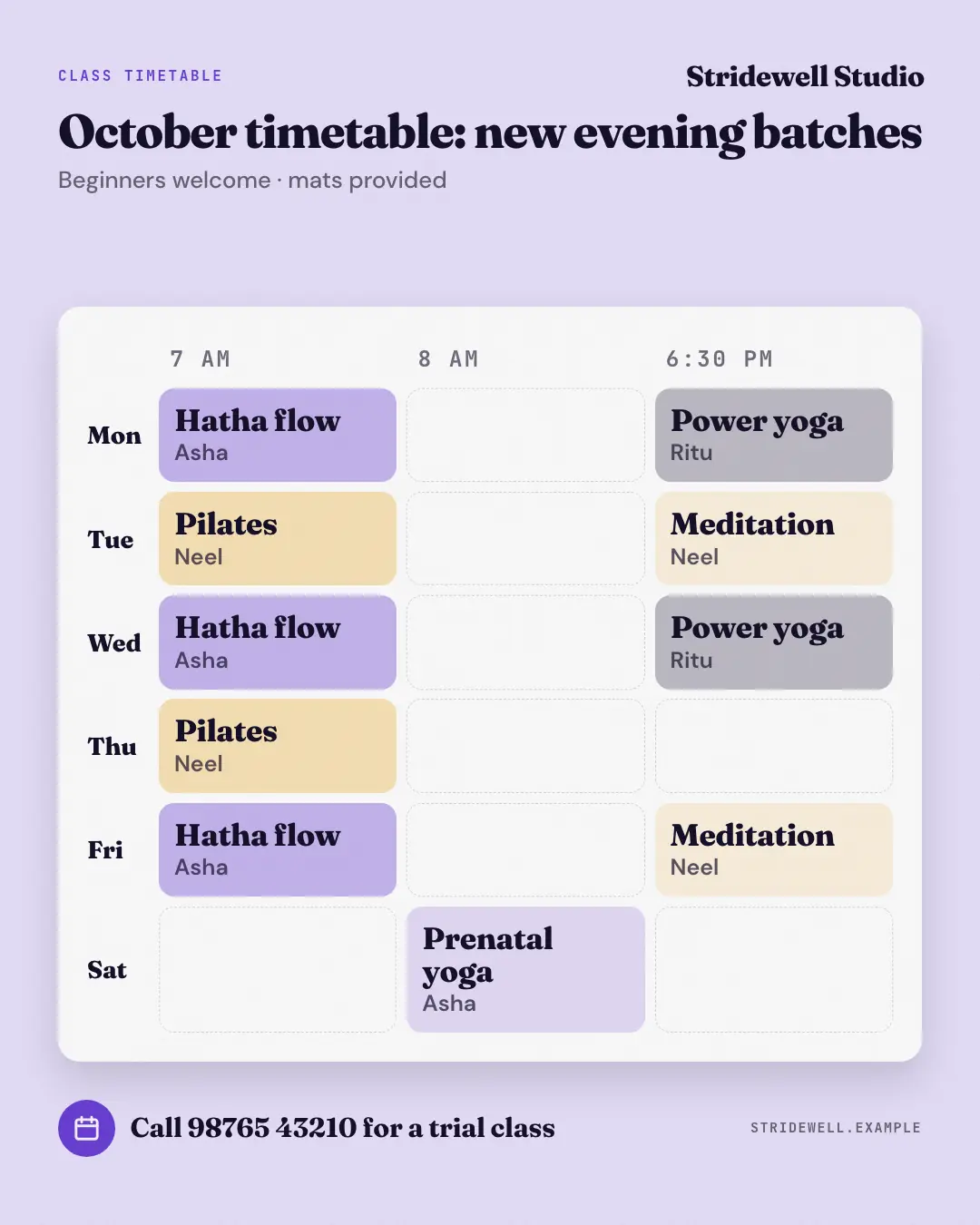
A studio's weekly class timetable — days across the top, times down the side and each class in its slot as a colour-coded block with the instructor, on a white board under the headline. The schedule a yoga, dance, fitness or tuition studio pins at the front desk, so members plan their week.
When the AI picks it
MarketiQ’s Creative Director favours the Timetable grid for posts that announce news, get people to act or teach, when the message is a timeline, several products or a menu or a list. It is built first to announce news.
It reads each post’s goal and shape first, then its own words, the platform and the facts you have, and offers this template only where it fits.
Who it’s for
Made for Fitness & wellness, Education · Serves customers locally. The Director offers it only to brands of that kind, so it never turns up for a business it does not suit.
Platforms and sizes
| Size | Where |
|---|---|
| 4:51080 × 1350 px | Instagram, Facebook, LinkedIn, Threads, Pinterest, Reddit |
| 1:11080 × 1080 px | X, Ads |
| 9:161080 × 1920 px | TikTok |
Single image. Each size is laid out for its canvas, not cropped; the sample above is the 4:5 version.
What it needs
Only your post. It is made from your copy and your brand kit — there is nothing else to prepare.
Rules the AI follows
Word for word from the template library. The Director follows the copy rules when it writes into the template, and the visual review checks every creative against the visual rules.
Copy rules
- Every day, time, class and instructor comes from the post; never fill an empty slot.
- Use the post's own short names for days, times and classes so the grid stays readable.
Visual rules
- A white board on a pale brand ground: mono day heads across the top, bold times down the left, each class a rounded colour-coded block (the same class always the same tint) with its instructor below.
- Empty slots are faint dashed outlines; label and logo above the headline, a calendar-icon booking line and the website at the foot.
More Clinics, tutors, homestays & garages templates
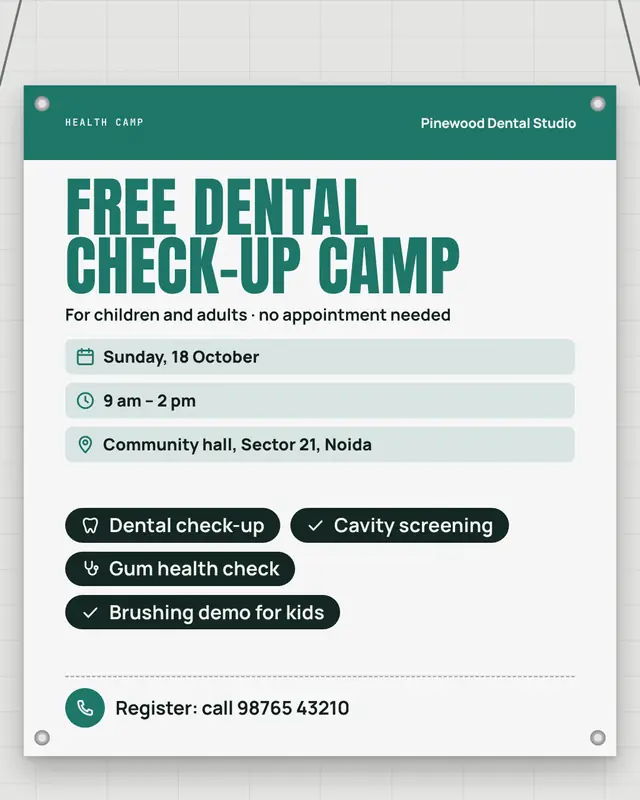
Check-up camp banner
A printed flex banner roped up by its metal eyelets for a check-up camp
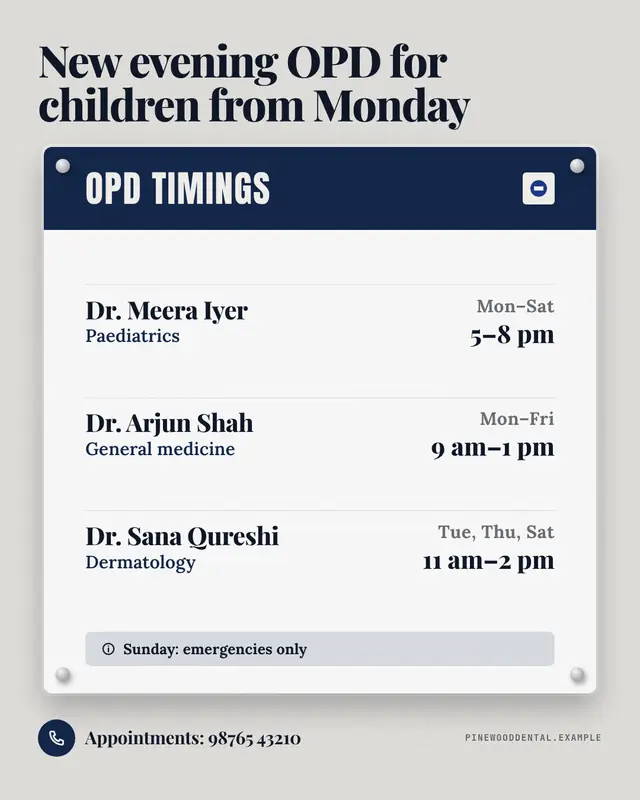
OPD timings board
A clinic's OPD timings board screwed to a tiled wall
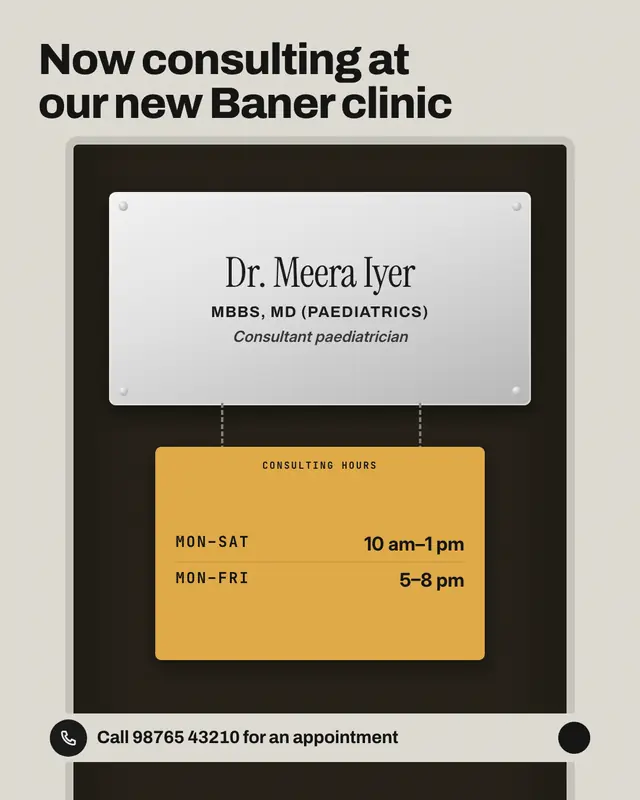
Engraved nameplate
The engraved steel nameplate on a consulting-room door
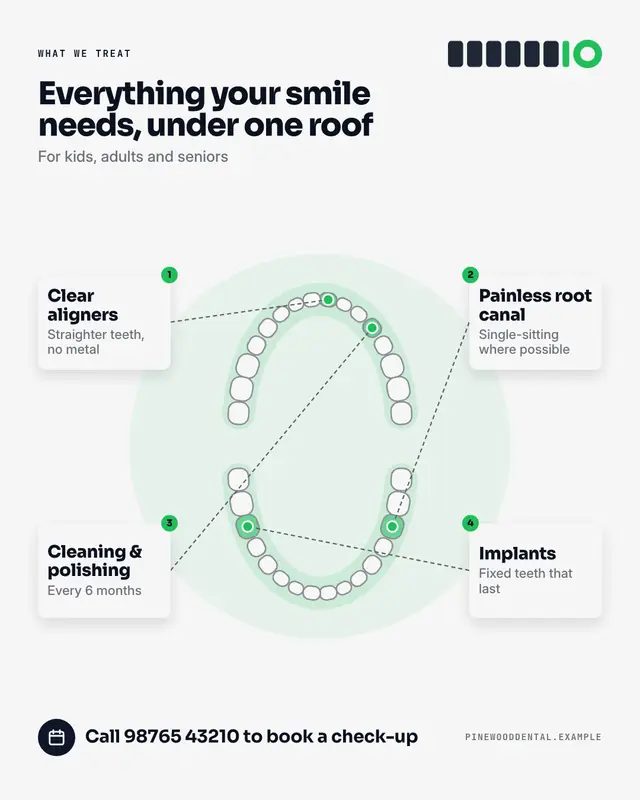
Dental chart
A dentist's tooth chart
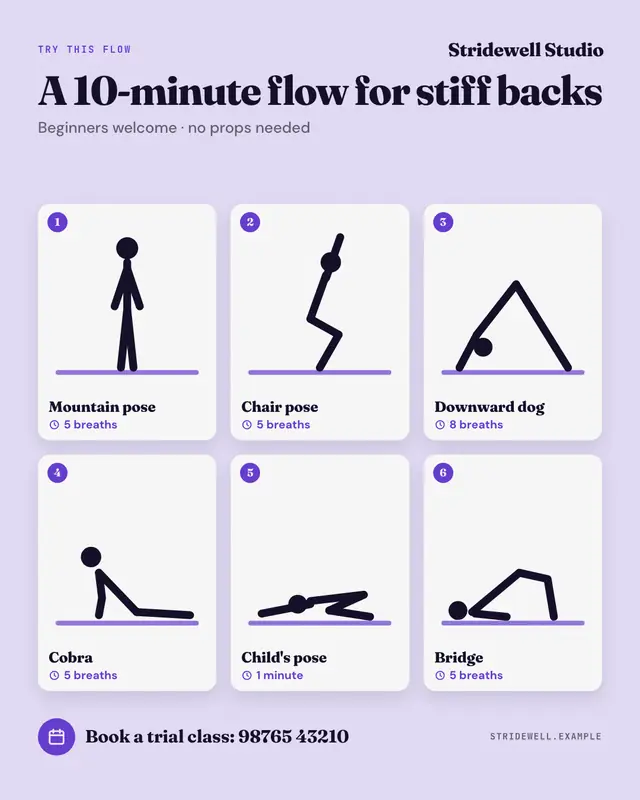
Yoga pose sequence
A yoga or mobility sequence as numbered cards, each with a generic line figure of the pose, its name and how long to hold it
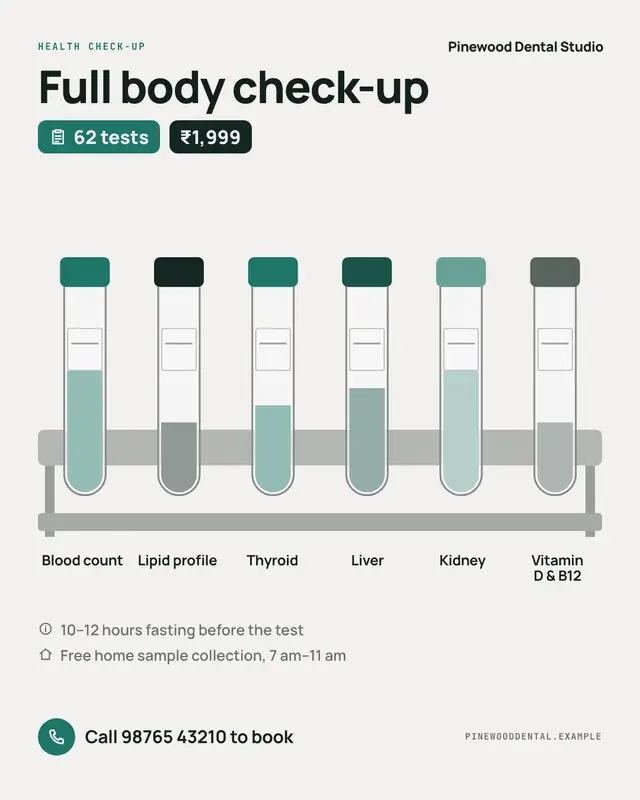
Diagnostic check-up
A diagnostic lab's check-up package as a rack of labelled sample tubes
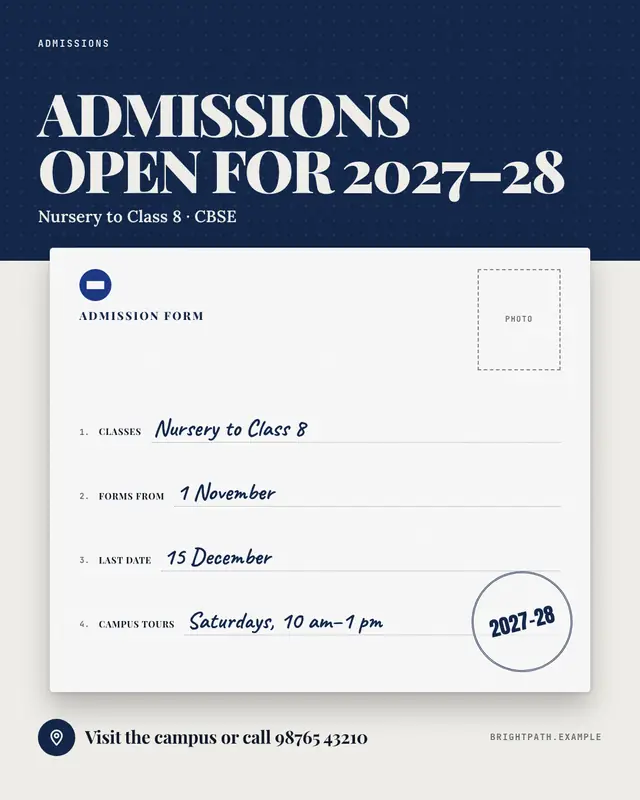
Admissions open
'Admissions open' as the admission form itself
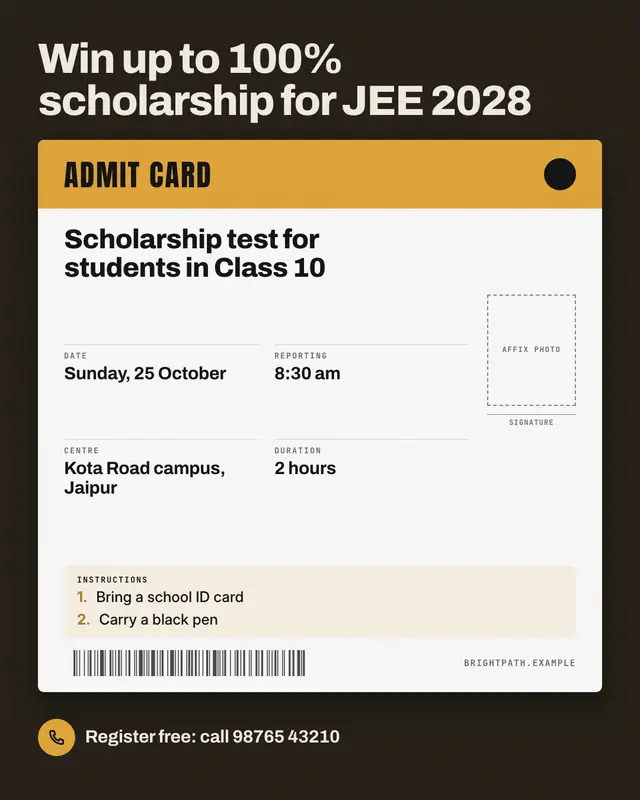
Admit card
A scholarship or entrance test as its admit card (hall ticket)
Make a Timetable grid with your brand.
MarketiQ writes the post, picks the template that carries it best — this one, when it fits — and fills it with your logo, colours, facts and copy.