Combo tray
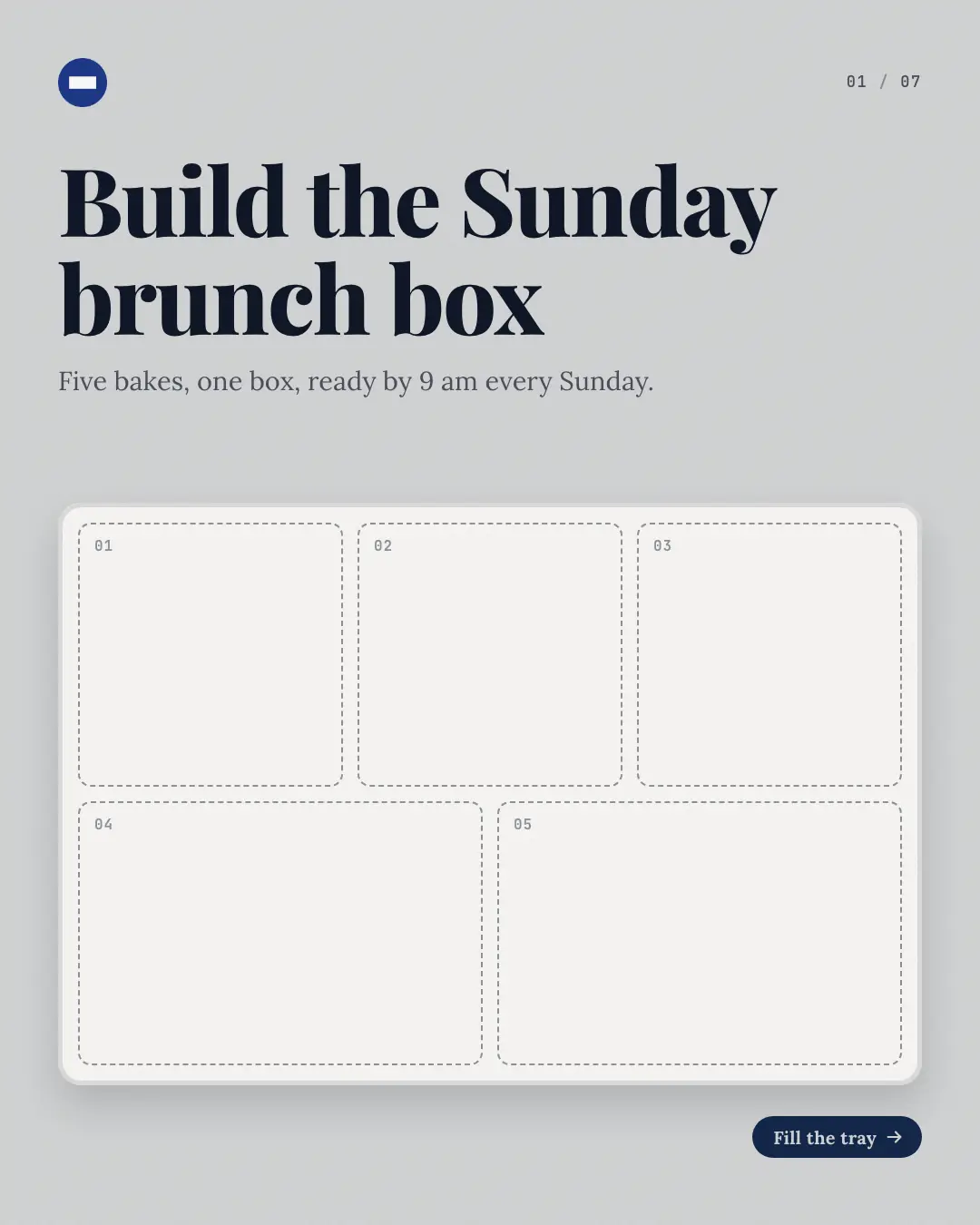
A 'combo' or 'bundle' built as you swipe: the cover shows an empty tray — a bento, a hamper, a kit box — with one numbered compartment per item, each page fills the next compartment and says what it is, and the last page shows the full tray with the offer. The build-up makes the bundle's value obvious.
When the AI picks it
MarketiQ’s Creative Director favours the Combo tray for posts that get people to act, announce news or teach, when the message is an offer or deal, several products or a menu or one product in the spotlight. It is built first to get people to act.
It reads each post’s goal and shape first, then its own words, the platform and the facts you have, and offers this template only where it fits.
Who it’s for
Made for Sells to consumers, Serves customers locally. The Director offers it only to brands of that kind, so it never turns up for a business it does not suit.
Platforms and sizes
| Size | Where |
|---|---|
| 4:51080 × 1350 px | Instagram, Facebook, LinkedIn, Threads |
Carousel of 3–10 slides. Each size is laid out for its canvas, not cropped; the sample above is the 4:5 version.
What it needs
The Director offers it only when these exist. Without them it simply picks another template.
- A real product or service you sell
Rules the AI follows
Word for word from the template library. The Director follows the copy rules when it writes into the template, and the visual review checks every creative against the visual rules.
Copy rules
- Only items the combo really holds, named as the post names them; one per page, in the order they go in.
- Item prices only when the brand's catalog states them; the combo's own price only as the post states it.
- The last page states the offer and how to get it.
Visual rules
- A pale brand ground with a white tray seen from above, divided into one rounded compartment per item.
- Cover: every compartment empty, dashed and numbered, under the headline; each inner page fills compartments up to its item, the current one in the brand colour with a halo, with the item's name, description and chips below (beside it on square).
- The last page shows the full tray under the offer; logo top left and n / N counter top right throughout.
More Shopfront carousels templates
Routine dial
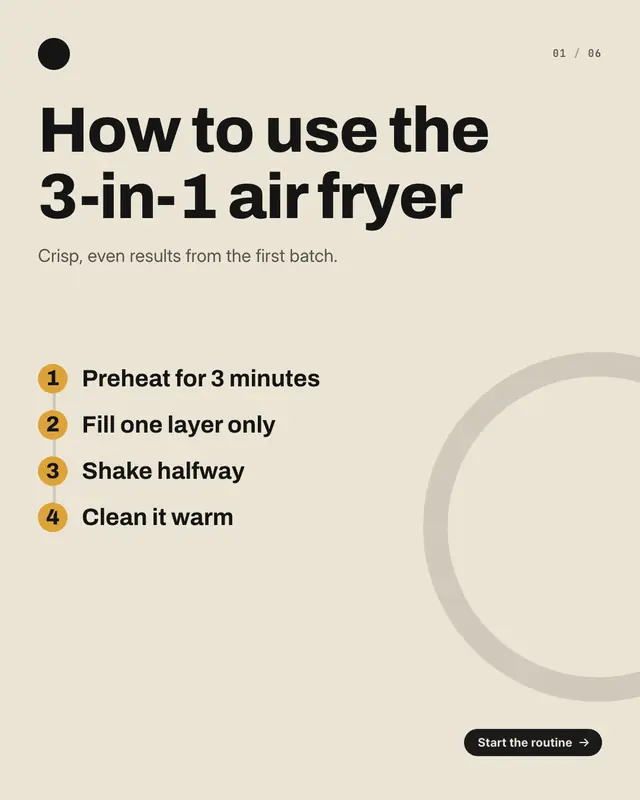
A 'how to use' routine on a progress dial: the cover lists every step of the routine on a numbered line, then each page fills the dial one step further
Ingredient loupe
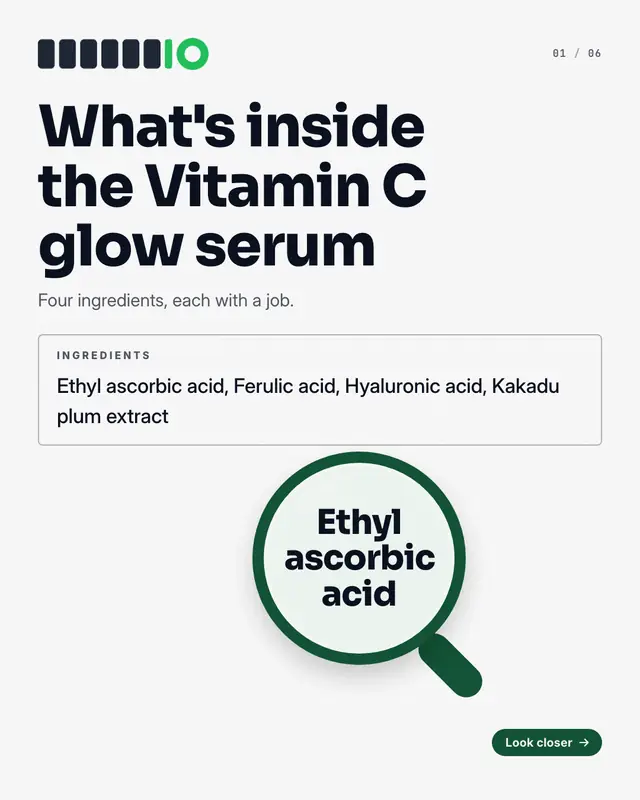
The product's 'ingredients' label read under a loupe: the cover shows the full label with a magnifying glass over the first ingredient, then each page highlights the…
Tape-measure fitting
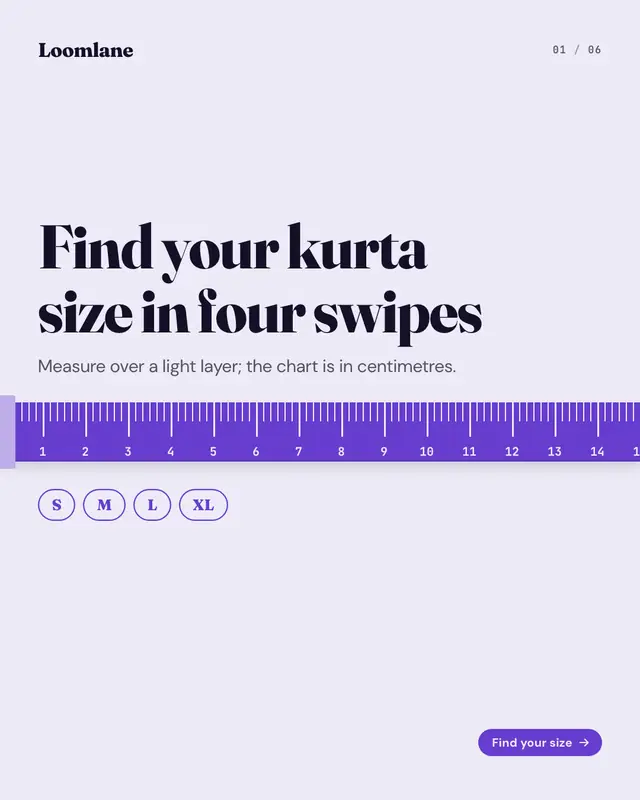
A 'size guide' on a 'measuring tape' that runs across every page of the carousel, its numbers carrying on from one page to the next
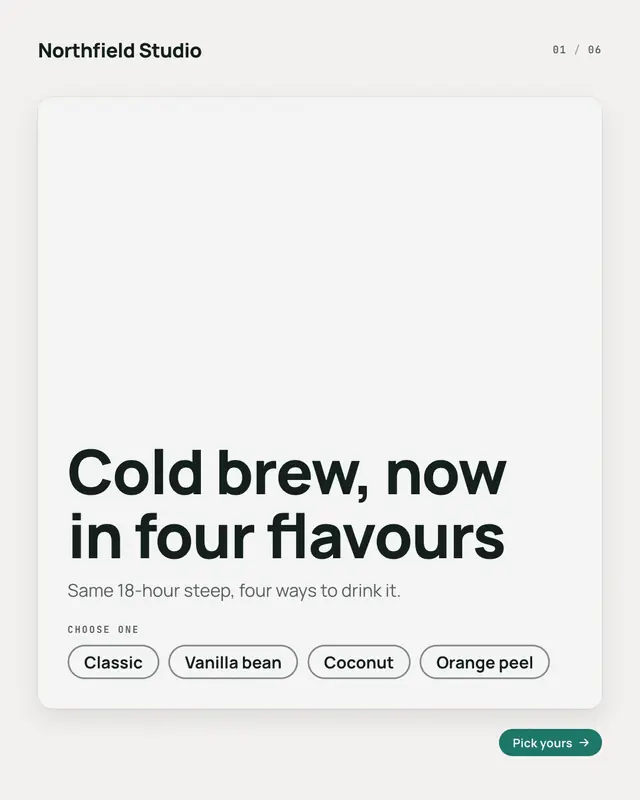
Variant picker
A product page's 'variant picker' as a carousel: the cover shows the product's card with every variant as an unselected pill, then each page selects the next one

Gift tags
A 'gift guide' as a wrapped present: the cover ties a ribbon and bow round the page with a big gift tag carrying the headline, then each page hangs one gift tag from the…
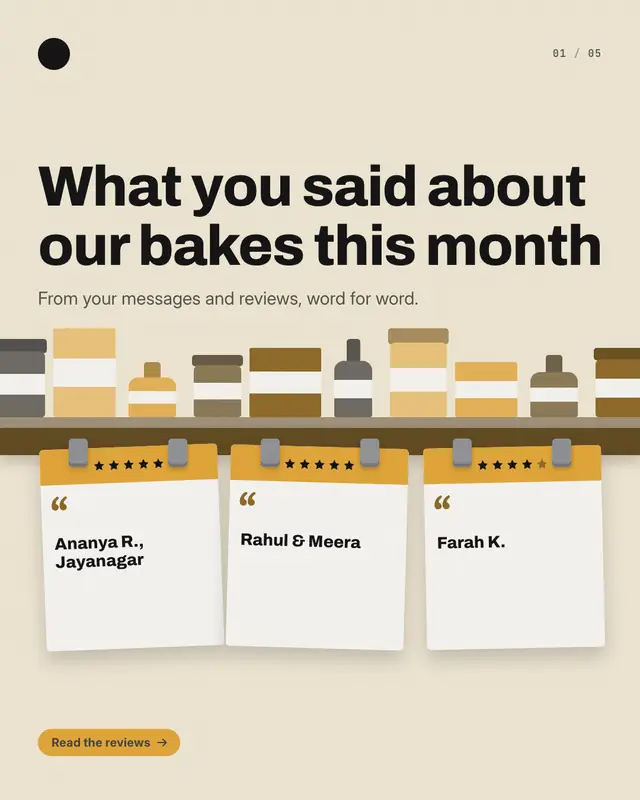
Shelf-talker reviews
Real customer reviews as 'shelf talkers', the cards a shop clips to the shelf edge: the cover is a stocked shelf with a talker per review hanging from it, then each page…
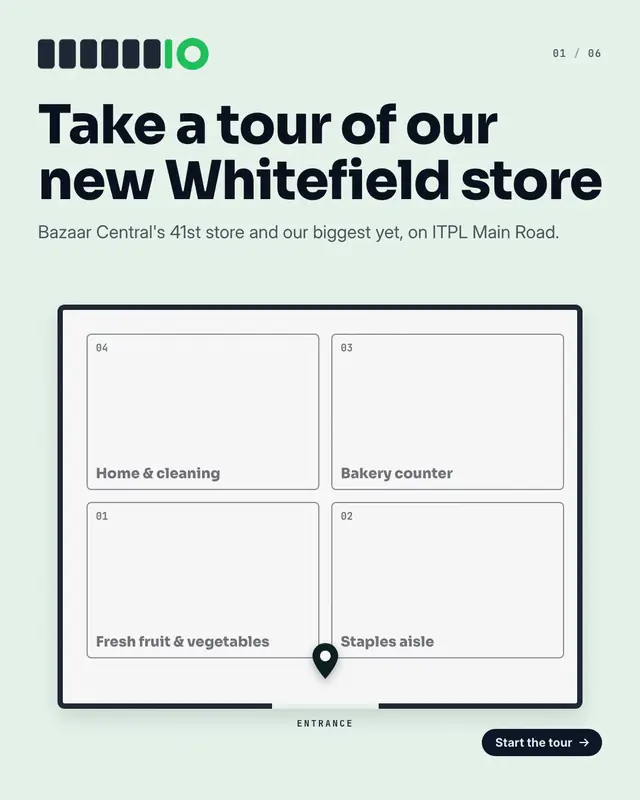
Aisle tour map
A 'store tour' on the shop's own floor plan
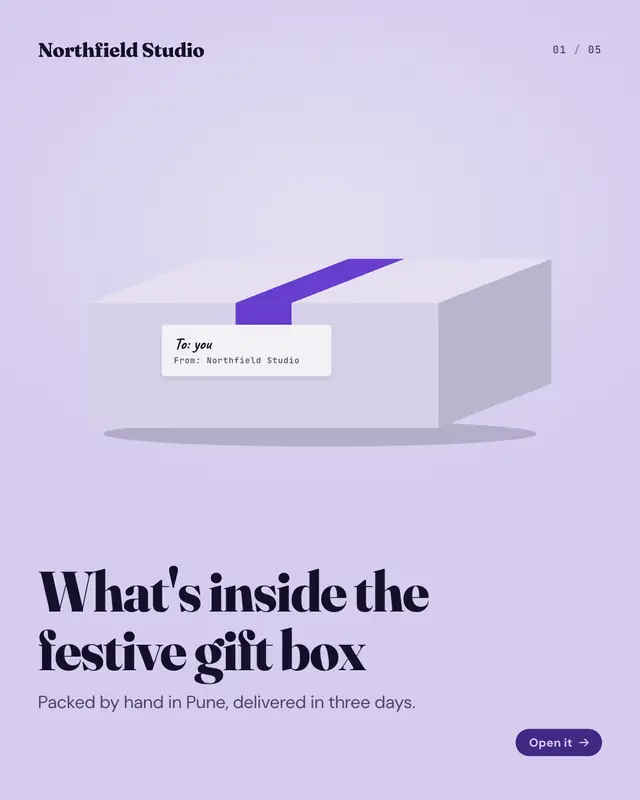
Unboxing sequence
An 'unboxing' told as the parcel opens: the cover shows the closed, taped box with its address label, each page lifts the lid a little further
Make a Combo tray with your brand.
MarketiQ writes the post, picks the template that carries it best — this one, when it fits — and fills it with your logo, colours, facts and copy.