Aisle tour map
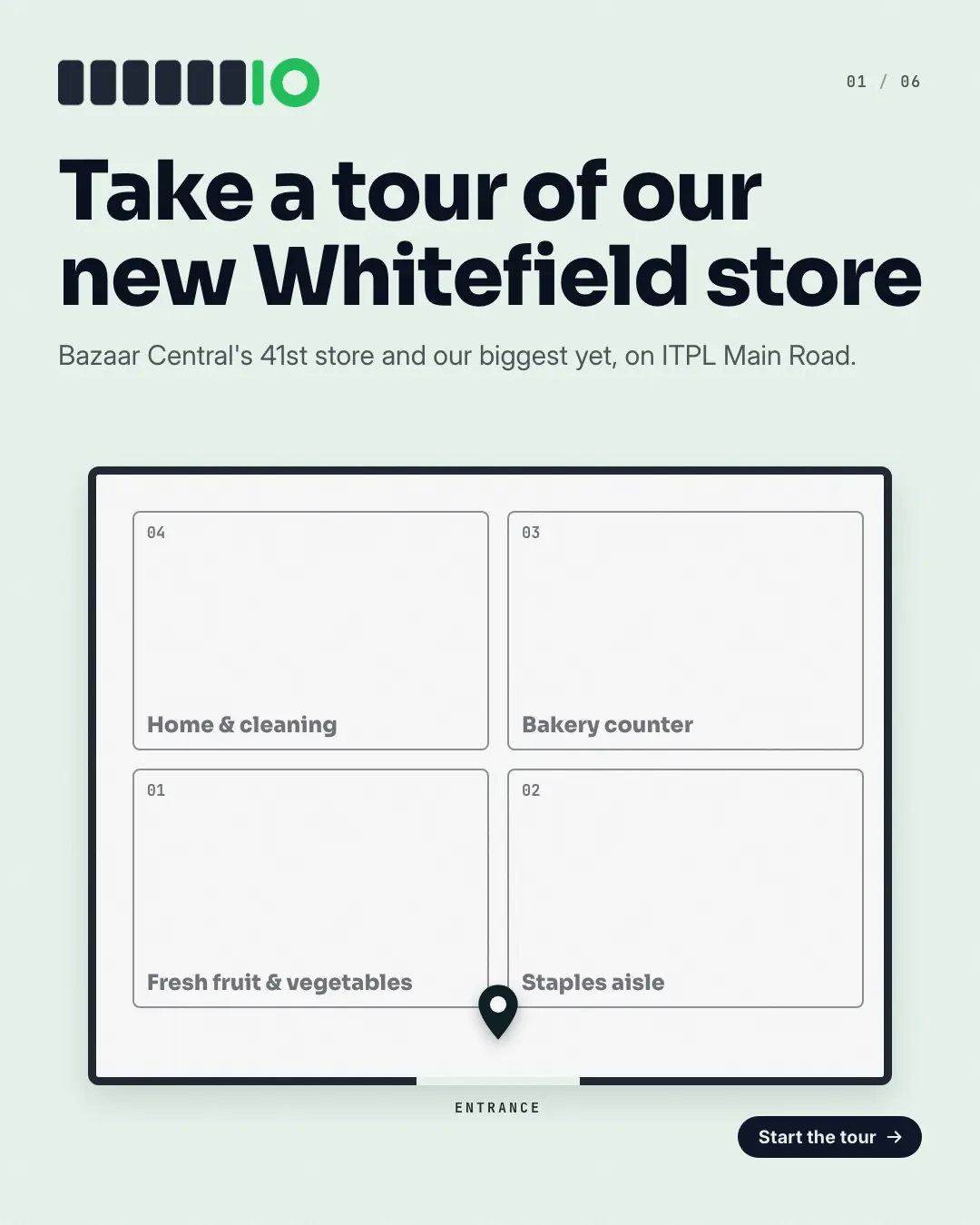
A 'store tour' on the shop's own floor plan — a 'tour of our store', stop by stop: the cover draws the walls, the entrance and one numbered zone per stop with a pin at the door, then each page walks the dashed route to the next stop — the zone lit, the pin moved, what is there and when beneath — and the last page shows the whole route with where and when to visit.
When the AI picks it
MarketiQ’s Creative Director favours the Aisle tour map for posts that announce news, get people to act or teach, when the message is a list, steps or a process, several products or a menu or one product in the spotlight. It is built first to announce news.
It reads each post’s goal and shape first, then its own words, the platform and the facts you have, and offers this template only where it fits.
Who it’s for
Made for Serves customers locally. The Director offers it only to brands of that kind, so it never turns up for a business it does not suit.
Platforms and sizes
| Size | Where |
|---|---|
| 4:51080 × 1350 px | Instagram, Facebook, Threads |
Carousel of 3–10 slides. Each size is laid out for its canvas, not cropped; the sample above is the 4:5 version.
What it needs
Only your post. It is made from your copy and your brand kit — there is nothing else to prepare.
Rules the AI follows
Word for word from the template library. The Director follows the copy rules when it writes into the template, and the visual review checks every creative against the visual rules.
Copy rules
- Stops in walking order, named as the post names them; what is there and its timings exactly as stated.
- The map is a diagram of stops, not a measured plan: no aisle numbers or times the post does not give.
- The last page gives the address, hours or one action from the post.
Visual rules
- A floor plan in a thick wall outline with an entrance gap at the bottom and one numbered zone per stop, laid out as a snake from the door.
- Each page lights its zone in the brand colour, shades the zones already visited, draws the dashed route to it with a pin, and sets the stop's label, name, description and time chip below (beside, on square).
- Cover: the pin at the entrance under the headline; last page: the whole route under the call to action.
More Shopfront carousels templates
Unboxing sequence
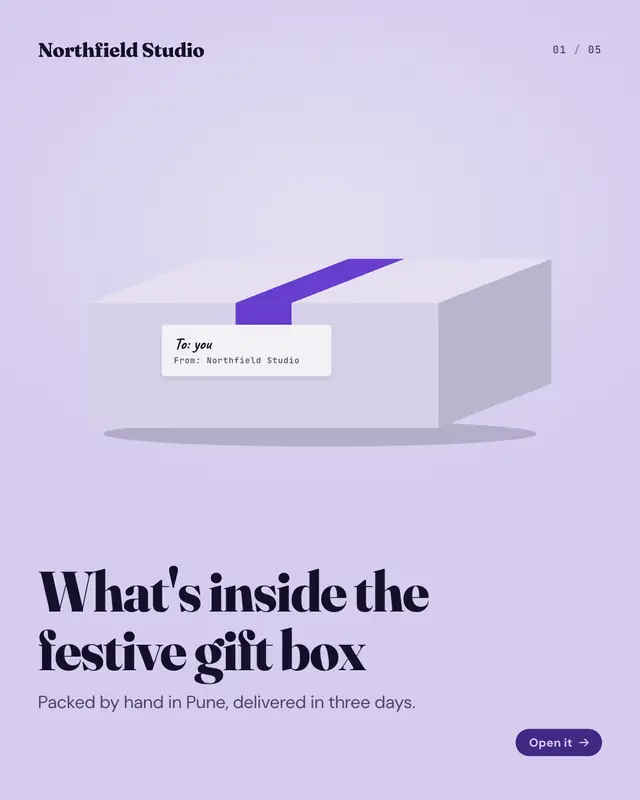
An 'unboxing' told as the parcel opens: the cover shows the closed, taped box with its address label, each page lifts the lid a little further
Care-guide labels
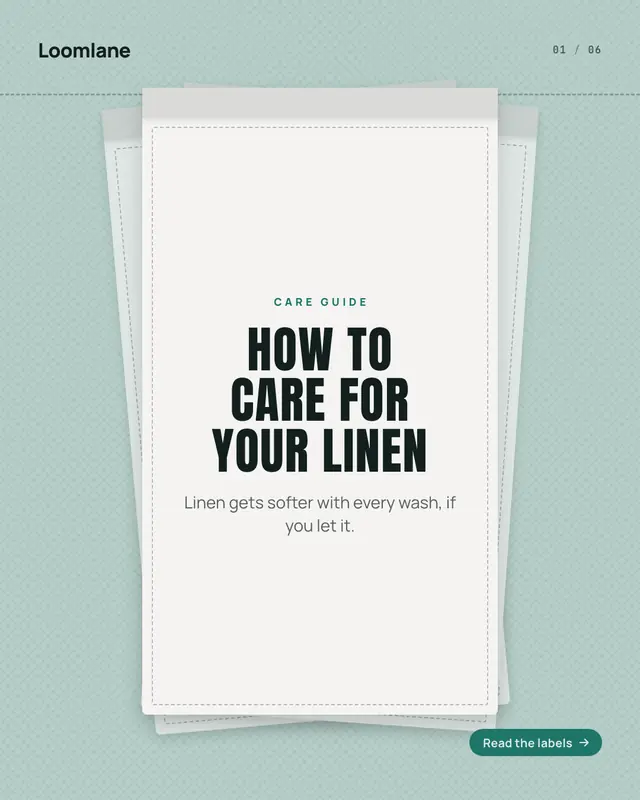
A 'care guide' set on woven labels hanging from a seam: the cover fans three labels with the headline on the front one, then each page sews in one label carrying one of…
Good-better-best nesting boxes
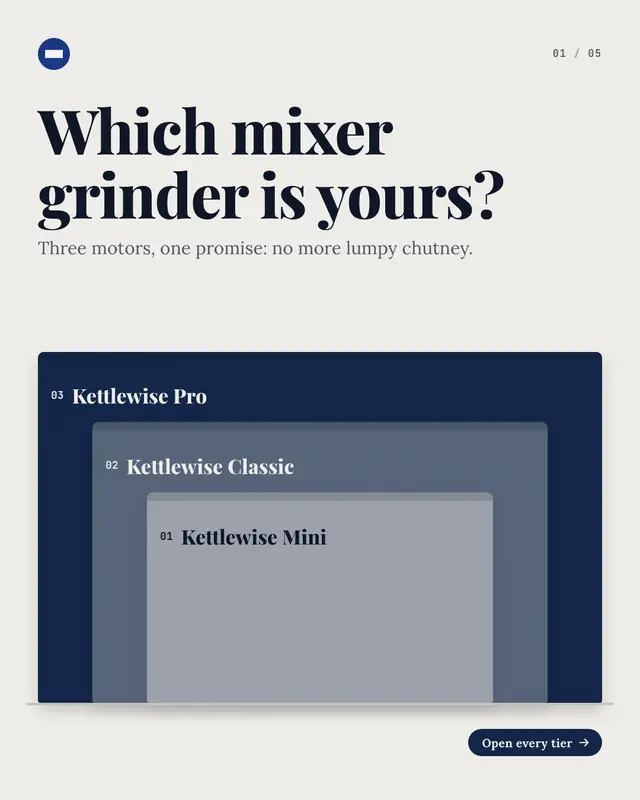
Good, better, best as cartons that nest: the cover shows the whole nest, each tier a bigger box around the one before, then each page brings out the next box
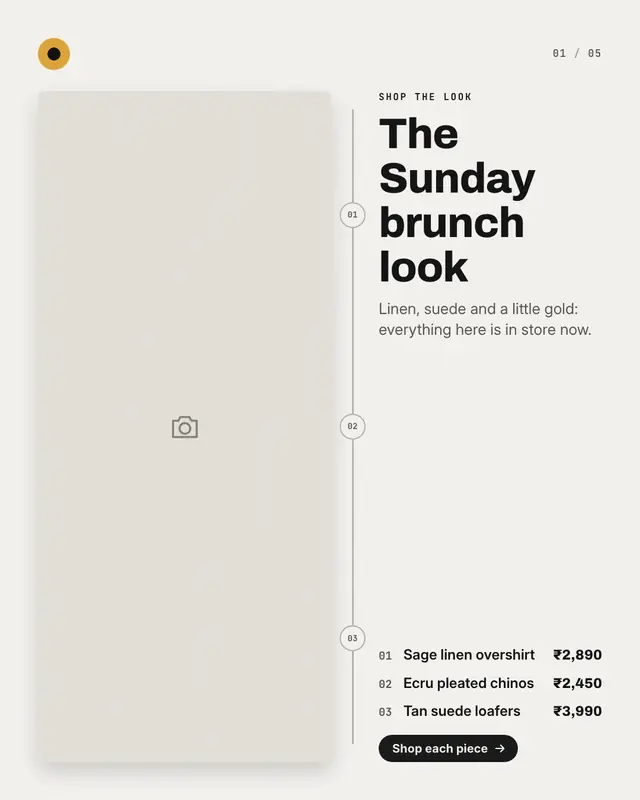
Head-to-toe look
'Shop the look' on the brand's own photo of an outfit, a made-up face or a styled room: the cover shows the whole look with a numbered list of its pieces, then each page…
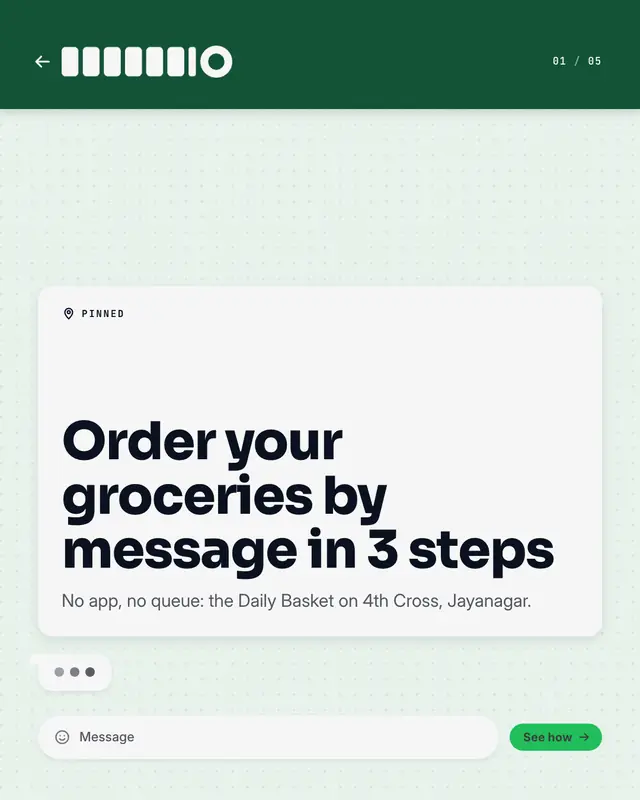
Order-on-WhatsApp chat
How to 'order on WhatsApp' ('WhatsApp us' your list)
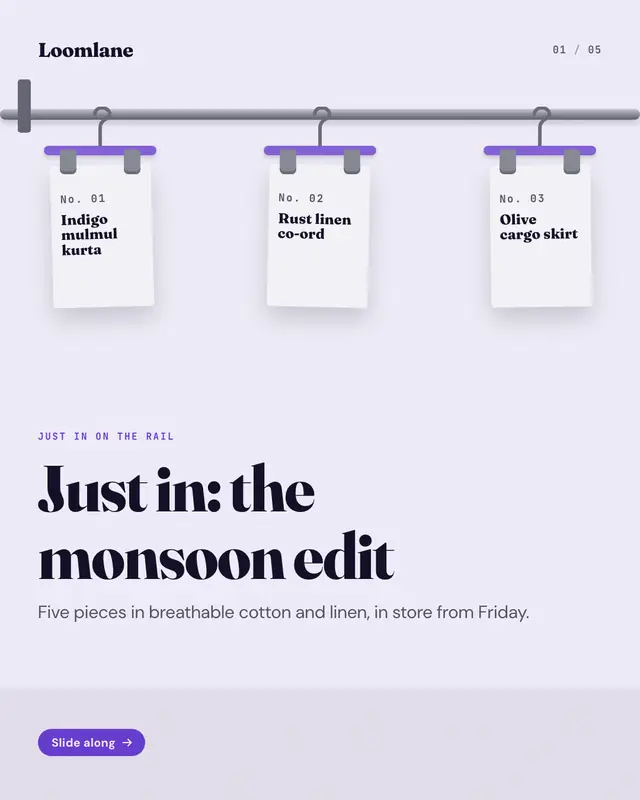
New-arrivals clothes rail
New arrivals as a boutique's clothes rail that runs through the whole carousel: the cover is the rail with every new piece on a clip hanger, then each page slides one…
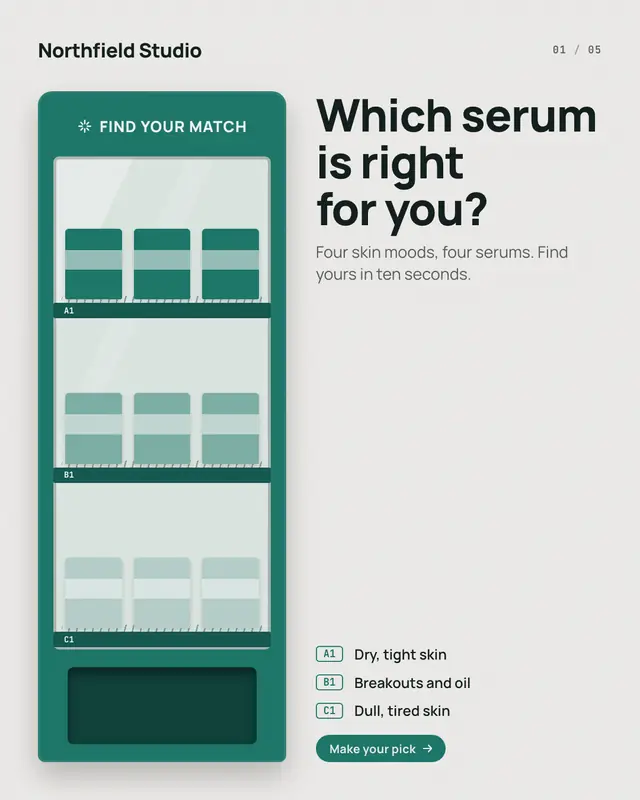
Find-your-match vending machine
A product finder as a vending machine
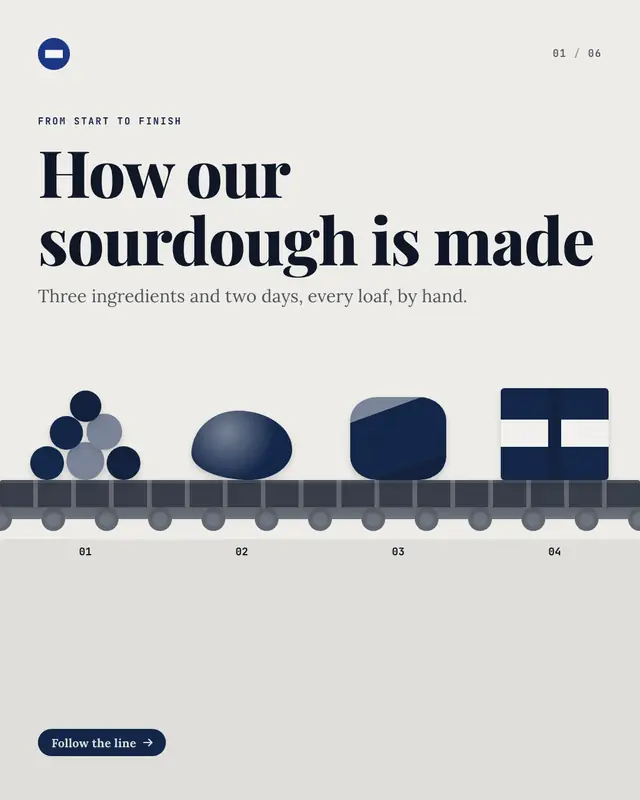
How-it's-made conveyor
'How it's made'
Make a Aisle tour map with your brand.
MarketiQ writes the post, picks the template that carries it best — this one, when it fits — and fills it with your logo, colours, facts and copy.