Class timetable
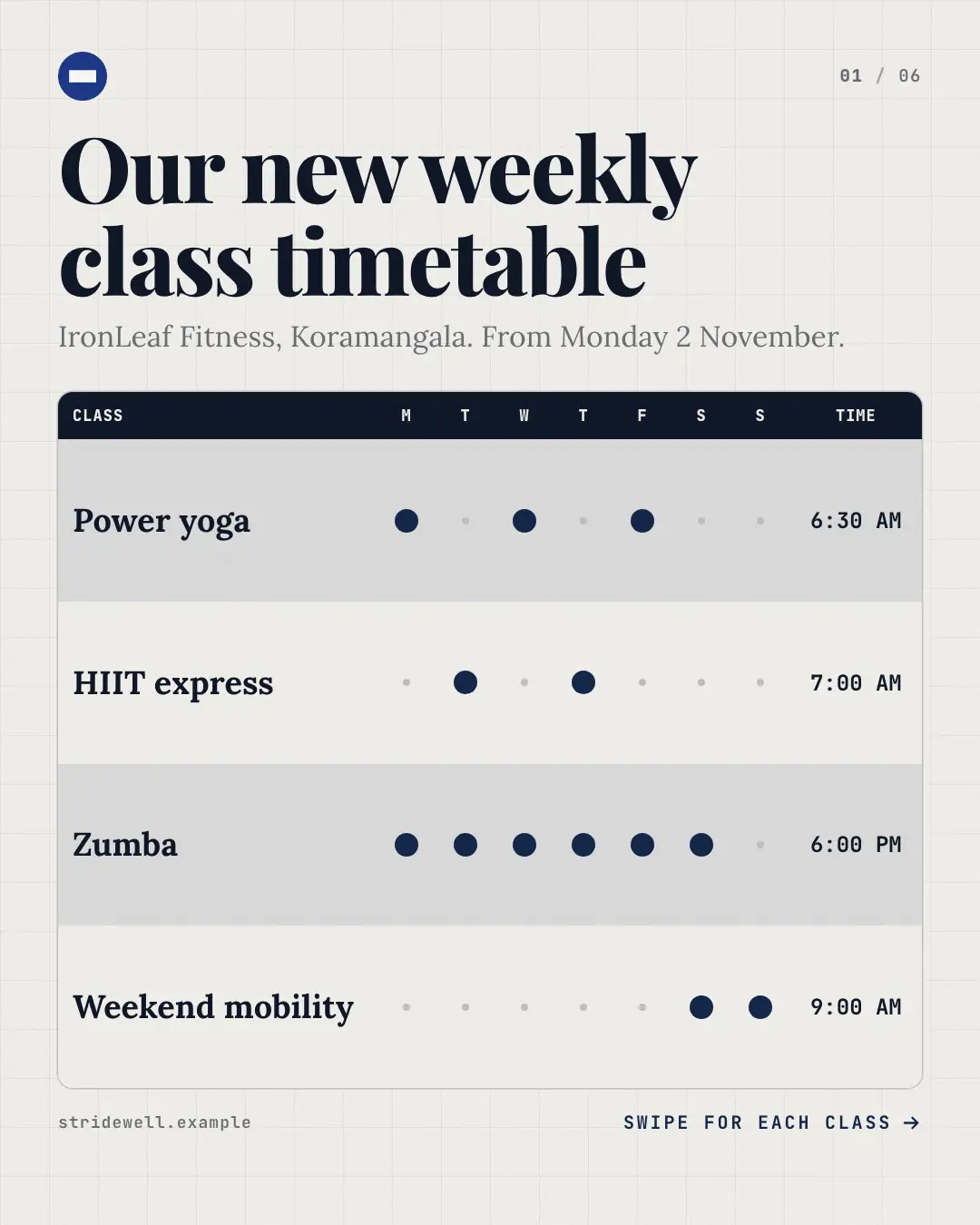
A studio 'class timetable' carousel: the cover is the week at a glance — every class with dots on its days and its start time — then one class per page with its days lit on a week strip, its time set large, who leads it and what to expect; the 'class schedule' or 'batch timings' a gym, studio or coaching centre pins at the desk.
When the AI picks it
MarketiQ’s Creative Director favours the Class timetable for posts that get people to act, teach or announce news, when the message is a list, a timeline or several products or a menu. It is built first to get people to act.
It reads each post’s goal and shape first, then its own words, the platform and the facts you have, and offers this template only where it fits.
Who it’s for
Made for Fitness & wellness, Education · Serves customers locally. The Director offers it only to brands of that kind, so it never turns up for a business it does not suit.
Platforms and sizes
| Size | Where |
|---|---|
| 4:51080 × 1350 px | Instagram, Facebook, LinkedIn, Threads |
Carousel of 3–10 slides. Each size is laid out for its canvas, not cropped; the sample above is the 4:5 version.
What it needs
Only your post. It is made from your copy and your brand kit — there is nothing else to prepare.
Rules the AI follows
Word for word from the template library. The Director follows the copy rules when it writes into the template, and the visual review checks every creative against the visual rules.
Copy rules
- Days and times exactly as the post gives them; the week grid and strip only light the days the label names.
- One class per page: what it is, who it suits, who leads it — never an invented instructor, level or price.
Visual rules
- A paper ground with a faint grid; the cover is a timetable with a dark header row (class, the seven days, time), striped rows and a brand dot on each day a class runs — a schedule without weekdays written across the week — listing as many classes as read clearly, then a '+N more classes inside' row.
- Each class page lights its days on a seven-day strip, sets its days and time large in brand colour, then the class name, chips for who leads it and how long, and what to expect, with a wall clock showing its start time.
- The closing page lights the whole week over the call to action and the booking note.
More Front-desk carousels templates
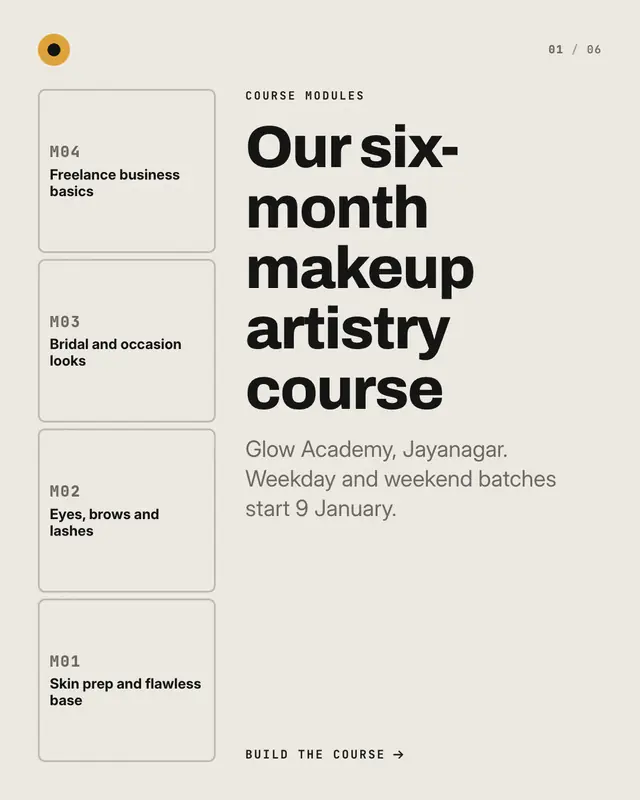
Syllabus blocks
A syllabus built block by block: a column of module blocks rises beside the copy, each page lays the next block in brand colour with that module's title, duration and…
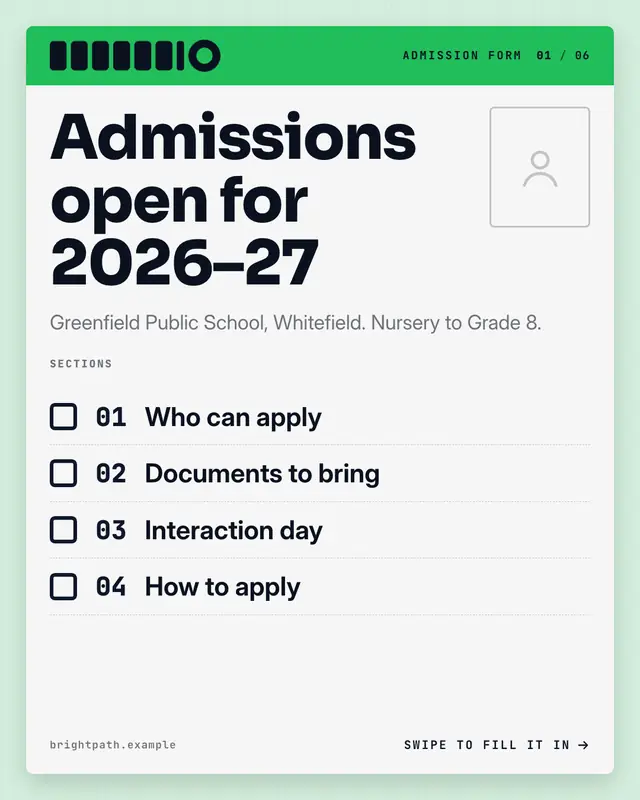
Admission form
An 'admission form' carousel: the cover is the form's first sheet with a photo box and the list of sections, then one section per page
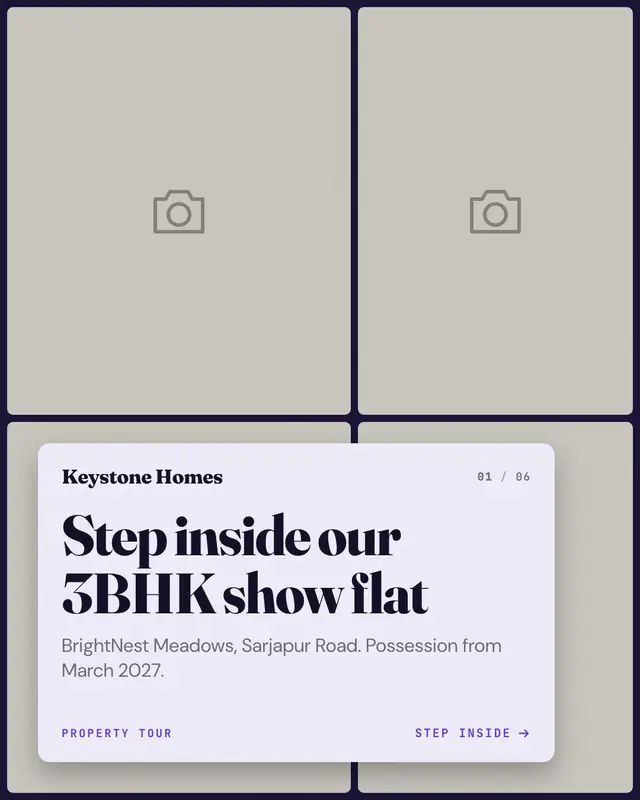
Property tour
A property tour from the brand's own four photographs: the cover is a photo mosaic under a paper plate, then one room or feature per page
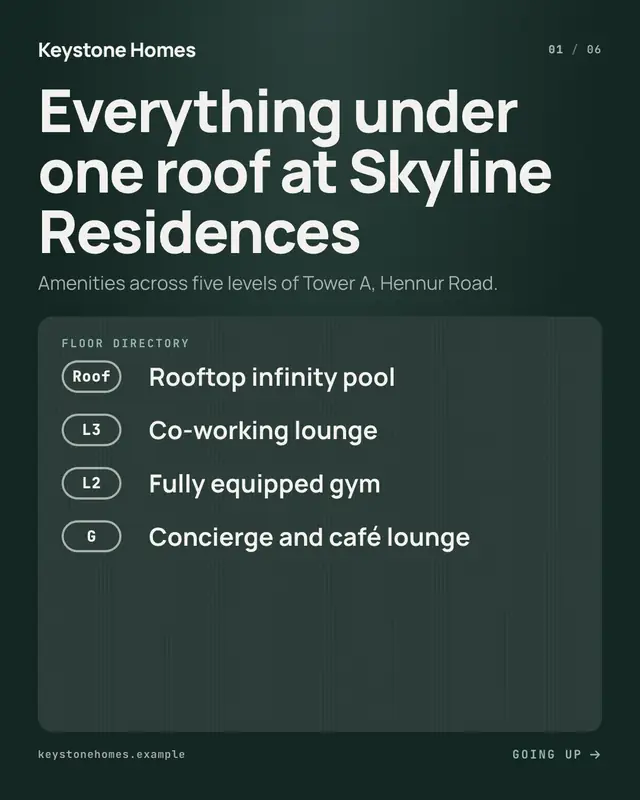
Amenities lift panel
A ride up the building, one amenity per floor: the cover is the lift lobby's floor directory, each page lights that floor's button on a brushed panel and shows its level…
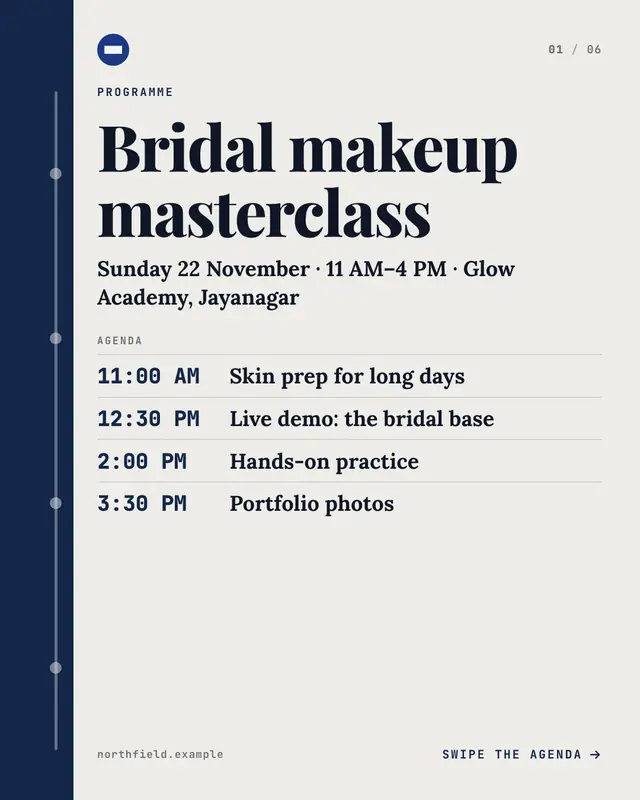
Workshop programme
A printed workshop programme: the cover lists the agenda by time beside a brand-coloured time rail, then one session per page
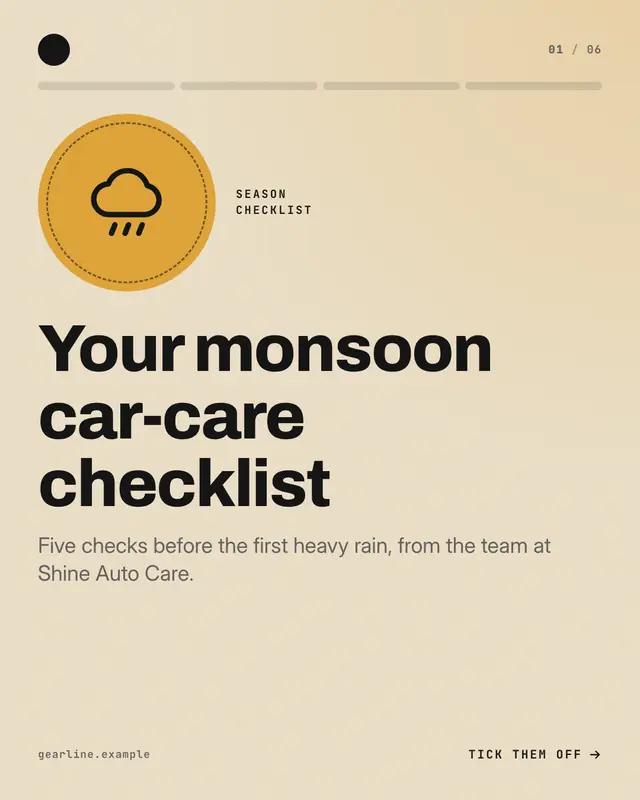
Season checklist
A seasonal care checklist ticked off one page at a time: a season seal on the cover, then one check per page

Guestbook pages
A cloth-bound guestbook of real customers' words: the cover is the book with its title label, then one handwritten-signed entry per ruled page

Festive string lights
A festival greeting carousel under one string of lights that runs across every page: the greeting large in italic serif on the cover, then one wish or note per page
Make a Class timetable with your brand.
MarketiQ writes the post, picks the template that carries it best — this one, when it fits — and fills it with your logo, colours, facts and copy.