Decision flowchart
A 'should you…?' decision tree: a start question in a hexagonal decision node, YES/NO elbow connectors with arrowheads, optional follow-up questions and two to four brand-colour outcome cards — the reader finds themselves in it.
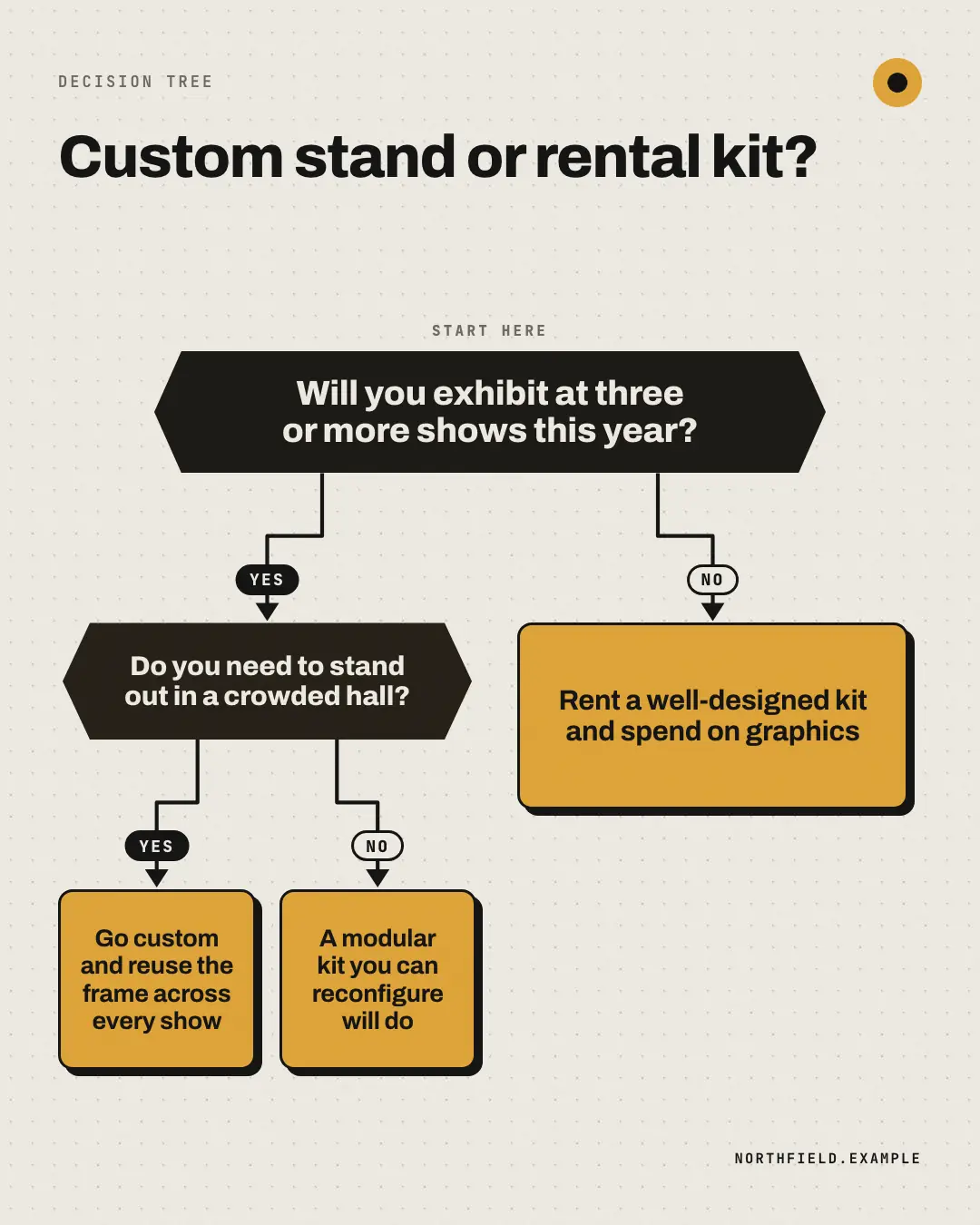
When the AI picks it
MarketiQ’s Creative Director favours the Decision flowchart for posts that start a conversation, teach, entertain or get people to act, when the message is a question, steps or a process or a contrast (this, not that). It is built first to start a conversation.
It reads each post’s goal and shape first, then its own words, the platform and the facts you have, and offers this template only where it fits.
Who it’s for
Any business. Nothing in it assumes what you sell, so the Director can offer it to a software company, a café or a coaching centre alike — whenever the post fits.
Platforms and sizes
| Size | Where |
|---|---|
| 4:51080 × 1350 px | Instagram, Facebook, LinkedIn, Threads, Reddit |
| 1:11080 × 1080 px | X, Ads |
| 9:161080 × 1920 px | TikTok |
| 2:31000 × 1500 px |
Single image. Each size is laid out for its canvas, not cropped; the sample above is the 4:5 version.
What it needs
Only your post. It is made from your copy and your brand kit — there is nothing else to prepare.
Rules the AI follows
Word for word from the template library. The Director follows the copy rules when it writes into the template, and the visual review checks every creative against the visual rules.
Copy rules
- Questions are honest yes/no checks; every outcome is useful advice, and at least one points to what the business offers.
- Keep questions under 10 words and outcomes under 12.
Visual rules
- Dot-grid paper; hexagonal night decision nodes, brand outcome cards with an ink border and hard shadow.
- Ink elbow connectors with arrowheads and YES/NO pills; a quiet 'Start here' cue above the first question.
More Lists & frameworks templates
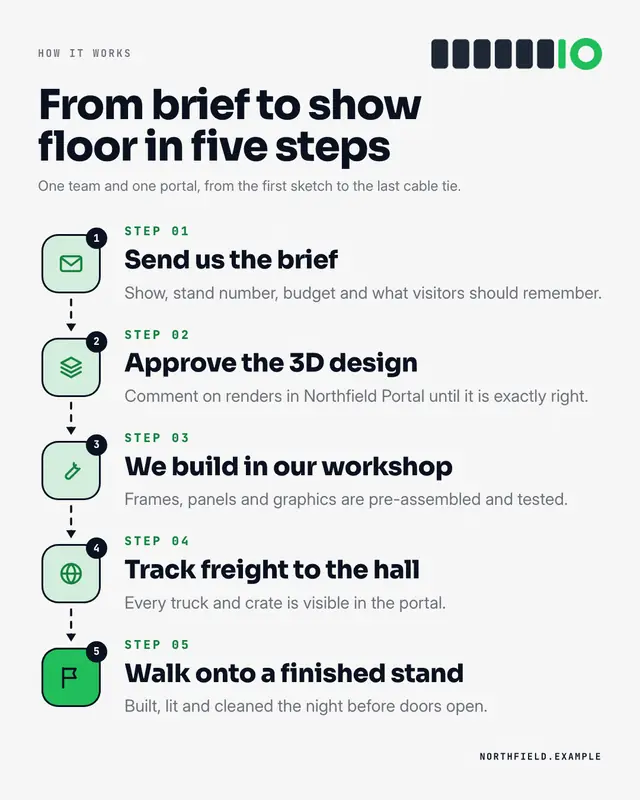
Step by step
A 'how it works' instruction sheet: three to six numbered icon tiles joined by dashed arrow connectors, each with a step name and one-line detail
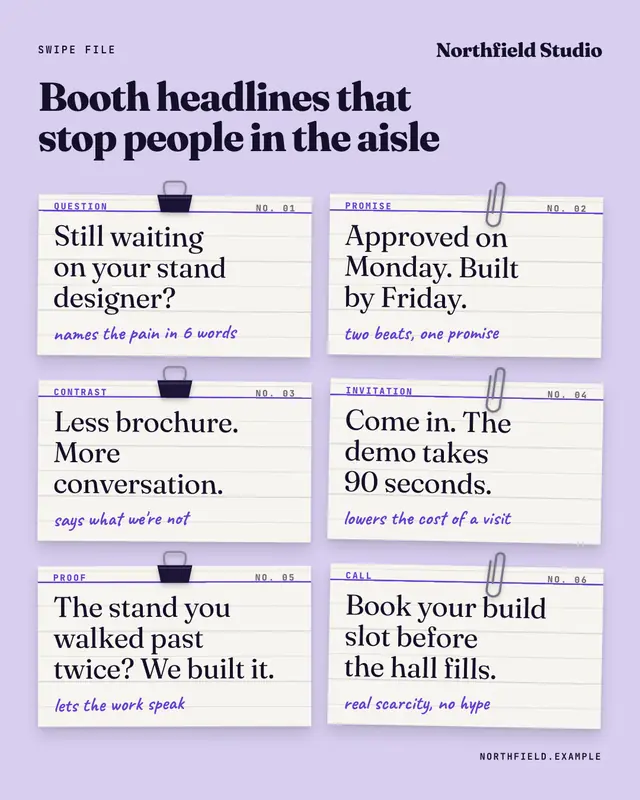
Swipe file
A copywriter's swipe file: four to six example lines (hooks, subject lines, booth headlines) on ruled index cards held by binder clips and paperclips, each labelled and…
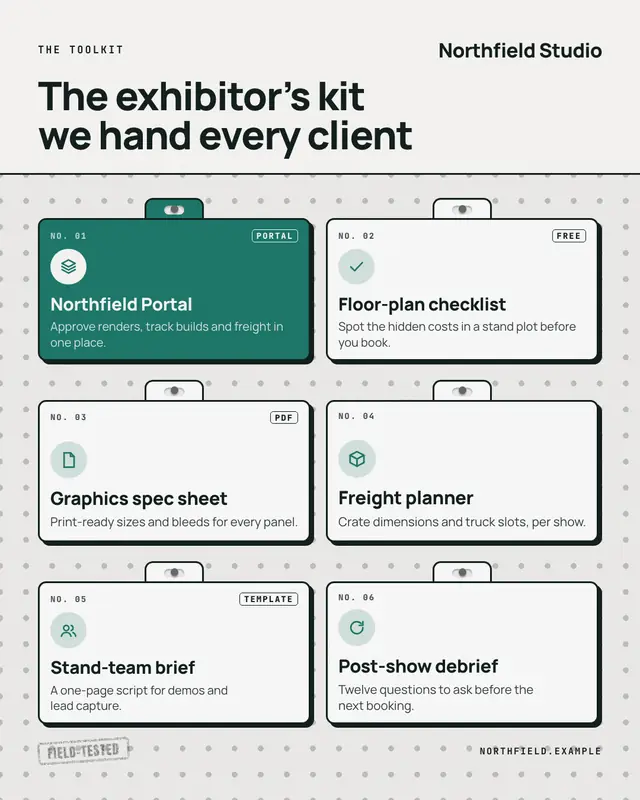
Toolkit pegboard
A workshop pegboard of four to eight tools or resources, each a bordered hang-pack card on its own peg with a catalogue number, icon, name and one-line use
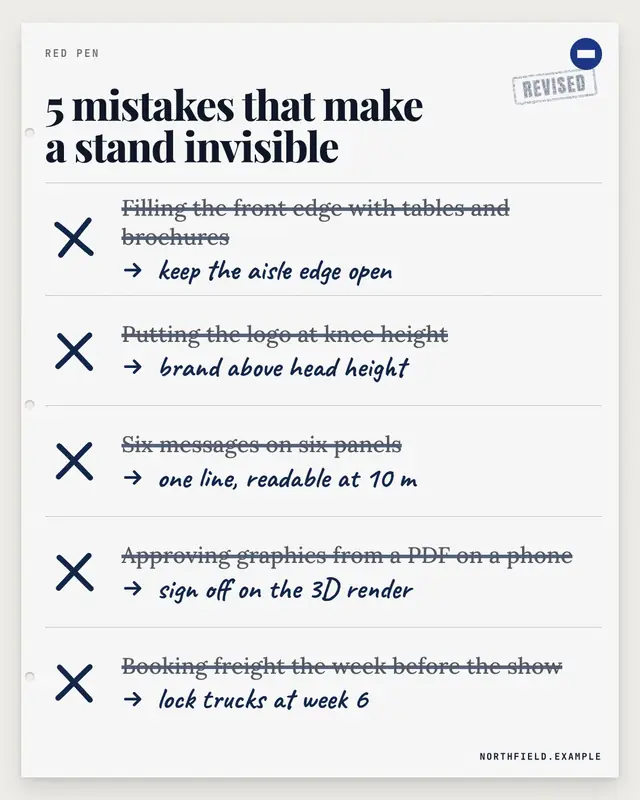
Red-pen mistakes
An 'N mistakes' list marked up by an editor: each common mistake struck through with a red-pen highlight and crossed out (in a palette colour when the brand states one)…
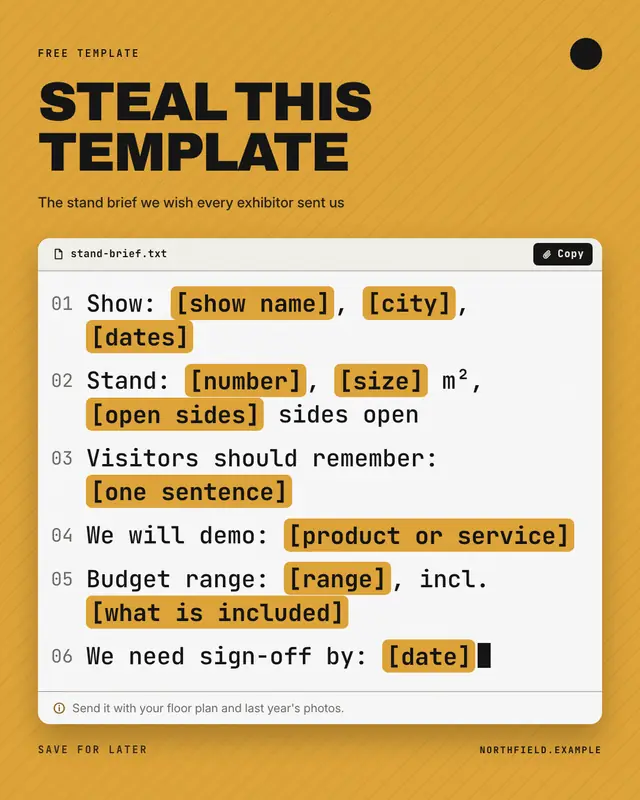
Steal this template
'Steal this template': a fill-in-the-blanks script (email, brief, opener) in a white editor card with line numbers, highlighted [bracketed placeholders], a copy button…
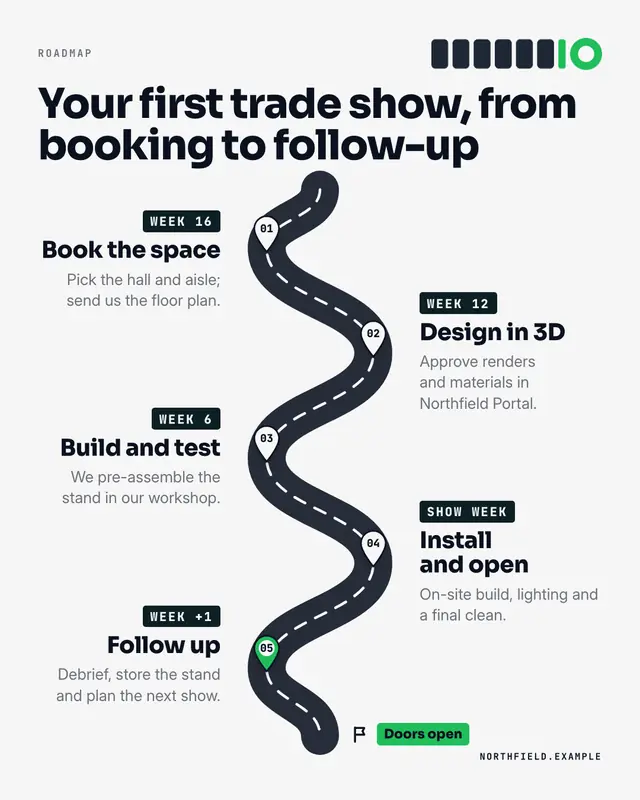
Roadmap
A literal road map: a dashed-centreline road winding through three to five phases, each marked by a numbered map pin with its time label, name and milestone, ending at a…
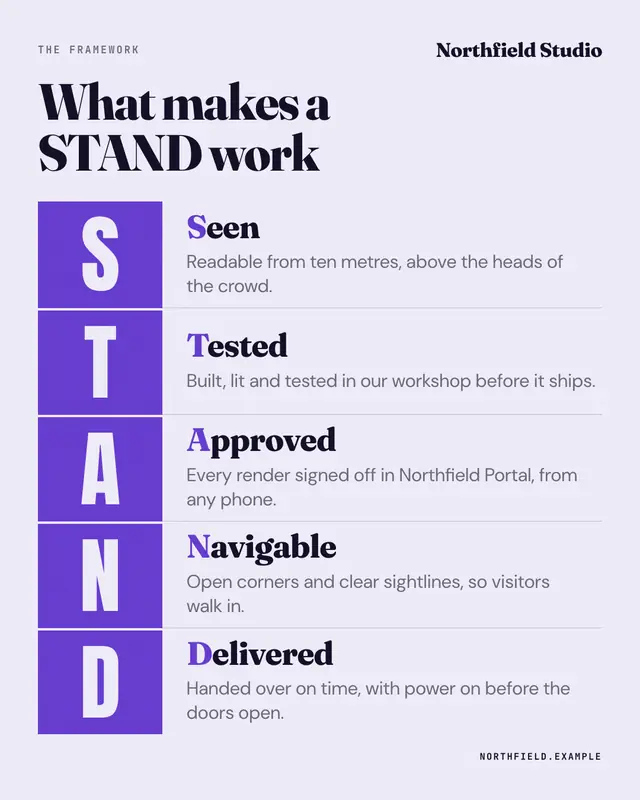
Acronym framework
A memorable acronym spelled in big letter blocks: each brand-colour block carries one letter, beside it the word it stands for (its initial picked out) and a one-line…
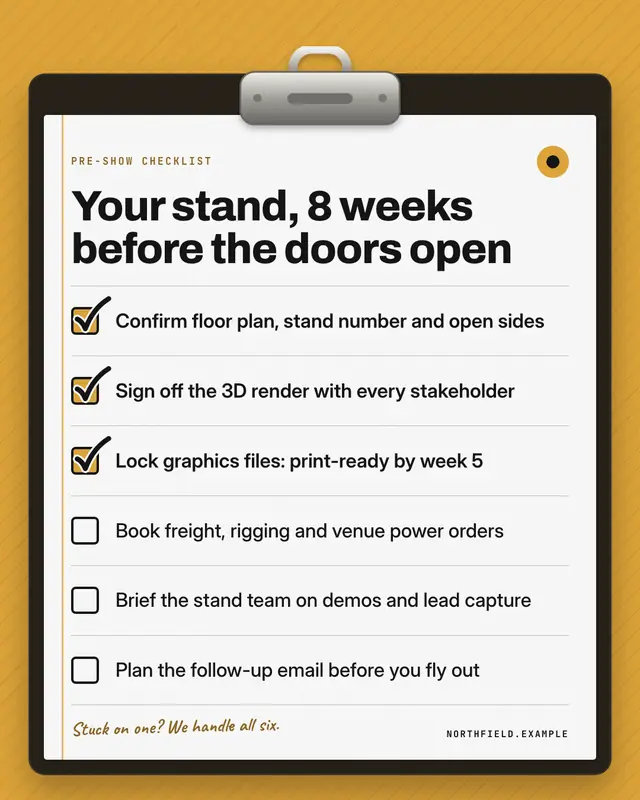
Clipboard checklist
A real clipboard on a brand-colour ground: metal clip, ruled sheet, square checkboxes with a few already ticked in the brand colour
Make a Decision flowchart with your brand.
MarketiQ writes the post, picks the template that carries it best — this one, when it fits — and fills it with your logo, colours, facts and copy.