Redacted swipe file
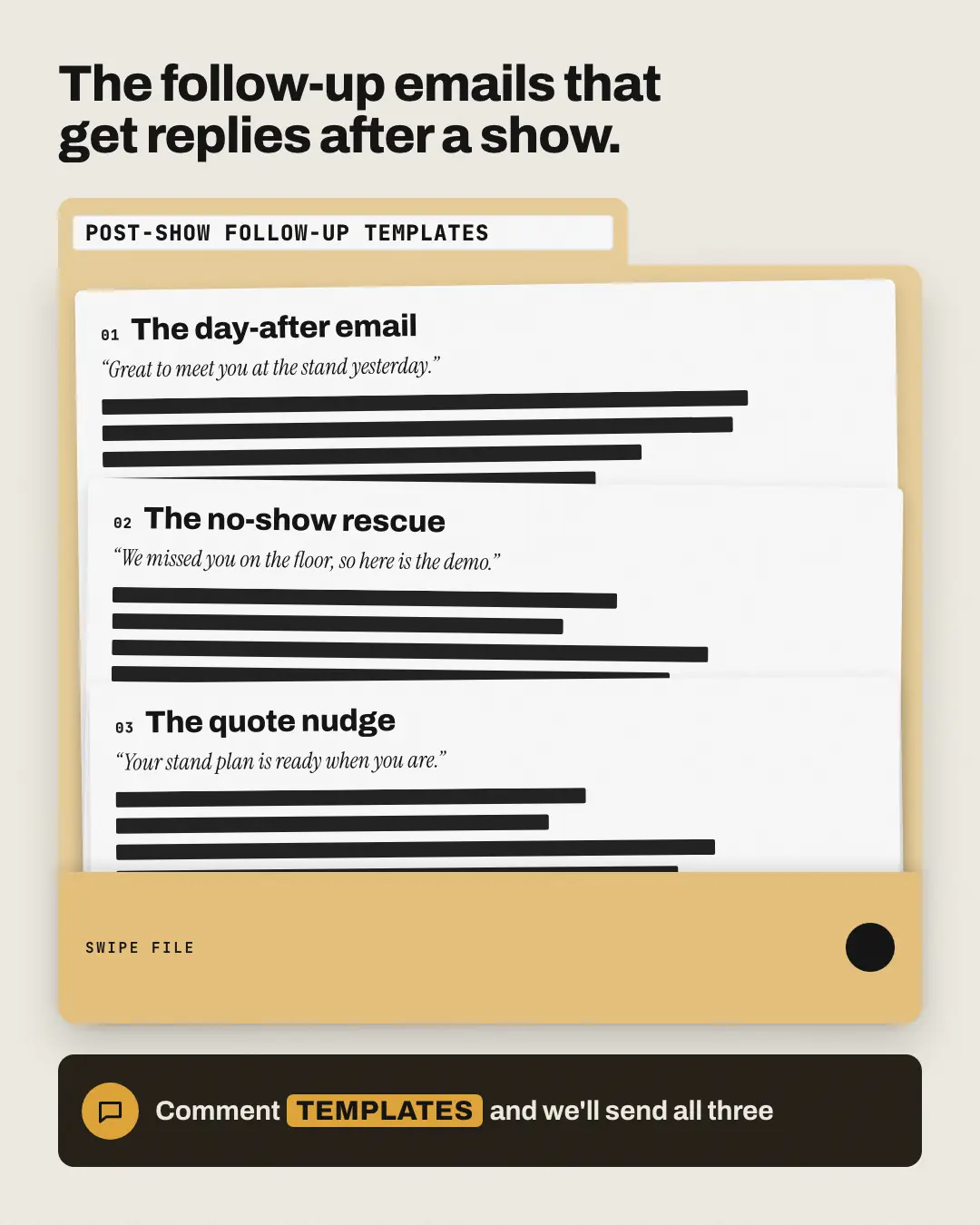
A brand-tinted file folder labelled with the swipe file's name: template sheets fanned inside, each showing its real name and the opening line the post shares, everything after it blacked out with redaction bars — the logo on the pocket. The reader sees exactly what kind of templates they get and has to comment for the rest.
When the AI picks it
MarketiQ’s Creative Director favours the Redacted swipe file for posts that get people to act, start a conversation or teach, when the message is a list or one sharp insight. It is built first to get people to act.
It reads each post’s goal and shape first, then its own words, the platform and the facts you have, and offers this template only where it fits.
Who it’s for
Any business. Nothing in it assumes what you sell, so the Director can offer it to a software company, a café or a coaching centre alike — whenever the post fits.
Platforms and sizes
| Size | Where |
|---|---|
| 4:51080 × 1350 px | Instagram, Facebook, LinkedIn, Threads, Reddit |
| 1:11080 × 1080 px | Ads |
| 9:161080 × 1920 px | TikTok |
| 2:31000 × 1500 px | |
| 1.91:11200 × 628 px | Newsletter, Blog |
| 16:91600 × 900 px | X, YouTube |
Single image. Each size is laid out for its canvas, not cropped; the sample above is the 4:5 version.
What it needs
The Director offers it only when these exist. Without them it simply picks another template.
- Lead magnet
Rules the AI follows
Word for word from the template library. The Director follows the copy rules when it writes into the template, and the visual review checks every creative against the visual rules.
Copy rules
- Every title, chapter, item, count and page number comes from the post or the brand's recorded lead magnets — never invent what the asset contains or how long it is.
- The call to action is the post's own; the keyword is copied exactly from it.
- Template names and opening lines are the post's own; everything else stays redacted — never write a template body the post does not contain.
Visual rules
- A brand-tinted file folder with a tab carrying a white label (the swipe file's name in mono capitals); white template sheets cascade inside, each with a mono number, its name, an italic quoted opening line and black redaction bars; a deeper-tint pocket at the front carries the pocket label and the logo.
- The headline above (or beside, in landscape) and the call to action in a dark rounded bar.
More Lead-magnet teasers templates
Padlocked preview
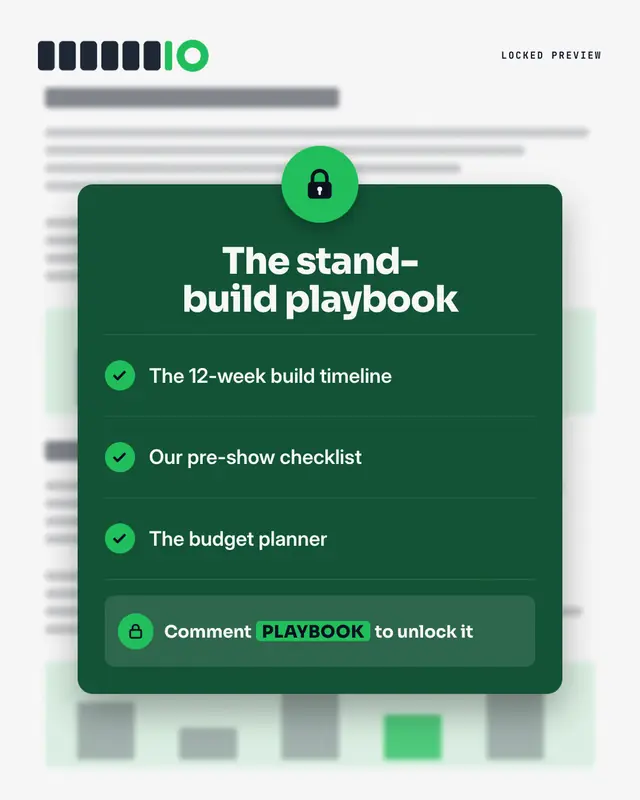
The asset as 'gated content': a blurred document behind a dark lock panel
Magnifier peek
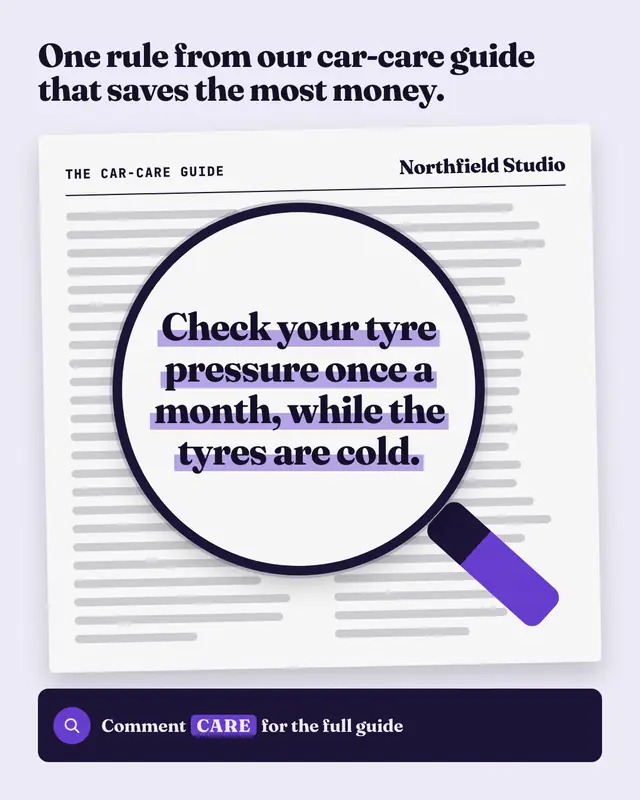
A 'sneak peek' of the asset under a magnifying glass: the page itself is wordless lines, but inside the lens one real line from it
Notebook notes
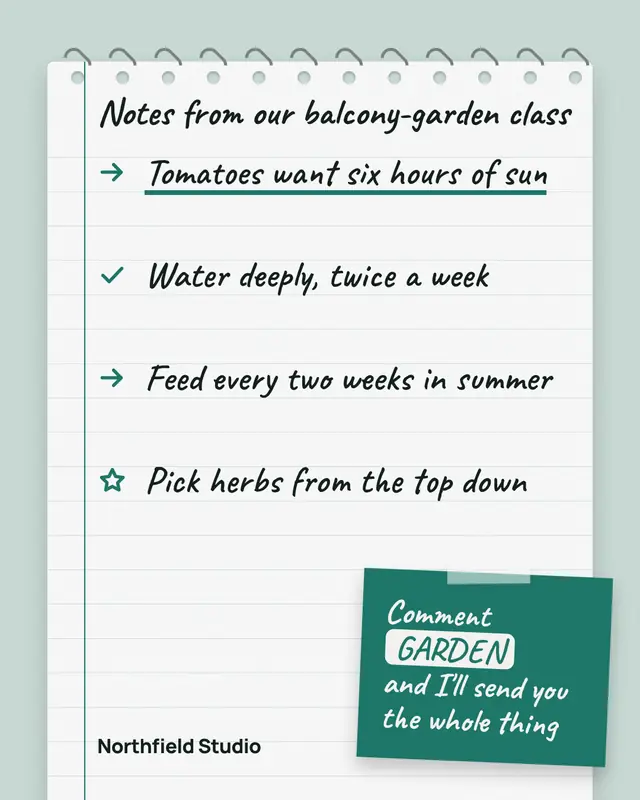
A spiral notebook page of handwritten notes taken from the asset
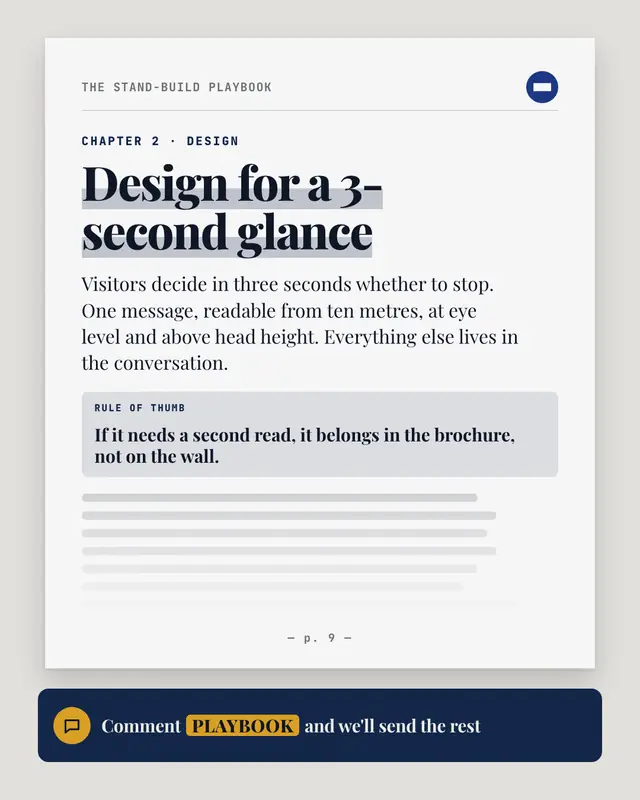
Excerpt page
One real page of the asset, set like the asset itself: a running header with its title and the logo, the chapter, a big highlighted section heading, an opening paragraph…
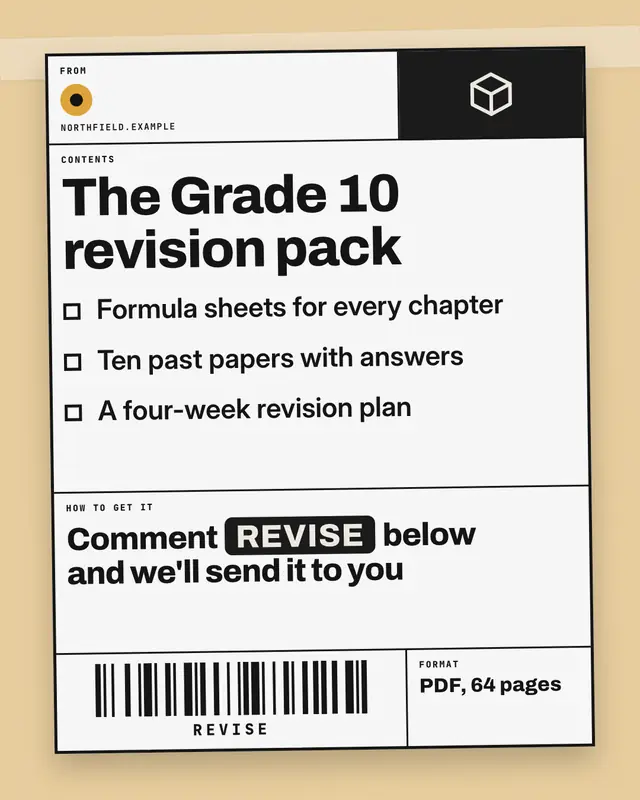
Shipping label
The asset as a parcel ready to ship: a black-ruled shipping label taped to a brand-tinted box
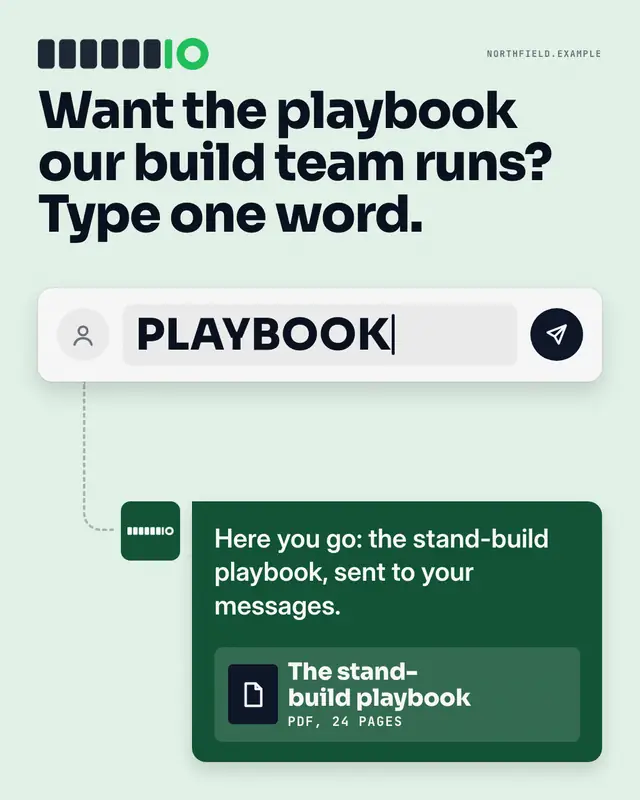
Comment composer
The whole mechanic in one picture: a generic comment box with the post's keyword typed in and a send button, a dashed path down to the brand's reply bubble
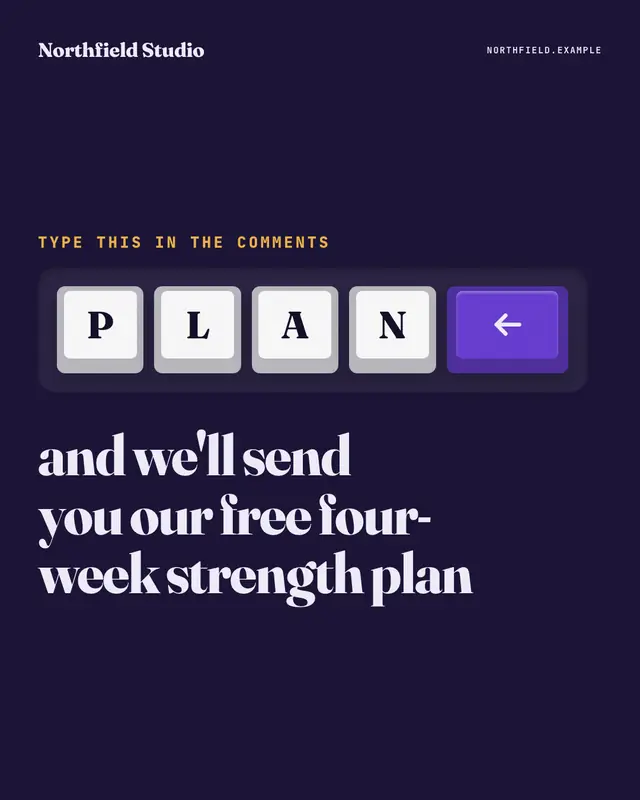
Keycaps
The comment keyword spelled out on big white keyboard keys, one letter per key, ending in a brand-colour enter key, set in a dark keyboard deck
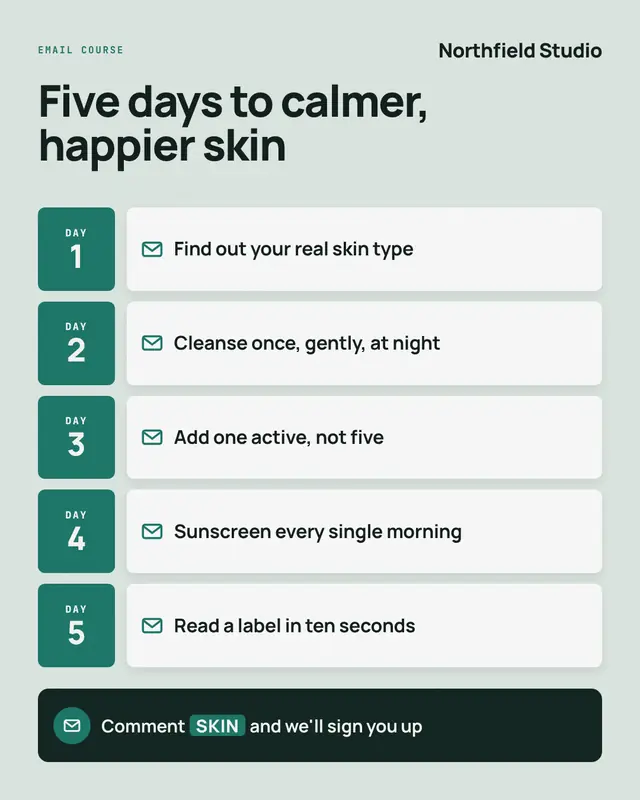
Email course
A short email course laid out as its drip: one row per lesson
Make a Redacted swipe file with your brand.
MarketiQ writes the post, picks the template that carries it best — this one, when it fits — and fills it with your logo, colours, facts and copy.