Lead-magnet teasers templates
Playbooks, checklists, templates, courses and tools teased honestly: what is inside, and the one comment that gets it. MarketiQ’s Creative Director picks from these 22 templates whenever a post’s message fits one of them, then fills it with your brand, facts and copy.
All Lead-magnet teasers templates
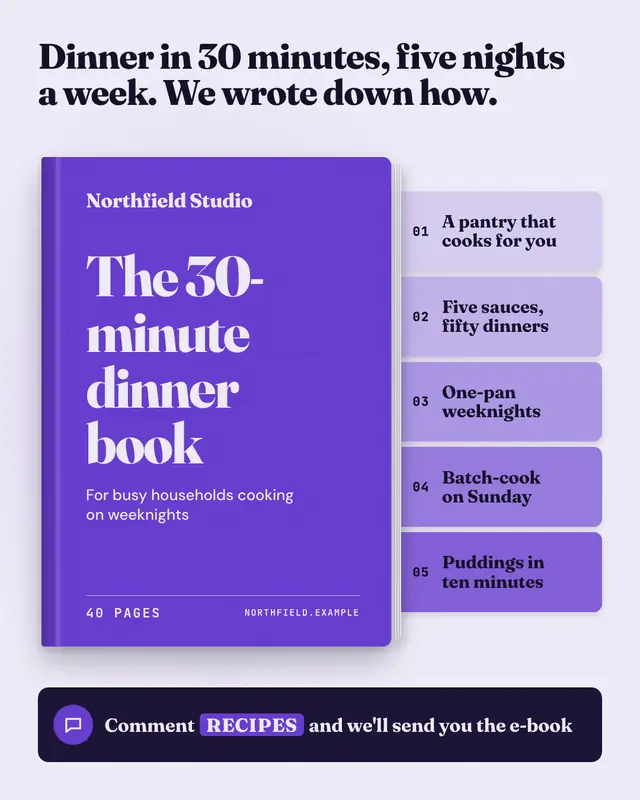
Playbook cover
The asset itself as a hardback: a brand-colour cover with the playbook's title and the brand's logo, page edges and a spine, and coloured index tabs sticking out of it
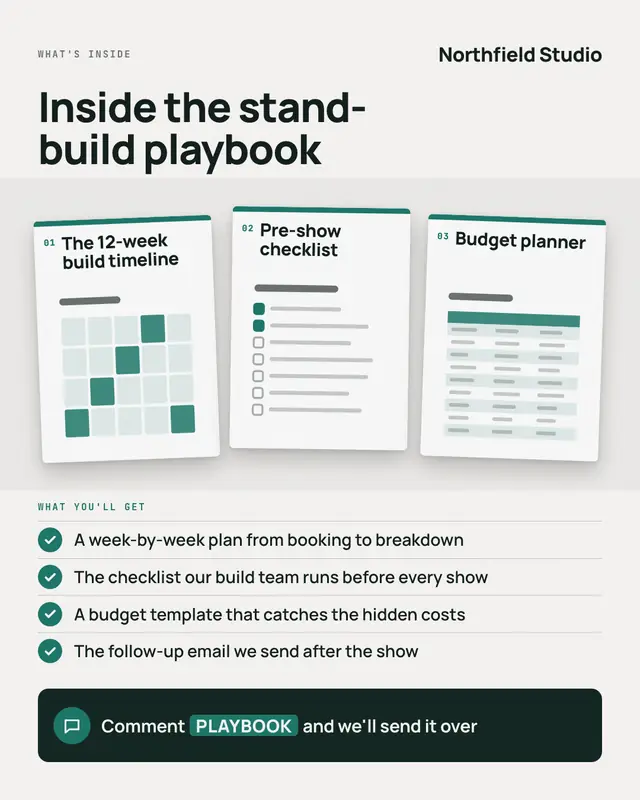
Inside the playbook
A look inside before anyone asks: three pages of the asset laid out like proofs on a desk
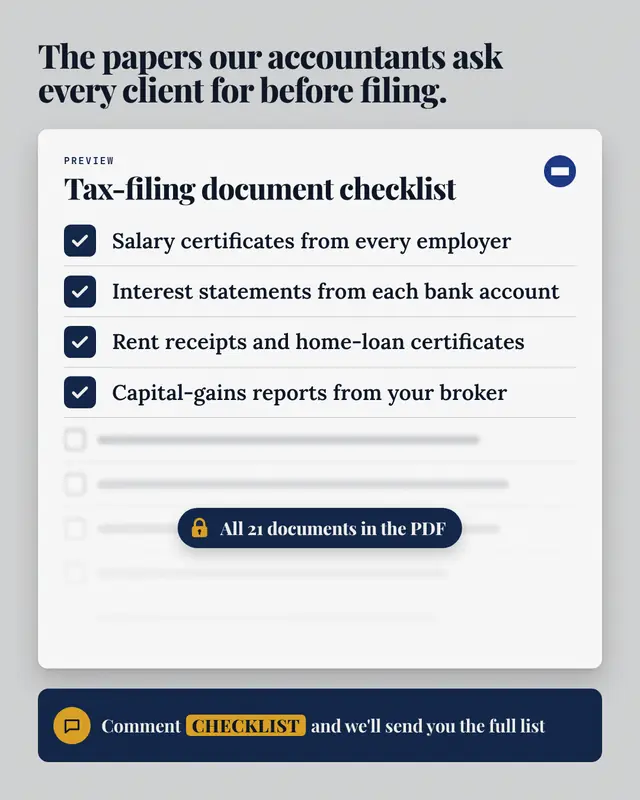
Checklist preview
The first items of the real checklist, ticked on a white sheet; the rest of the list blurs out under a fade with a padlock badge saying how much more there is (only when…
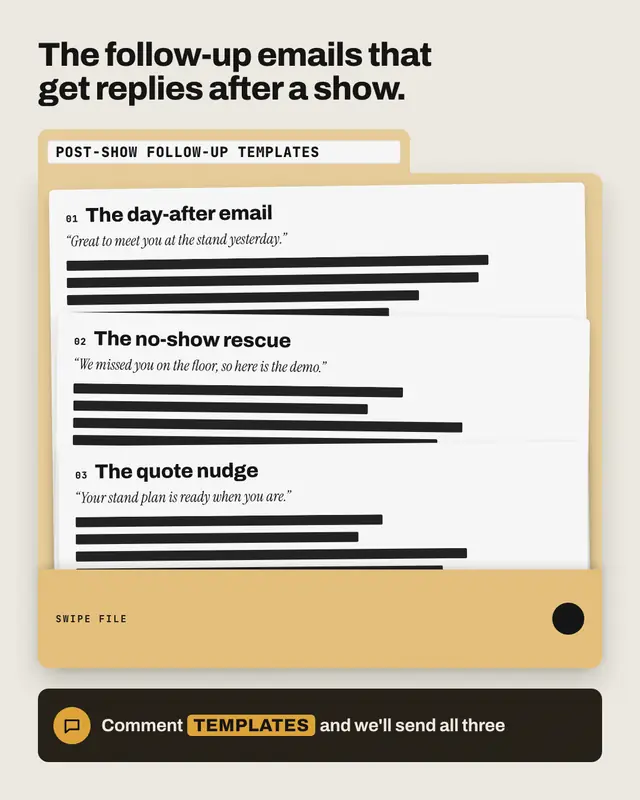
Redacted swipe file
A brand-tinted file folder labelled with the swipe file's name: template sheets fanned inside, each showing its real name and the opening line the post shares…
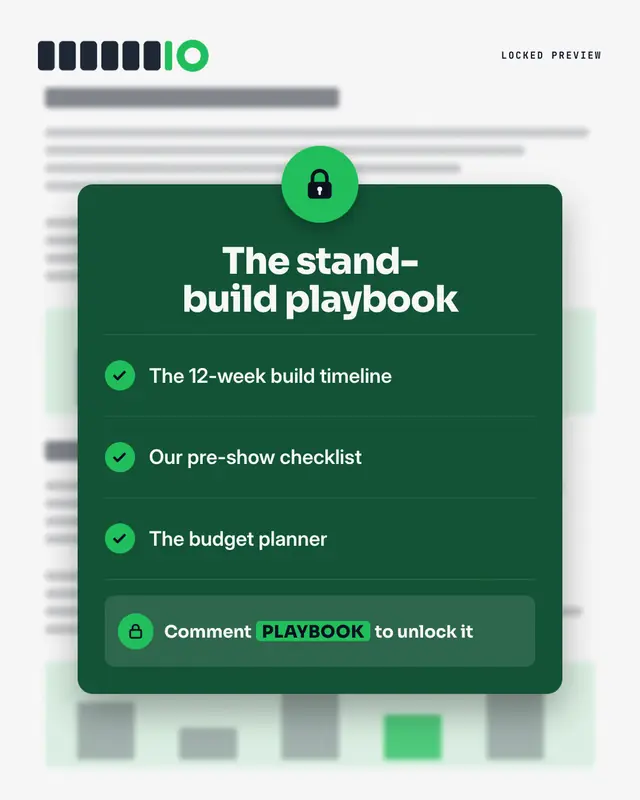
Padlocked preview
The asset as 'gated content': a blurred document behind a dark lock panel

Magnifier peek
A 'sneak peek' of the asset under a magnifying glass: the page itself is wordless lines, but inside the lens one real line from it
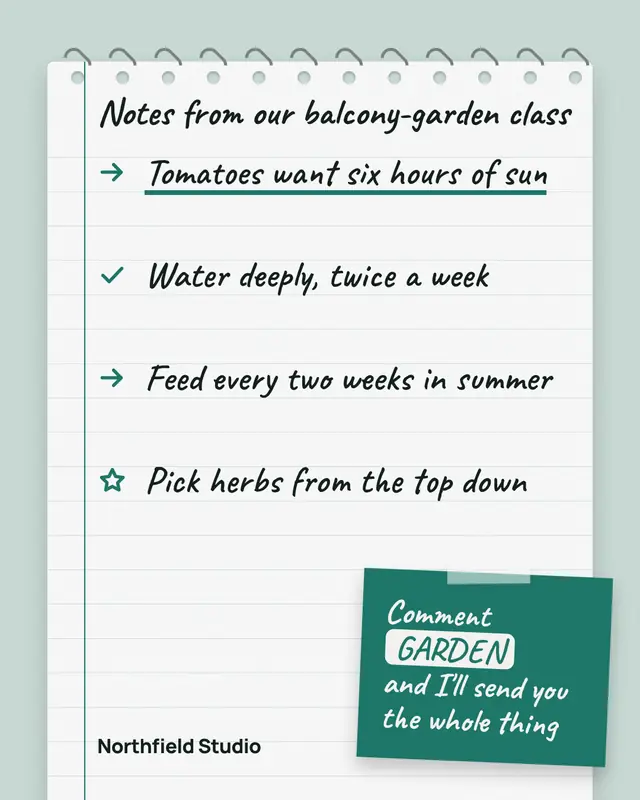
Notebook notes
A spiral notebook page of handwritten notes taken from the asset
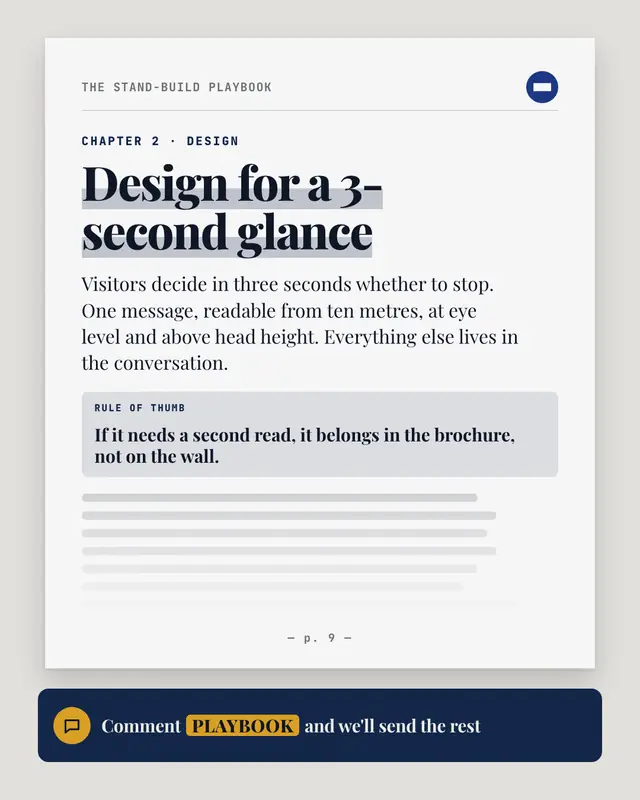
Excerpt page
One real page of the asset, set like the asset itself: a running header with its title and the logo, the chapter, a big highlighted section heading, an opening paragraph…
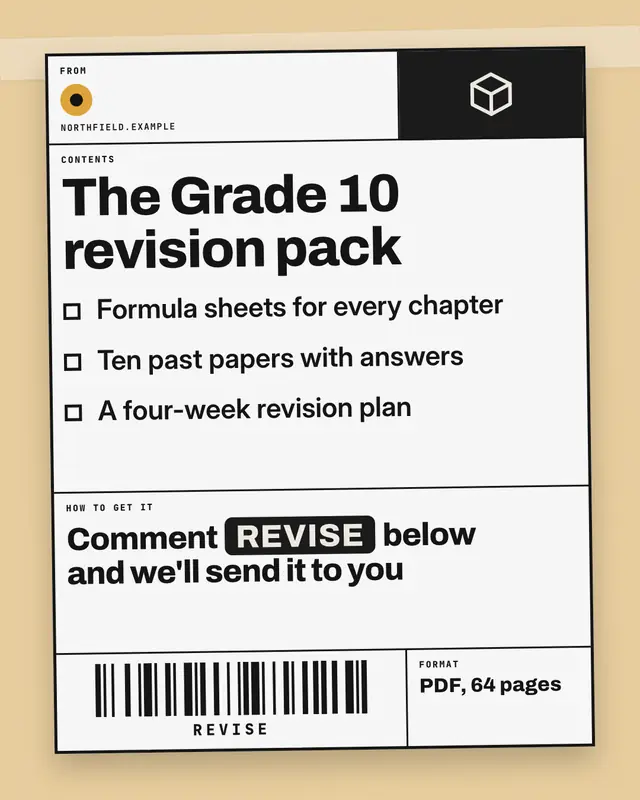
Shipping label
The asset as a parcel ready to ship: a black-ruled shipping label taped to a brand-tinted box
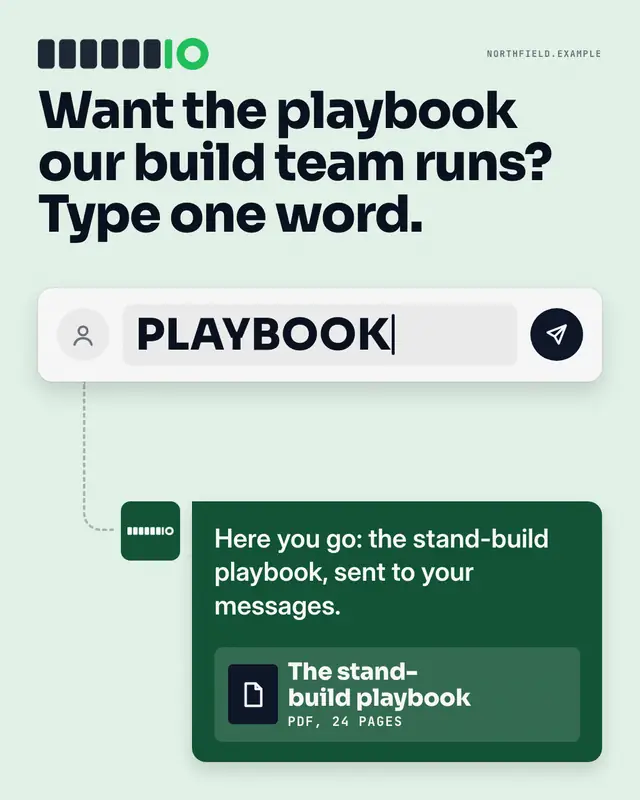
Comment composer
The whole mechanic in one picture: a generic comment box with the post's keyword typed in and a send button, a dashed path down to the brand's reply bubble
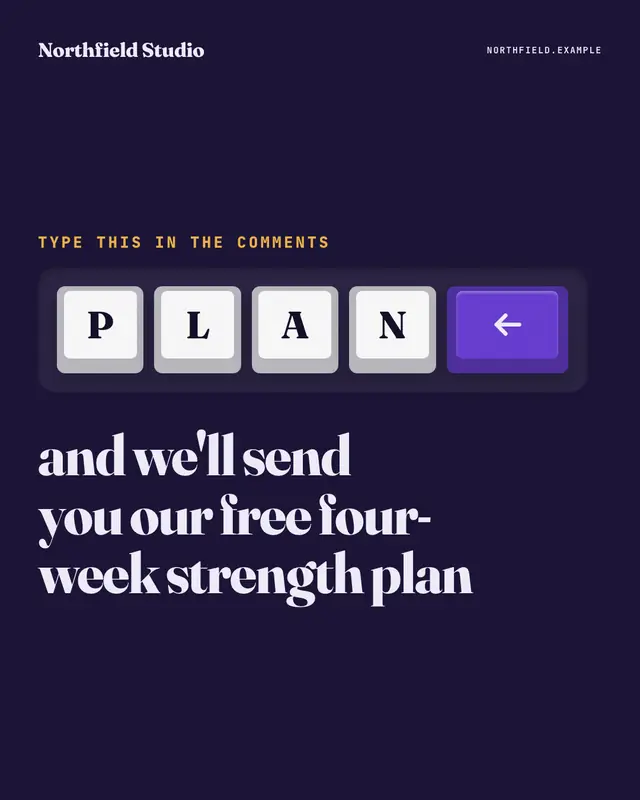
Keycaps
The comment keyword spelled out on big white keyboard keys, one letter per key, ending in a brand-colour enter key, set in a dark keyboard deck
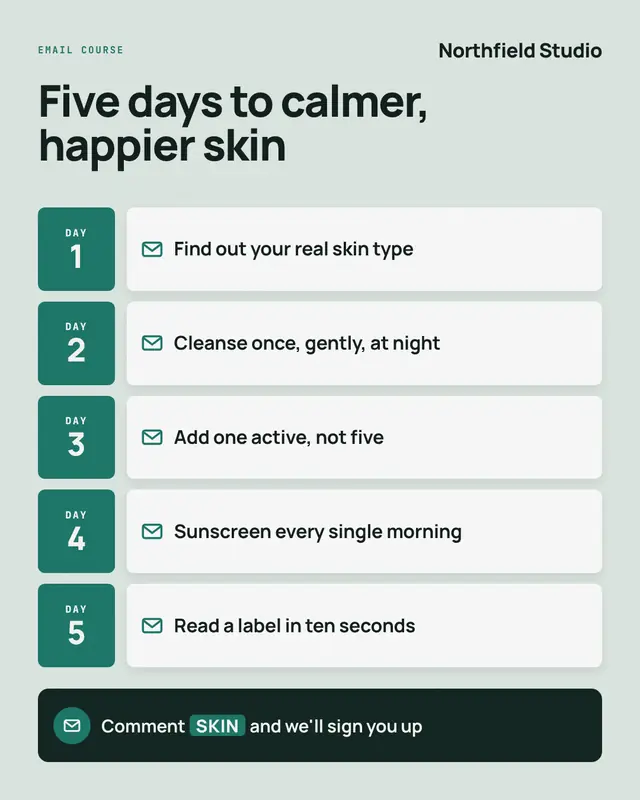
Email course
A short email course laid out as its drip: one row per lesson
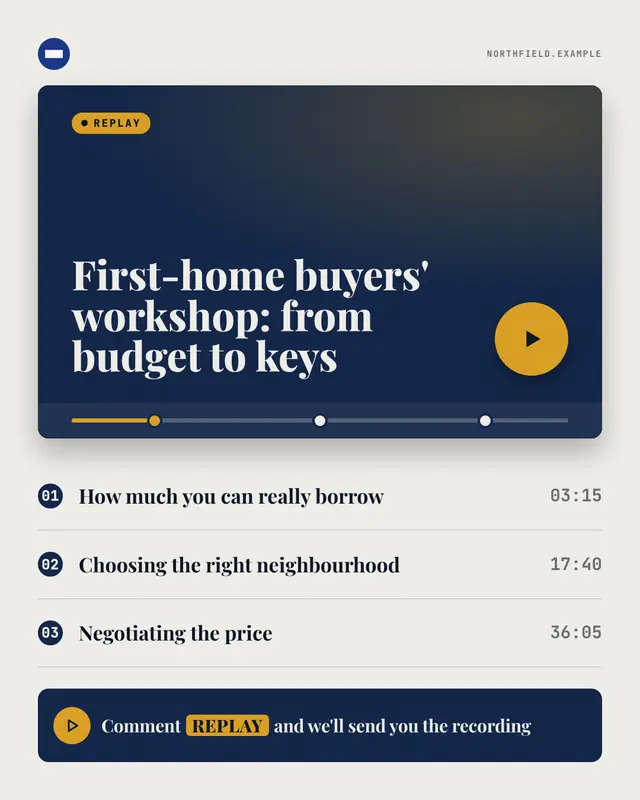
Webinar replay
A workshop or 'webinar replay' as a generic video player: the session's title on the title card, a big brand play button, a scrubber with one marker per chapter
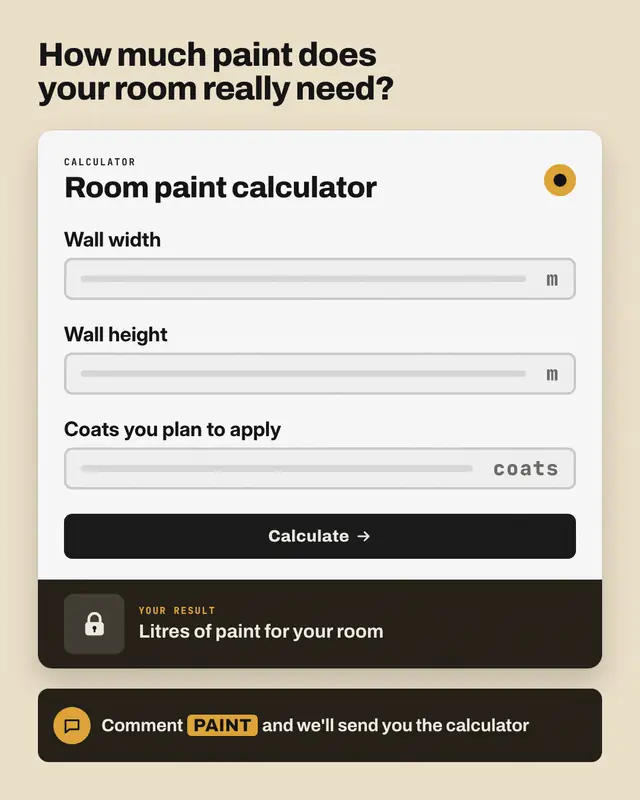
Calculator teaser
The tool, not its answer: a calculator card with the inputs the post names as empty fields (units only when given), a brand 'calculate' button and a dark result panel…
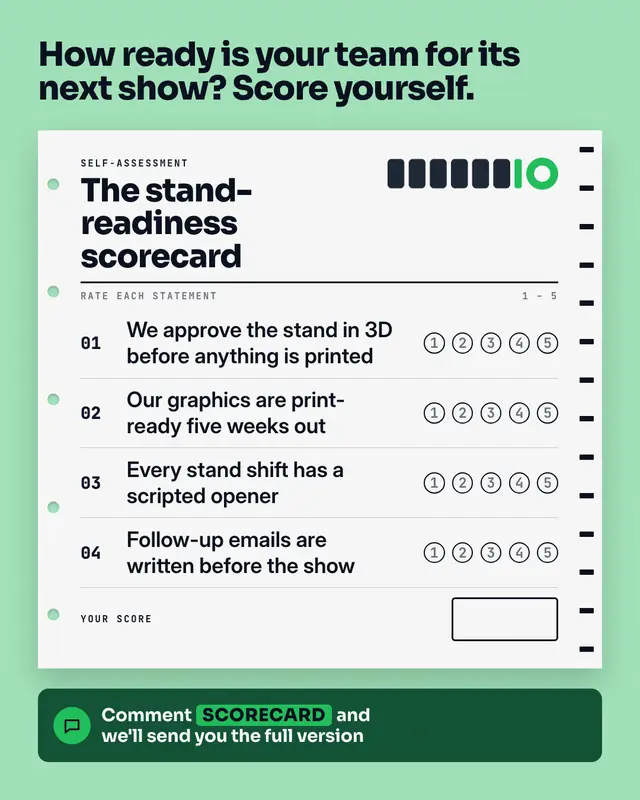
Scorecard answer sheet
A self-assessment as a printed answer sheet: punched holes and timing marks, the scorecard's name, the post's statements each with five empty bubbles to rate yourself…
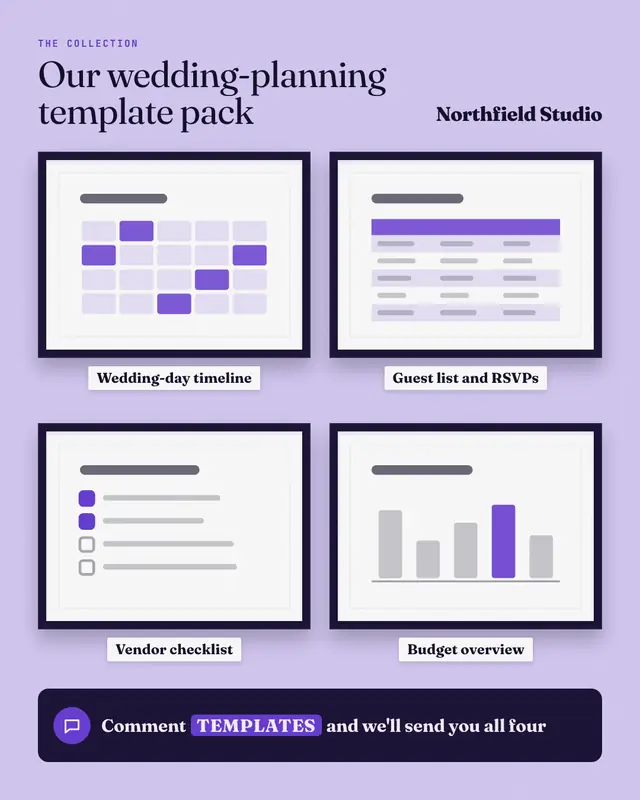
Template gallery
A template pack hung like an exhibition: framed, matted thumbnails of each template (a deck, a sheet, a checklist, a planner
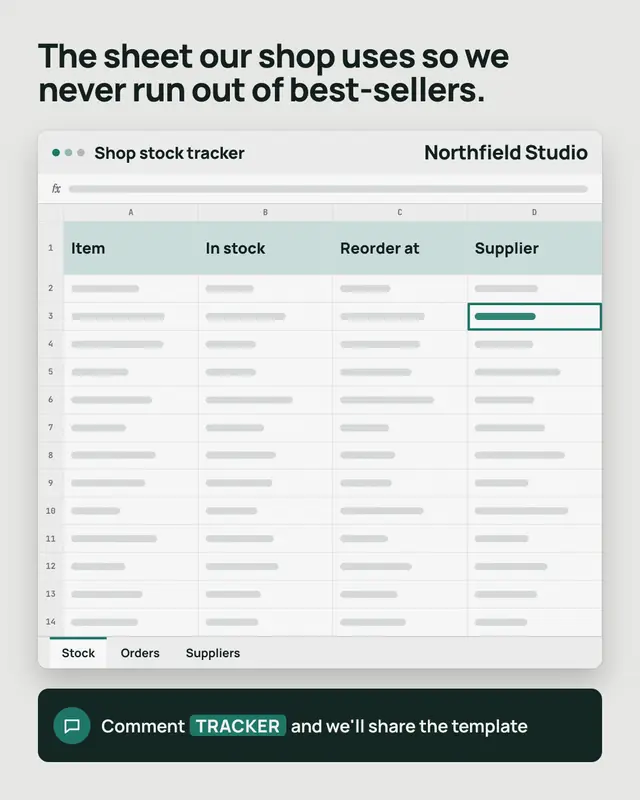
Spreadsheet template
A tracker or planner template as a generic spreadsheet window: its file name, real column headers from the post in a tinted header row, empty cells drawn as grey bars…
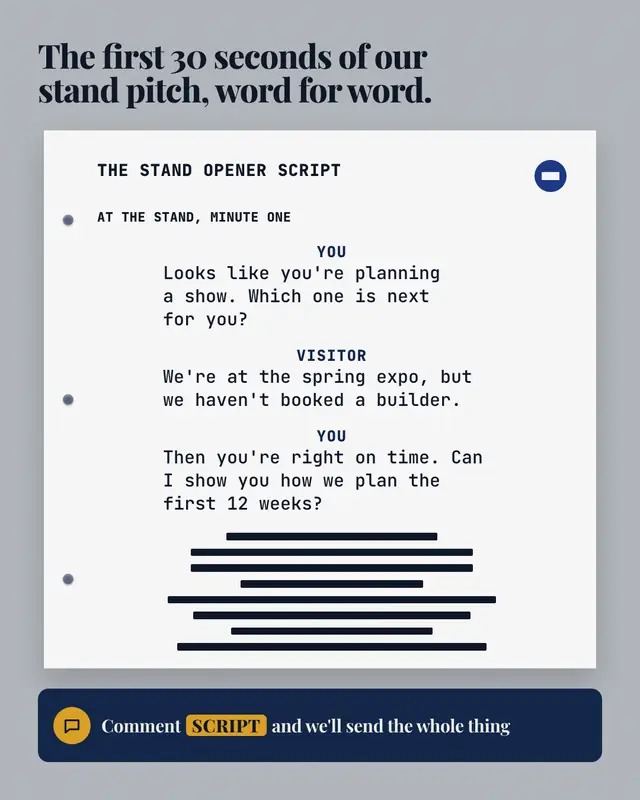
Script page
A call or conversation script set like a screenplay page, from a sales call to the words for a tricky talk
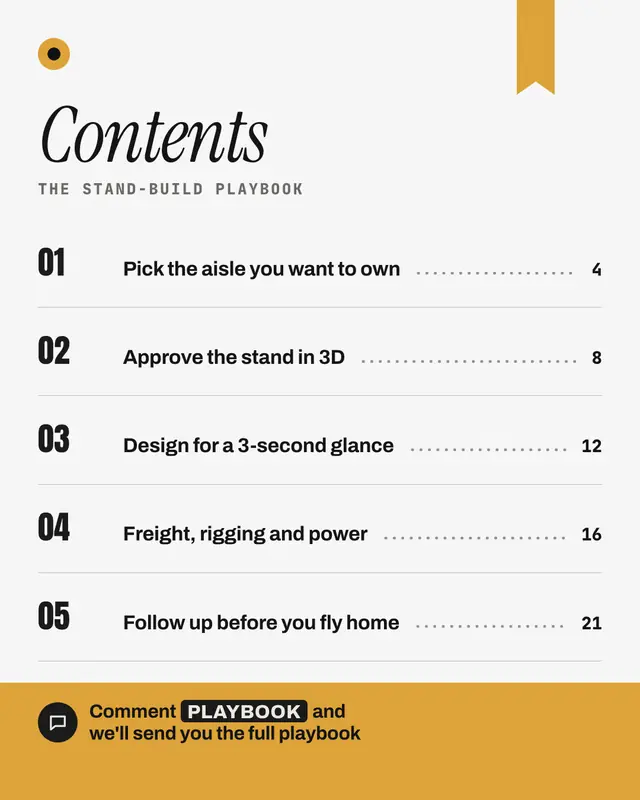
Chapter list
The asset's chapter list as a real book contents page: a large italic heading, the asset's title as a running head, numbered chapters with dot leaders to page numbers…
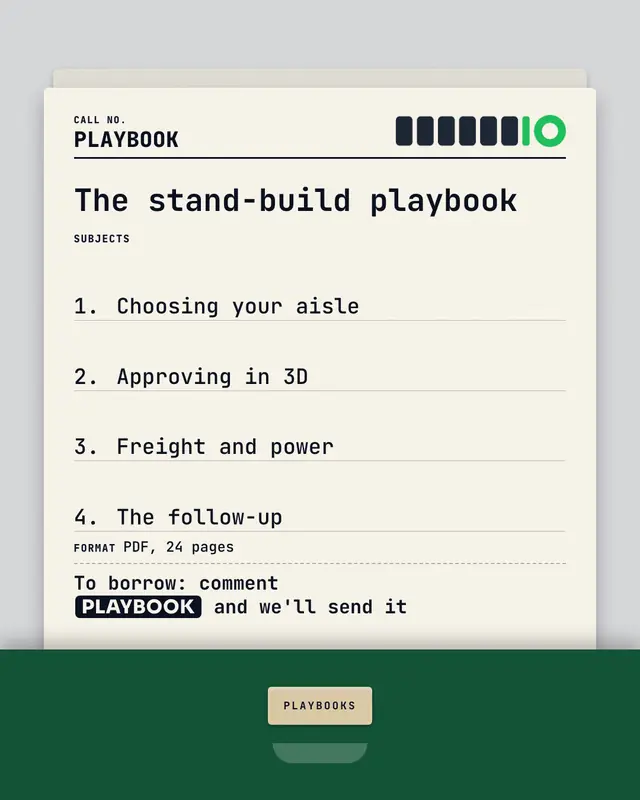
Library card
The asset filed like a library book: a ruled catalogue card pulled up from a brand-colour card drawer, typed in mono
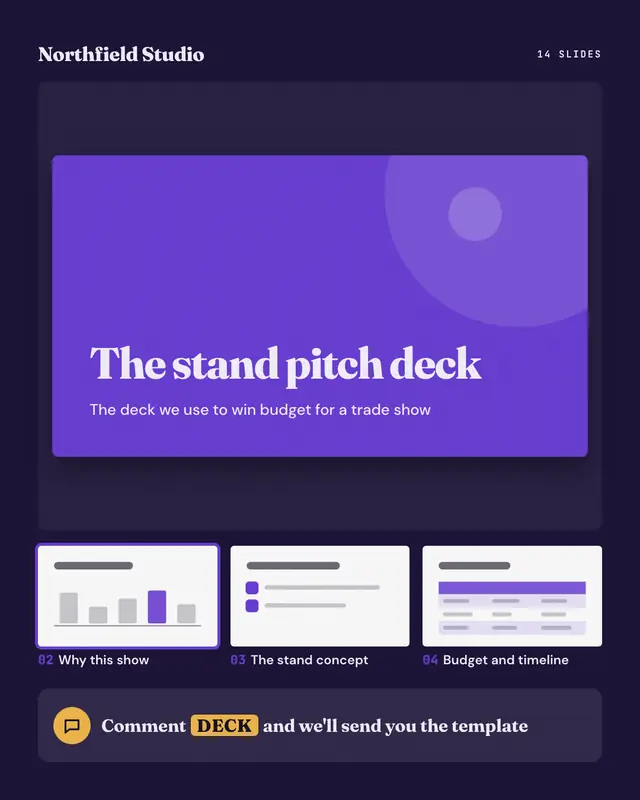
Deck preview
A slide deck the post offers, shown in a generic slide sorter: the title slide large in the brand colour, then thumbnails of the next slides
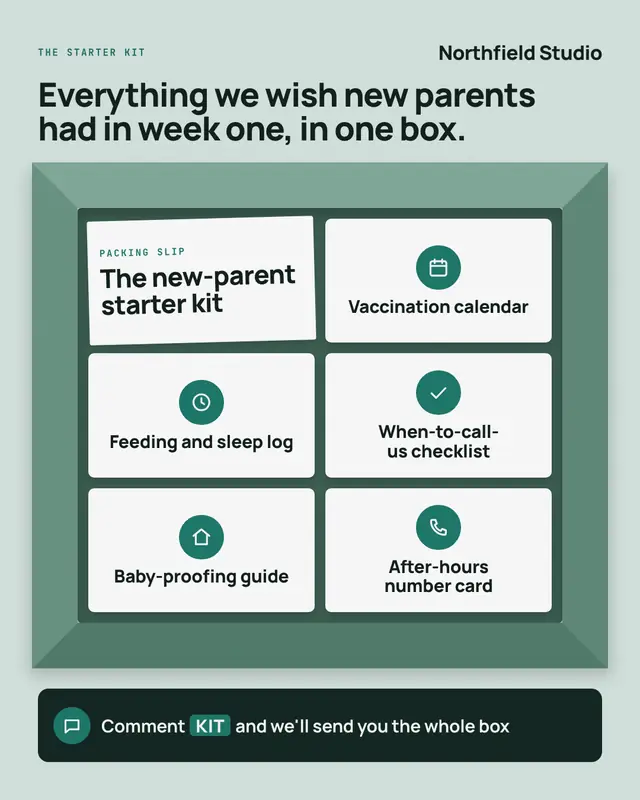
What's in the box
A toolkit or resource bundle as an opened box seen from above: shaded cardboard flaps around a dark interior with compartments
Samples use fictional brands; MarketiQ fills each template with your brand, facts and copy.
More ways to carry a message
Let the AI pick the right Lead-magnet teasers template.
Write the post, or let your AI team write it. The Creative Director reads it, picks the template that carries it best and fills it with your brand; it goes out on the approval rules you set.