Media alert
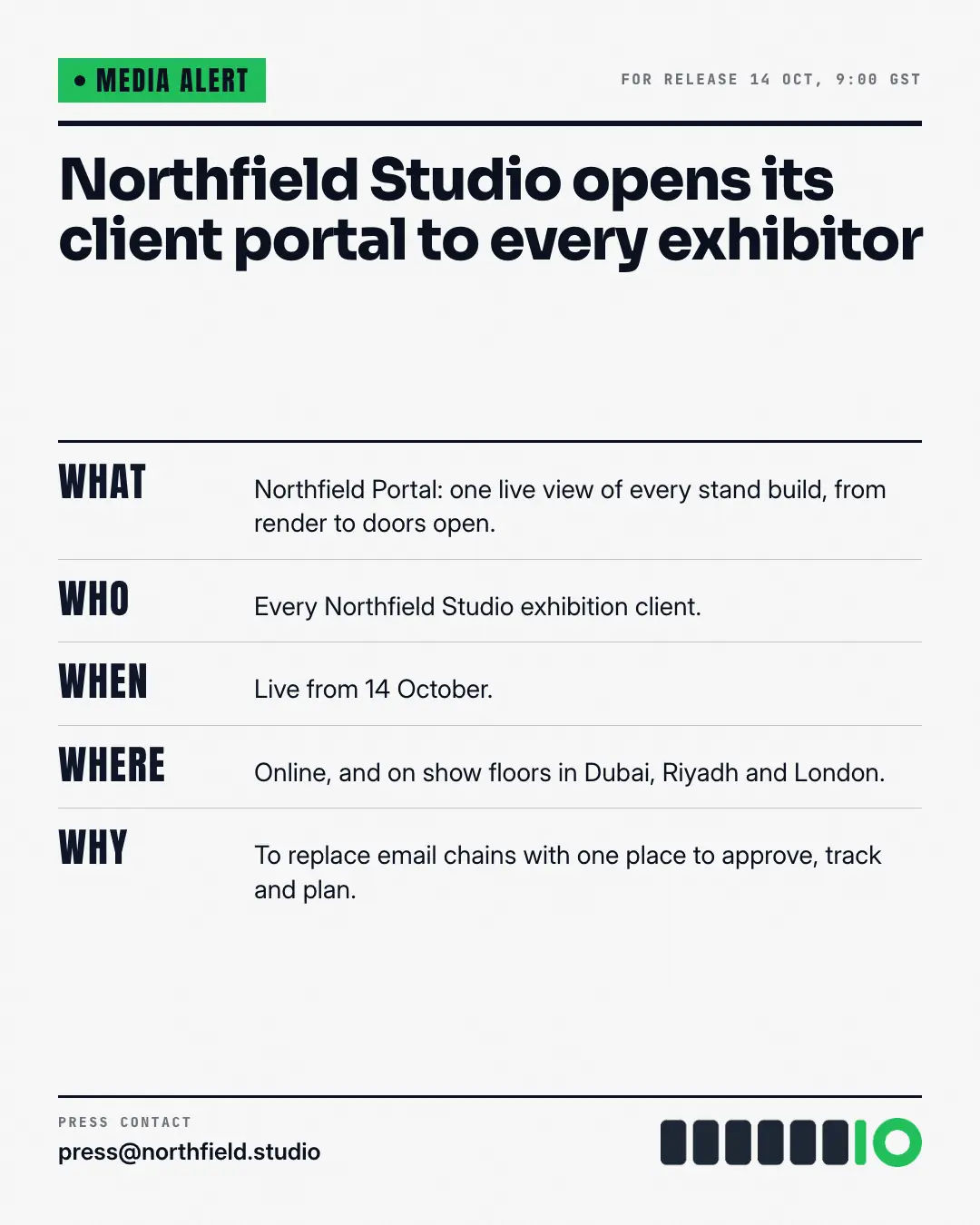
The launch as a newsroom media alert — not a press release, the one-page form editors scan: a brand 'MEDIA ALERT' flag over a heavy rule, the headline, then WHAT, WHO, WHEN, WHERE and WHY in big condensed labels with one plain answer each, and the press contact at the foot. Every fact of the news, in the order a journalist wants it.
When the AI picks it
MarketiQ’s Creative Director favours the Media alert for posts that announce news or teach, when the message is a list or one sharp insight. It is built first to announce news.
It reads each post’s goal and shape first, then its own words, the platform and the facts you have, and offers this template only where it fits.
Who it’s for
Any business. Nothing in it assumes what you sell, so the Director can offer it to a software company, a café or a coaching centre alike — whenever the post fits.
Platforms and sizes
| Size | Where |
|---|---|
| 4:51080 × 1350 px | Instagram, Facebook, LinkedIn, Threads, Pinterest, Reddit |
| 1:11080 × 1080 px | Ads |
| 9:161080 × 1920 px | TikTok |
| 16:91600 × 900 px | X, YouTube |
| 1.91:11200 × 628 px | Newsletter, Blog |
Single image. Each size is laid out for its canvas, not cropped; the sample above is the 4:5 version.
What it needs
Only your post. It is made from your copy and your brand kit — there is nothing else to prepare.
Rules the AI follows
Word for word from the template library. The Director follows the copy rules when it writes into the template, and the visual review checks every creative against the visual rules.
Copy rules
- Each W is answered with a fact from the post — no invented dates, venues, people or quotes.
- Keep each answer to one plain sentence; the headline says what is announced.
Visual rules
- Paper page with a brand-colour 'MEDIA ALERT' flag above a heavy ink rule, the headline in the heading face, then ruled rows: large condensed brand-colour labels (WHAT, WHO…) beside one-sentence answers.
- Press contact, logo and website at the foot over another heavy rule; on landscape the headline and contact sit in a left column beside the rows.
More Openings & reveals templates
Package insert FAQ
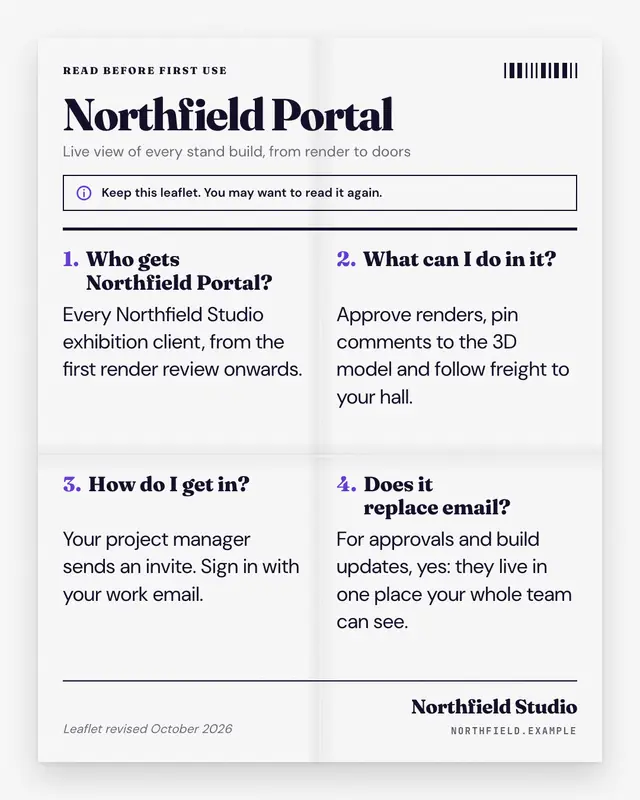
The launch FAQ as the folded leaflet that comes inside the box: a white sheet with real fold creases, a read-before-use header and a printed code strip, the product name…
Waitlist ticket
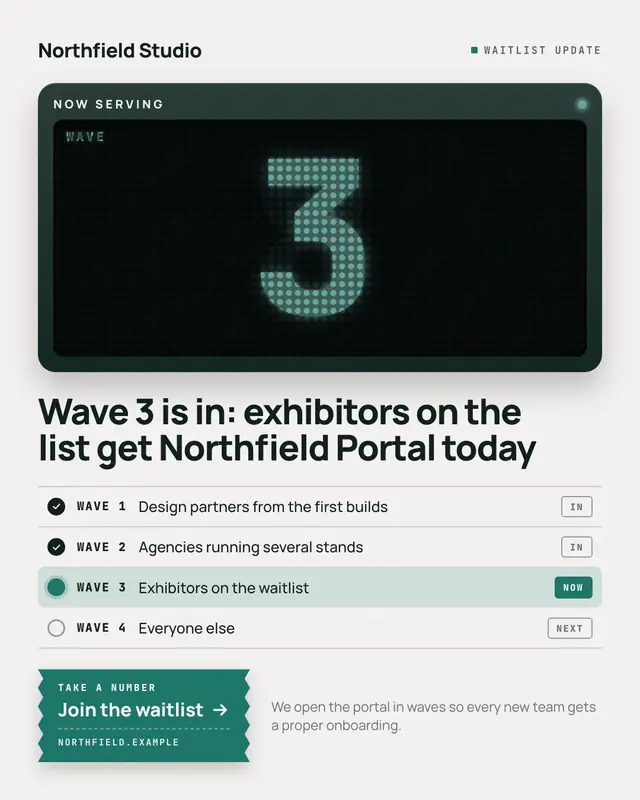
A waitlist let in by waves, told by the take-a-number counter: a dark wall unit reading NOW SERVING with the wave number glowing huge in dot-matrix digits, the headline…
Hourglass countdown
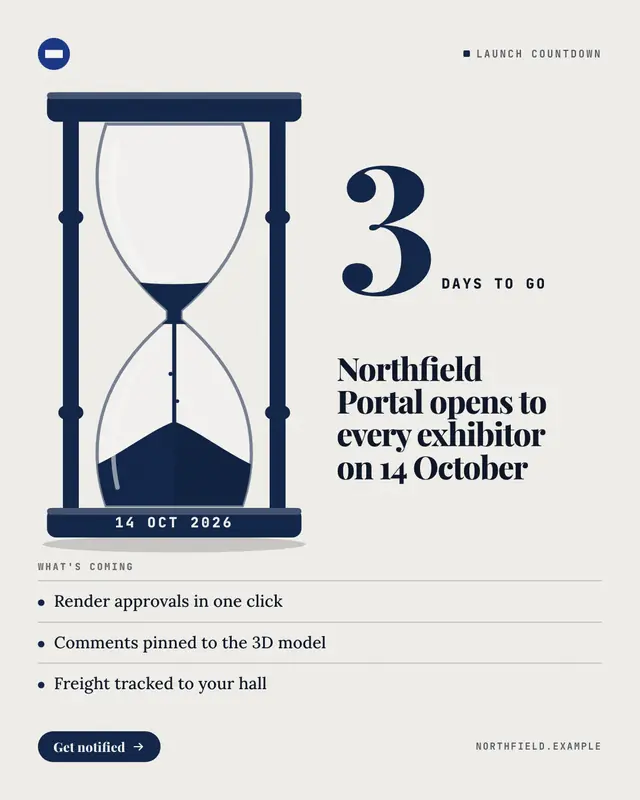
The days left to a launch as an hourglass that has nearly run: a turned-wood frame in the brand's deep colour, most of the brand-colour sand already fallen and a thin…
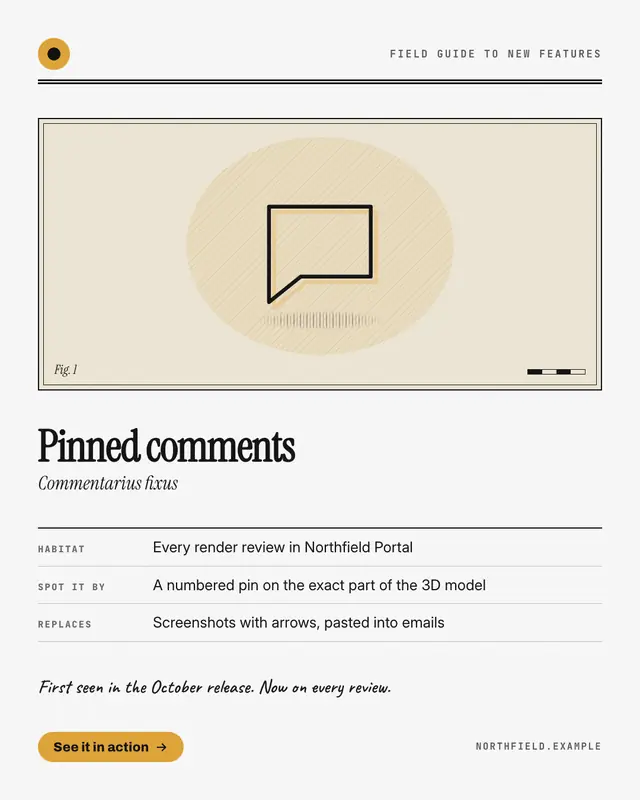
Specimen card
One new feature catalogued like a species in a naturalist's field guide: a framed plate with the feature drawn large as an engraving on a hatched oval and a figure…
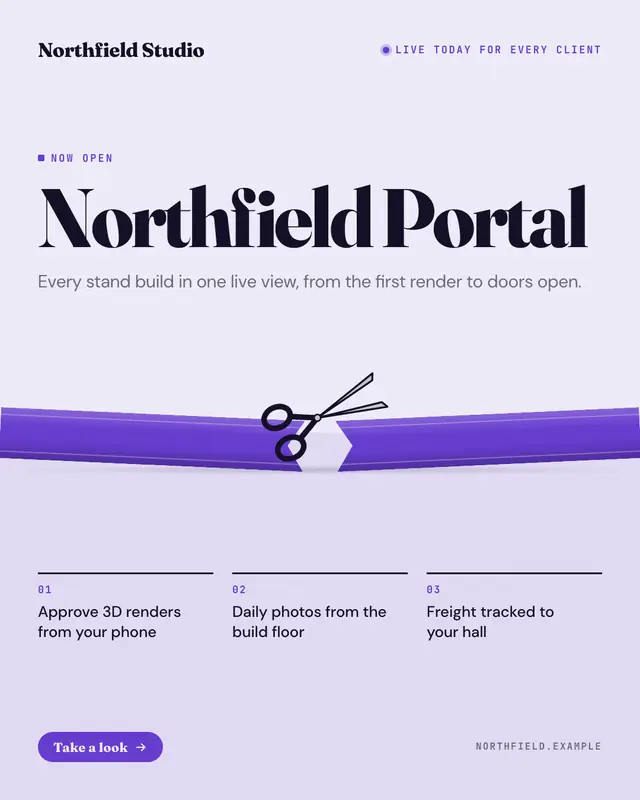
Ribbon cutting
The moment you 'cut the ribbon': a grand-opening ribbon in the brand colour stretched edge to edge and just cut
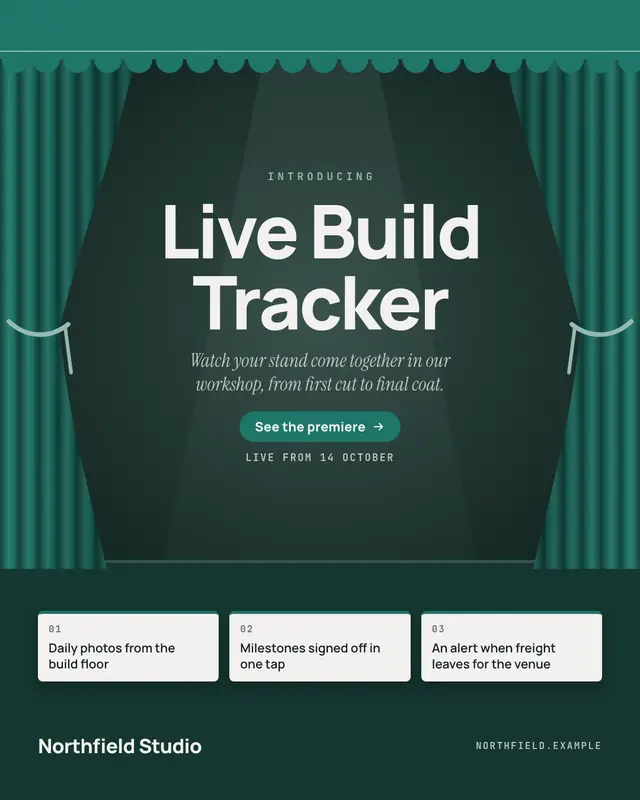
Curtain reveal
A premiere on a dark stage: velvet curtains in the brand colour drawn back under a scalloped valance, a soft spotlight on the product's name, one line on what it is, a…
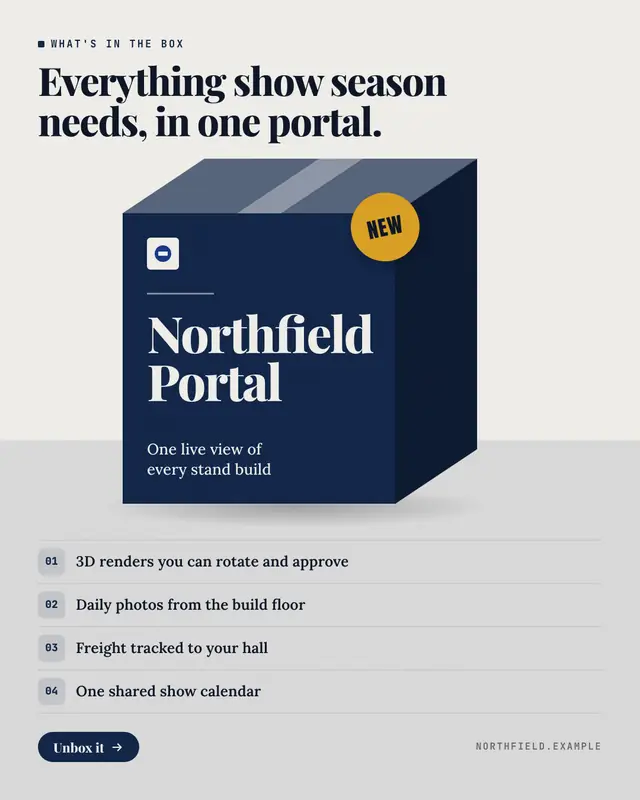
What's in the box
The product as a boxed product on the shelf: a brand-colour box drawn in perspective
Footnoted headline
An editorial launch statement
Make a Media alert with your brand.
MarketiQ writes the post, picks the template that carries it best — this one, when it fits — and fills it with your logo, colours, facts and copy.