Feature callouts
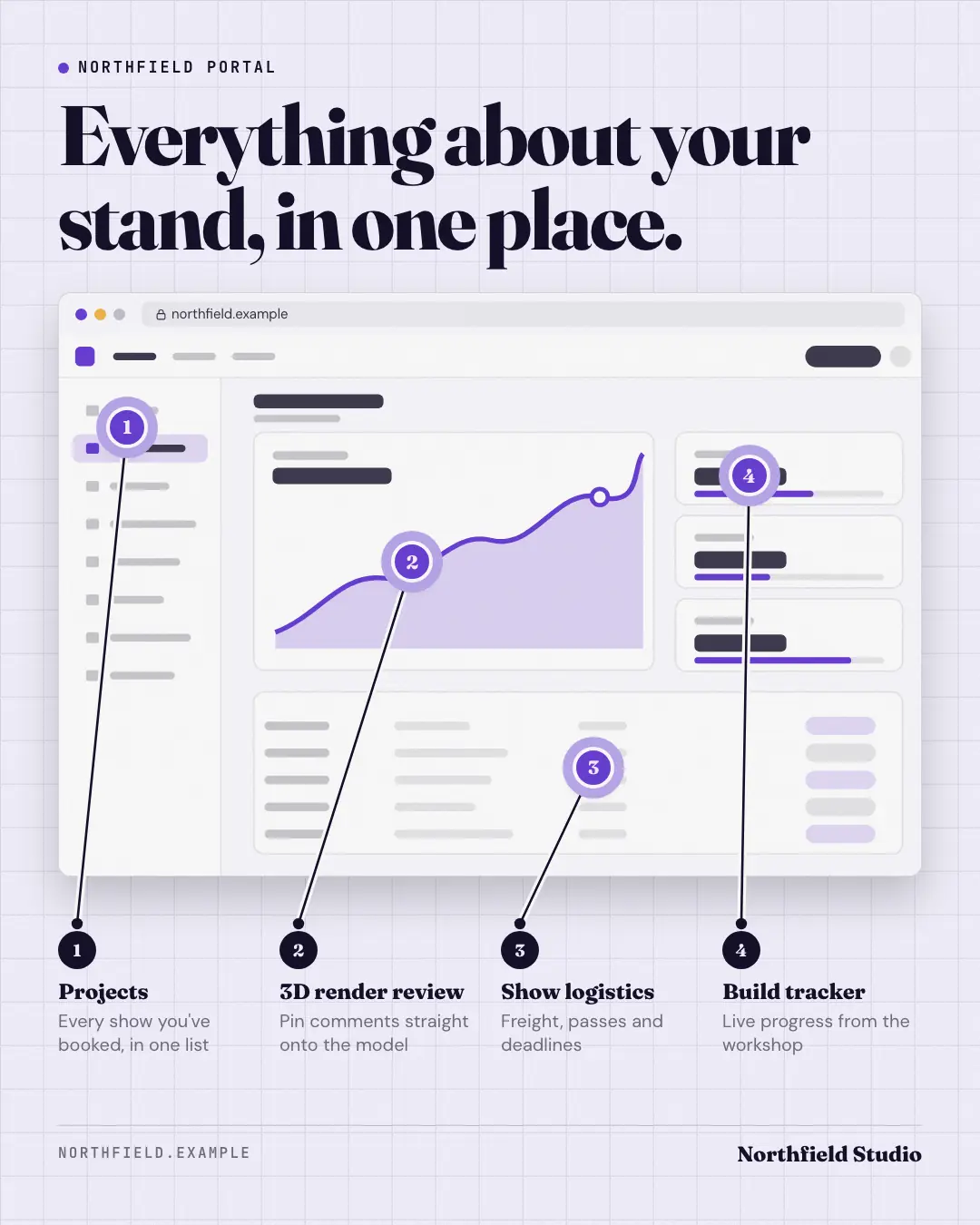
The real product screenshot with three or four numbered pins and labels connected by leader lines — an annotated tour that shows where each feature lives and what it does, in one glance.
When the AI picks it
MarketiQ’s Creative Director favours the Feature callouts for posts that teach, get people to act or announce news, when the message is a list, steps or a process or one sharp insight. It is built first to teach.
It reads each post’s goal and shape first, then its own words, the platform and the facts you have, and offers this template only where it fits.
Who it’s for
Any business. Nothing in it assumes what you sell, so the Director can offer it to a software company, a café or a coaching centre alike — whenever the post fits.
Platforms and sizes
| Size | Where |
|---|---|
| 4:51080 × 1350 px | Instagram, Facebook, LinkedIn, Threads, Pinterest, Reddit |
| 1:11080 × 1080 px | Ads |
| 9:161080 × 1920 px | TikTok |
| 16:91600 × 900 px | X, YouTube, Blog |
Single image. Each size is laid out for its canvas, not cropped; the sample above is the 4:5 version.
What it needs
The Director offers it only when these exist. Without them it simply picks another template.
- A real photo or screenshot of your product
The sample shows a text-free stand-in where the screens go; MarketiQ only ever places real screens of your own app or website.
Rules the AI follows
Word for word from the template library. The Director follows the copy rules when it writes into the template, and the visual review checks every creative against the visual rules.
Copy rules
- Callouts name real features that are visible on the screenshot, in the product's own words.
- Spots point at where each feature is; details say what it does for the customer.
Visual rules
- The real screenshot in a generic browser or phone on a faint drafting grid; brand-colour numbered pins with a soft halo; thin ink leader lines to numbered labels that never cross.
- A text-free skeleton interface stands in when there is no screenshot.
More Product showcase templates
How it works
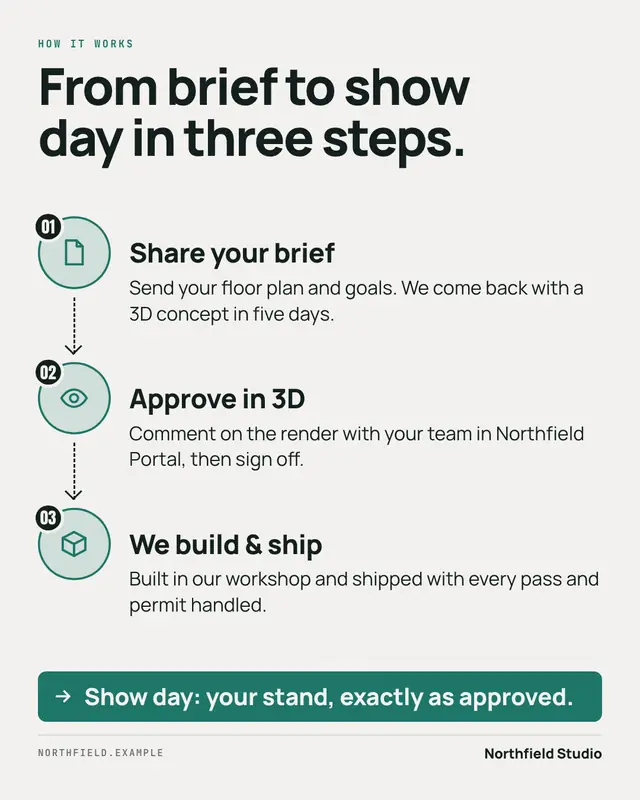
'How it works' in three steps
Launch card
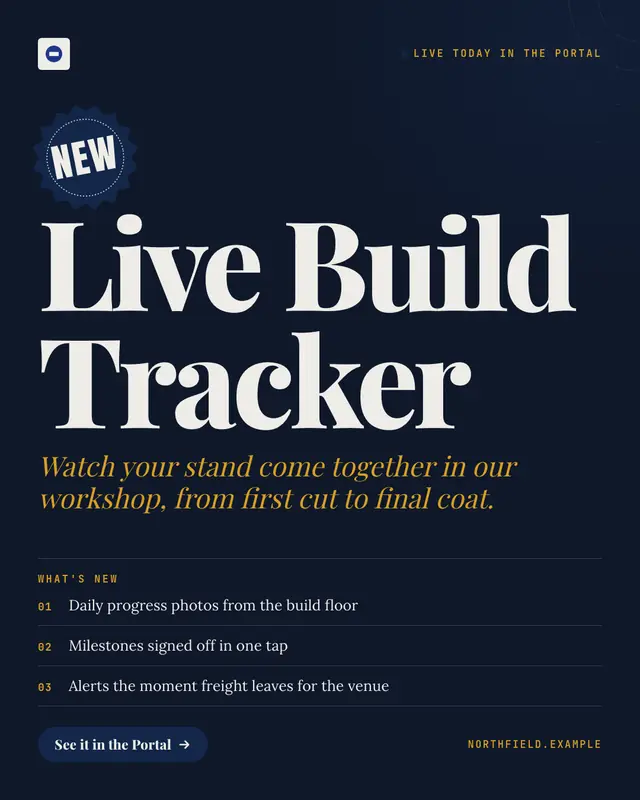
A keynote-style launch card: a starburst 'NEW' sticker, the product or feature name set huge, a one-line value, three numbered 'what's new' points and a button, on a…
Changelog
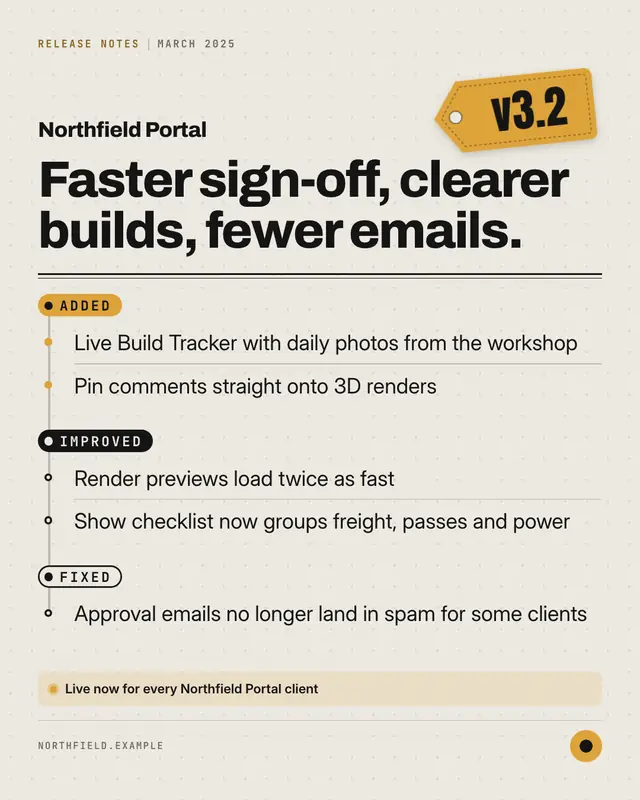
Release notes as a designed object: a brand-colour version tag, the headline of the release and the changes grouped under Added, Improved and Fixed on a commit-style…
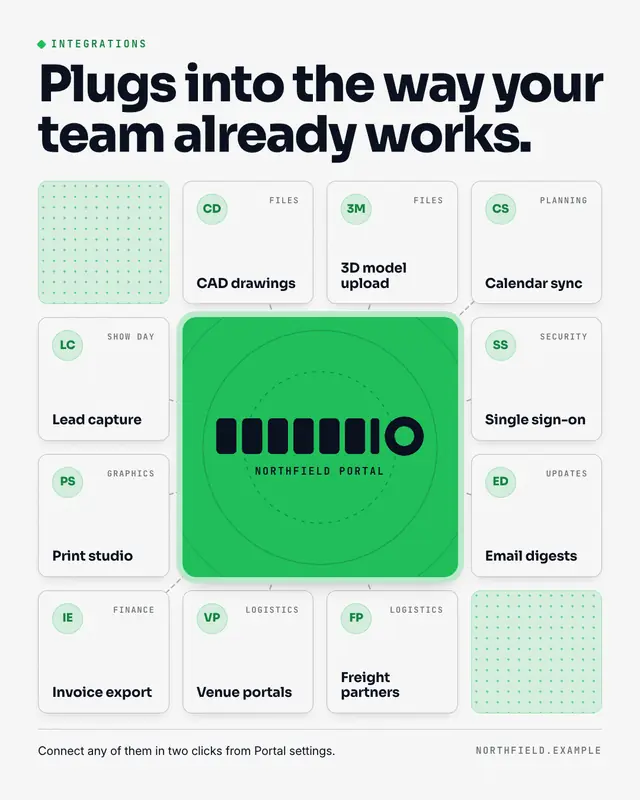
Integrations grid
The brand as the hub of the customer's stack: the logo on a brand-colour tile at the centre, the tools and partners it connects with as clean name tiles around it…
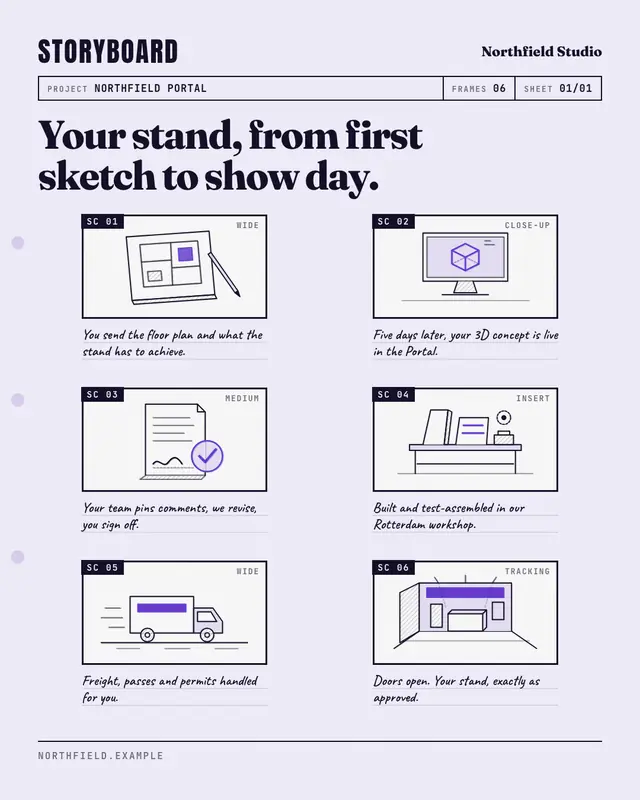
Storyboard
A film storyboard sheet that walks through the customer's experience frame by frame
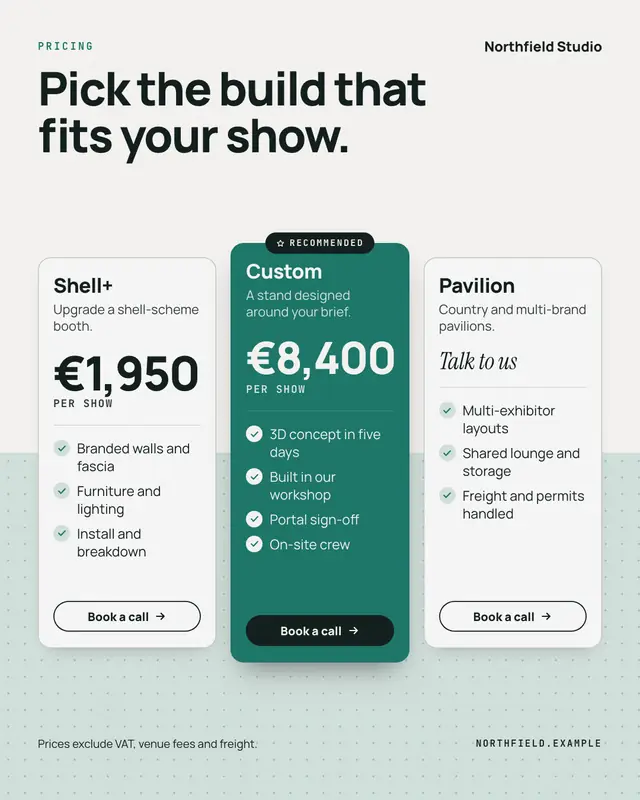
Pricing card
Clear pricing in one to three plan cards
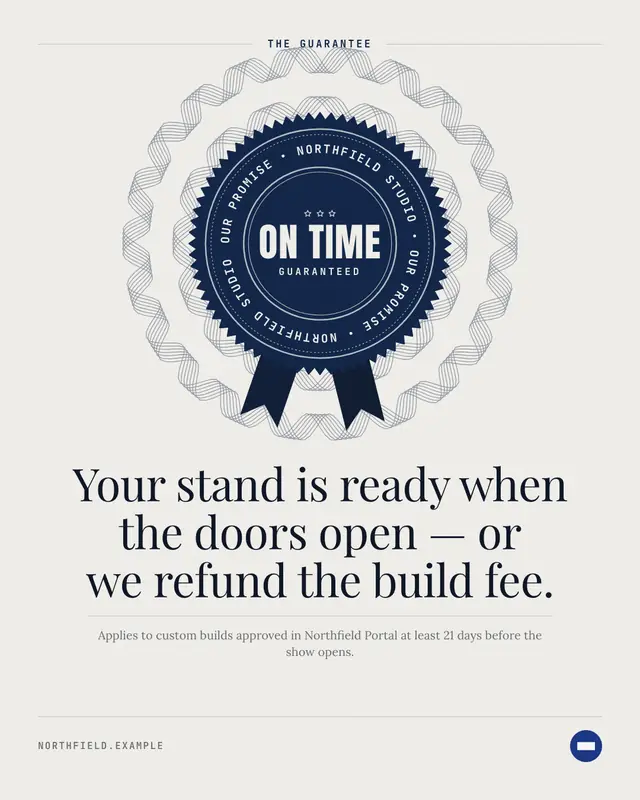
Guarantee seal
The business's guarantee as an engraved rosette seal
Benefit hero
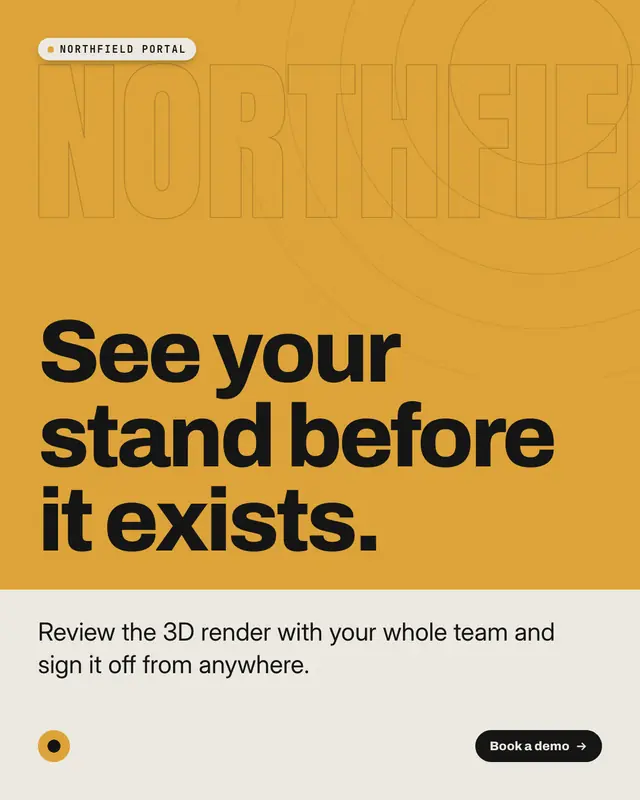
A full-bleed hero picture of the product at its best
Make a Feature callouts with your brand.
MarketiQ writes the post, picks the template that carries it best — this one, when it fits — and fills it with your logo, colours, facts and copy.