New arrivals window
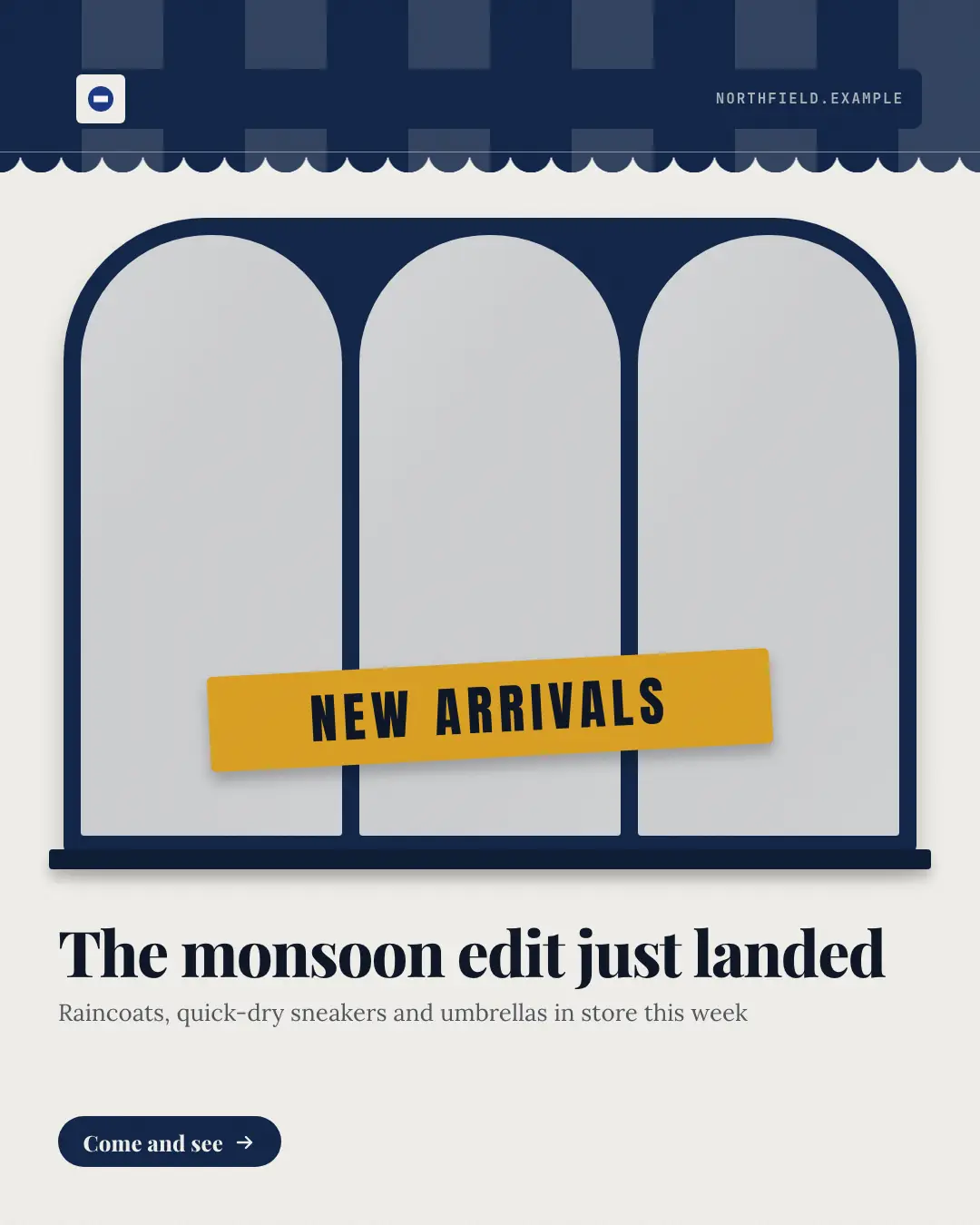
'NEW ARRIVALS' in a shop window: three of the brand's own photos behind arched window panes under a striped awning with the shop's name on the fascia, a decal across the glass and the headline below — fresh stock, shown the way passers-by see it.
When the AI picks it
MarketiQ’s Creative Director favours the New arrivals window for posts that announce news or get people to act, when the message is several products or a menu, one product in the spotlight or one sharp insight. It is built first to announce news.
It reads each post’s goal and shape first, then its own words, the platform and the facts you have, and offers this template only where it fits.
Who it’s for
Any business. Nothing in it assumes what you sell, so the Director can offer it to a software company, a café or a coaching centre alike — whenever the post fits.
Platforms and sizes
| Size | Where |
|---|---|
| 4:51080 × 1350 px | Instagram, Facebook, LinkedIn, Threads, Pinterest, Reddit |
| 1:11080 × 1080 px | X, Ads |
| 9:161080 × 1920 px | TikTok |
| 1.91:11200 × 628 px | Newsletter, Blog |
Single image. Each size is laid out for its canvas, not cropped; the sample above is the 4:5 version.
What it needs
The Director offers it only when these exist. Without them it simply picks another template.
- 3 of your own photos
The sample shows the template’s own stand-in where the picture goes.
Rules the AI follows
Word for word from the template library. The Director follows the copy rules when it writes into the template, and the visual review checks every creative against the visual rules.
Copy rules
- The headline names what is new, from the post; the photos are not captioned with product names.
- Counts and dates in the detail are the post's own.
- Never name a marketplace, payment or delivery app.
Visual rules
- A shop front: a striped awning in the brand's deep colour with the logo on a fascia board, then a window of three arched panes, each filled with one of the brand's own photos with a soft glare.
- A contrasting decal strip across the glass reads the banner; a dark sill under the window; headline, detail and a button below on paper.
More Products & catalog templates
Catalog page
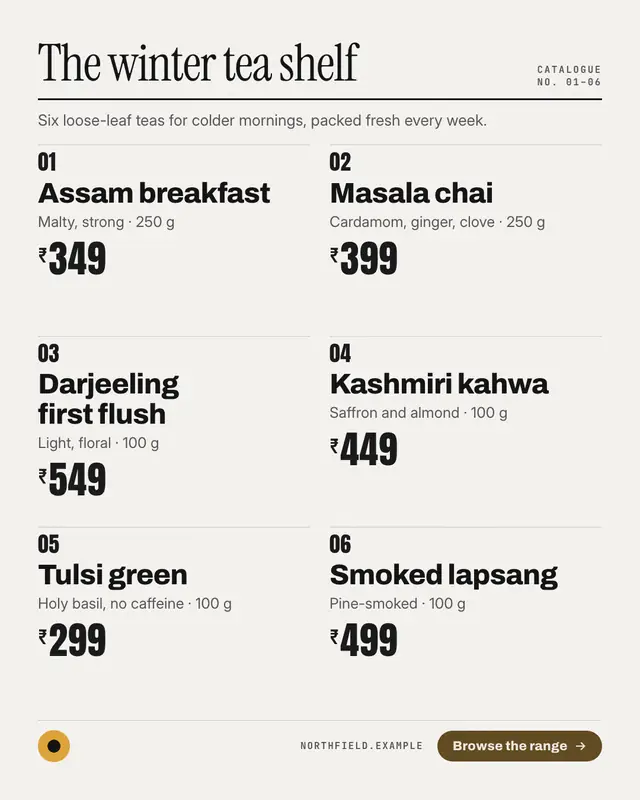
A printed catalog page: the collection's name in a big serif over a heavy rule with the folio, then numbered entries
Today's rates board
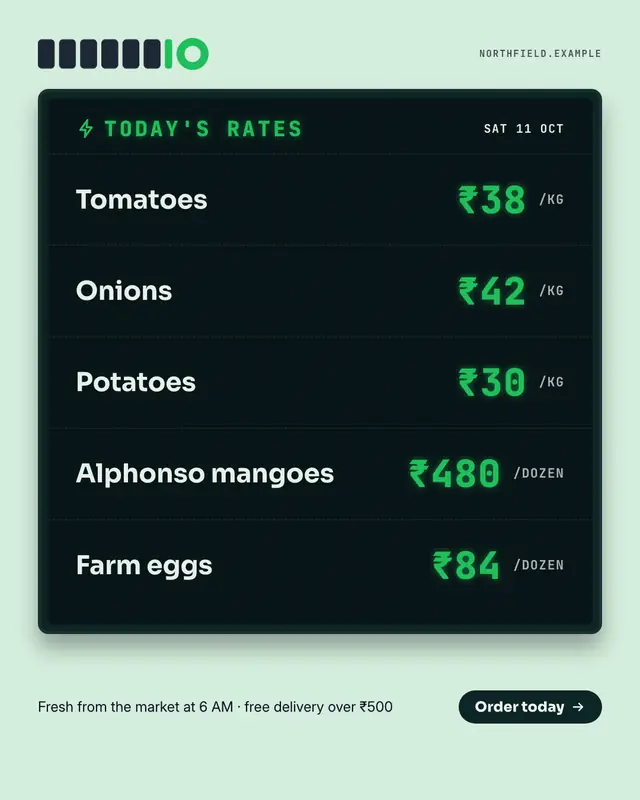
The shop's 'TODAY'S RATES' display board: a dark LED screen in a heavy frame with the date, each item on its own row and its rate glowing in brand-colour digits with the…
Bestseller podium
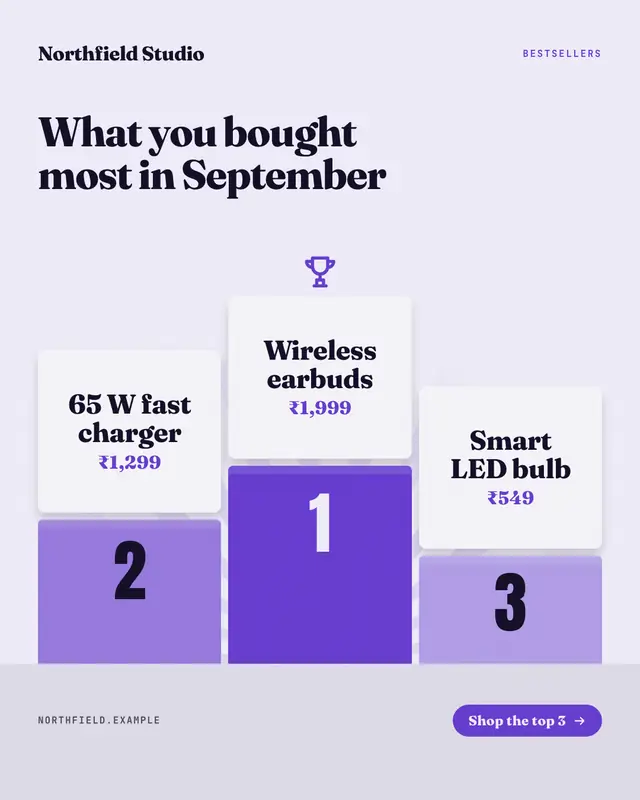
This month's top three bestsellers on a winners' podium: three blocks ranked 1-2-3 in brand shades, each product's name on a card standing on its block, a trophy over…
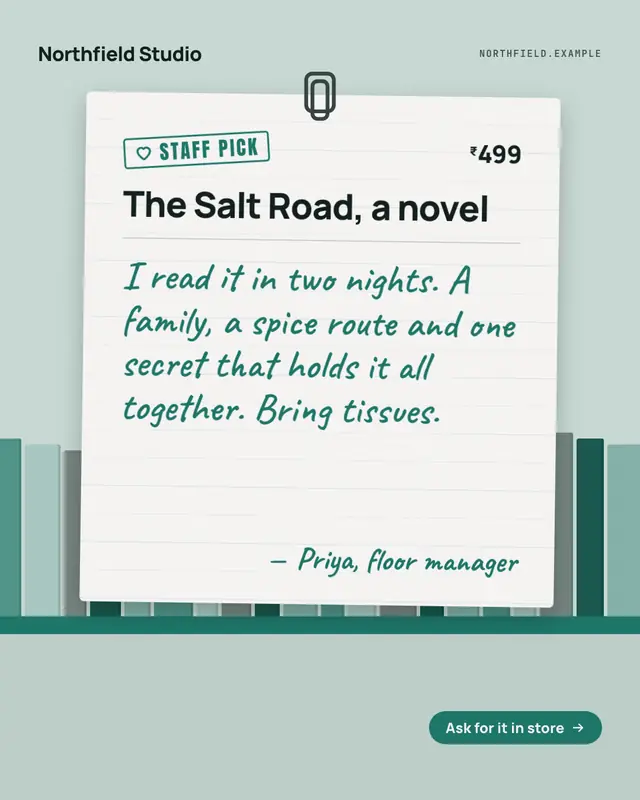
Staff pick card
A handwritten 'STAFF PICK' card clipped to the shelf: a lined card with a stamped heart label, the product's name, why someone in the store loves it in their own…
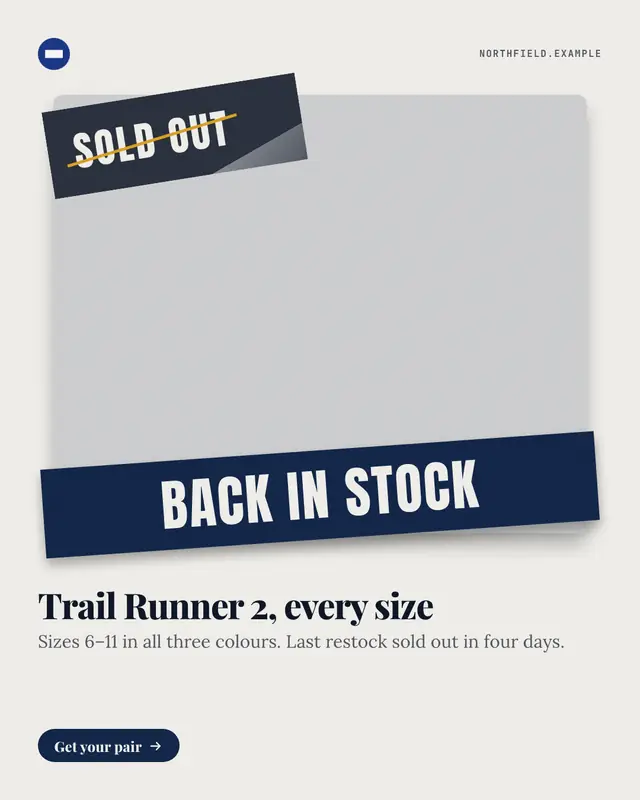
Back in stock
'BACK IN STOCK' slapped across the brand's own product photo while the old 'SOLD OUT' sticker peels away from its corner
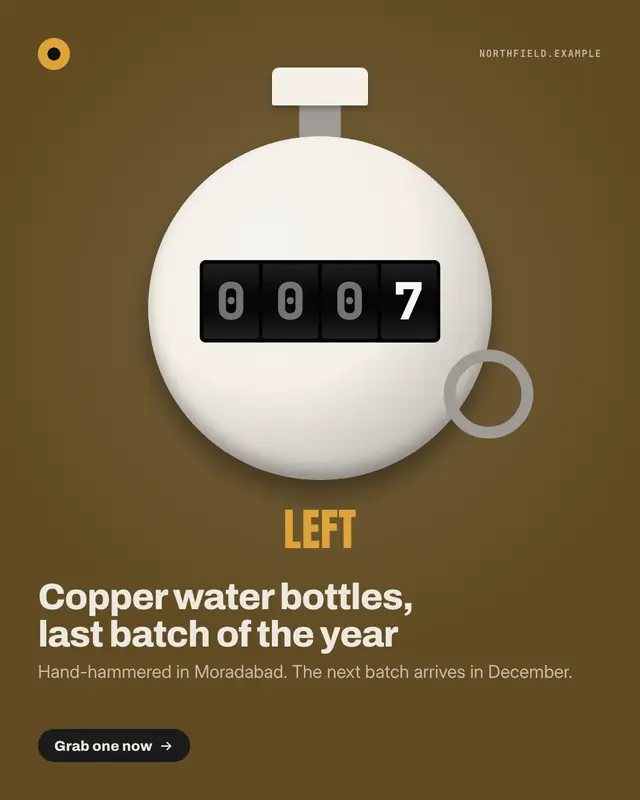
Only a few left
The number left in stock on a chrome tally counter
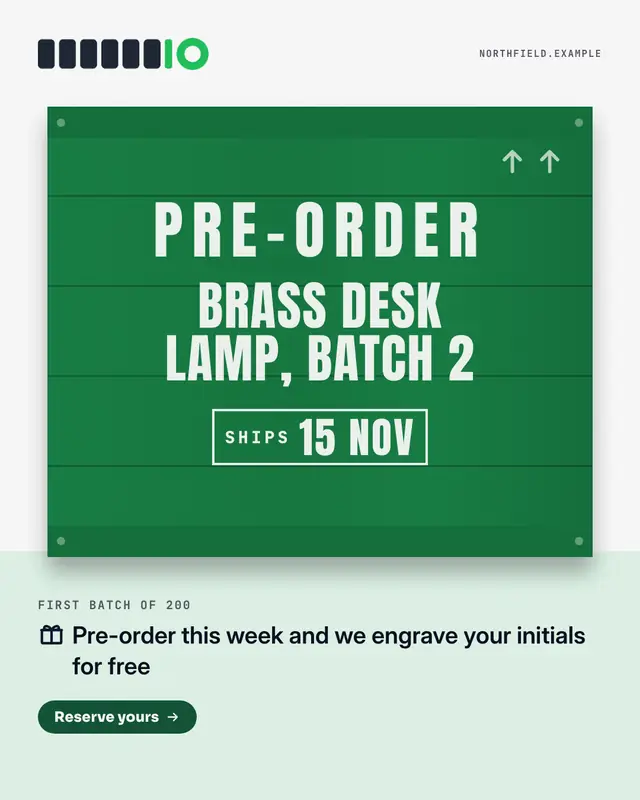
Pre-order crate
A pre-order announced on a wooden shipping crate: 'PRE-ORDER' and the product stencilled across the planks, a boxed dispatch stencil and this-way-up arrows

Fresh stock days
When new stock lands, as a week strip: seven day tiles with the delivery days lit in the brand colour and marked with a crate, and under it what arrives on each of those…
Make a New arrivals window with your brand.
MarketiQ writes the post, picks the template that carries it best — this one, when it fits — and fills it with your logo, colours, facts and copy.