Flash sale banner
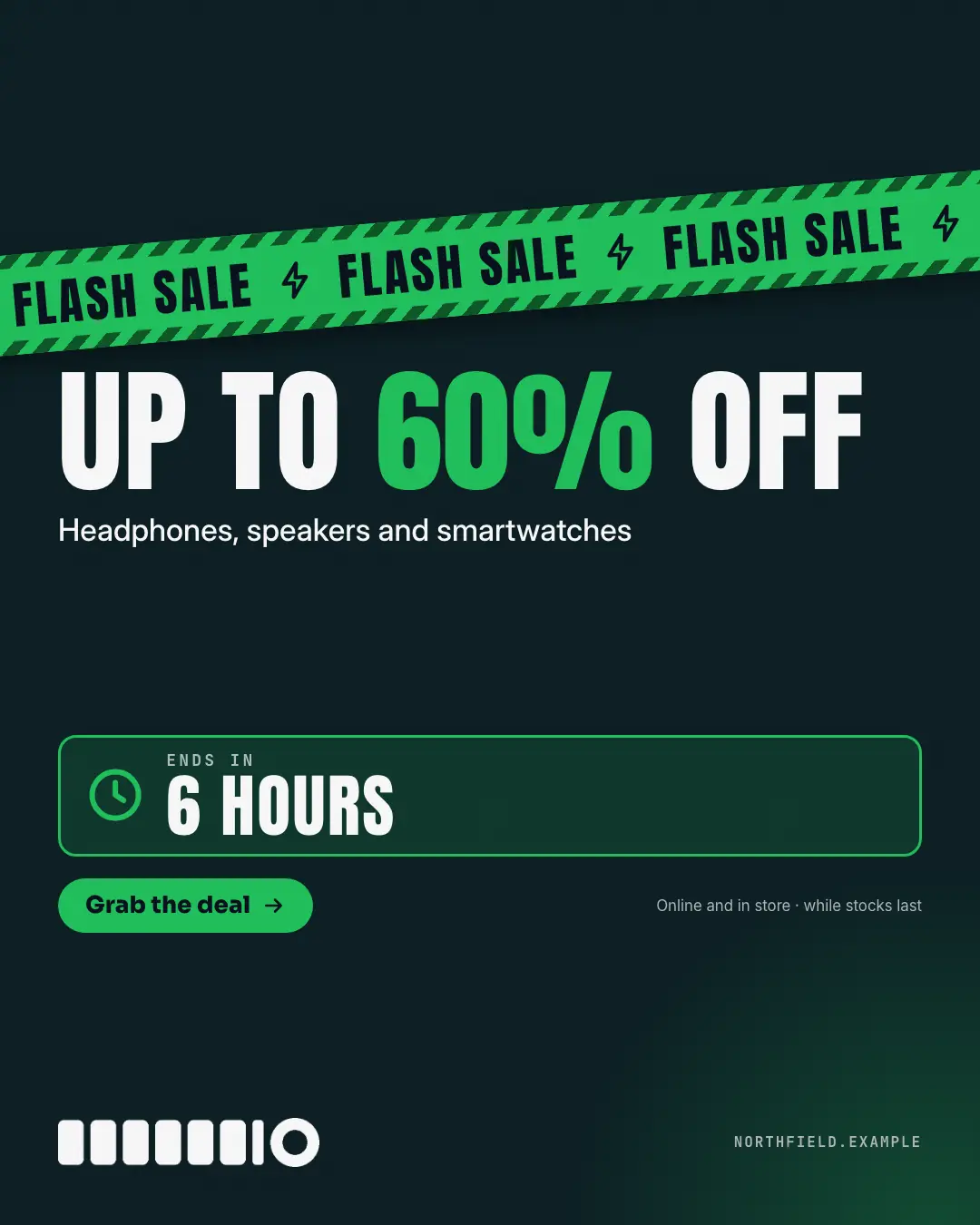
A flash-sale hazard tape slashed across a dark ground with lightning bolts, the deal in huge condensed capitals with its number lit in the brand colour, what it covers, and an 'ENDS IN' clock panel — a short, real deadline that makes people act now.
When the AI picks it
MarketiQ’s Creative Director favours the Flash sale banner for posts that get people to act or announce news, when the message is an offer or deal or one sharp insight. It is built first to get people to act.
It reads each post’s goal and shape first, then its own words, the platform and the facts you have, and offers this template only where it fits.
Who it’s for
Any business. Nothing in it assumes what you sell, so the Director can offer it to a software company, a café or a coaching centre alike — whenever the post fits.
Platforms and sizes
| Size | Where |
|---|---|
| 4:51080 × 1350 px | Instagram, Facebook, LinkedIn, Threads, Pinterest, Reddit |
| 1:11080 × 1080 px | Ads |
| 9:161080 × 1920 px | TikTok |
| 1.91:11200 × 628 px | Newsletter, Blog |
| 16:91600 × 900 px | X, YouTube |
Single image. Each size is laid out for its canvas, not cropped; the sample above is the 4:5 version.
What it needs
The Director offers it only when these exist. Without them it simply picks another template.
- A real number from your post or your brand facts
Rules the AI follows
Word for word from the template library. The Director follows the copy rules when it writes into the template, and the visual review checks every creative against the visual rules.
Copy rules
- The deal and the deadline are the post's own — never invent an end time or a countdown.
- Use 'ENDS AT' as the label for a clock time and 'ENDS IN' for a duration.
- Never name a marketplace, payment or delivery app.
Visual rules
- A dark ground crossed near the top by a tilted brand-colour tape with striped edges repeating the banner words and bolt icons, running off both sides.
- Below it the deal in huge condensed capitals with its number in the brand colour, a muted line on what it covers, and a bordered clock panel with the end time.
- A brand button and the logo at the bottom; a soft brand glow in one corner.
More Offer tags & coupons templates
Markdown price tag
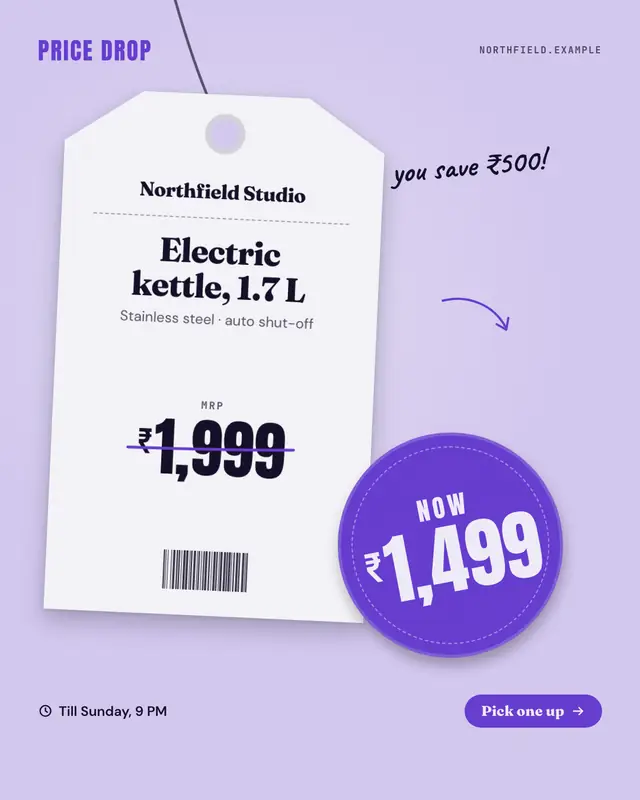
A price drop told by the shop's own tag: a hanging swing tag with the product name and its old price struck through in marker, a round 'NOW' sticker slapped over the…
Bundle stack
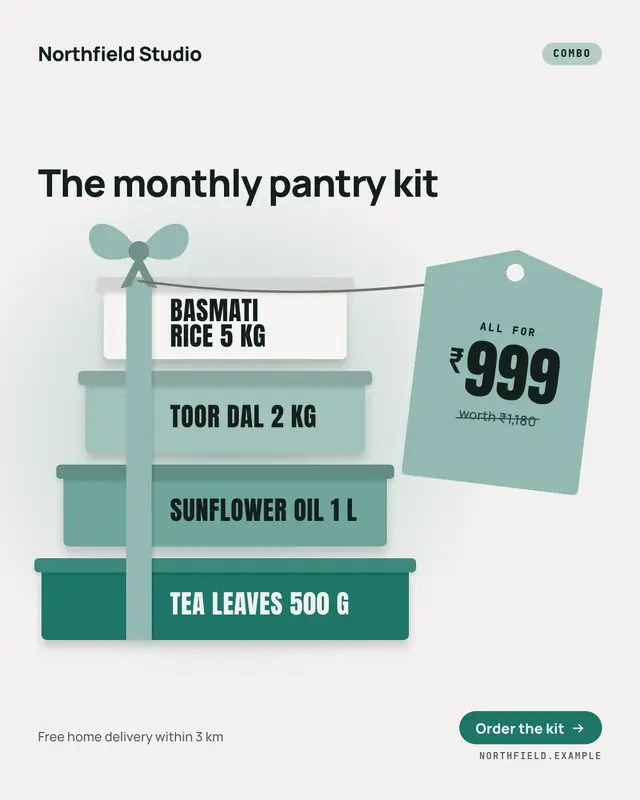
A combo or bundle as a stack of parcels tied with one ribbon and bow
Tear-off flyer
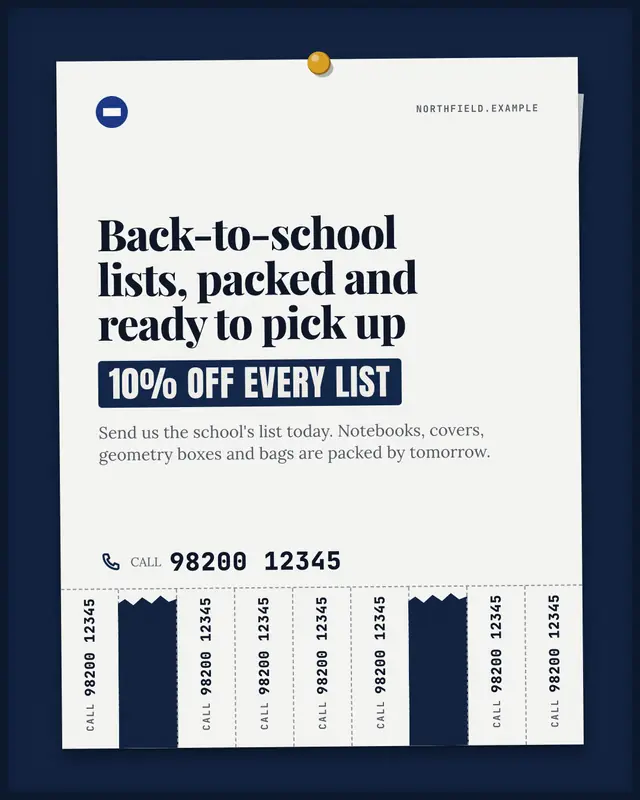
A paper flyer pinned to a notice board with a fringe of 'take one' tear-off tabs along the bottom
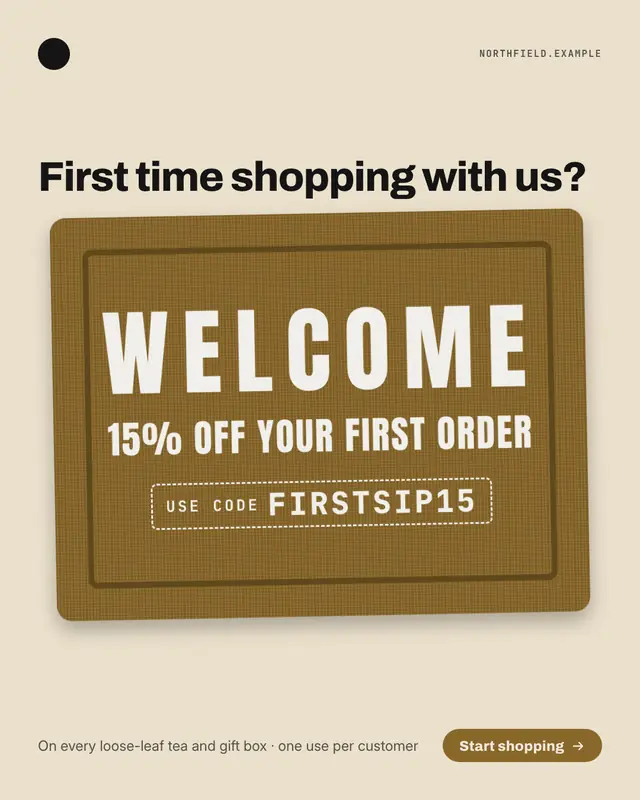
Doormat code
A first-order offer stencilled on a coir doormat seen from above
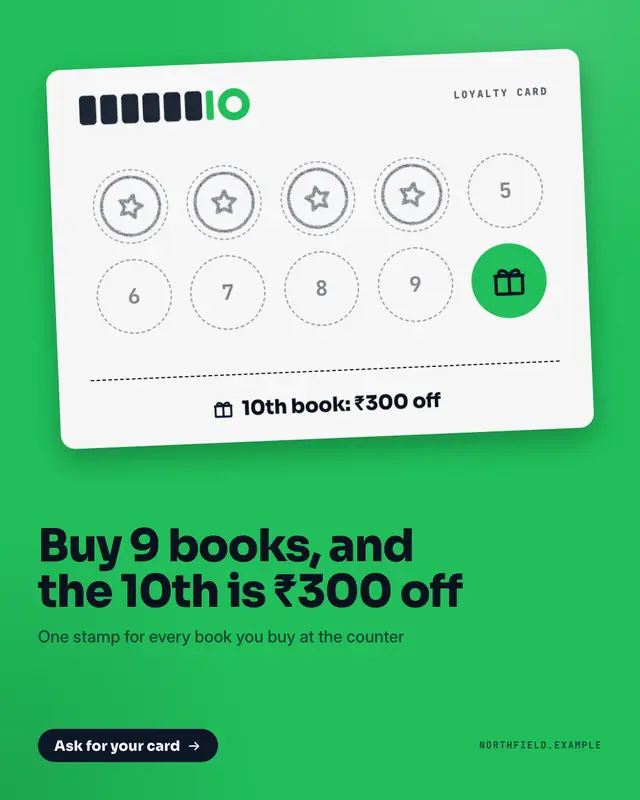
Loyalty stamp card
A loyalty stamp card held up on the brand colour
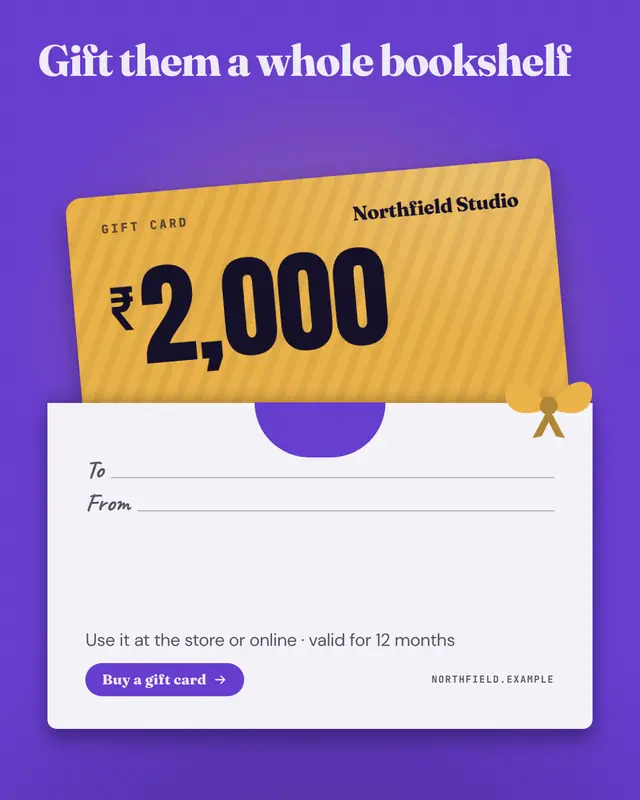
Gift card
A brand-colour gift card sliding out of its paper sleeve
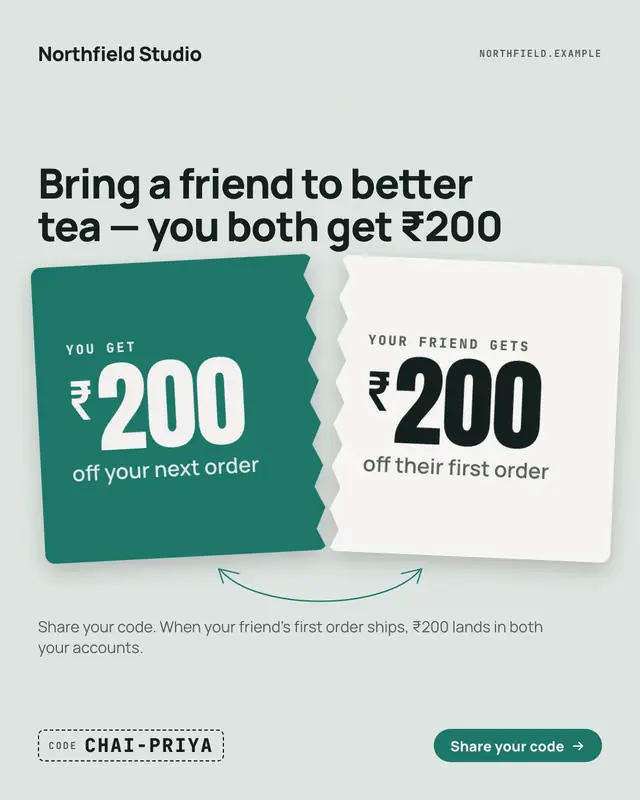
Refer a friend: give and get
'Give ₹200, get ₹200' as one ticket torn in two
EMI instalments
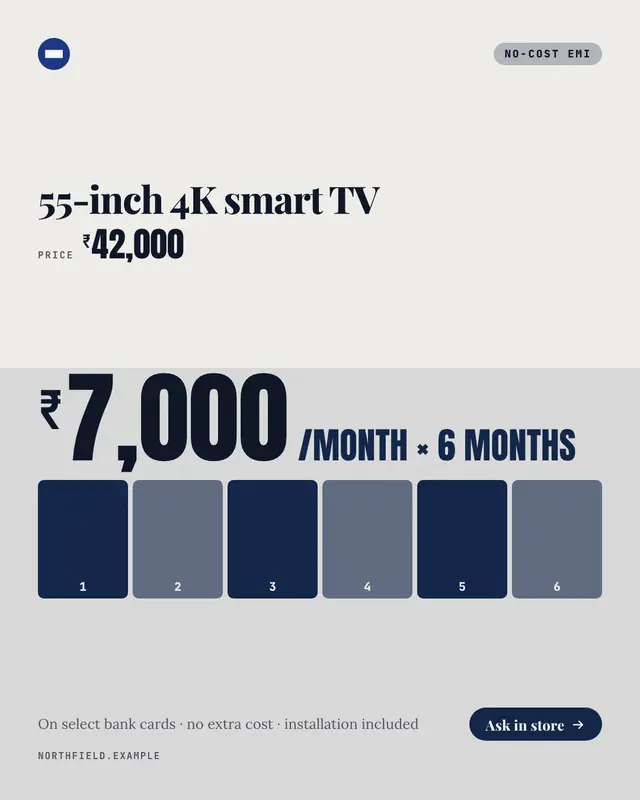
A big-ticket price split into equal monthly parts: the product and its total, then the monthly amount set huge with '/month × 6', over a bar cut into one numbered block…
Make a Flash sale banner with your brand.
MarketiQ writes the post, picks the template that carries it best — this one, when it fits — and fills it with your logo, colours, facts and copy.