TV listings: what's on
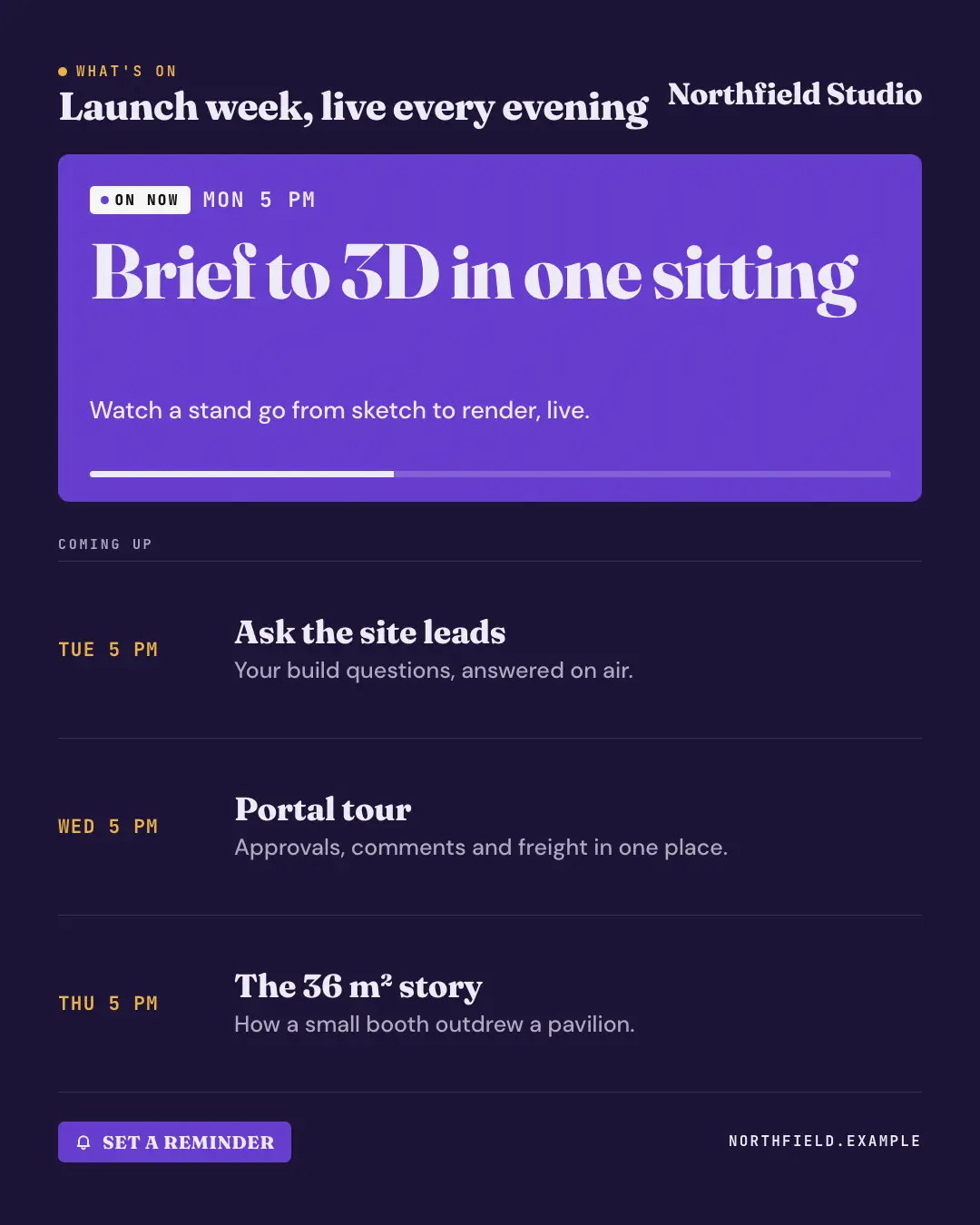
An on-screen TV guide for the brand's own lineup — an ON NOW panel with the first slot's title and progress bar, then the coming-up listings with their times — so a schedule reads like tonight's TV.
When the AI picks it
MarketiQ’s Creative Director favours the TV listings: what's on for posts that announce news or start a conversation, when the message is a timeline, a list or steps or a process. It is built first to announce news.
It reads each post’s goal and shape first, then its own words, the platform and the facts you have, and offers this template only where it fits.
Who it’s for
Any business. Nothing in it assumes what you sell, so the Director can offer it to a software company, a café or a coaching centre alike — whenever the post fits.
Platforms and sizes
| Size | Where |
|---|---|
| 4:51080 × 1350 px | Instagram, Facebook, LinkedIn, Threads, Pinterest, Reddit |
| 1:11080 × 1080 px | Ads |
| 9:161080 × 1920 px | TikTok |
| 16:91600 × 900 px | X, YouTube, Blog |
Single image. Each size is laid out for its canvas, not cropped; the sample above is the 4:5 version.
What it needs
Only your post. It is made from your copy and your brand kit — there is nothing else to prepare.
Rules the AI follows
Word for word from the template library. The Director follows the copy rules when it writes into the template, and the visual review checks every creative against the visual rules.
Copy rules
- Every time and title comes from the post's real schedule — never fill a slot to complete the grid.
- Show titles are short and specific; blurbs say what happens, not hype.
Visual rules
- A dark guide screen: a mono WHAT'S ON kicker over the lineup title, logo top right.
- A deep brand ON NOW panel with a white badge, the slot's time, its title large, a one-line blurb and a progress bar; below (or beside, on 16:9) ruled COMING UP rows of time in the brand colour and title.
- A brand reminder button with a bell and the website along the bottom.
More TV & broadcast templates
Infomercial: but wait, there's more
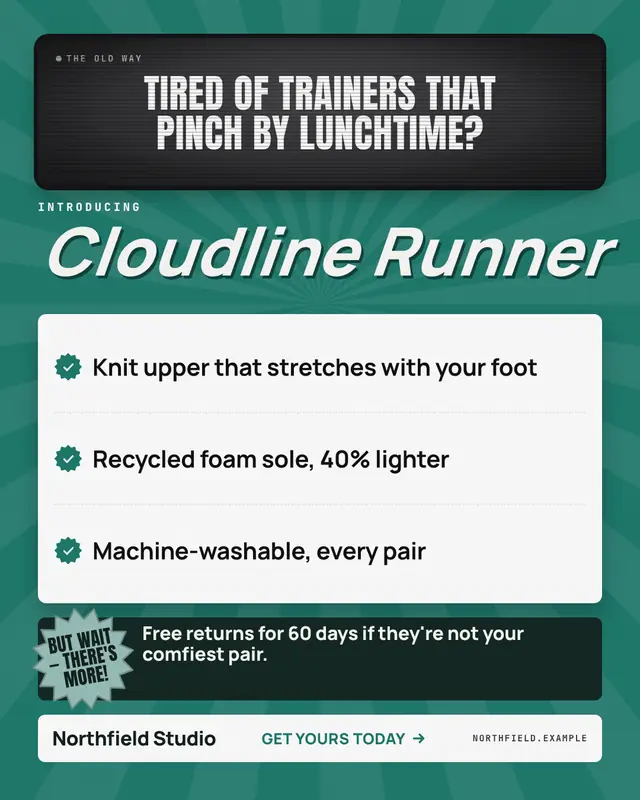
A late-night infomercial frame: the problem in a grainy black-and-white TV inset, INTRODUCING the offering in huge italic type over sunburst rays, ticked benefits, a BUT…
Camera viewfinder: REC
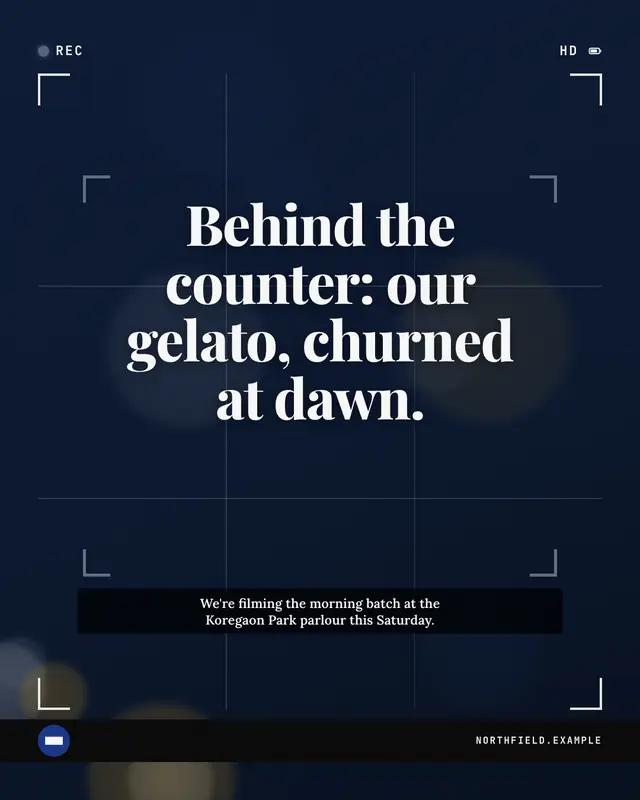
A camera viewfinder mid-shot: a red-dot 'REC' readout, rule-of-thirds lines and frame corners over a soft out-of-focus scene, focus brackets locked on the headline and a…
Clapperboard slate
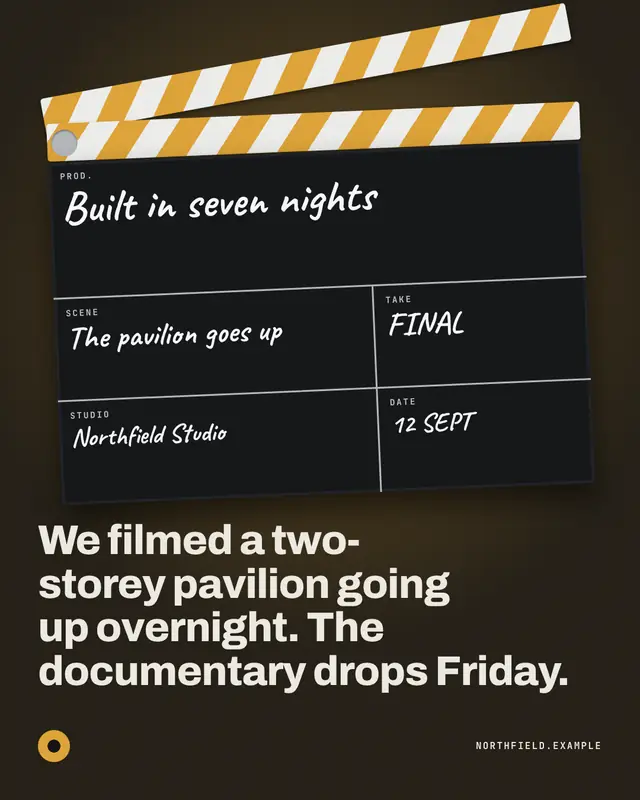
A film clapperboard snapped open under a spotlight
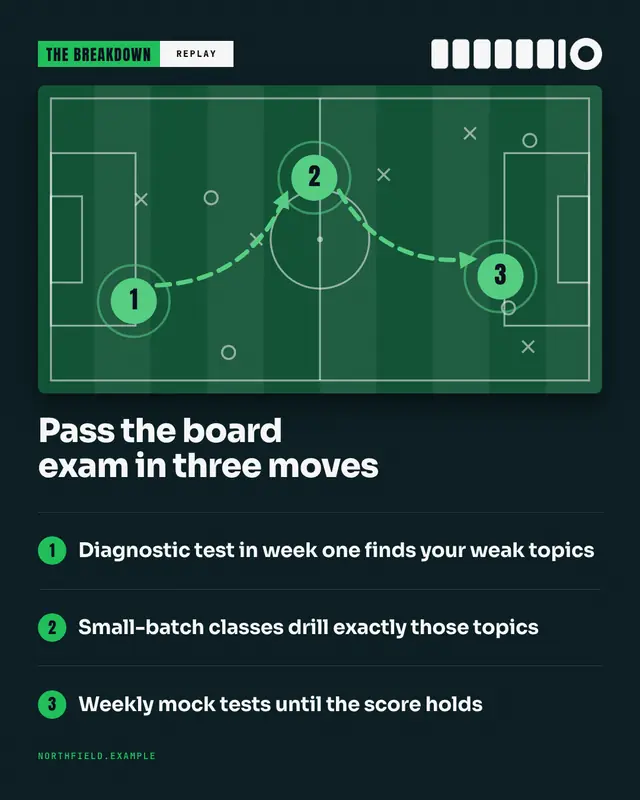
Telestrator replay
A sports analyst's telestrator replay of the 'game plan': a pitch from above with telestrator marks
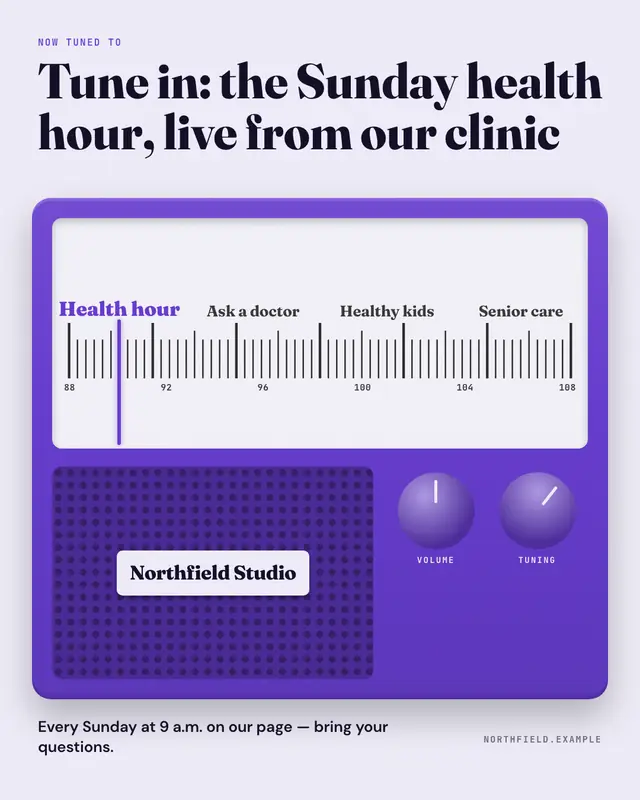
Radio dial
A radio set in the brand colour: the needle tuned in to the post's station on a lit dial of preset names, a speaker grille with the brand nameplate and two knobs
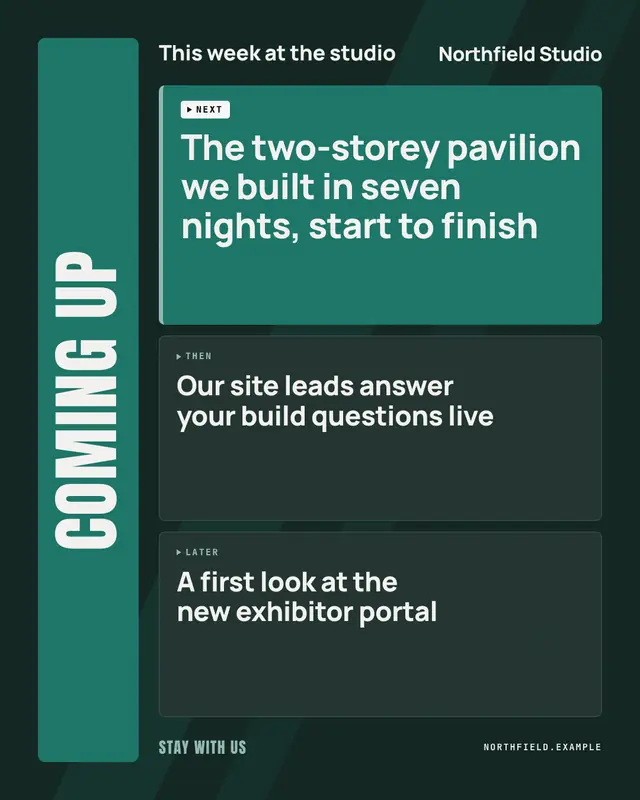
Coming up next
A broadcast coming-up bumper before the break: COMING UP set huge on a brand band, the show name and logo, then NEXT, THEN and LATER teaser tiles
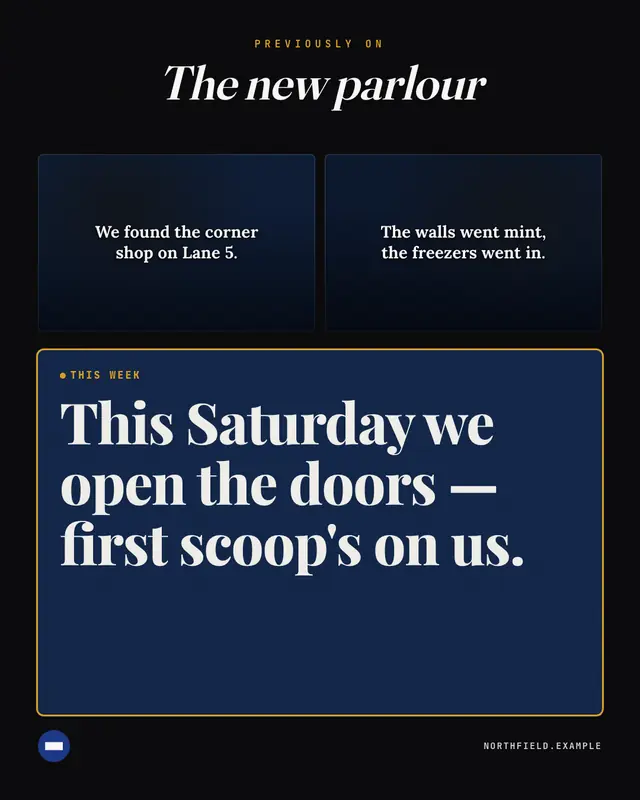
Previously on…
A TV 'previously on…' recap: the series name in an italic title, two or three dark film frames each subtitled with a story beat so far, then this week's new development…
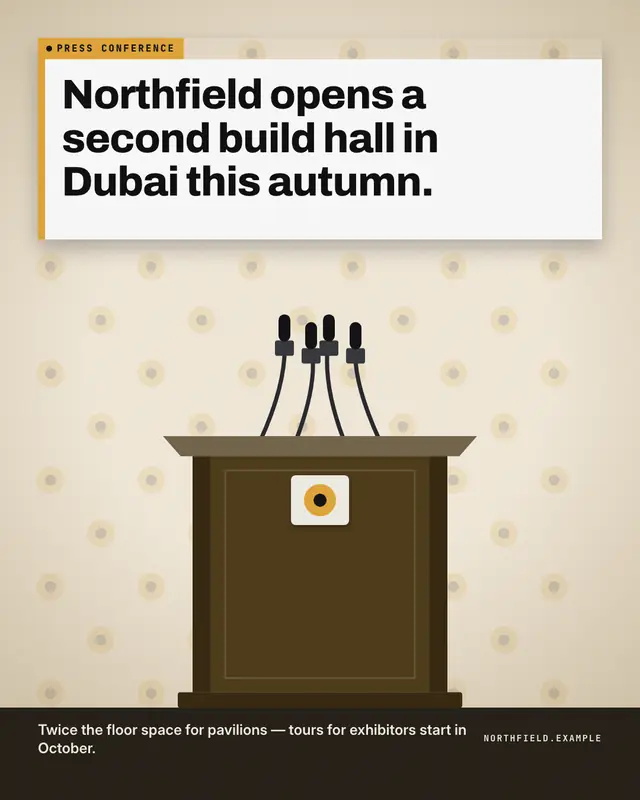
Press conference
A press conference in progress: a logo backdrop wall, a lectern carrying the brand nameplate under a cluster of microphones, and the announcement on a white headline…
Make a TV listings: what's on with your brand.
MarketiQ writes the post, picks the template that carries it best — this one, when it fits — and fills it with your logo, colours, facts and copy.