Release notes diff
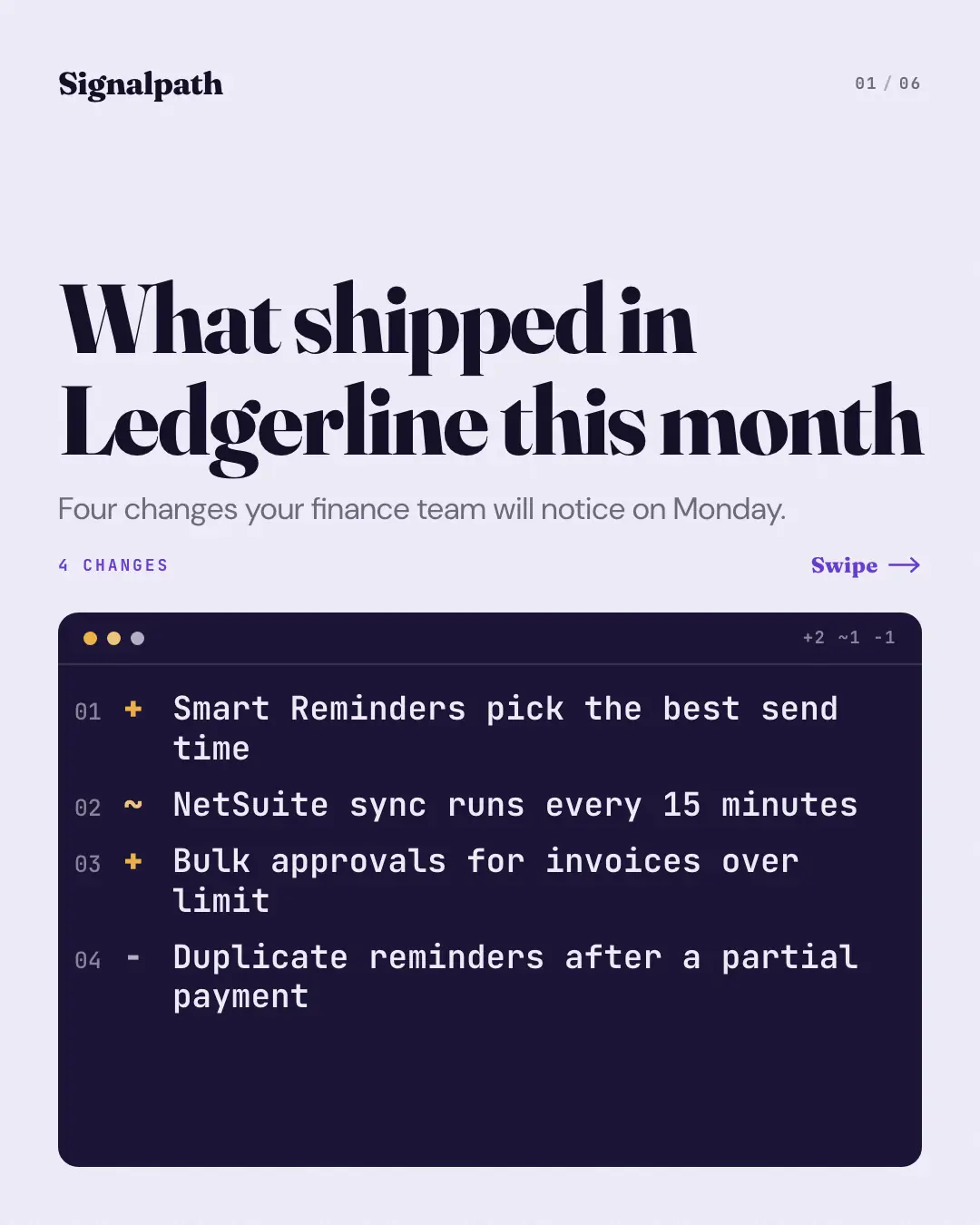
The 'release notes' as a diff: the cover lists every change as a numbered line in a dark code panel, signed + for new, ~ for improved and − for fixed, and each page opens one change — its sign and tag on a dark chip, what changed set large and what it means — beside a commit rail that marks how far through the release you are.
When the AI picks it
MarketiQ’s Creative Director favours the Release notes diff for posts that announce news or teach, when the message is a list or a timeline. It is built first to announce news.
It reads each post’s goal and shape first, then its own words, the platform and the facts you have, and offers this template only where it fits.
Who it’s for
Made for Software & apps. The Director offers it only to brands of that kind, so it never turns up for a business it does not suit.
Platforms and sizes
| Size | Where |
|---|---|
| 4:51080 × 1350 px | Instagram, Facebook, LinkedIn, Threads |
Carousel of 3–10 slides. Each size is laid out for its canvas, not cropped; the sample above is the 4:5 version.
What it needs
Only your post. It is made from your copy and your brand kit — there is nothing else to prepare.
Rules the AI follows
Word for word from the template library. The Director follows the copy rules when it writes into the template, and the visual review checks every creative against the visual rules.
Copy rules
- Only the changes the post states, in its words; no invented features, dates or version numbers.
- Each page is one change: what it is and what it means for the customer.
Visual rules
- Cover: the title over a dark code panel listing every change as a numbered diff line with its sign (+ new, ~ improved, − fixed) and the release's tally in the panel's title bar.
- Content pages: a vertical commit rail on the left (shipped nodes filled, the current one ringed in the brand colour), the change's sign and tag on a dark chip, the change set large and its explanation.
- Closing page on the panel's dark ground with the tally, the closing line and the logo; page counter on every page.
More Business decks templates
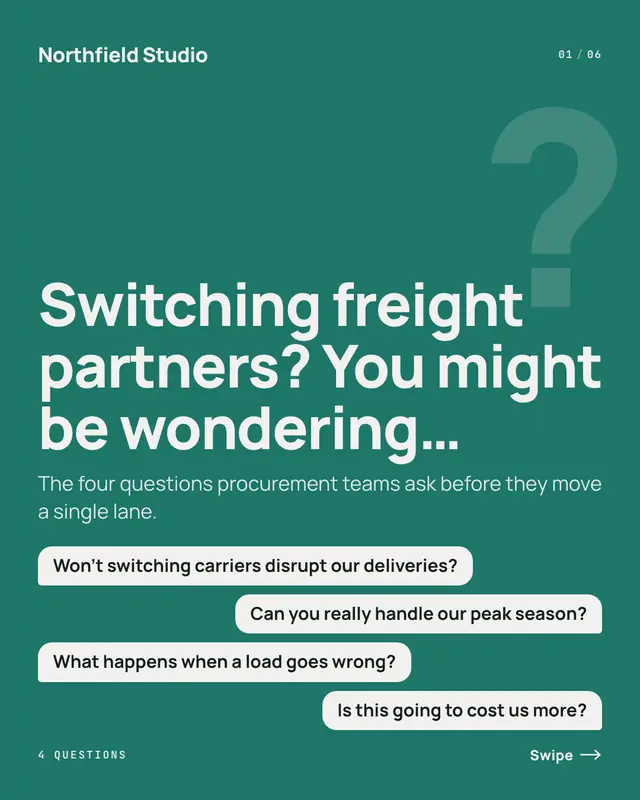
Objection rebuttals
'You might be wondering'
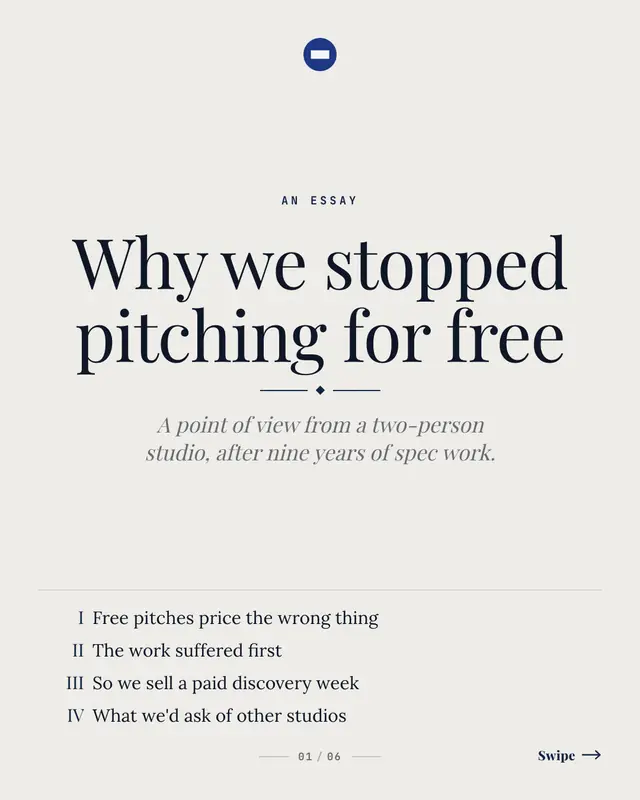
Point-of-view essay
A founder's or partner's argument set like a small book: the cover is a title page with the contents in roman numerals, and each page is one part of the argument
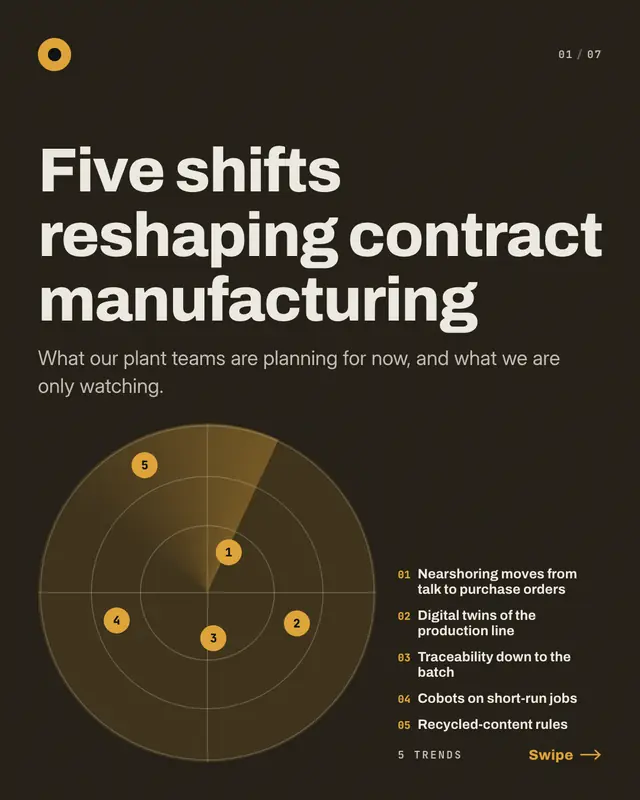
Trend radar
The industry's 'trends to watch' plotted on a radar: the cover sweeps a dark scope with one numbered blip per trend
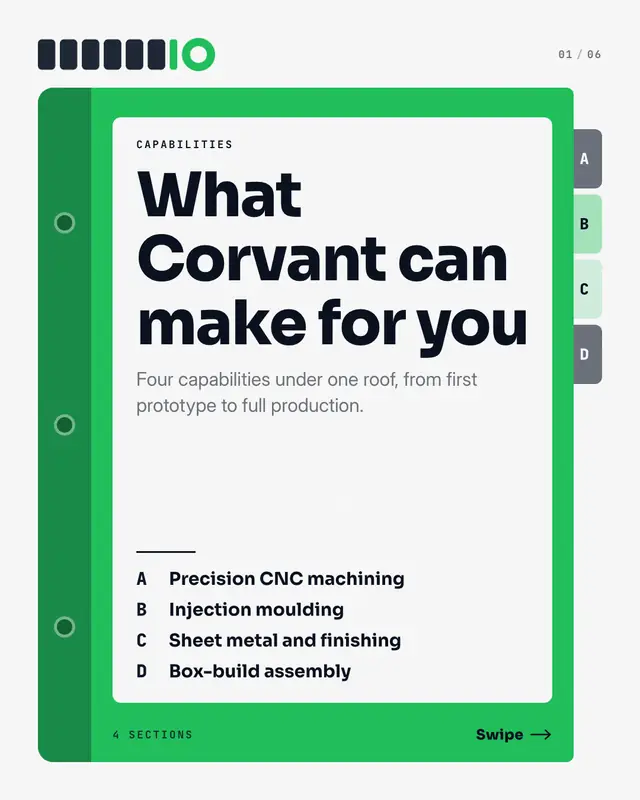
Capabilities binder
The 'capabilities deck' as a tabbed binder: the cover is the binder itself
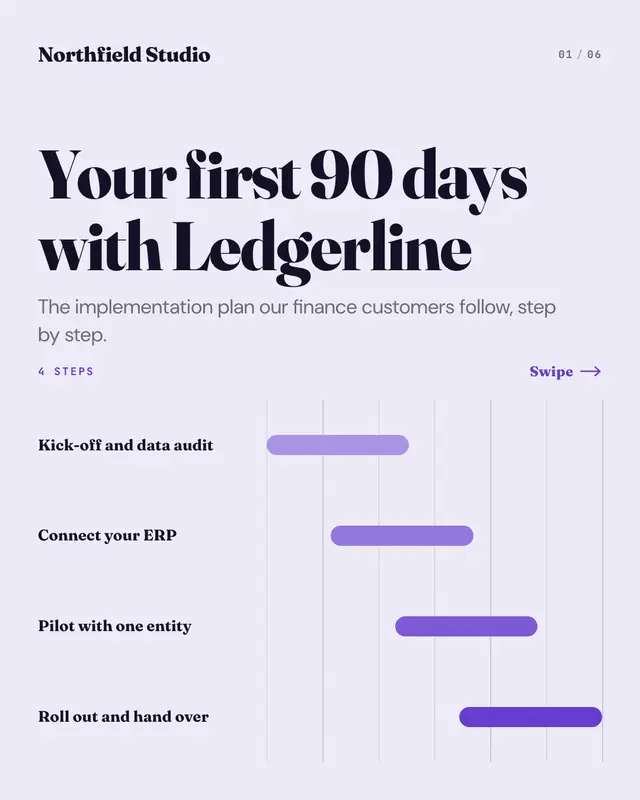
Implementation Gantt
The 'implementation plan' as a Gantt chart that unfolds: the cover charts every step as a bar that starts while the one before is under way, and each page opens one step…
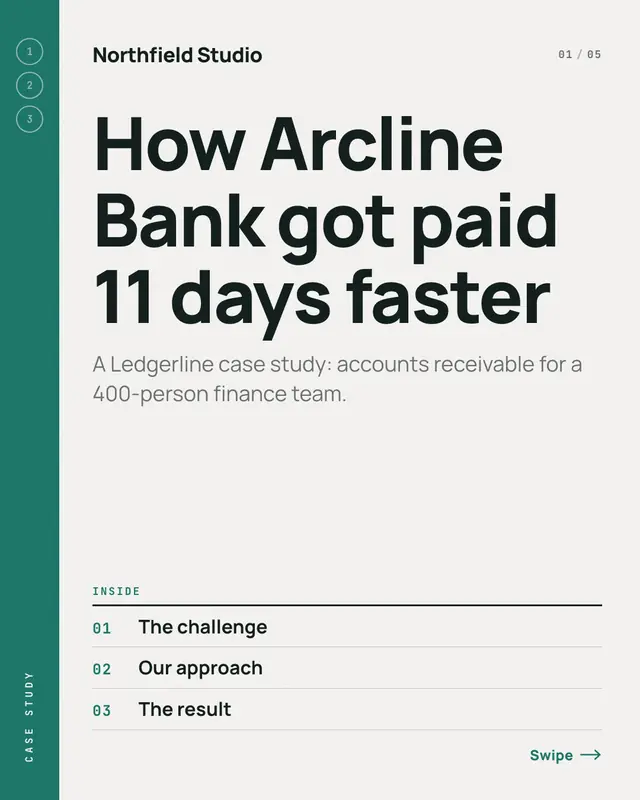
Case study dossier
A case study told page by page
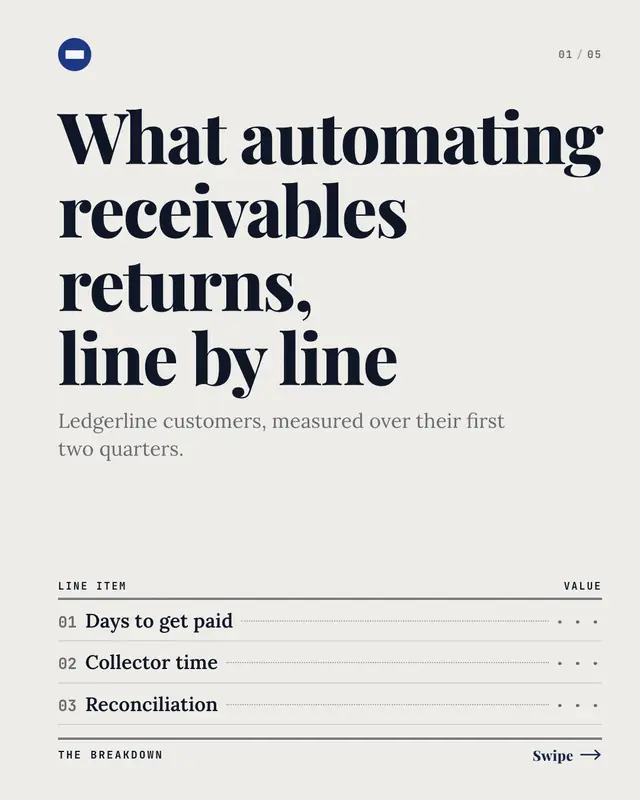
ROI breakdown
An accountant's ledger that reveals the return one line item per page: the cover lists the items with their values hidden, each page fills in the next value
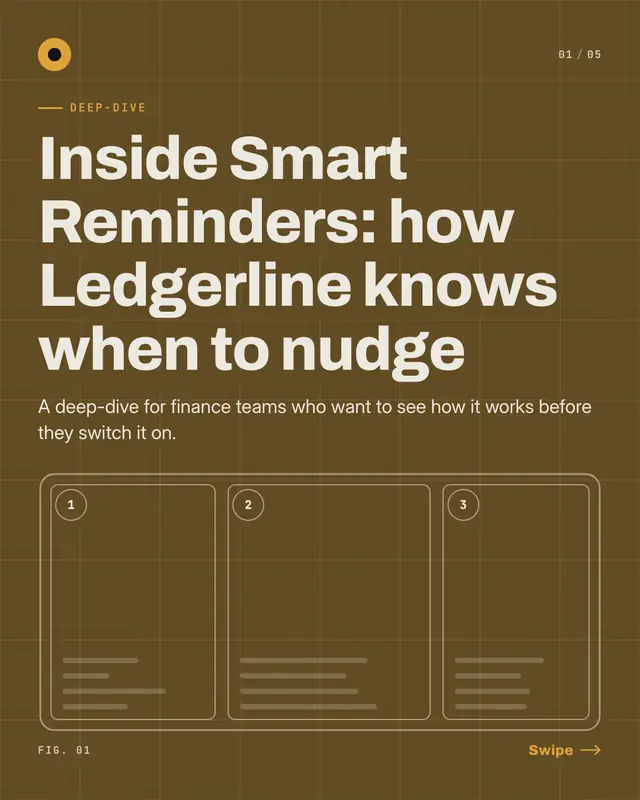
Feature deep-dive
A 'deep-dive' into one feature drawn as a blueprint: a schematic of the feature's parts on a brand-shade grid, one numbered callout per page lighting up as the page…
Make a Release notes diff with your brand.
MarketiQ writes the post, picks the template that carries it best — this one, when it fits — and fills it with your logo, colours, facts and copy.