Find-your-match vending machine
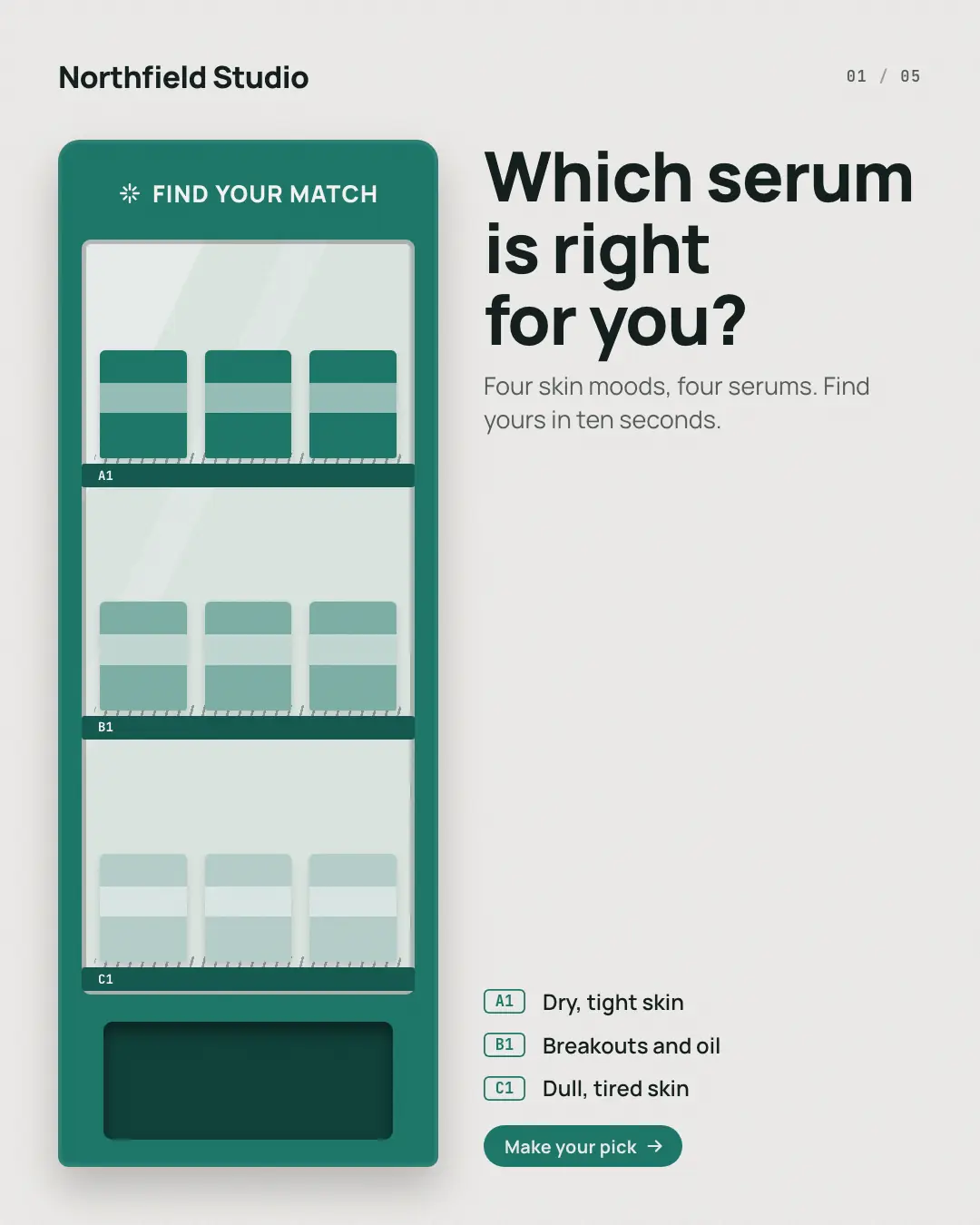
A product finder as a vending machine — 'which one is right for you', or 'find your match': the cover is the stocked machine beside the list of needs, each with its button code, then each page presses one code — the need, the product that matches it dropping into the flap, its name large, its price from the catalog and why it suits — and the last page leaves the machine ready for the ask. For a range where each product answers one need: skin types, roasts, mattresses, tiffins.
When the AI picks it
MarketiQ’s Creative Director favours the Find-your-match vending machine for posts that get people to act, teach or start a conversation, when the message is several products or a menu, a question or a list. It is built first to get people to act.
It reads each post’s goal and shape first, then its own words, the platform and the facts you have, and offers this template only where it fits.
Who it’s for
Made for Sells to consumers, Serves customers locally. The Director offers it only to brands of that kind, so it never turns up for a business it does not suit.
Platforms and sizes
| Size | Where |
|---|---|
| 4:51080 × 1350 px | Instagram, Facebook, LinkedIn, Threads |
Carousel of 4–10 slides. Each size is laid out for its canvas, not cropped; the sample above is the 4:5 version.
What it needs
The Director offers it only when these exist. Without them it simply picks another template.
- A real product or service you sell
Rules the AI follows
Word for word from the template library. The Director follows the copy rules when it writes into the template, and the visual review checks every creative against the visual rules.
Copy rules
- Each need and its product exactly as the post pairs them; products named and priced as the catalog does.
- Why it suits that need in the post's words; no claims the post does not make.
- The last page asks for one action: pick, visit or ask.
Visual rules
- A light ground and a vending machine in the dark brand colour on the left of every page: a marquee, a glass front with one stocked row per need (three boxes in brand tints, the row's code on its shelf strip) and a pickup flap.
- Each page lights its row's code, takes the front box out of the row and drops it into the flap, beside the code and the need, the product's name large, its price and why it suits.
- Cover: the full machine beside the headline and the list of needs with their codes; last page: the machine beside the call to action.
More Shopfront carousels templates
How-it's-made conveyor
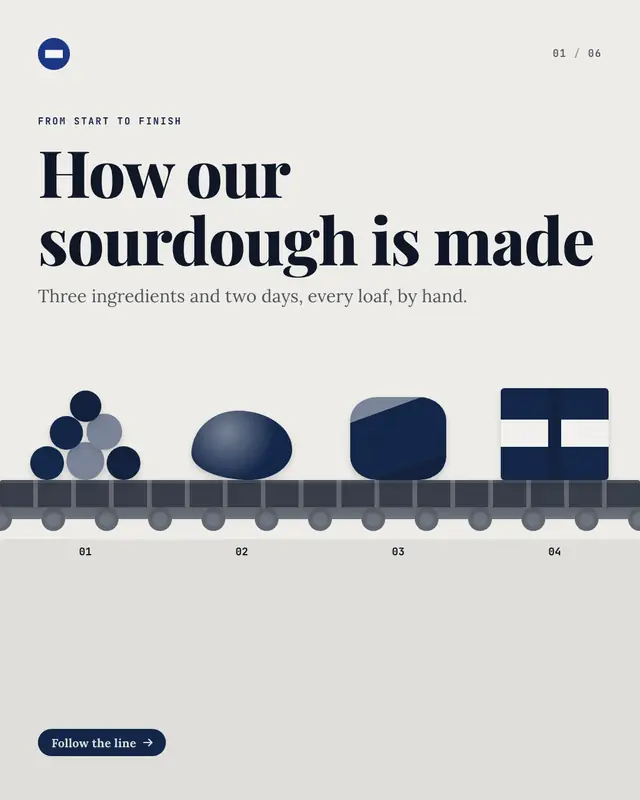
'How it's made'
Lineup on plinths
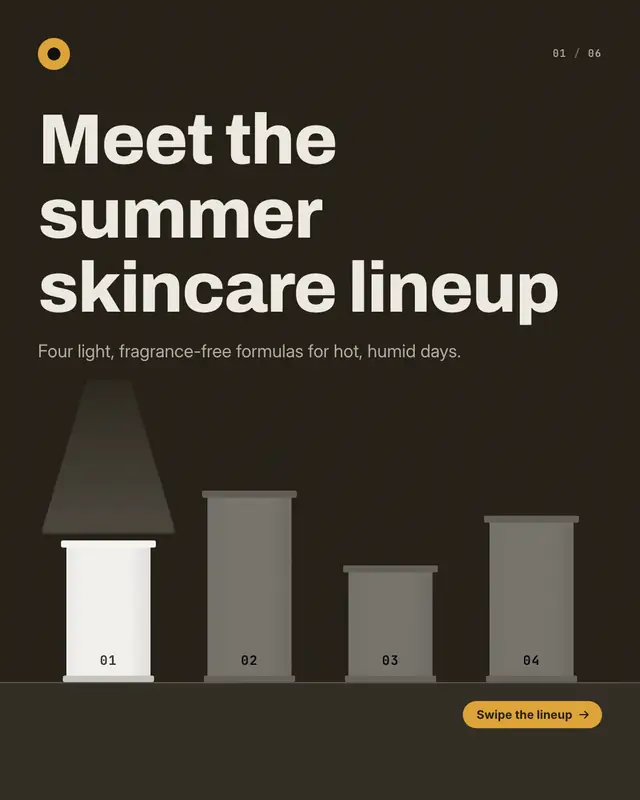
A gallery 'lineup': the cover stands every product's empty plinth in a row under one beam of light, then each page puts one product on its plinth
Menu pages
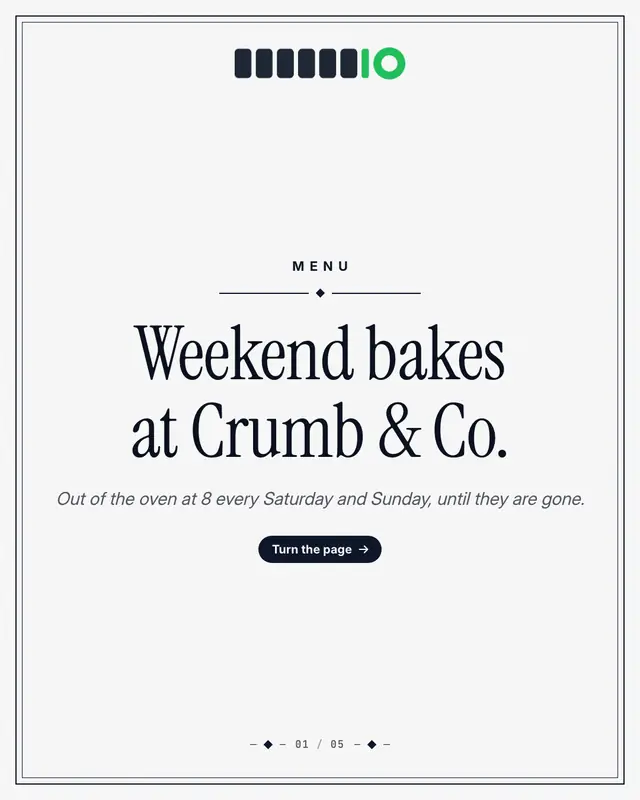
A printed 'menu' turned page by page: a framed menu cover with the restaurant's logo and an ornament, then one dish or one course per page
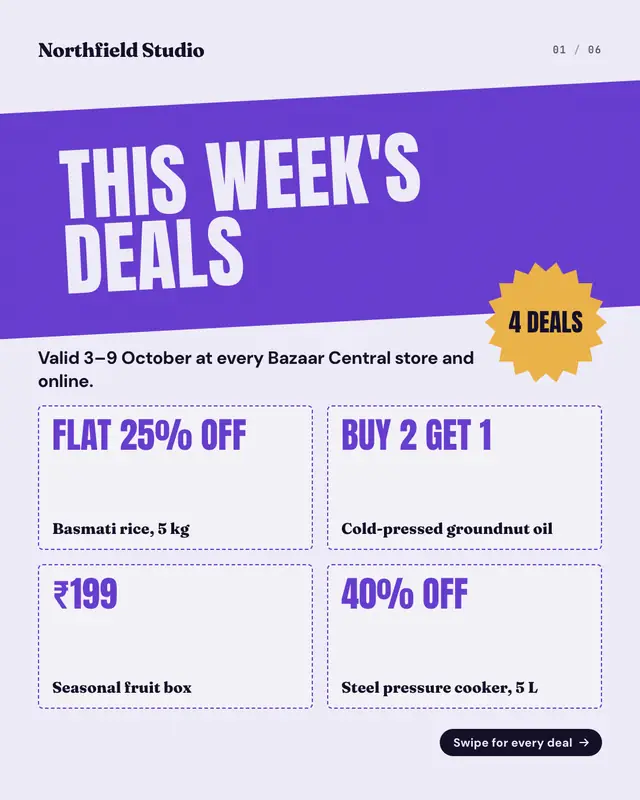
Deals-of-the-week flyer
A supermarket 'deals of the week' flyer as a carousel: a slanted masthead band with the week's headline, a starburst counting the deals and a preview grid on the cover…
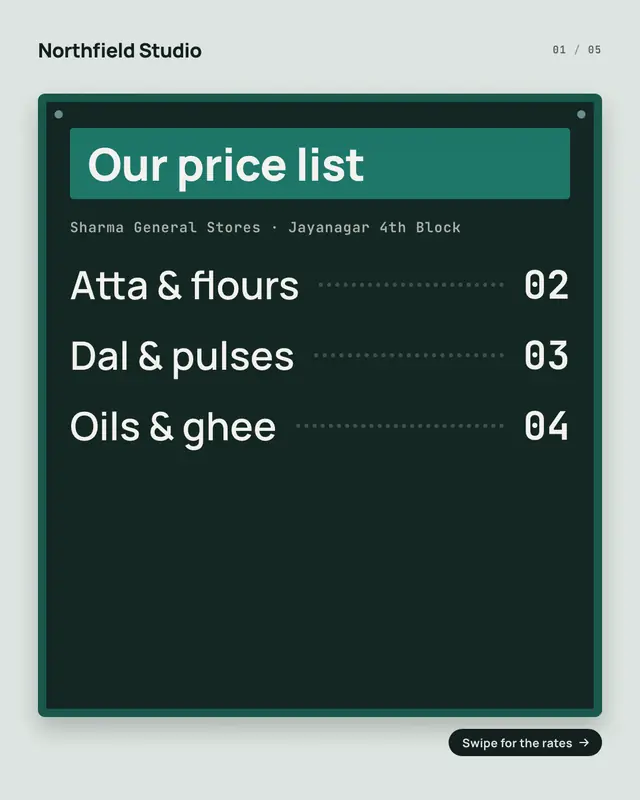
Wall price board
A shop's wall-mounted price board as a carousel: the cover hangs the board with its title plate and an index of every section, then each page puts one section of the…
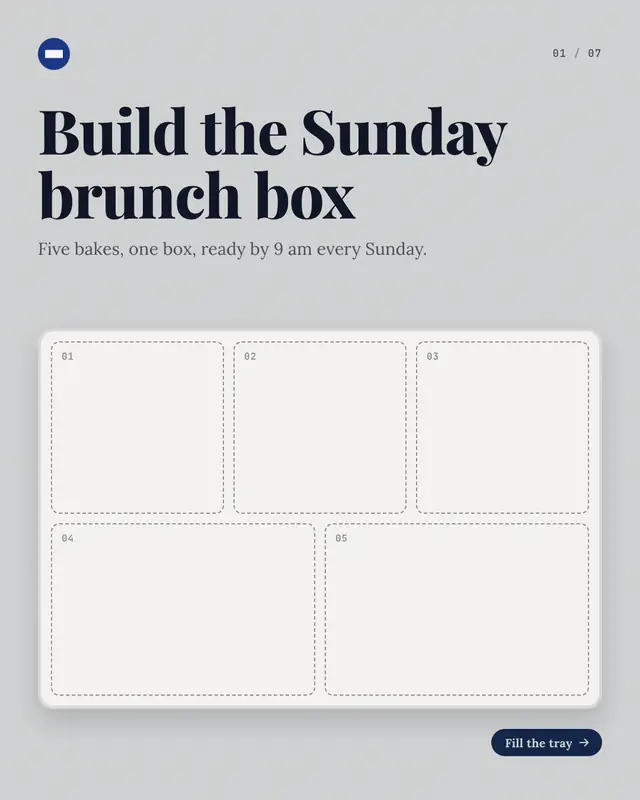
Combo tray
A 'combo' or 'bundle' built as you swipe: the cover shows an empty tray
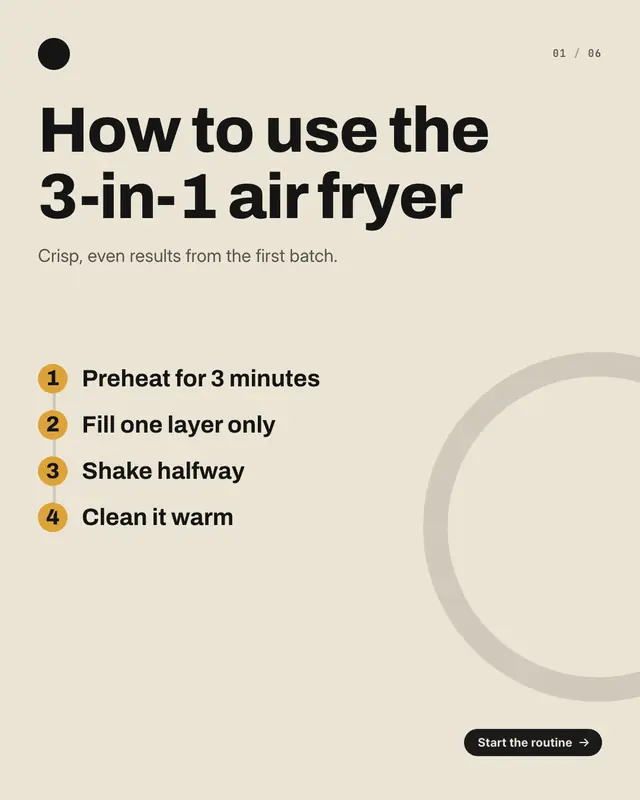
Routine dial
A 'how to use' routine on a progress dial: the cover lists every step of the routine on a numbered line, then each page fills the dial one step further
Ingredient loupe
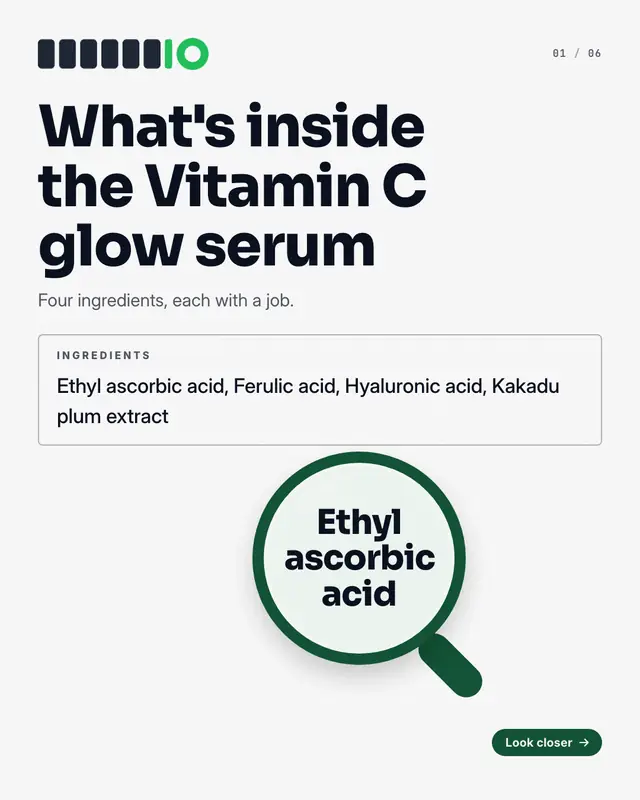
The product's 'ingredients' label read under a loupe: the cover shows the full label with a magnifying glass over the first ingredient, then each page highlights the…
Make a Find-your-match vending machine with your brand.
MarketiQ writes the post, picks the template that carries it best — this one, when it fits — and fills it with your logo, colours, facts and copy.