Before-to-after transformation
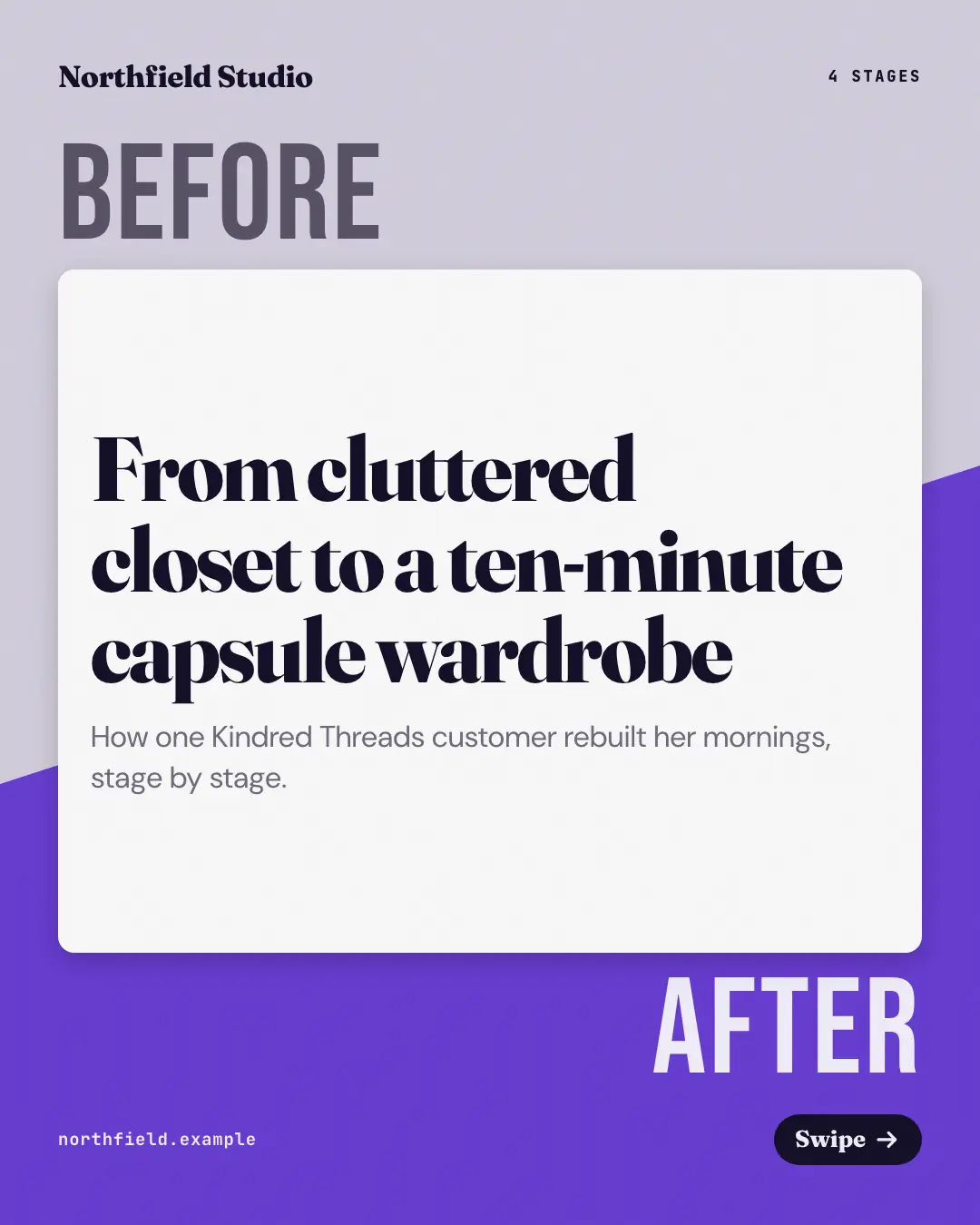
A transformation told in stages: a before-to-after meter tops every page and its marker moves right as the page warms from a muted grey to the brand colour — the cover split diagonally between the two states, the closing page fully 'after' with the call to action.
When the AI picks it
MarketiQ’s Creative Director favours the Before-to-after transformation for posts that teach, prove a point or start a conversation, when the message is a story, a contrast (this, not that), a timeline or one sharp insight. It is built first to teach.
It reads each post’s goal and shape first, then its own words, the platform and the facts you have, and offers this template only where it fits.
Who it’s for
Any business. Nothing in it assumes what you sell, so the Director can offer it to a software company, a café or a coaching centre alike — whenever the post fits.
Platforms and sizes
| Size | Where |
|---|---|
| 4:51080 × 1350 px | Instagram, Facebook, LinkedIn, Threads |
Carousel of 3–10 slides. Each size is laid out for its canvas, not cropped; the sample above is the 4:5 version.
What it needs
Only your post. It is made from your copy and your brand kit — there is nothing else to prepare.
Rules the AI follows
Word for word from the template library. The Director follows the copy rules when it writes into the template, and the visual review checks every creative against the visual rules.
Copy rules
- The rows run in order from the 'before' state to the 'after' state, one stage each.
- Every result, time or number in a stage comes from the copy; never promise the reader the same result.
- The closing line invites the reader to start their own change.
Visual rules
- A 'Before → After' meter with a moving marker tops every stage page; the page colour shifts from a muted grey toward the brand tint as the stages progress.
- Each stage shows its marker word (or number) large, the stage heading and its text.
- The cover is split diagonally — grey 'Before' above, brand 'After' below — around a white title card.
More Teaching carousels templates
Panorama timeline
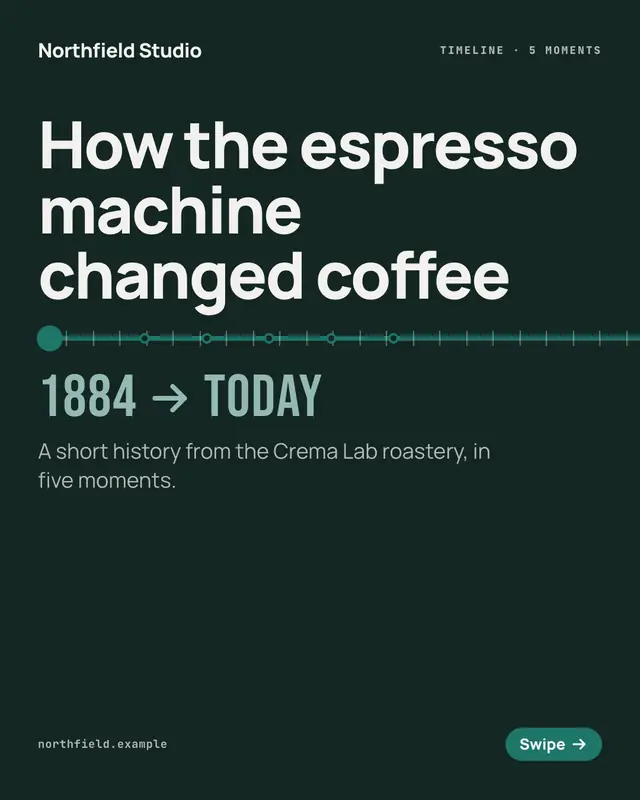
A panorama timeline: one ruled line crosses every page at the same height and runs off both edges, each page pinning one dated moment with its year set huge above the…
Lessons learned notebook
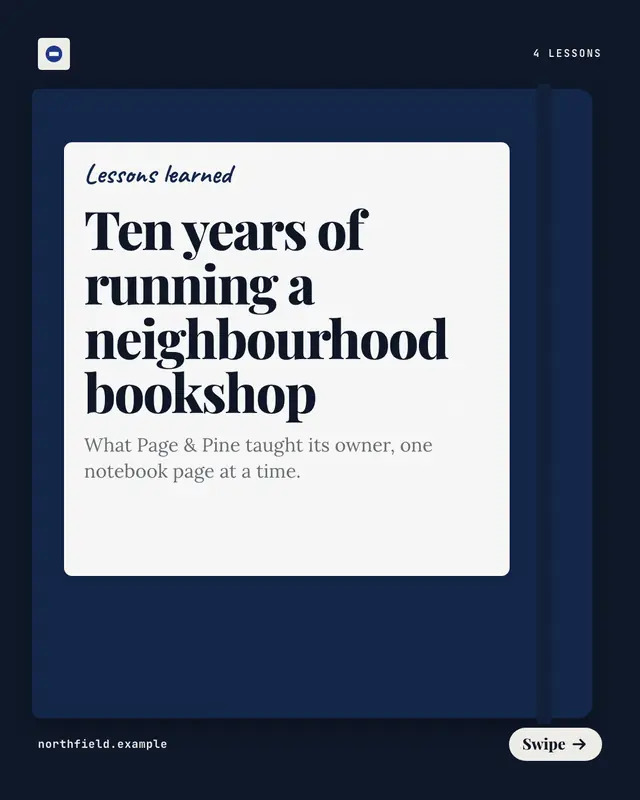
A spiral notebook of lessons learned, one ruled sheet per lesson: the lesson written large in handwriting with its number highlighted and what it taught underneath
Case-of-the-week teardown
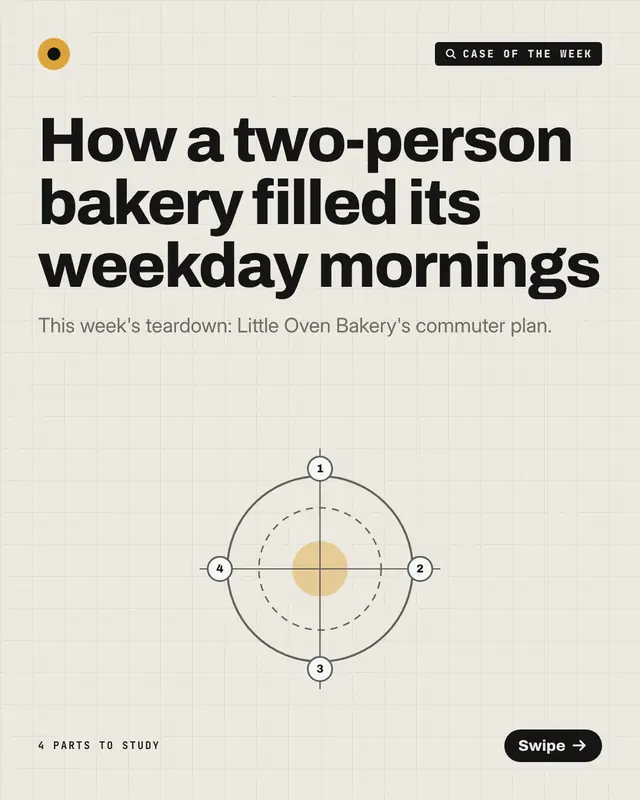
A 'case of the week' taken apart like a specimen on graph paper: a ringed diagram with one numbered pin per part, each page lighting its pin above what that part did and…
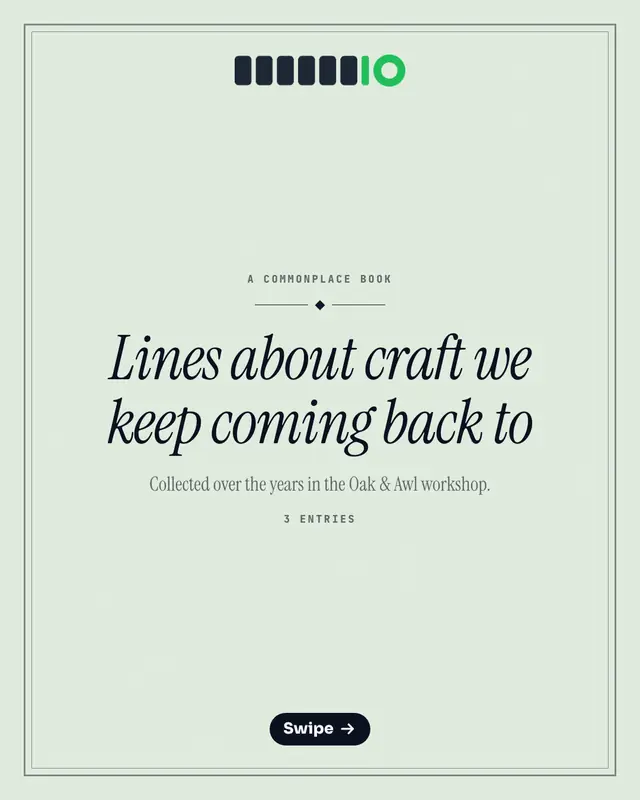
Commonplace book
A commonplace book, the notebook people copy memorable lines into: one entry per page, the line in italic serif under a hanging quotation mark, who said it and why it…
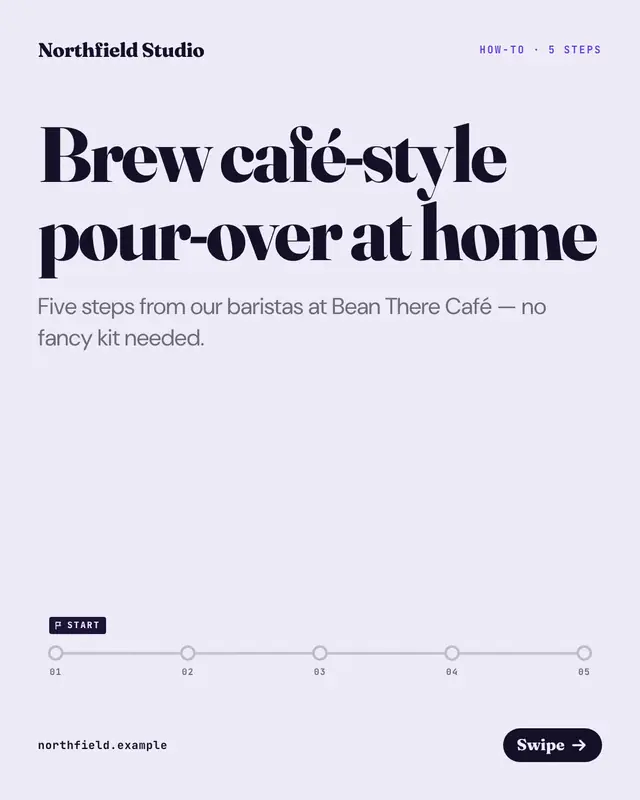
How-to stepper
A how-to on a transit-line stepper: each page lights the next station with its big step number, the step and how to do it, and names the step after it
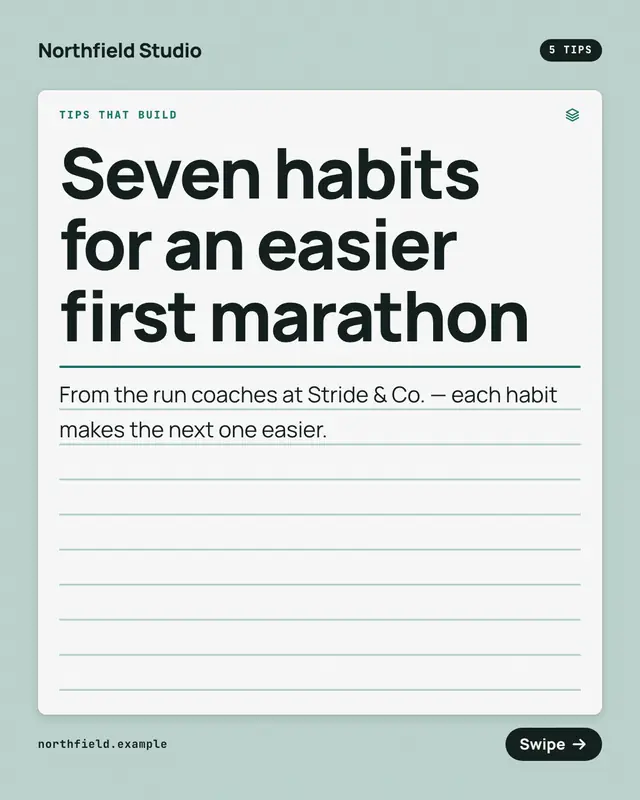
Index-card tip stack
Tips that build, on ruled index cards: each page lays one more numbered card on a growing stack, the earlier tips' numbers peeking above it
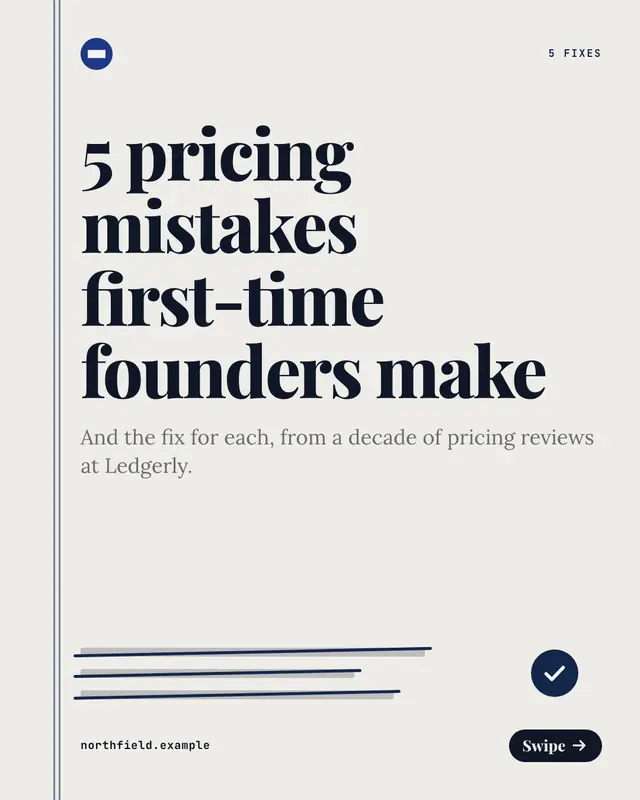
Mistakes and fixes
A proofreader's correction sheet, one mistake per page: the mistake struck through in the brand's ink, a caret sweeping down to the fix set bold on a slip
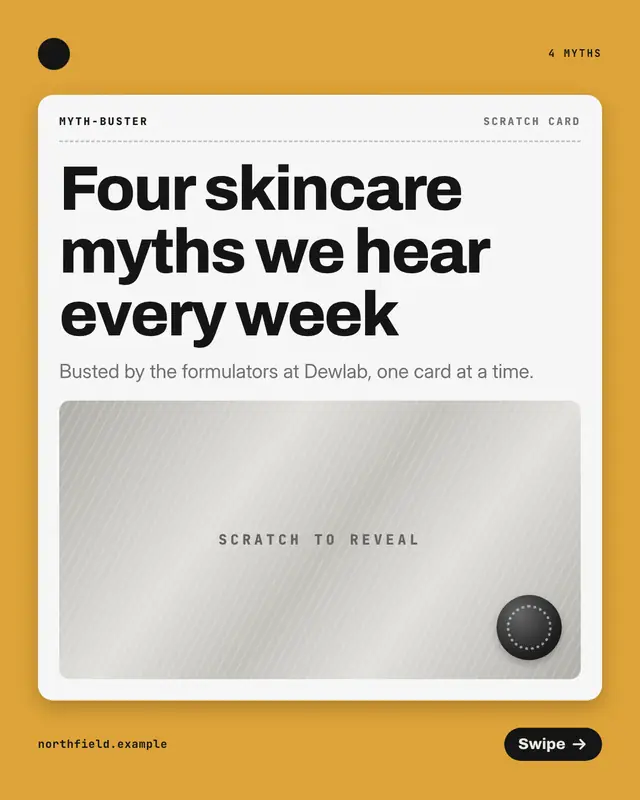
Myth-buster scratch card
A lottery-style scratch card per myth: the myth printed and struck through at the top, the foil panel beneath scratched away to reveal the fact
Make a Before-to-after transformation with your brand.
MarketiQ writes the post, picks the template that carries it best — this one, when it fits — and fills it with your logo, colours, facts and copy.