Webinar replay
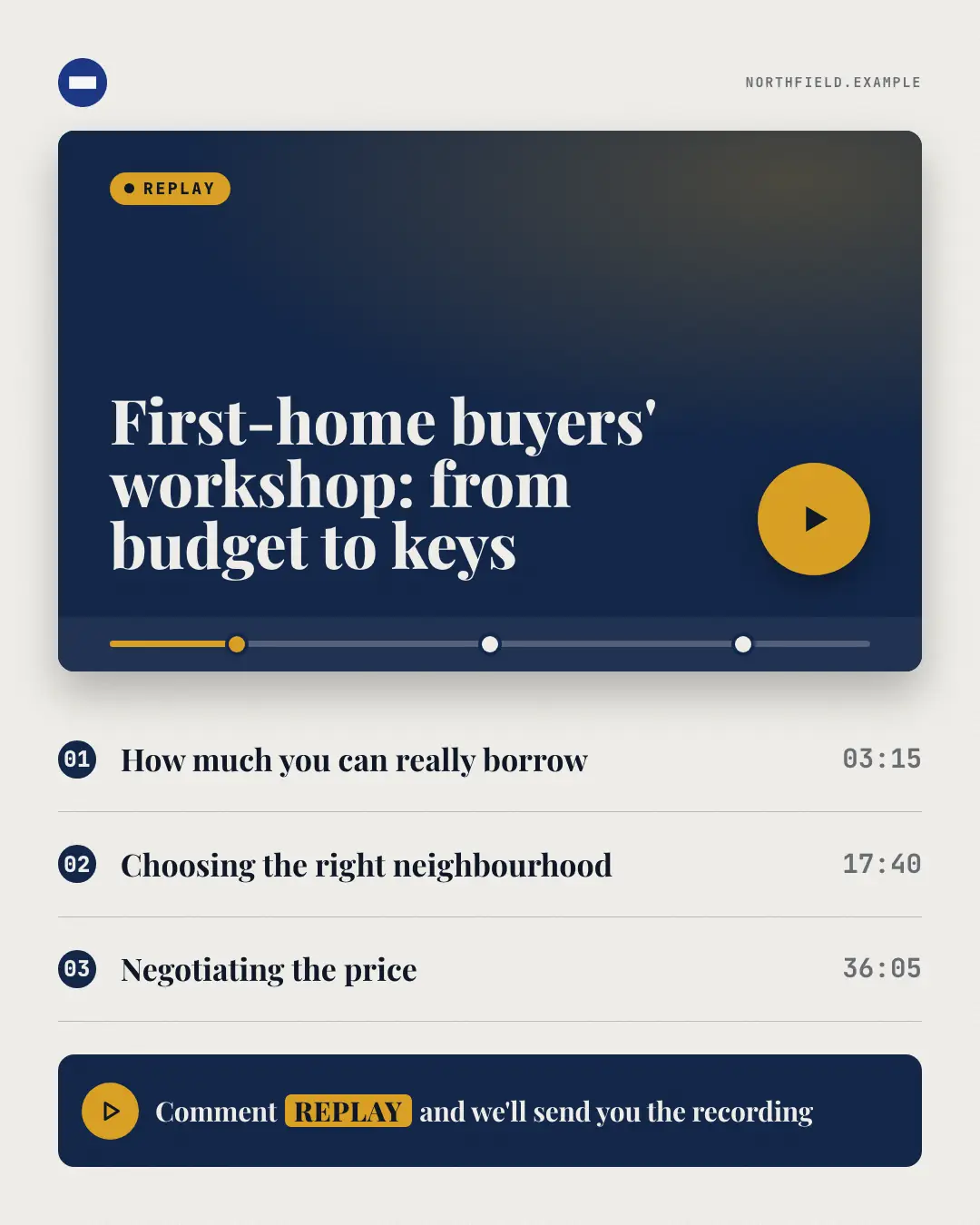
A workshop or 'webinar replay' as a generic video player: the session's title on the title card, a big brand play button, a scrubber with one marker per chapter — and the chapters listed below, with timestamps only when the post gives them. The whole session is there, and readers can skip to the part they need.
When the AI picks it
MarketiQ’s Creative Director favours the Webinar replay for posts that get people to act, teach or start a conversation, when the message is a list, steps or a process or one sharp insight. It is built first to get people to act.
It reads each post’s goal and shape first, then its own words, the platform and the facts you have, and offers this template only where it fits.
Who it’s for
Any business. Nothing in it assumes what you sell, so the Director can offer it to a software company, a café or a coaching centre alike — whenever the post fits.
Platforms and sizes
| Size | Where |
|---|---|
| 4:51080 × 1350 px | Instagram, Facebook, LinkedIn, Threads, Reddit |
| 1:11080 × 1080 px | Ads |
| 9:161080 × 1920 px | TikTok |
| 2:31000 × 1500 px | |
| 1.91:11200 × 628 px | Newsletter, Blog |
| 16:91600 × 900 px | X, YouTube |
Single image. Each size is laid out for its canvas, not cropped; the sample above is the 4:5 version.
What it needs
The Director offers it only when these exist. Without them it simply picks another template.
- Lead magnet
Rules the AI follows
Word for word from the template library. The Director follows the copy rules when it writes into the template, and the visual review checks every creative against the visual rules.
Copy rules
- Every title, chapter, item, count and page number comes from the post or the brand's recorded lead magnets — never invent what the asset contains or how long it is.
- The call to action is the post's own; the keyword is copied exactly from it.
- Chapter names are short; timestamps and durations only when the post states them.
Visual rules
- A dark 16:9 player with a soft brand glow, a brand 'replay' badge, the session title set large on the screen and a round brand play button; a scrubber bar below with one marker per chapter, the first in brand.
- Numbered chapters with hairlines (and timestamps when given) below the player, the call to action in a dark rounded bar with a play icon; logo and website top.
More Lead-magnet teasers templates
Calculator teaser
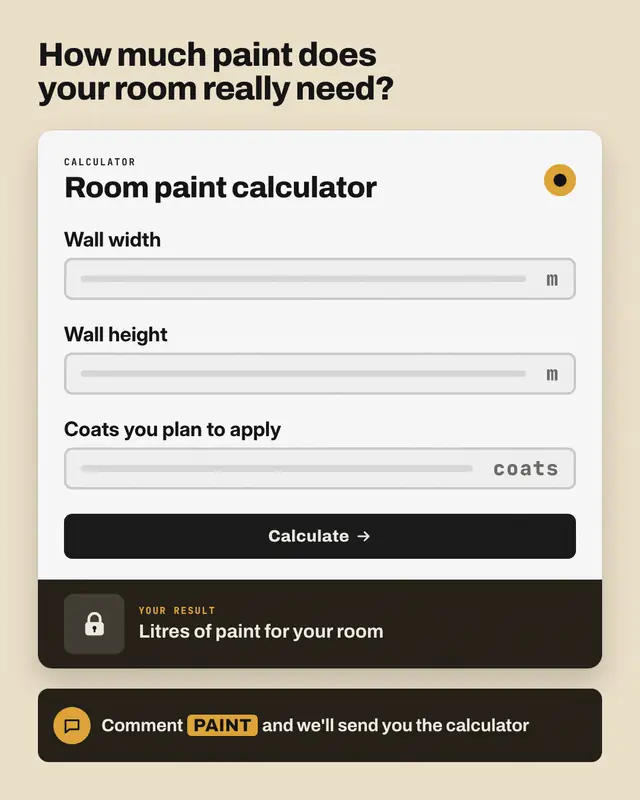
The tool, not its answer: a calculator card with the inputs the post names as empty fields (units only when given), a brand 'calculate' button and a dark result panel…
Scorecard answer sheet
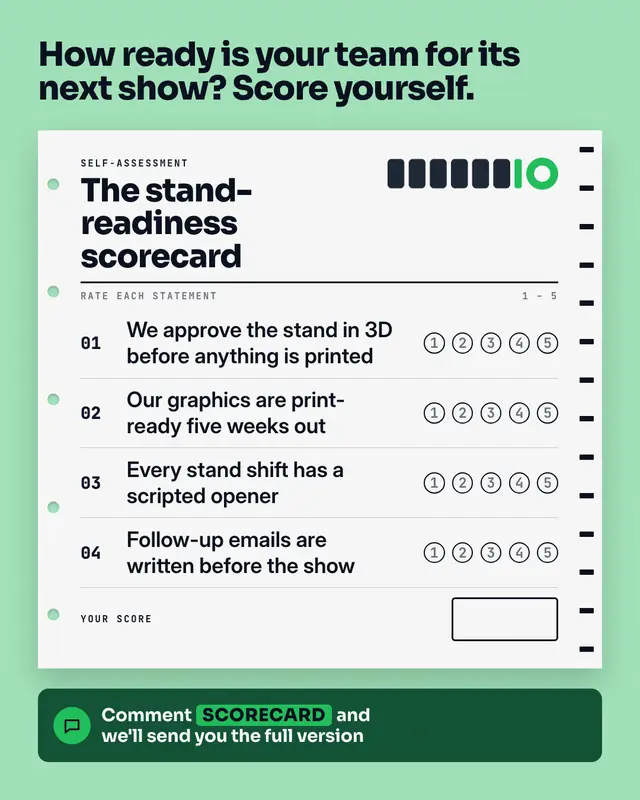
A self-assessment as a printed answer sheet: punched holes and timing marks, the scorecard's name, the post's statements each with five empty bubbles to rate yourself…
Template gallery
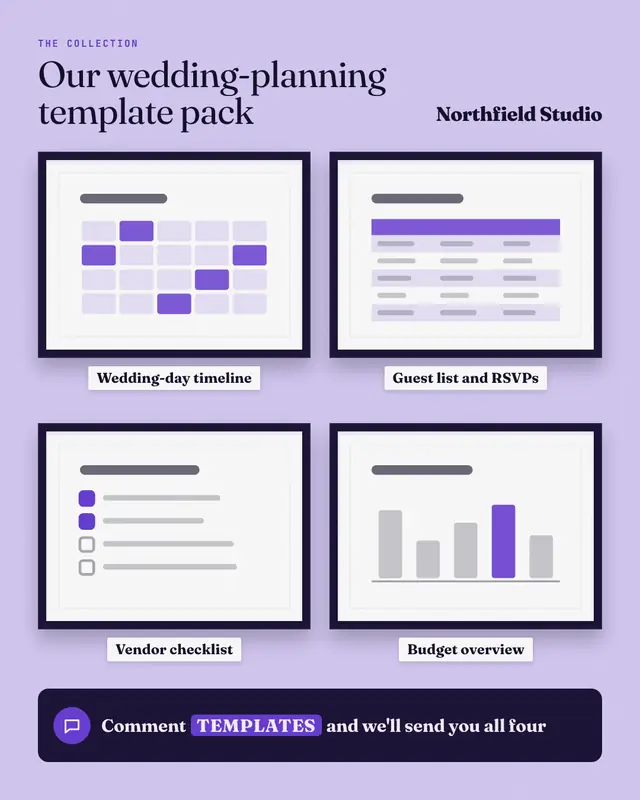
A template pack hung like an exhibition: framed, matted thumbnails of each template (a deck, a sheet, a checklist, a planner
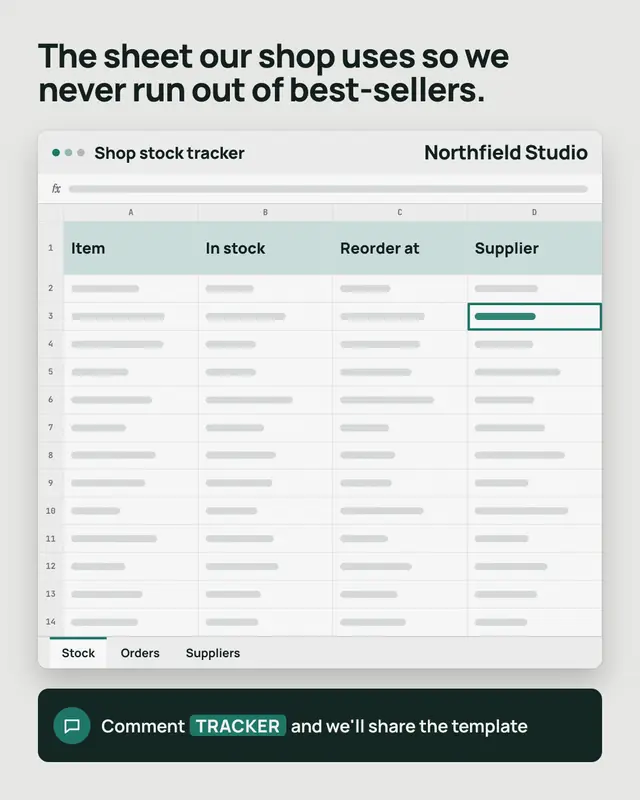
Spreadsheet template
A tracker or planner template as a generic spreadsheet window: its file name, real column headers from the post in a tinted header row, empty cells drawn as grey bars…
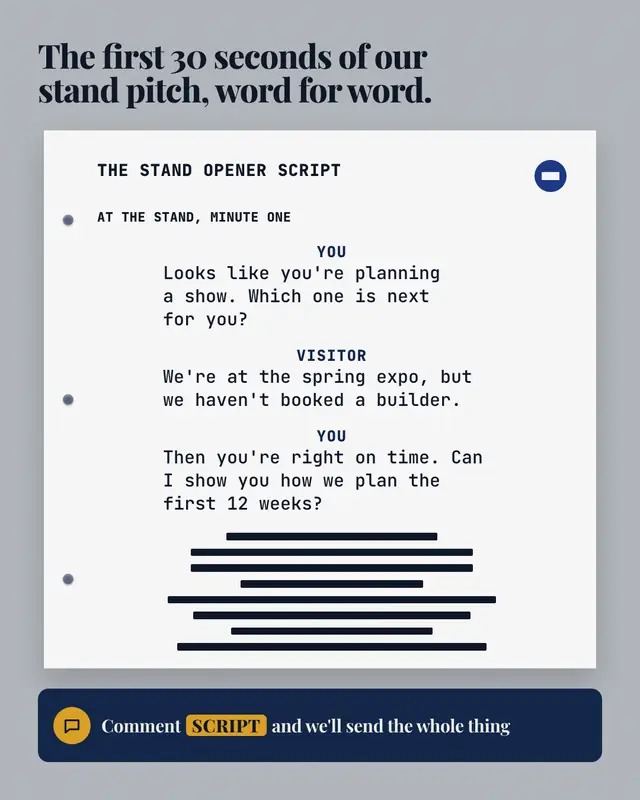
Script page
A call or conversation script set like a screenplay page, from a sales call to the words for a tricky talk
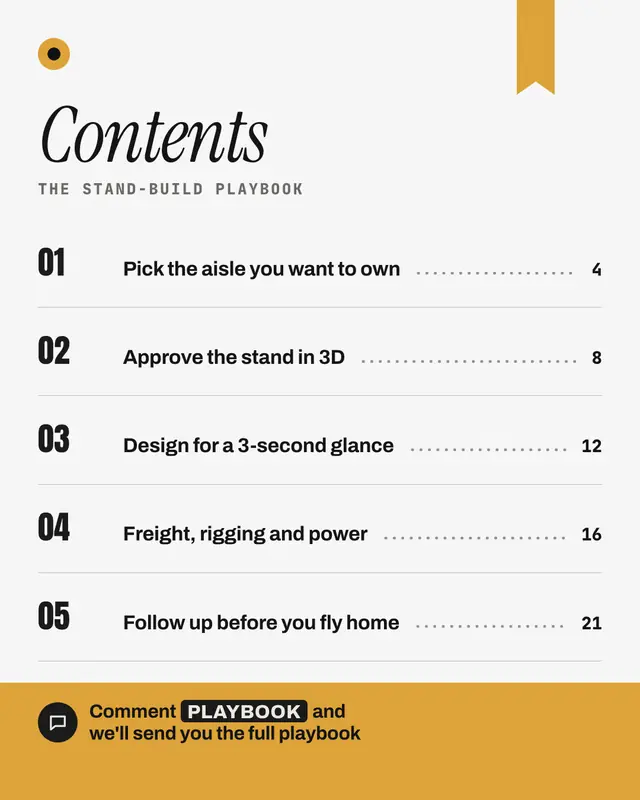
Chapter list
The asset's chapter list as a real book contents page: a large italic heading, the asset's title as a running head, numbered chapters with dot leaders to page numbers…
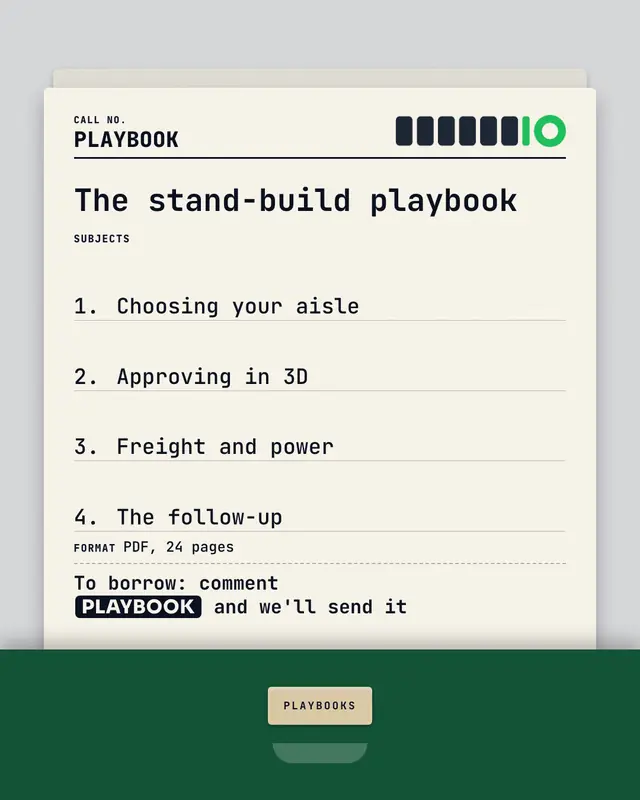
Library card
The asset filed like a library book: a ruled catalogue card pulled up from a brand-colour card drawer, typed in mono
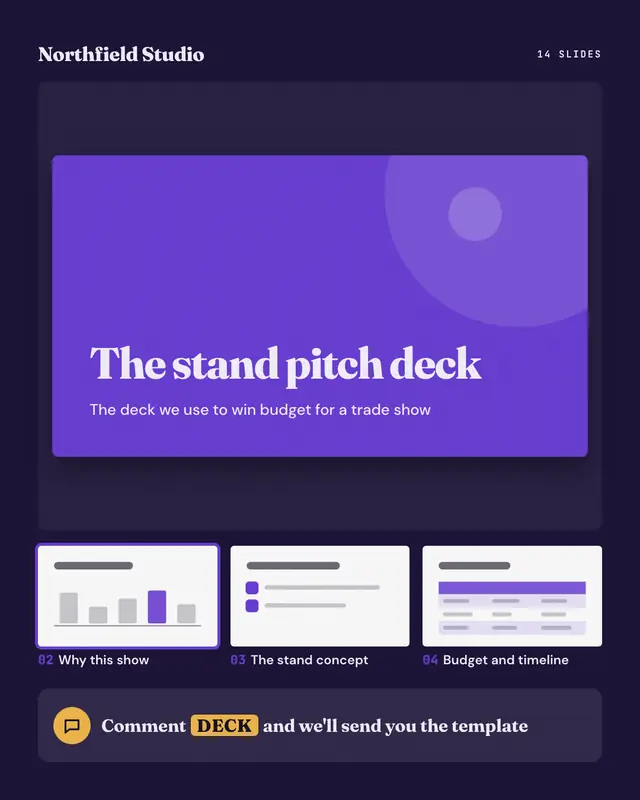
Deck preview
A slide deck the post offers, shown in a generic slide sorter: the title slide large in the brand colour, then thumbnails of the next slides
Make a Webinar replay with your brand.
MarketiQ writes the post, picks the template that carries it best — this one, when it fits — and fills it with your logo, colours, facts and copy.