Year-in-review chapters
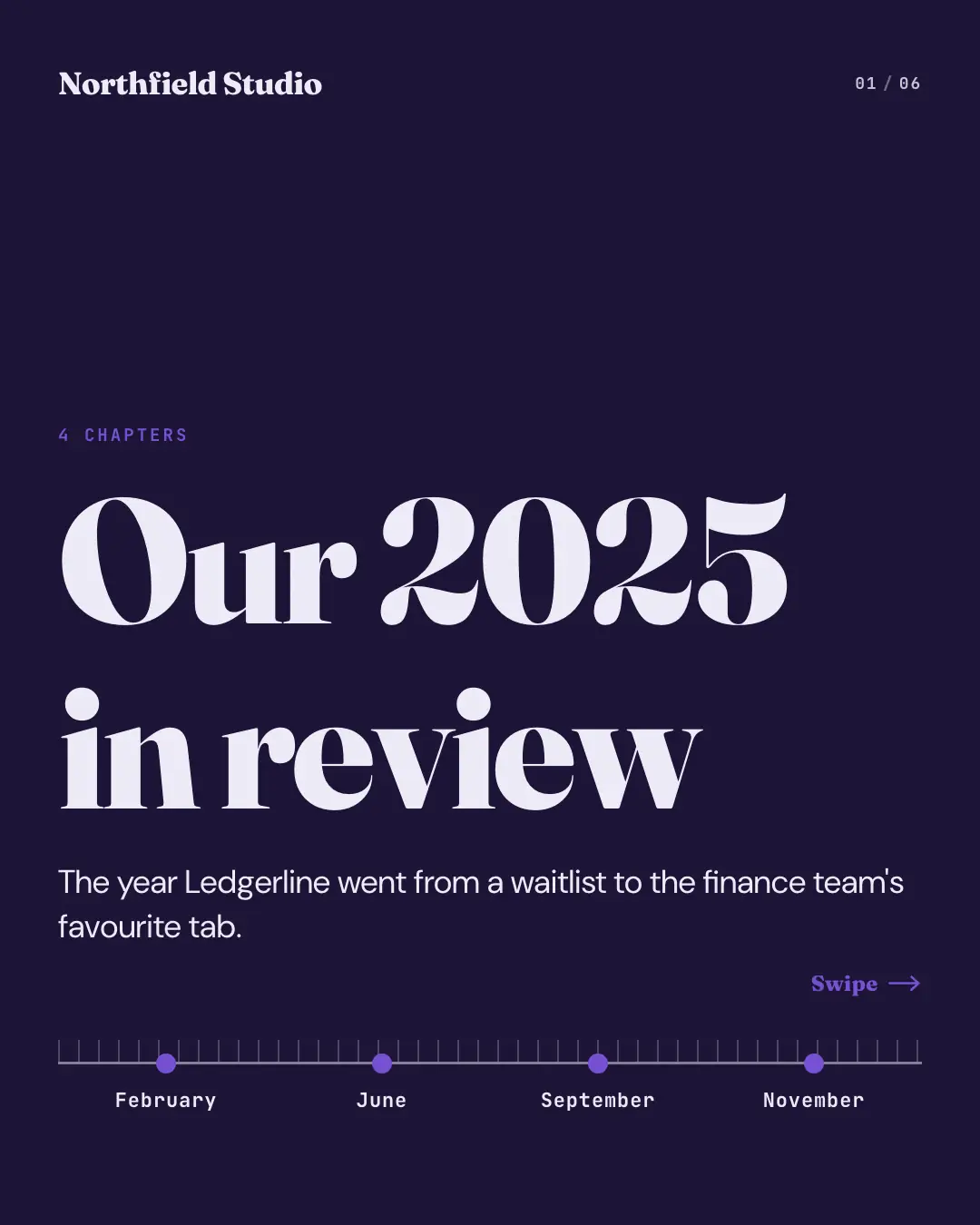
A 'year in review' told in chapters along a timeline scrubber: the cover lays every milestone on a ruled timeline, and each page pins one — its date or figure set huge in the brand colour, what happened and why it mattered — with the ruler ticking forward along the foot of every page.
When the AI picks it
MarketiQ’s Creative Director favours the Year-in-review chapters for posts that prove a point, announce news, start a conversation or teach, when the message is a timeline, a number, a story or a list. It is built first to prove a point.
It reads each post’s goal and shape first, then its own words, the platform and the facts you have, and offers this template only where it fits.
Who it’s for
Any business. Nothing in it assumes what you sell, so the Director can offer it to a software company, a café or a coaching centre alike — whenever the post fits.
Platforms and sizes
| Size | Where |
|---|---|
| 4:51080 × 1350 px | Instagram, Facebook, LinkedIn, Threads |
Carousel of 3–10 slides. Each size is laid out for its canvas, not cropped; the sample above is the 4:5 version.
What it needs
Only your post. It is made from your copy and your brand kit — there is nothing else to prepare.
Rules the AI follows
Word for word from the template library. The Director follows the copy rules when it writes into the template, and the visual review checks every creative against the visual rules.
Copy rules
- Milestones, dates and numbers only as the post or truth pack states them; in the order they happened.
- Each page is one milestone with why it mattered; the closing line looks ahead.
Visual rules
- A dark page with a ruler along the foot of every page: minor ticks, an axis and one marker per milestone, past ones filled and the current one pinned with a line rising from it.
- Each content page sets the milestone's date or figure huge in the brand colour, then the heading and body; the cover shows the dates under the ruler.
- Logo on the cover and closing page; page counter top right on every page.
Truth pack: the verified facts MarketiQ keeps about your business — what you sell, prices, proof and the claims you have approved.
More Business decks templates
Pricing plans staircase
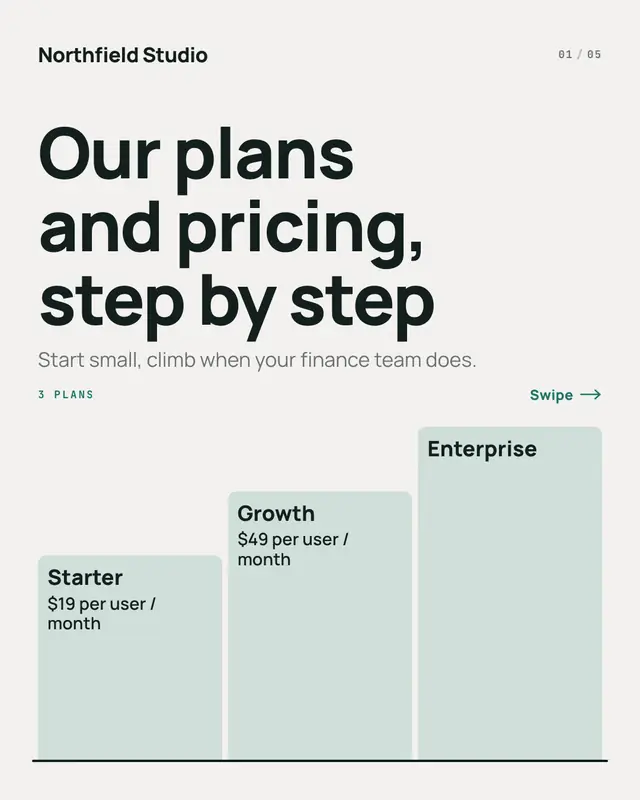
'Pricing plans' as a staircase, one step per page: the cover climbs from the entry plan to the top plan, each step carrying its name and price, and each page lights one…
Partnership lockup
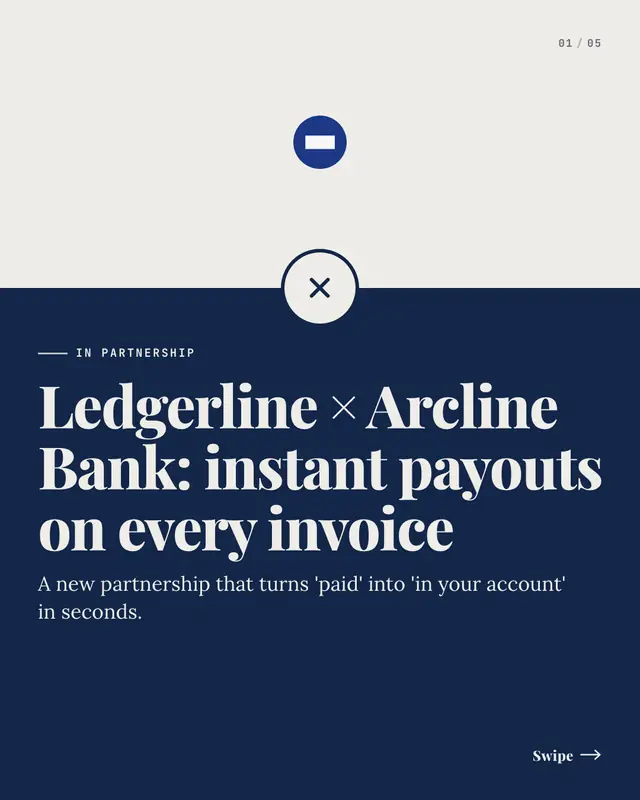
A partnership announcement as a lockup: the brand's logo and the partnership headline joined by a big × on the seam of a two-tone page ('in partnership with'), then one…
Security & compliance dossier
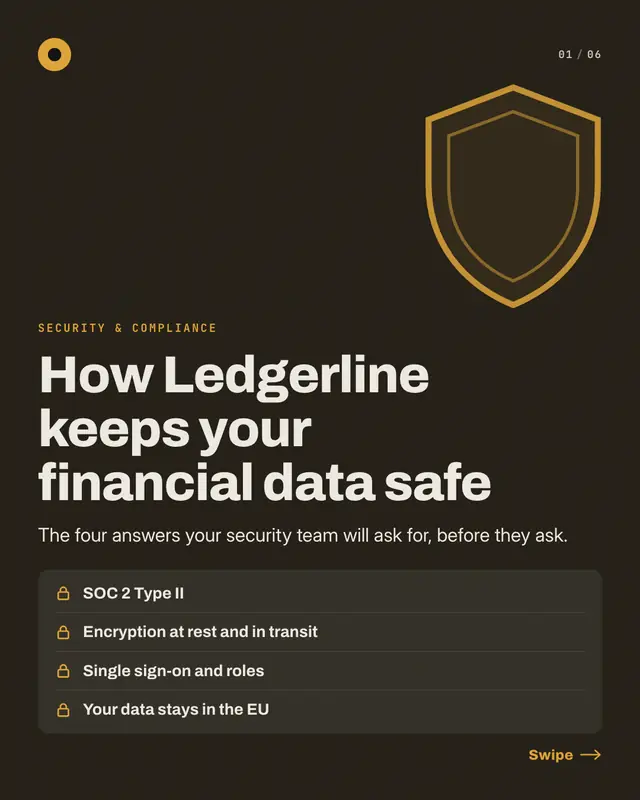
A security and compliance dossier, one control per page: a dark cover with a shield and a locked checklist of every control, then each page unlocks one
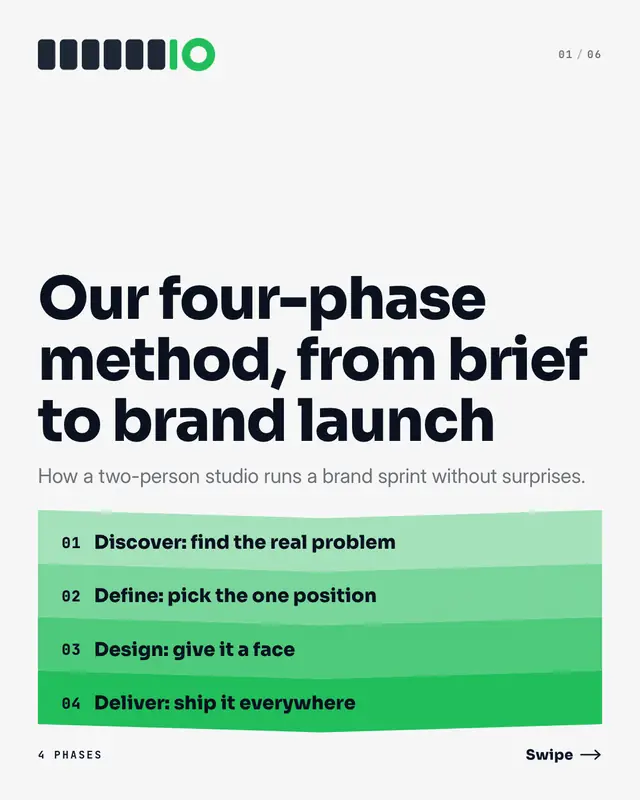
Method phase gates
'Our methodology' as phase gates: the cover stacks every phase as a chevron band deepening into the brand colour, and each page walks through one phase
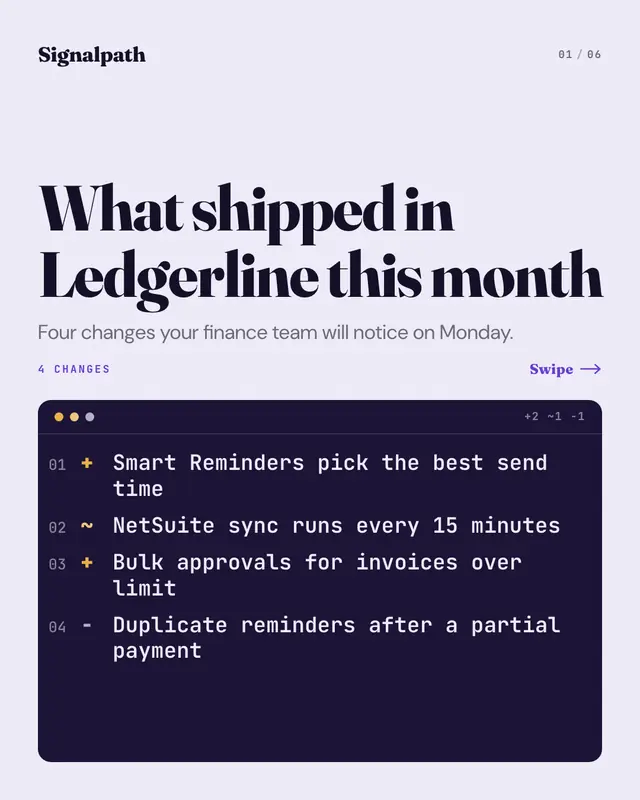
Release notes diff
The 'release notes' as a diff: the cover lists every change as a numbered line in a dark code panel, signed + for new, ~ for improved and − for fixed, and each page…
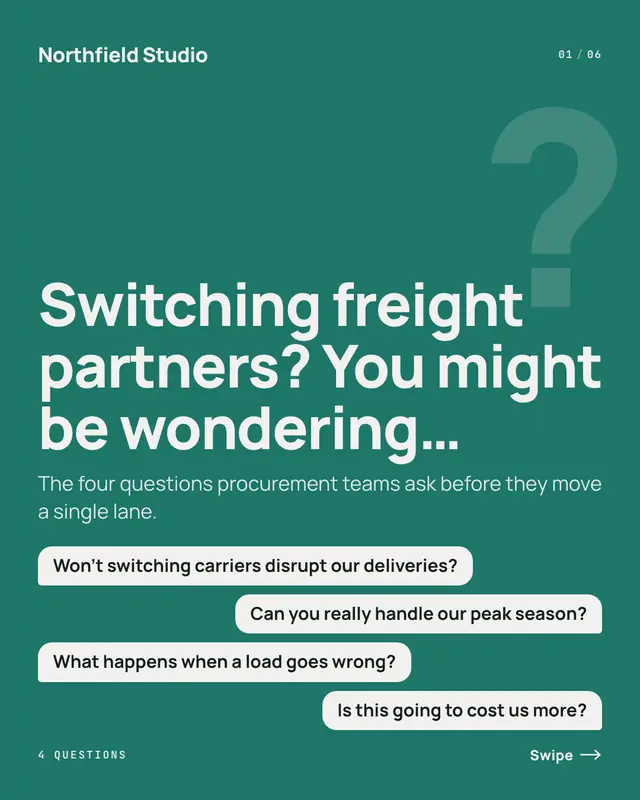
Objection rebuttals
'You might be wondering'
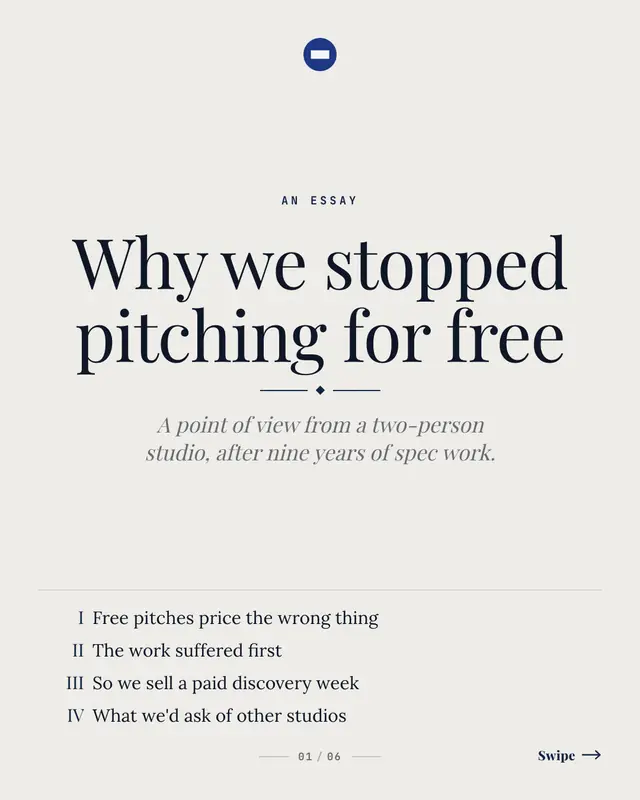
Point-of-view essay
A founder's or partner's argument set like a small book: the cover is a title page with the contents in roman numerals, and each page is one part of the argument
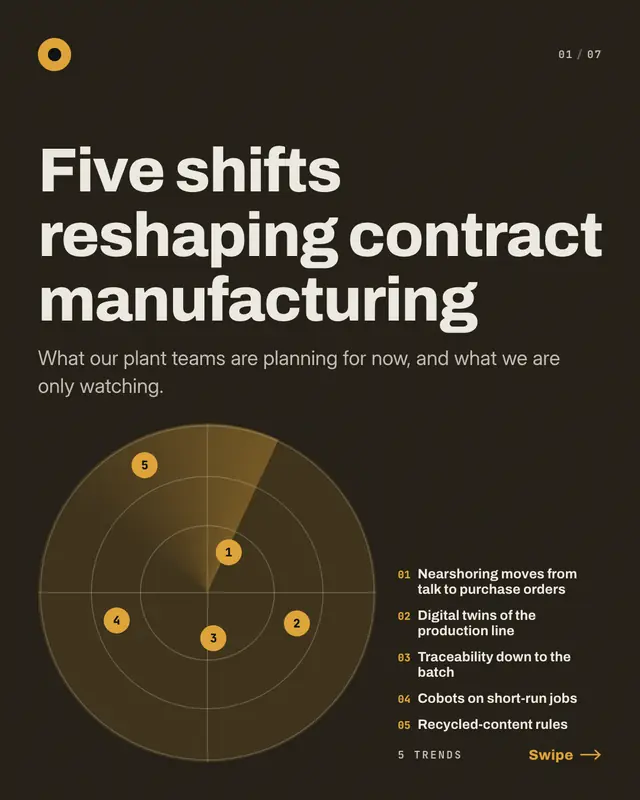
Trend radar
The industry's 'trends to watch' plotted on a radar: the cover sweeps a dark scope with one numbered blip per trend
Make a Year-in-review chapters with your brand.
MarketiQ writes the post, picks the template that carries it best — this one, when it fits — and fills it with your logo, colours, facts and copy.