Everywhere: laptop, tablet, phone
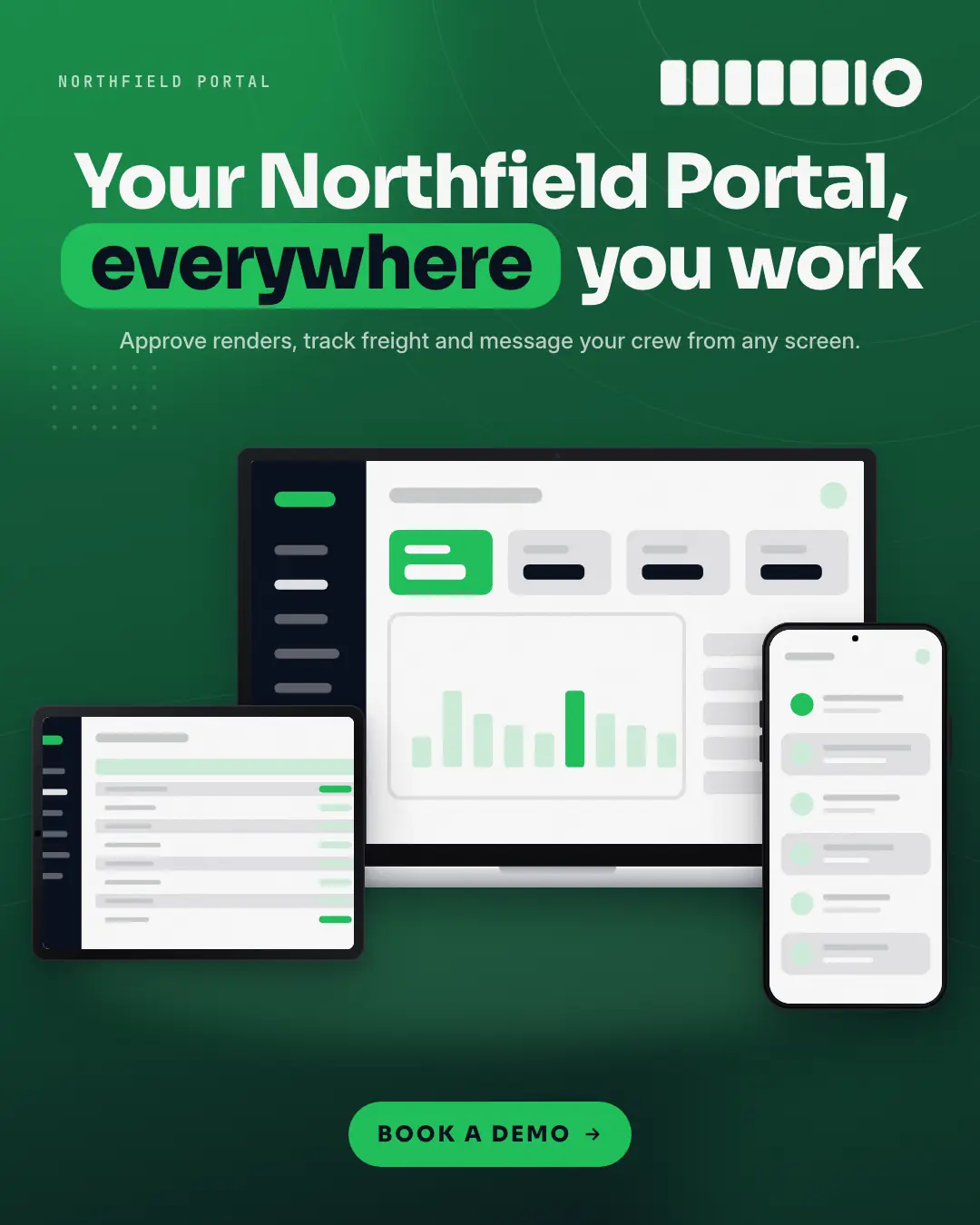
The same real product on every screen: a laptop with the desktop capture at the centre of a deep brand-gradient stage, a tablet (or the brand's real watch app) in front of its left corner and the phone in front of its right, under a bold 'your product, everywhere' headline and one call to action — answers 'can I use it wherever I work?' in one look.
When the AI picks it
MarketiQ’s Creative Director favours the Everywhere: laptop, tablet, phone for posts that get people to act, announce news or teach, when the message is one sharp insight or real projects or past work. It is built first to get people to act.
It reads each post’s goal and shape first, then its own words, the platform and the facts you have, and offers this template only where it fits.
Who it’s for
Any business. Nothing in it assumes what you sell, so the Director can offer it to a software company, a café or a coaching centre alike — whenever the post fits.
Platforms and sizes
| Size | Where |
|---|---|
| 4:51080 × 1350 px | Instagram, Facebook, LinkedIn, Threads, Pinterest, Reddit |
| 1:11080 × 1080 px | Ads |
| 9:161080 × 1920 px | TikTok |
| 16:91600 × 900 px | X, YouTube |
| 1.91:11200 × 628 px | Newsletter, Blog |
Single image. Each size is laid out for its canvas, not cropped; the sample above is the 4:5 version.
What it needs
The Director offers it only when these exist. Without them it simply picks another template.
- A real desktop screen and a real phone screen of your product, never a stand-in (1 more optional)
The sample shows a text-free stand-in where the screens go; MarketiQ only ever places real screens of your own app or website.
Rules the AI follows
Word for word from the template library. The Director follows the copy rules when it writes into the template, and the visual review checks every creative against the visual rules.
Copy rules
- The headline promises the same product on every screen — 'your <product>, everywhere'-style, no new claims.
- Mention a watch only when the brand really has a watch app (its real capture is on screen).
- The pill keyword is words of the headline, copied exactly; one action on the button.
Visual rules
- Real captures only: desktop on the laptop (and the tablet), mobile on the phone; a watch appears only with a real watch capture — never an invented watch app.
- Laptop at the centre, the tablet or watch in front of its left corner, the phone in front of its right, on a soft floor glow; deep brand-gradient stage with a centred headline.
More Device mockups templates
Integration hub
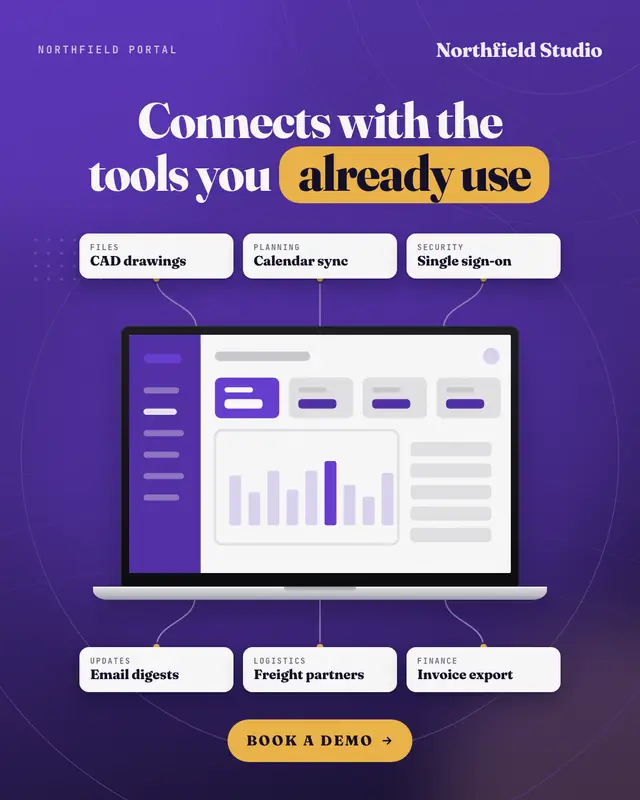
The product's REAL screen in its device at the centre of a deep brand-gradient stage, with the tools it connects to as clean white name tiles around it, each joined to…
Pricing showcase
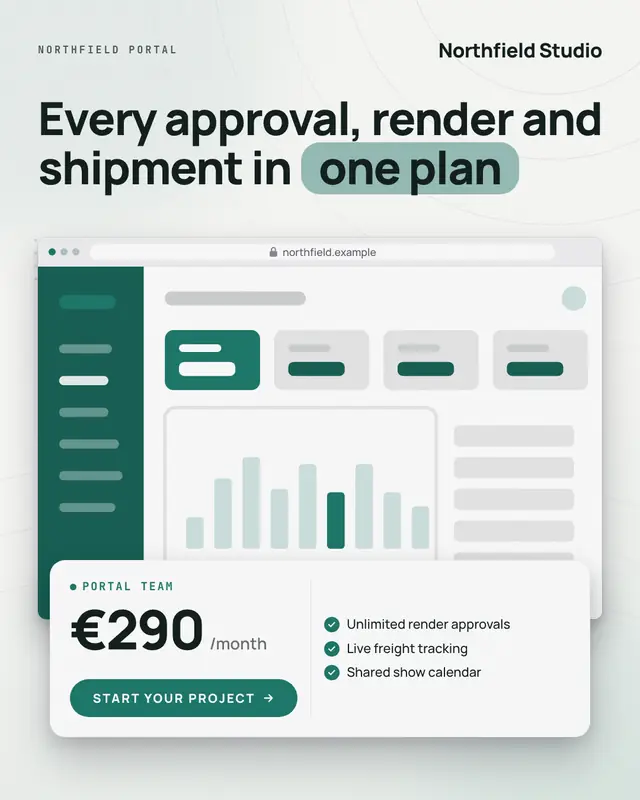
The brand's REAL pricing or product page in a browser (or its app on a phone) on a light stage, with a floating white price card over its foot
Browser hero with callouts
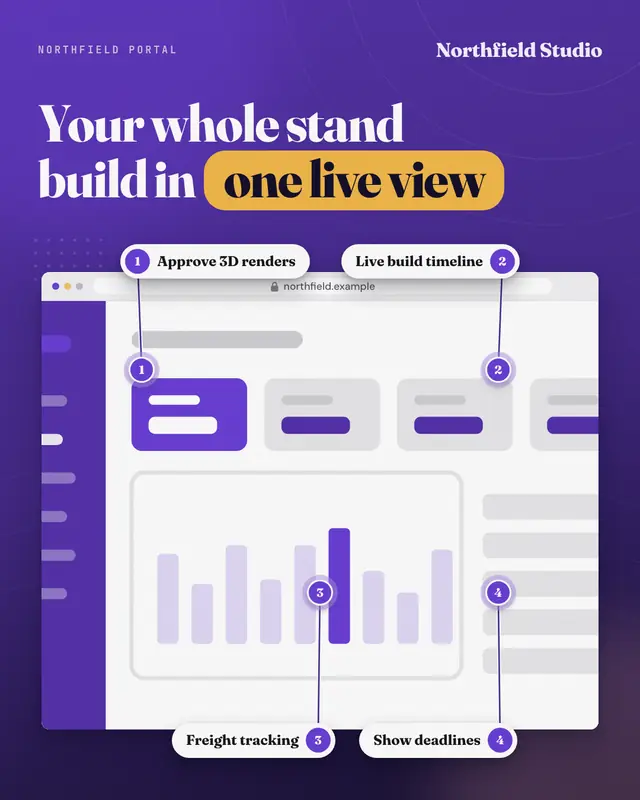
The real product in a large browser window (the brand's own address in the bar) on a deep brand-gradient stage, under a bold headline, with three or four numbered chips…
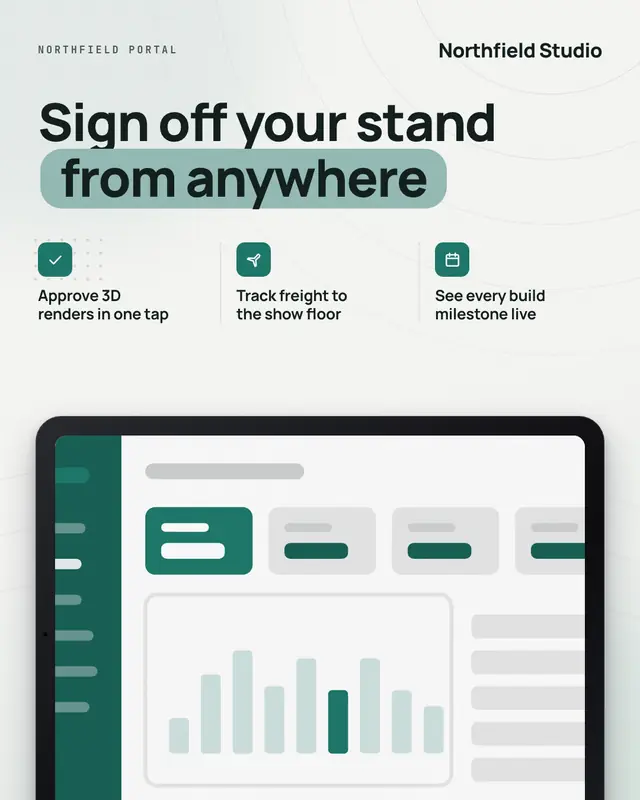
Tablet
The real product on a landscape tablet rising into a light brand stage, under a bold headline with two or three iconed benefit lines set on a ruled grid
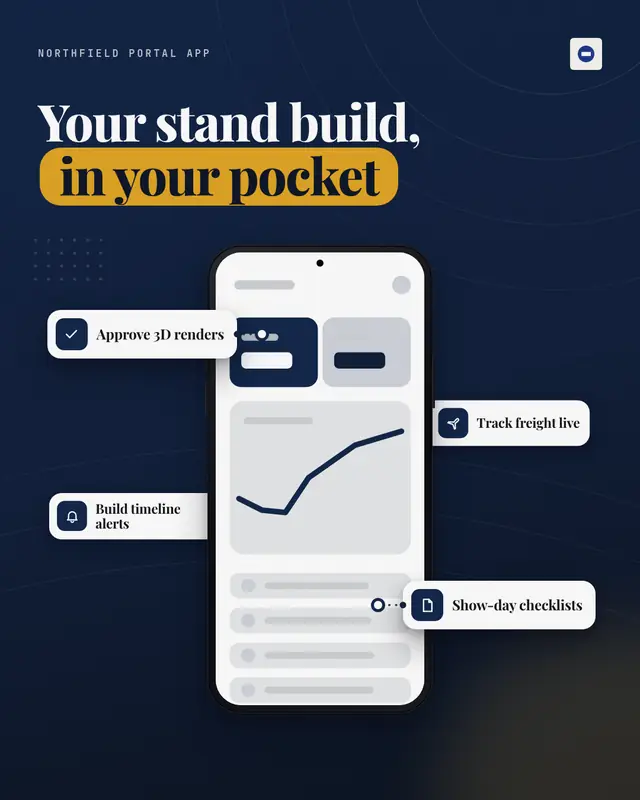
Phone with feature cards
One hero phone showing the real app on a deep brand-gradient stage, with three or four white feature cards (icon + a few words) floating around it at staggered depths…
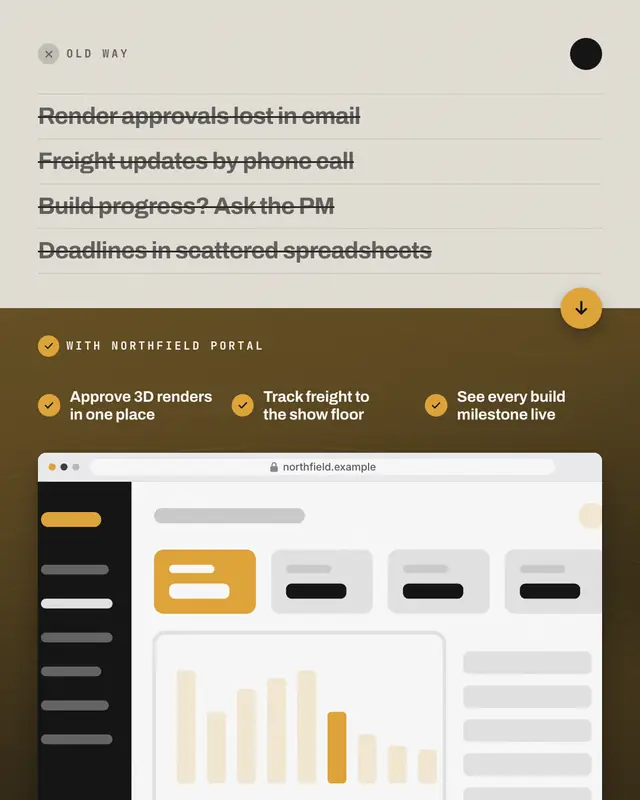
Old way / new way
A split card: the old way as a typographic panel on muted paper with three or four pains struck through, turning into the new way on a deep brand stage
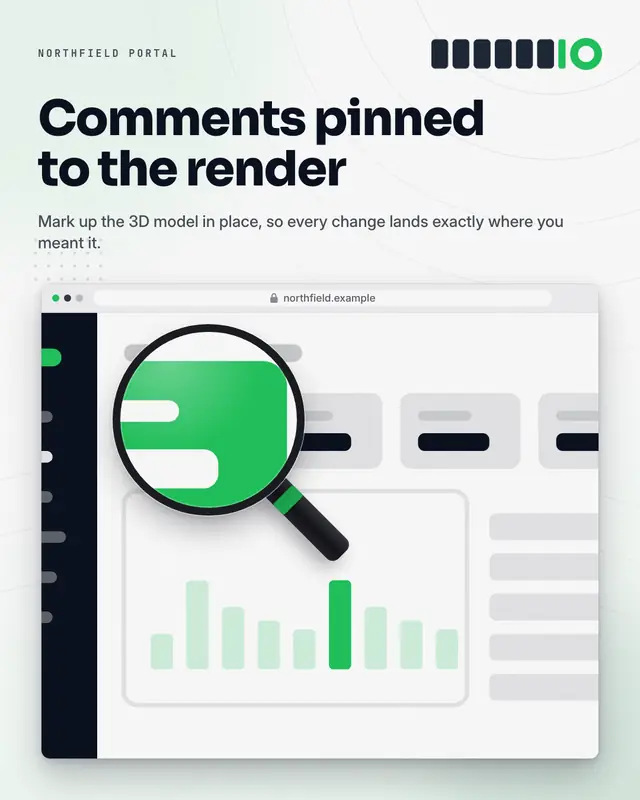
Feature zoom
The real product in its device on a light brand stage, with a magnifying lens (ring and handle) holding a sharp 2.2x close-up of one feature of the SAME capture, the…
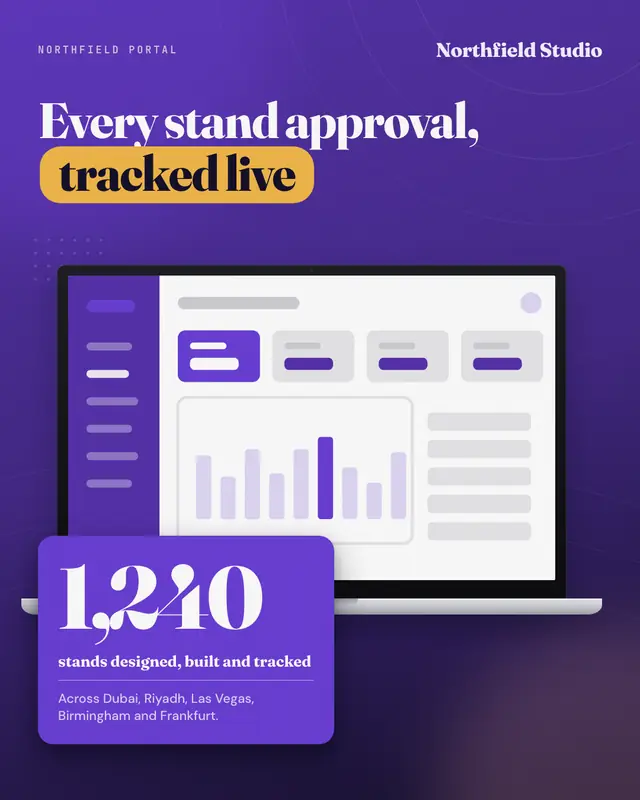
Dashboard + KPI
The real dashboard on a laptop on a deep brand-gradient stage, with one big real number on a bold brand card overlapping the device's corner
Make a Everywhere: laptop, tablet, phone with your brand.
MarketiQ writes the post, picks the template that carries it best — this one, when it fits — and fills it with your logo, colours, facts and copy.