Quadrant matrix
A 2×2 quadrant matrix toured one quadrant per page, for a post that sorts things on two axes — each page fills its quadrant in the brand colour (the others keep their names) above the quadrant's name and what to do there, with the post's own axes along the edges; a quadrant the post leaves unnamed stays an empty dashed cell, and the closing page shows the whole matrix.
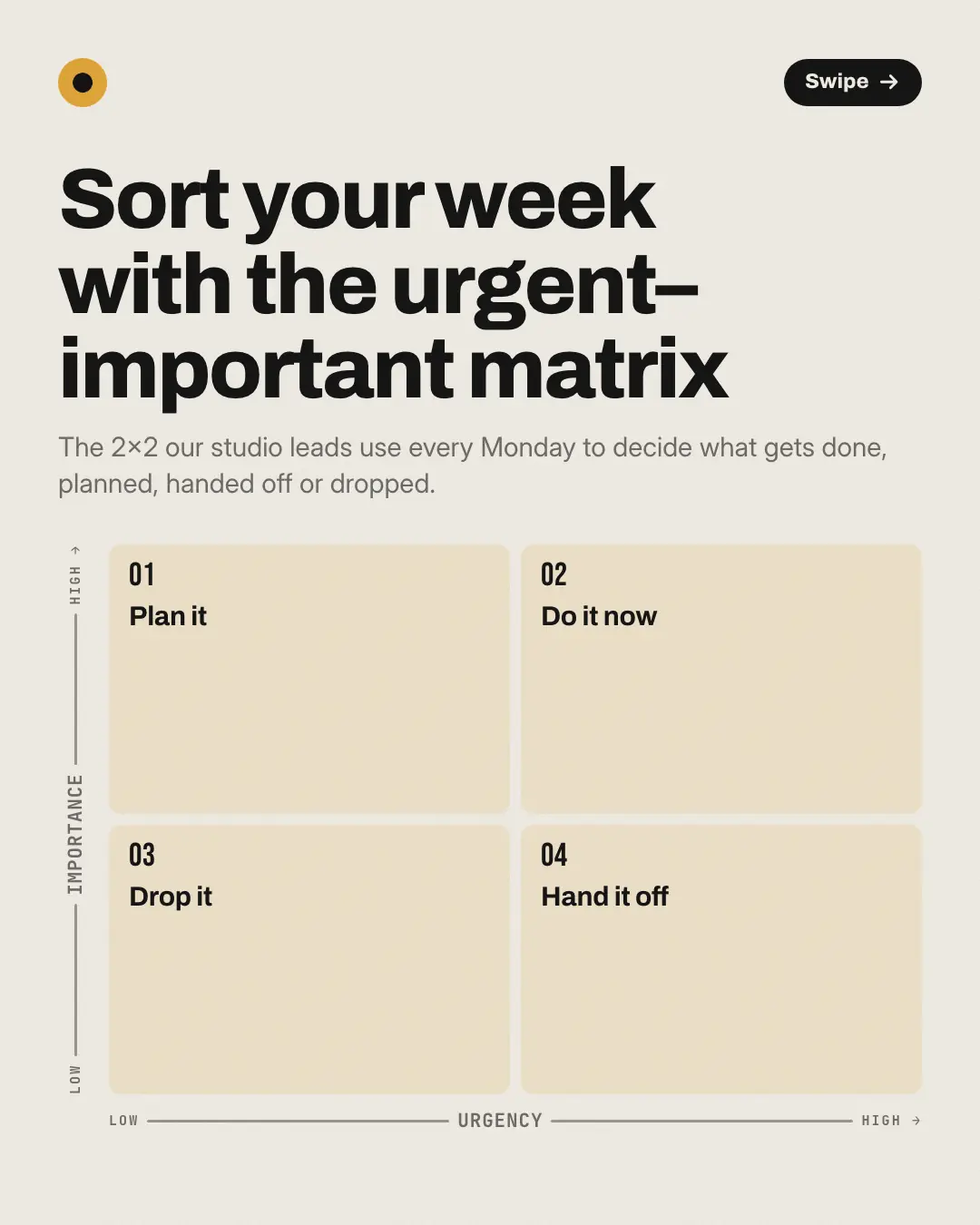
When the AI picks it
MarketiQ’s Creative Director favours the Quadrant matrix for posts that teach, when the message is a side-by-side comparison. It is built first to teach.
It reads each post’s goal and shape first, then its own words, the platform and the facts you have, and offers this template only where it fits.
Who it’s for
Any business. Nothing in it assumes what you sell, so the Director can offer it to a software company, a café or a coaching centre alike — whenever the post fits.
Platforms and sizes
| Size | Where |
|---|---|
| 4:51080 × 1350 px | Instagram, Facebook, LinkedIn, Threads |
Carousel of 4–6 slides. Each size is laid out for its canvas, not cropped; the sample above is the 4:5 version.
What it needs
Only your post. It is made from your copy and your brand kit — there is nothing else to prepare.
Rules the AI follows
Word for word from the template library. The Director follows the copy rules when it writes into the template, and the visual review checks every creative against the visual rules.
Copy rules
- Use it only when the post sorts things on two axes into four quadrants (a 2×2) — never for a list of four unrelated tips.
- Two to four rows, one per quadrant the post names — its name and what to do there — in reading order (top left, top right, bottom left, bottom right) or placed by its corner; a quadrant the post doesn't name stays empty, never filled in.
- Name the axes only as the post names them (low to high), and then give every row its corner — top right is high on both — or leave the axes empty; never invent an axis.
Visual rules
- A 2×2 grid of rounded cells with the post's axes as Low-to-High arrows along the bottom and left edges when every quadrant names its corner, plain arrows otherwise.
- Each quadrant page fills its own cell in the brand colour with a large number, keeps the others pale with their names, and sets the quadrant's name and body below the grid (beside it, at 1:1).
- The cover shows every named quadrant in the grid and an unnamed one as an empty dashed cell; the closing page fills every named cell in brand tints.
More Mental models templates
Maturity ladder
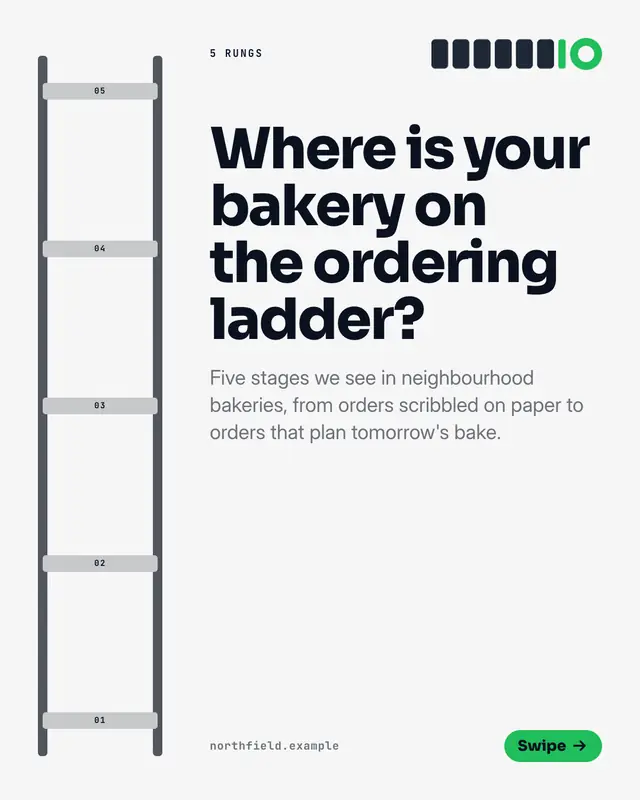
A tall ladder with one rung per stage, for a post about levels of maturity from first steps to mastery
Equation
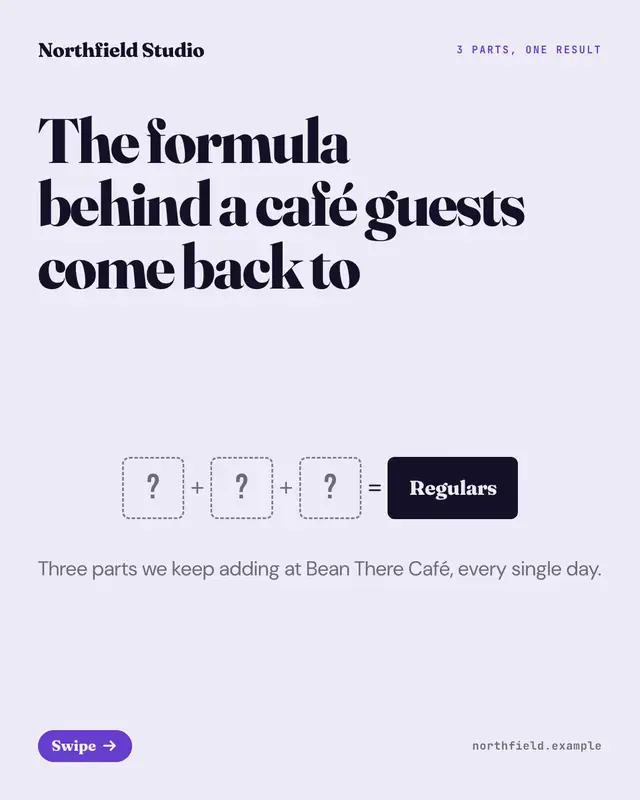
An equation built term by term
Venn diagram
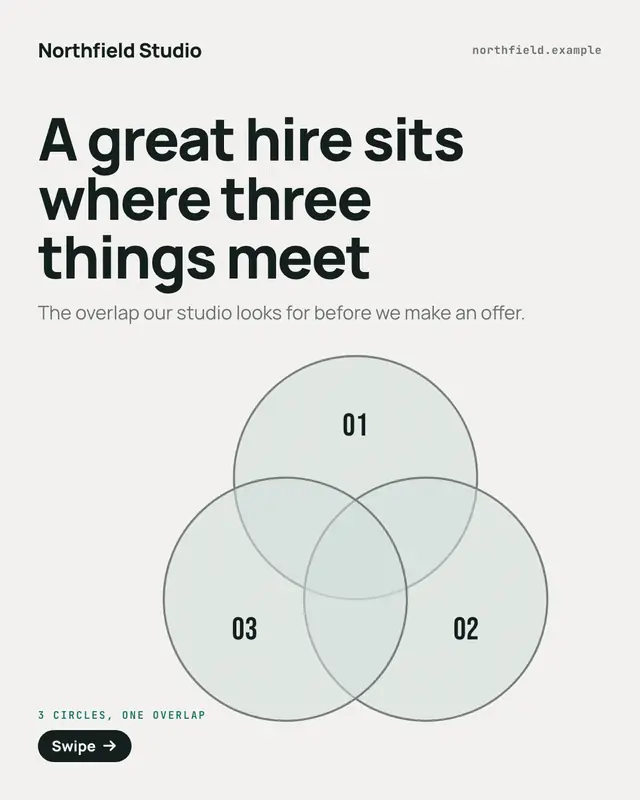
A Venn of two to four overlapping circles lit one per page, for a post about where several things meet
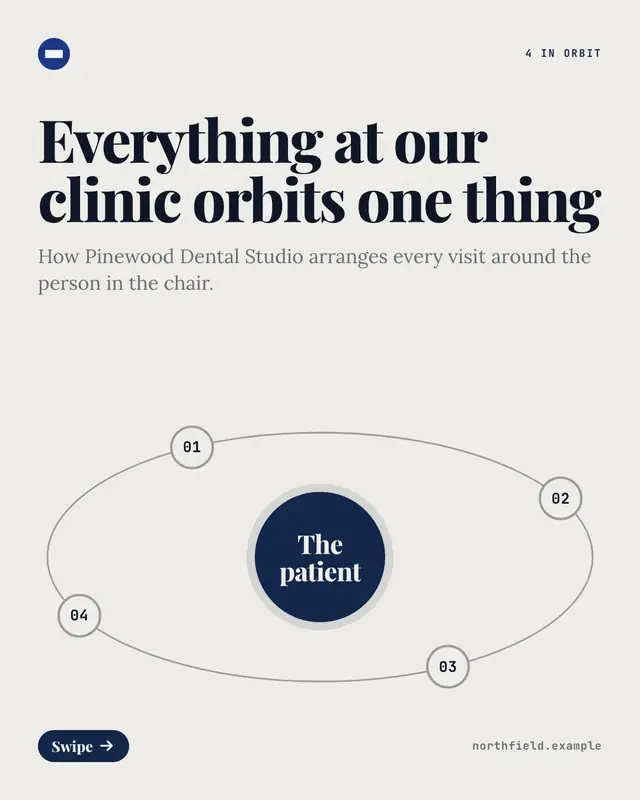
Satellite orbit
One core with numbered satellites on tilted orbits around it, for a post about the parts that revolve around one centre
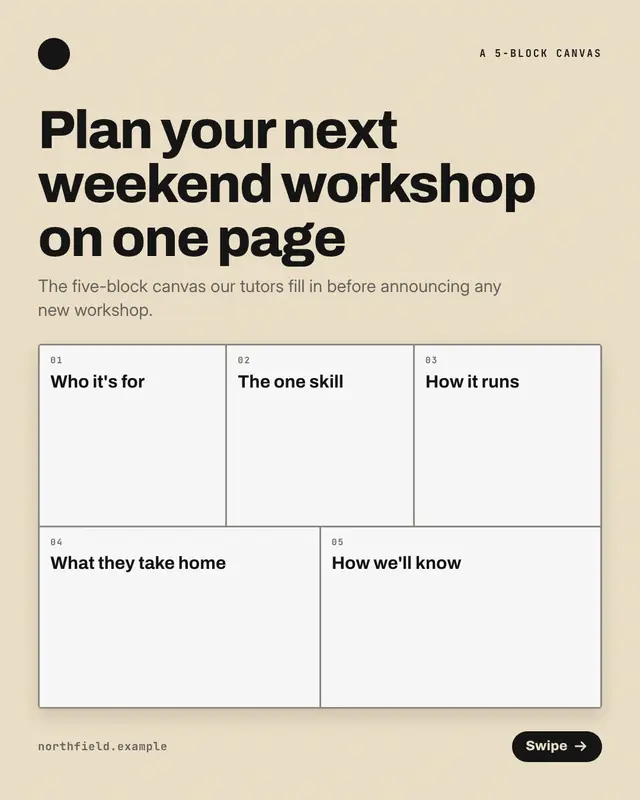
One-page canvas
A one-page planning canvas of ruled blocks, for a post that lays a plan out as named boxes to fill in, like a 'business model canvas'
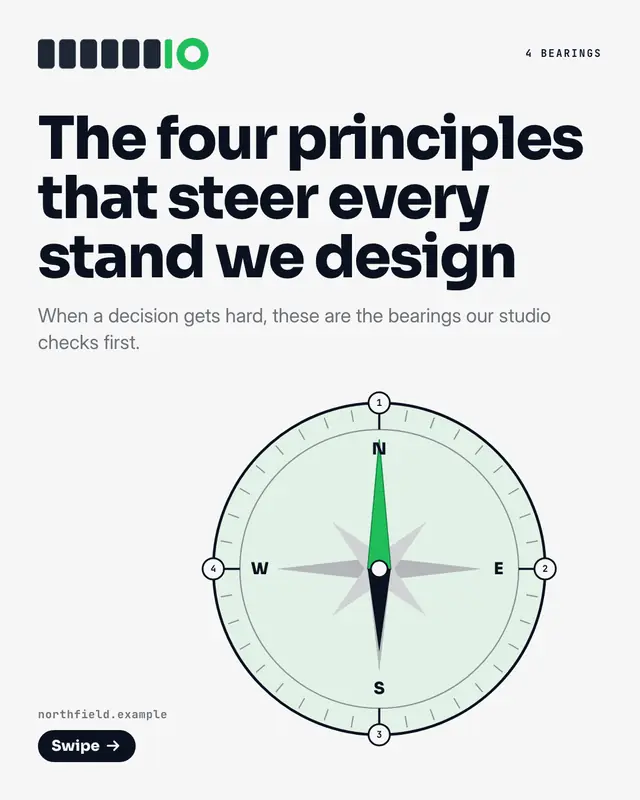
Compass rose
A 'compass' rose with one numbered bearing per principle around its ring, for a post about the principles that steer a team or a choice
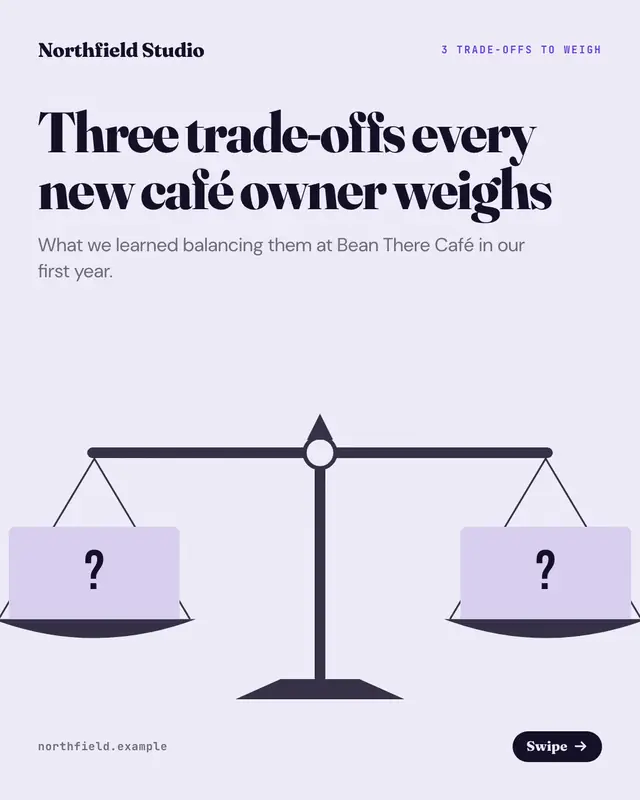
Balance scale
A level balance whose two pans carry the two sides of one 'trade-off' per page, for a post that weighs choices
Element tiles
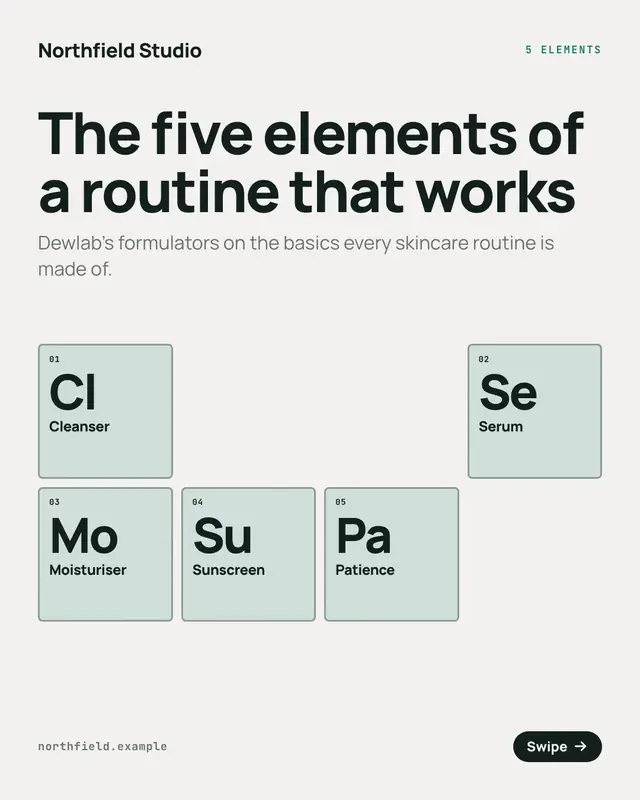
The basics of a craft set as element tiles on a small, generic periodic table (no real elements), for a post that names the essential elements of something
Make a Quadrant matrix with your brand.
MarketiQ writes the post, picks the template that carries it best — this one, when it fits — and fills it with your logo, colours, facts and copy.