Integration walk-through
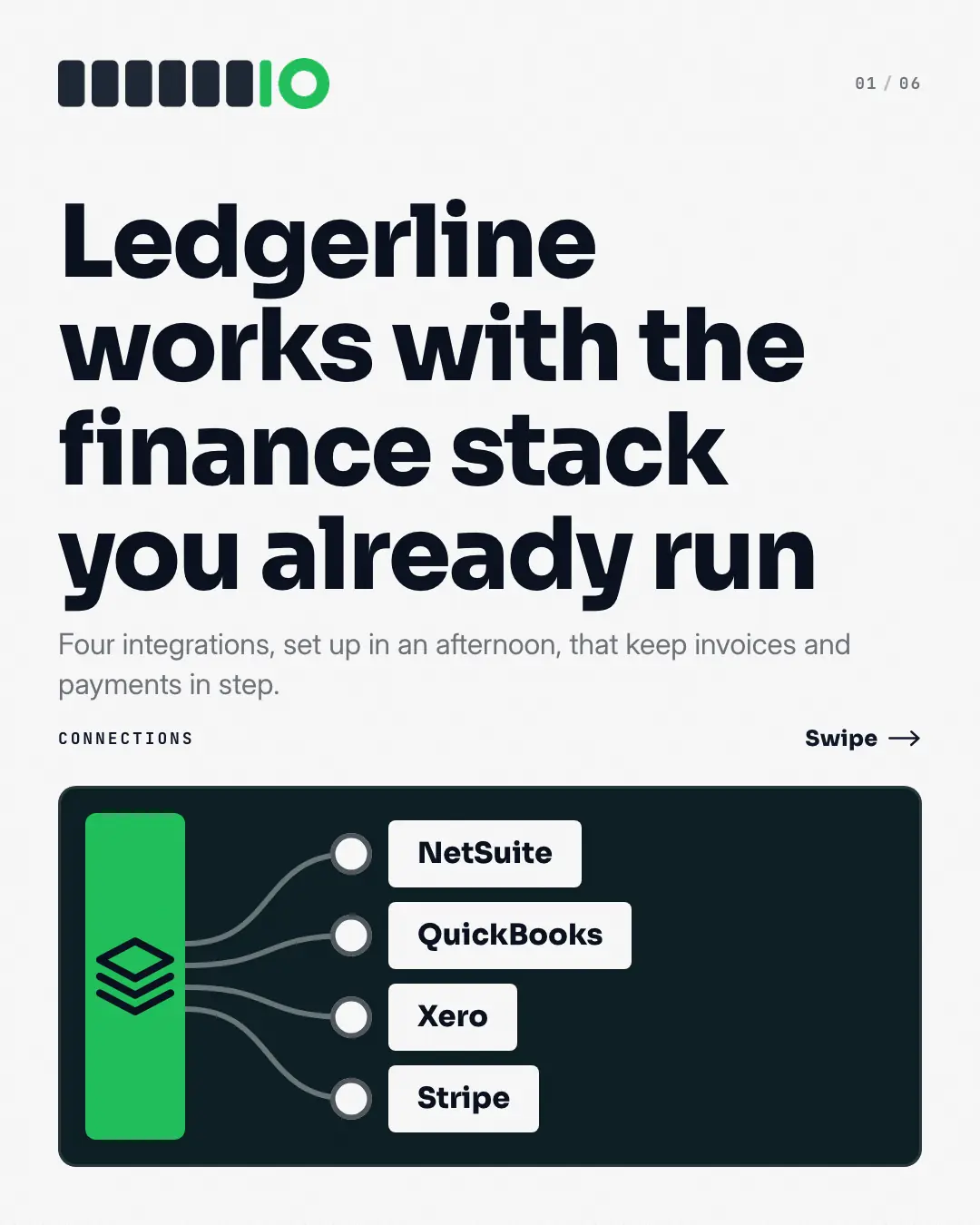
A patch panel of the product's integrations: the cover plugs a cable from the brand's hub into a socket for every tool it 'integrates with', then each page pulls one connection forward — the brand and that tool joined by a live cable — and says what syncs and how. Proof it 'works with' the stack the buyer already runs, with tool names in type, never third-party logos.
When the AI picks it
MarketiQ’s Creative Director favours the Integration walk-through for posts that teach, get people to act or prove a point, when the message is a list, steps or a process or one product in the spotlight. It is built first to teach.
It reads each post’s goal and shape first, then its own words, the platform and the facts you have, and offers this template only where it fits.
Who it’s for
Made for Software & apps. The Director offers it only to brands of that kind, so it never turns up for a business it does not suit.
Platforms and sizes
| Size | Where |
|---|---|
| 4:51080 × 1350 px | Instagram, Facebook, LinkedIn, Threads |
Carousel of 3–10 slides. Each size is laid out for its canvas, not cropped; the sample above is the 4:5 version.
What it needs
The Director offers it only when these exist. Without them it simply picks another template.
- The tools your product really connects with
Rules the AI follows
Word for word from the template library. The Director follows the copy rules when it writes into the template, and the visual review checks every creative against the visual rules.
Copy rules
- Every tool is an integration the brand's truth pack itself names; never a tool it does not connect with.
- Each page says what moves between the product and that tool and what the team gets from it.
Visual rules
- A dark patch panel with the brand's hub on the left and one socket per tool, its name on a white label, a cable from the hub to each; the closing page lights every cable in the brand colour.
- Each content page shows the brand's logo tile and the tool's name tile joined by a thick cable with a sync mark, then the heading and the body; no third-party logos.
- Page counter top right on every page.
Truth pack: the verified facts MarketiQ keeps about your business — what you sell, prices, proof and the claims you have approved.
More Business decks templates
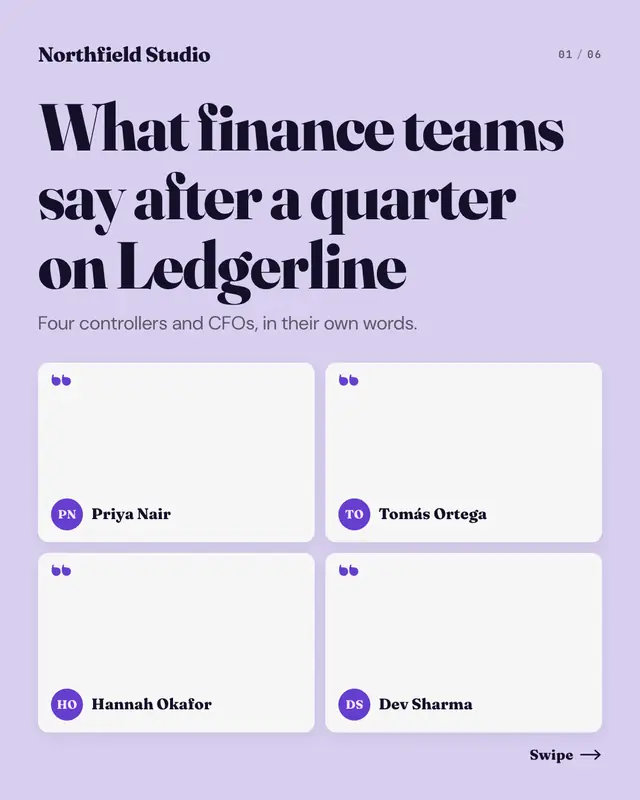
Customer quote wall
A wall of customer quotes, one per page: the cover pins a card for every voice
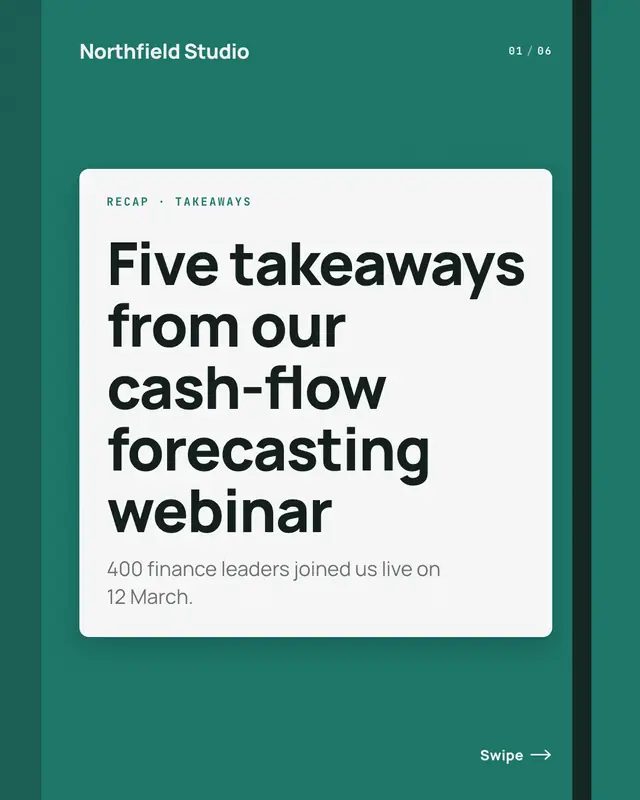
Takeaways recap
A recap in a reporter's notebook: the cover is the closed notebook with the event on its label, and each page is a ruled page with one takeaway
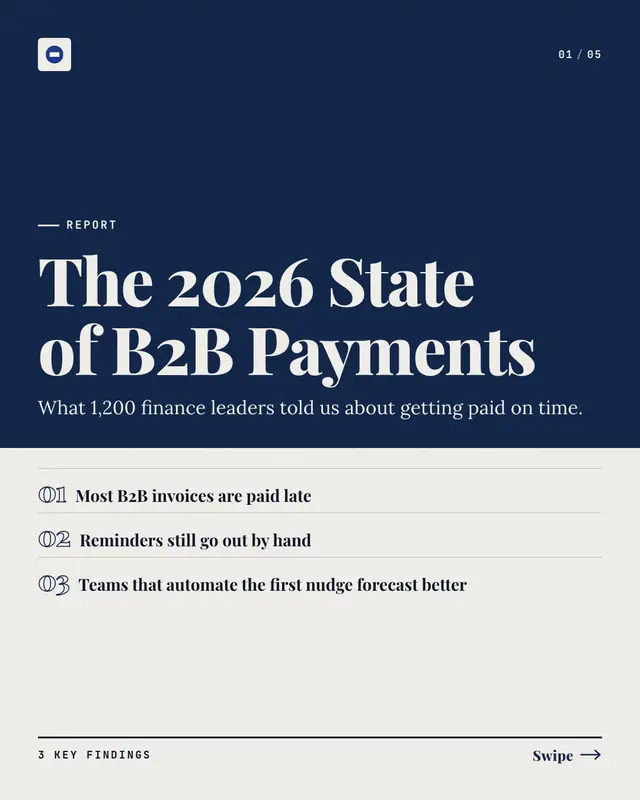
Key findings report
A research report's 'key findings', one per page: a brand-colour report cover over an at-a-glance list of the findings, then each page sets the finding's number in a…
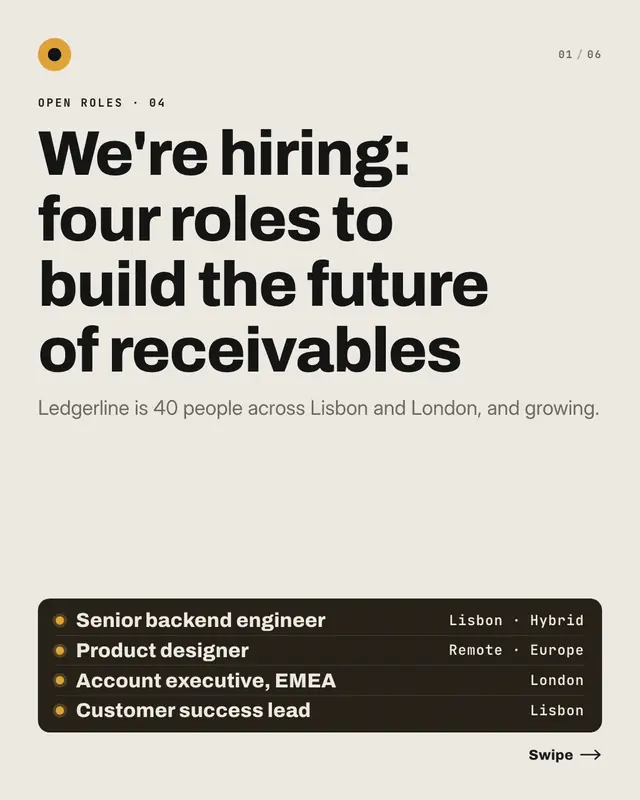
Open roles index
The 'open roles', one per page, from a careers board: the cover lists every role on a dark board with its location, and each page is a role card
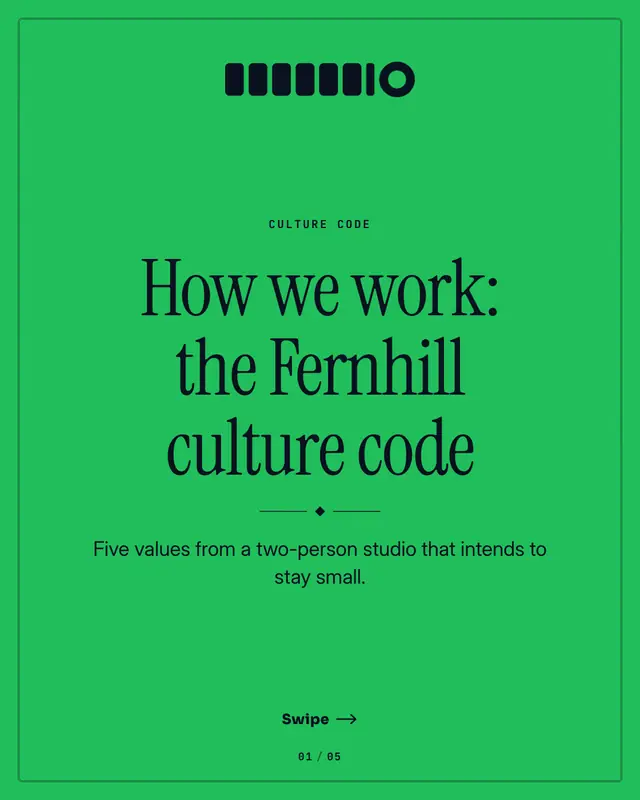
Culture code
A culture handbook
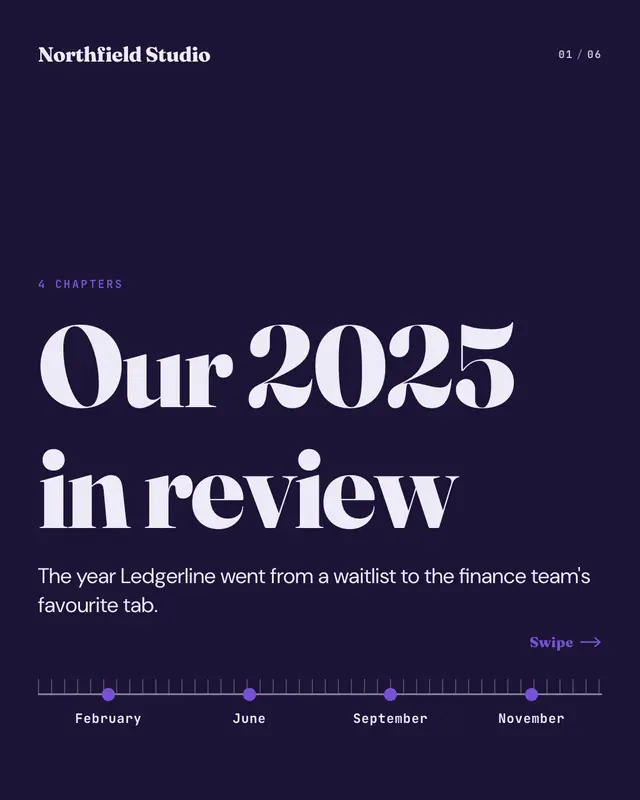
Year-in-review chapters
A 'year in review' told in chapters along a timeline scrubber: the cover lays every milestone on a ruled timeline, and each page pins one
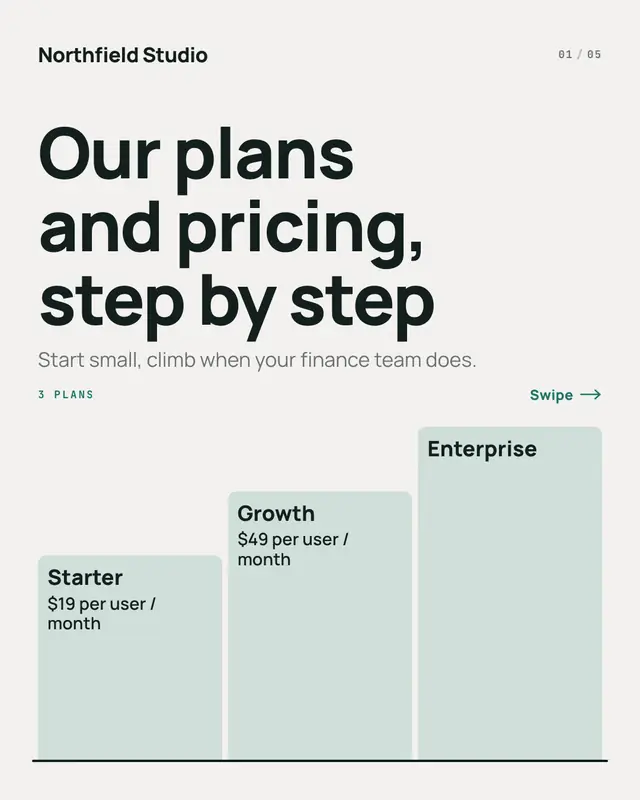
Pricing plans staircase
'Pricing plans' as a staircase, one step per page: the cover climbs from the entry plan to the top plan, each step carrying its name and price, and each page lights one…
Partnership lockup
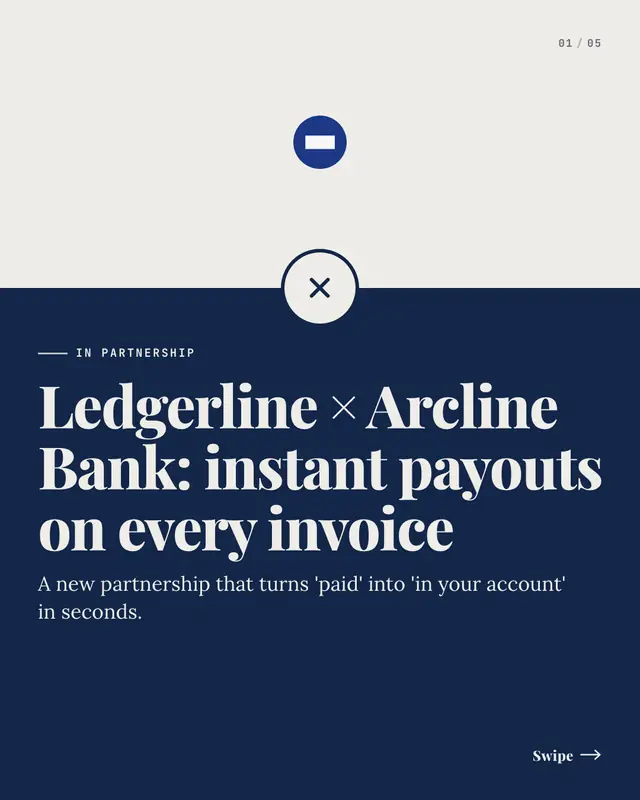
A partnership announcement as a lockup: the brand's logo and the partnership headline joined by a big × on the seam of a two-tone page ('in partnership with'), then one…
Make a Integration walk-through with your brand.
MarketiQ writes the post, picks the template that carries it best — this one, when it fits — and fills it with your logo, colours, facts and copy.