Problem–agitate–solve
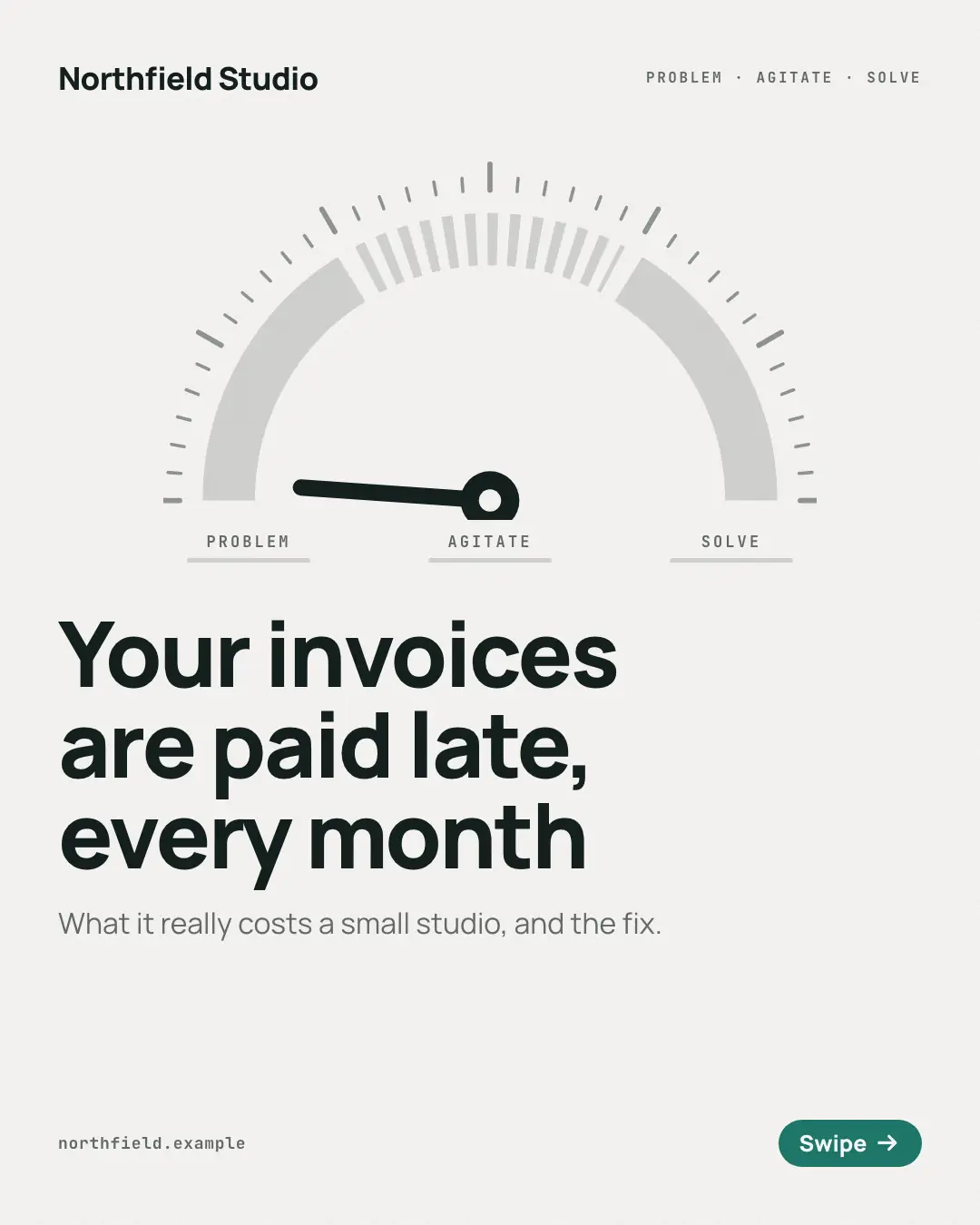
A 'problem-agitate-solve' story on a pressure gauge: the needle sits on the problem, swings to its peak as the cost of leaving it is spelled out on a dark page, and settles on the fix on a brand-colour page — the stage word set big over each page's point. For a customer's 'pain point' and the way out of it: a persuasive story readers feel turn.
When the AI picks it
MarketiQ’s Creative Director favours the Problem–agitate–solve for posts that get people to act, teach or start a conversation, when the message is a contrast (this, not that), a story or one sharp insight. It is built first to get people to act.
It reads each post’s goal and shape first, then its own words, the platform and the facts you have, and offers this template only where it fits.
Who it’s for
Any business. Nothing in it assumes what you sell, so the Director can offer it to a software company, a café or a coaching centre alike — whenever the post fits.
Platforms and sizes
| Size | Where |
|---|---|
| 4:51080 × 1350 px | Instagram, Facebook, LinkedIn, Threads |
Carousel of 4–10 slides. Each size is laid out for its canvas, not cropped; the sample above is the 4:5 version.
What it needs
Only your post. It is made from your copy and your brand kit — there is nothing else to prepare.
Rules the AI follows
Word for word from the template library. The Director follows the copy rules when it writes into the template, and the visual review checks every creative against the visual rules.
Copy rules
- Only for a problem-and-fix story: the first page names a problem the reader has, the middle pages say what it costs them, the last page is the fix the brand offers — not for neutral news, an offer, a thank-you or a list of tips (a free week, a recovery plan, a set of exercises). Every page carries its stage label: the first page 'Problem', every page between 'Agitate', the last 'Solve'; for any other post leave the labels empty and the gauge is refused.
- Agitate with consequences the copy states; never invent figures, losses or fears the post does not give.
- The fix is what the business really offers, and the closing line asks for the step that starts it.
Visual rules
- A semicircular gauge with three arcs — problem, agitate (dashed until reached), solve — and a needle that points at the current stage; 'Problem · Agitate · Solve' tabs under it with the current one underlined.
- Problem pages are on paper, agitate pages on a dark ground, solve pages and the closing page on the brand colour, each with the stage word set big in condensed capitals above the heading.
- Logo top left and the page counter top right on every page; the cover's needle rests at zero.
More Narrative decks templates
Comic-strip pages
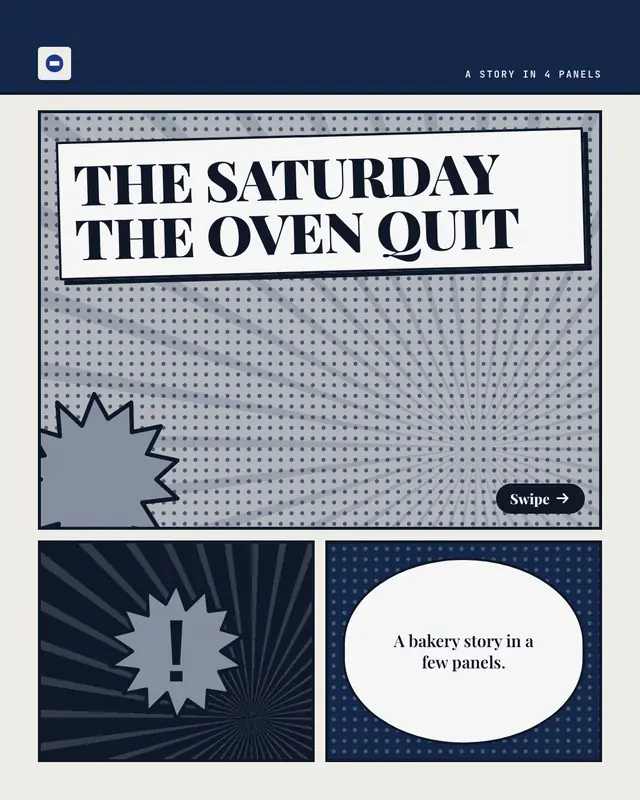
A story told as 'comic strip' pages: inked panels with Ben-Day dots and speed lines, each page's beat in a caption box and its detail in a speech balloon from off-panel…
Diary pages
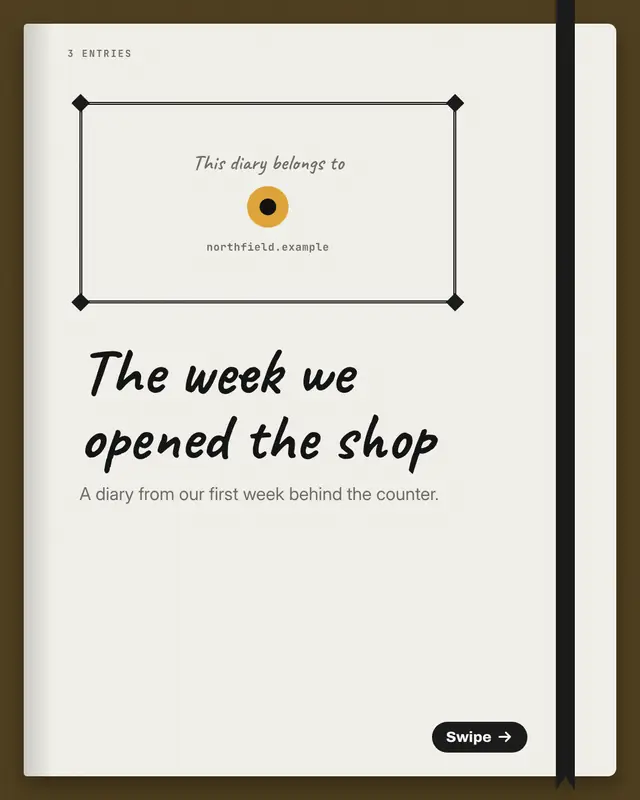
A story told as 'diary pages': a page-a-day diary open on a desk with a ribbon marker, each entry's date written large at the top, the entry in handwriting on ruled lines
Postmortem
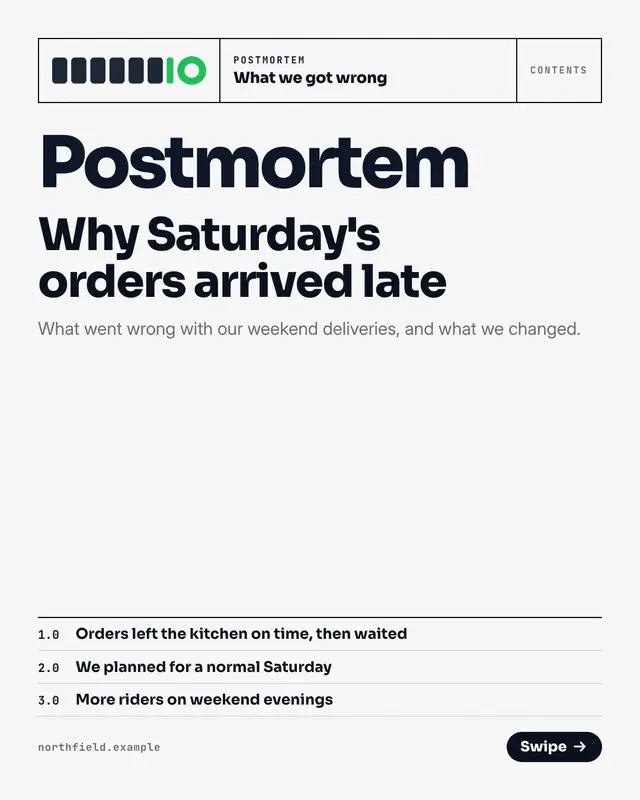
An honest 'postmortem' of what went wrong, set as a plain report: a ruled header on every page, one numbered section per page
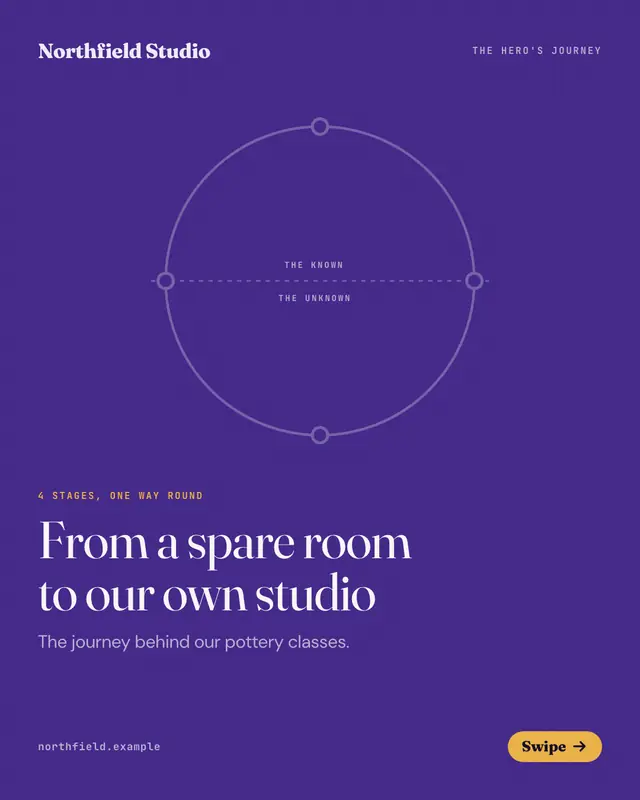
Hero's journey
A 'hero's journey' drawn as the classic ring of stages
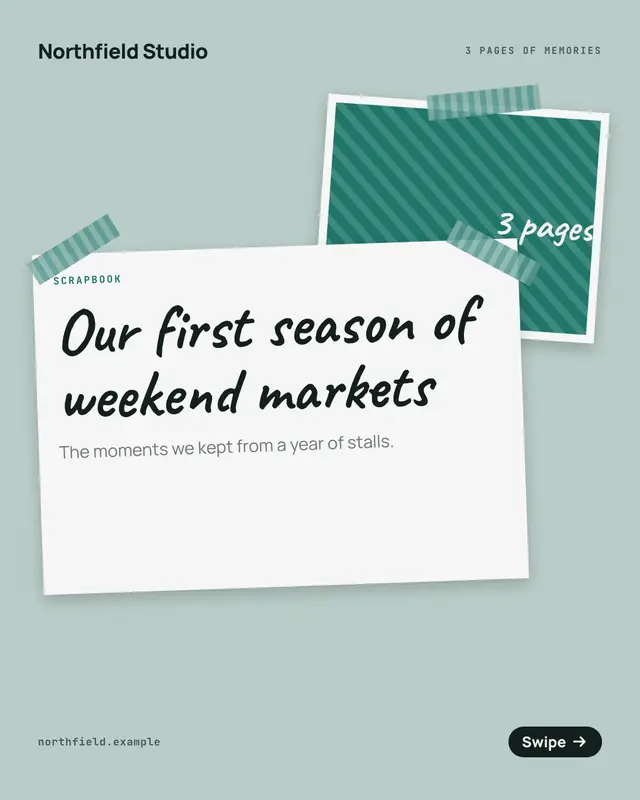
Scrapbook pages
A story kept as 'scrapbook pages' on kraft paper: a numbered pattern swatch mounted in a white border, the moment's heading on a taped card, the story on a torn note and…
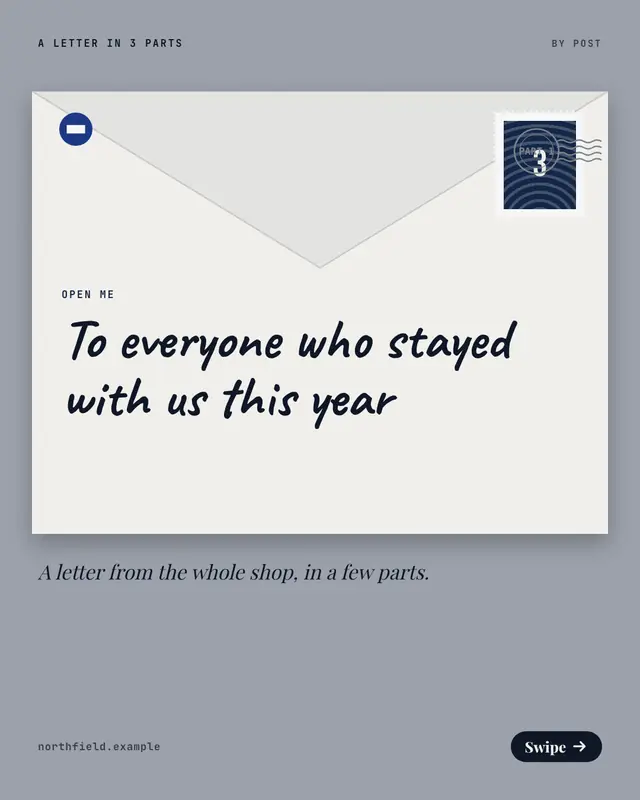
Serial letter
A 'letter in parts': the cover is a stamped envelope with the title written on it, each page one sheet of letterhead marked with its part and continued overleaf, and the…
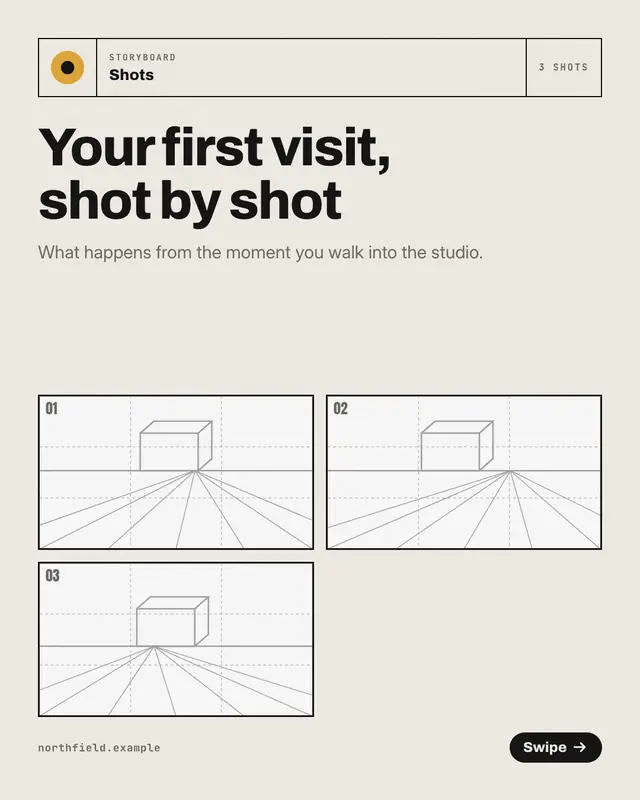
Storyboard frames
A story planned shot by shot on a production 'storyboard': a title block on every page, one pencil-sketched 16:9 frame with its shot number and camera-move arrow, and…
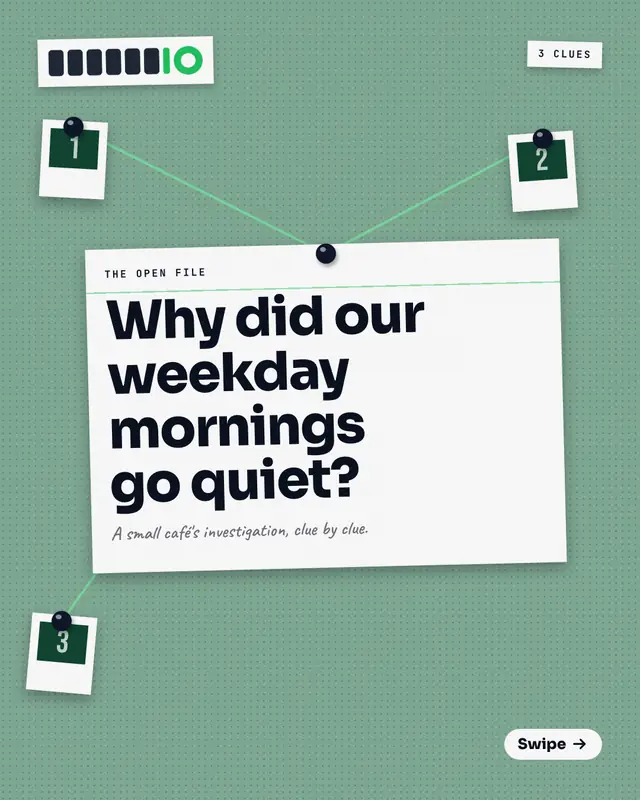
Detective's clue board
An investigation pinned to a cork 'clue board': each page pins one clue on an index card beside a '?' snapshot, the detail on a sticky note, and a string running from…
Make a Problem–agitate–solve with your brand.
MarketiQ writes the post, picks the template that carries it best — this one, when it fits — and fills it with your logo, colours, facts and copy.