Price swing tags
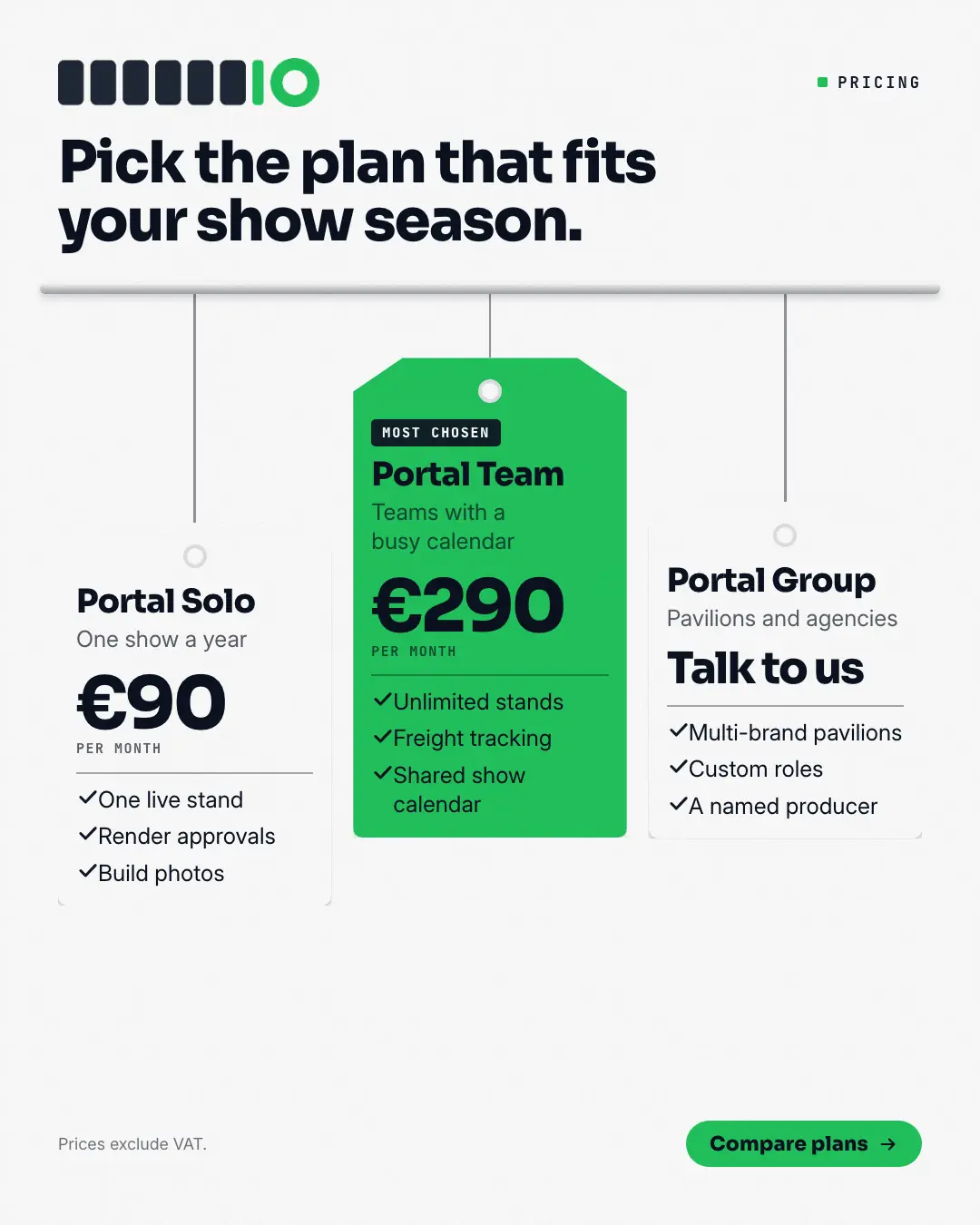
Plans as swing tags hanging from a rail on strings of different lengths: each tag punched with a hole and carrying the plan's name, who it is for, the price set big and what is included — the recommended plan's tag filled in the brand colour with a ribbon. Pricing feels as tangible and fair as a label in a good shop.
When the AI picks it
MarketiQ’s Creative Director favours the Price swing tags for posts that get people to act, teach or announce news, when the message is a side-by-side comparison, a list or several products or a menu. It is built first to get people to act.
It reads each post’s goal and shape first, then its own words, the platform and the facts you have, and offers this template only where it fits.
Who it’s for
Any business. Nothing in it assumes what you sell, so the Director can offer it to a software company, a café or a coaching centre alike — whenever the post fits.
Platforms and sizes
| Size | Where |
|---|---|
| 4:51080 × 1350 px | Instagram, Facebook, LinkedIn, Threads, Pinterest, Reddit |
| 1:11080 × 1080 px | Ads |
| 9:161080 × 1920 px | TikTok |
| 16:91600 × 900 px | X, YouTube |
| 1.91:11200 × 628 px | Newsletter, Blog |
Single image. Each size is laid out for its canvas, not cropped; the sample above is the 4:5 version.
What it needs
The Director offers it only when these exist. Without them it simply picks another template.
- A real product or service you sell
- A real price from your catalogue
Rules the AI follows
Word for word from the template library. The Director follows the copy rules when it writes into the template, and the visual review checks every creative against the visual rules.
Copy rules
- Plan names and prices exactly as the brand's catalog states them; a plan without a stated price shows the no-price label.
- Inclusions are real, from the catalog or post; mark at most one plan as recommended.
Visual rules
- A metal rail across the canvas with one to three punched swing tags hanging from it on strings of different lengths; white tags with hairline edges, the recommended tag filled in the brand colour with a dark ribbon.
- Each tag: plan name in the heading face, a muted line on who it is for, the price set large with a mono period, a rule and ticked inclusions; headline above the rail, button below.
More Pricing & integrations templates
Pricing table
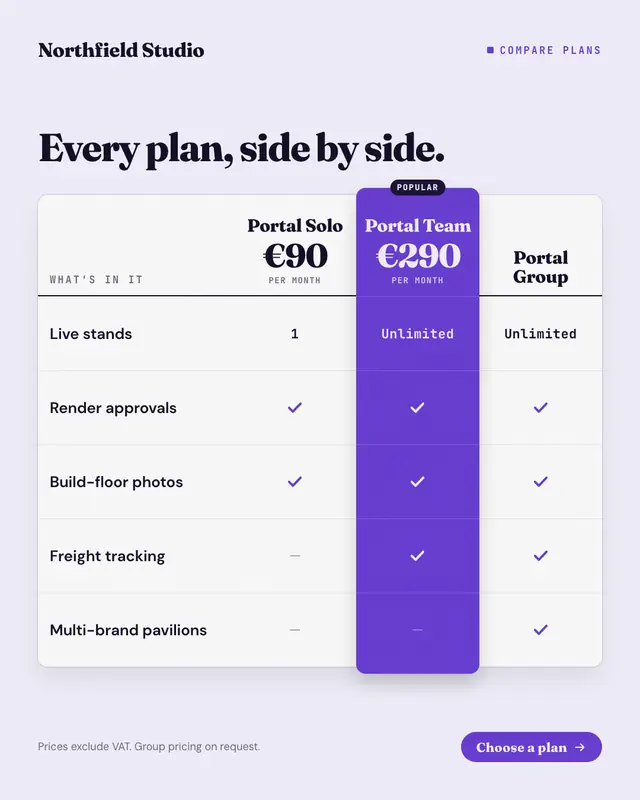
The plan comparison table buyers scroll to on a pricing page: plans across the top with their prices, features down the side, ticks, dashes and short values in each cell
New-price shelf label
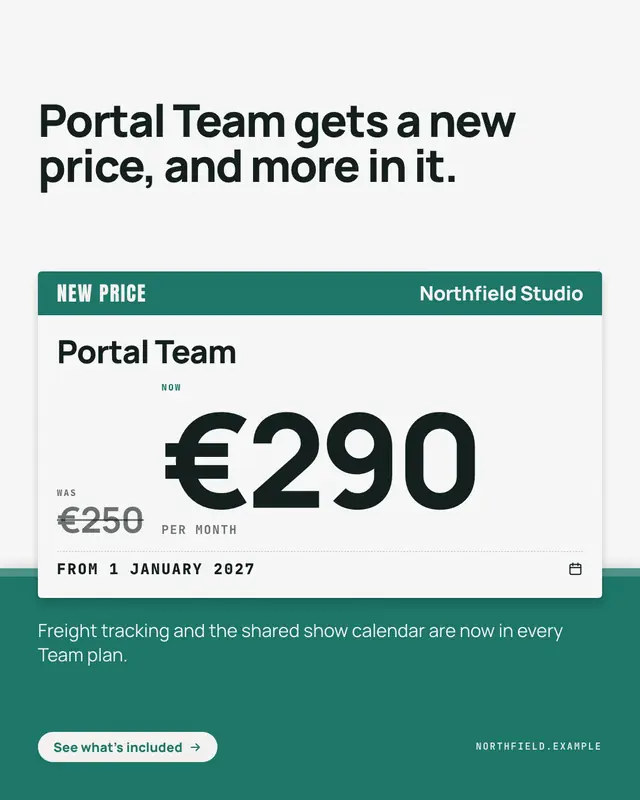
A price change announced on the shelf-edge label shoppers already trust: a brand-colour header with 'NEW PRICE', the plan's name, the old price struck through beside the…

Tear-off coupon
An introductory offer cut out as a coupon: a brand-colour face with the offer set in huge condensed capitals and what it applies to, a perforated tear-off stub with the…
Co-brand lockup
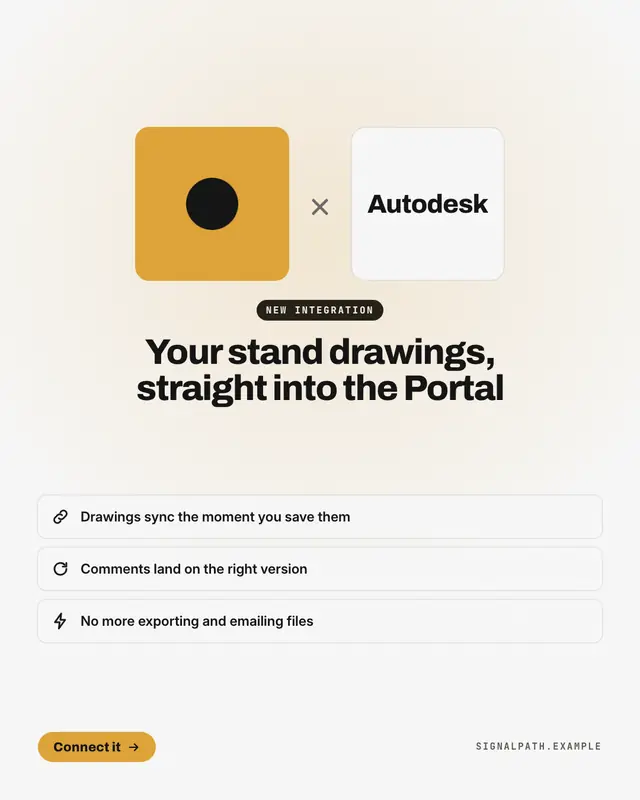
A new integration or a 'partnership with' another brand, announced the way brands announce it to each other: the co-branded lockup
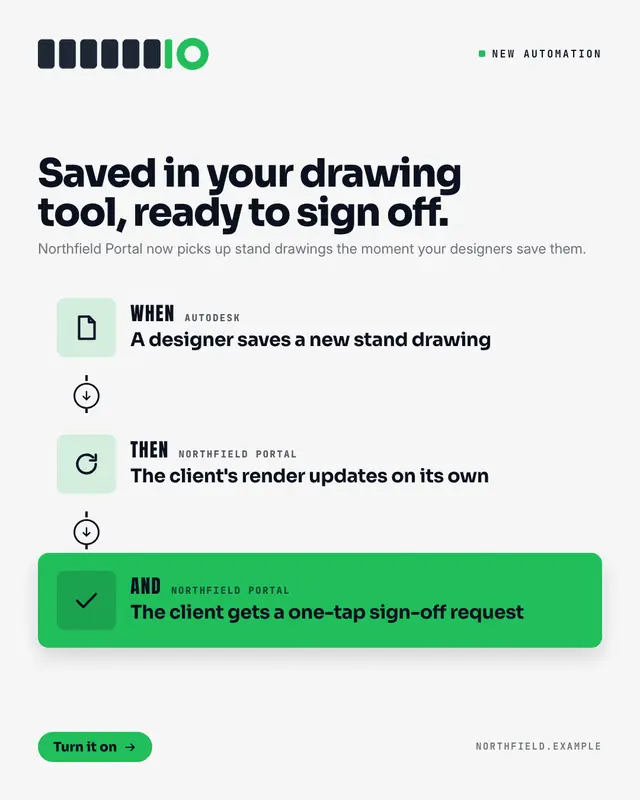
Automation recipe
An integration explained as the automation it enables: a recipe card of two or three steps joined by a dashed line
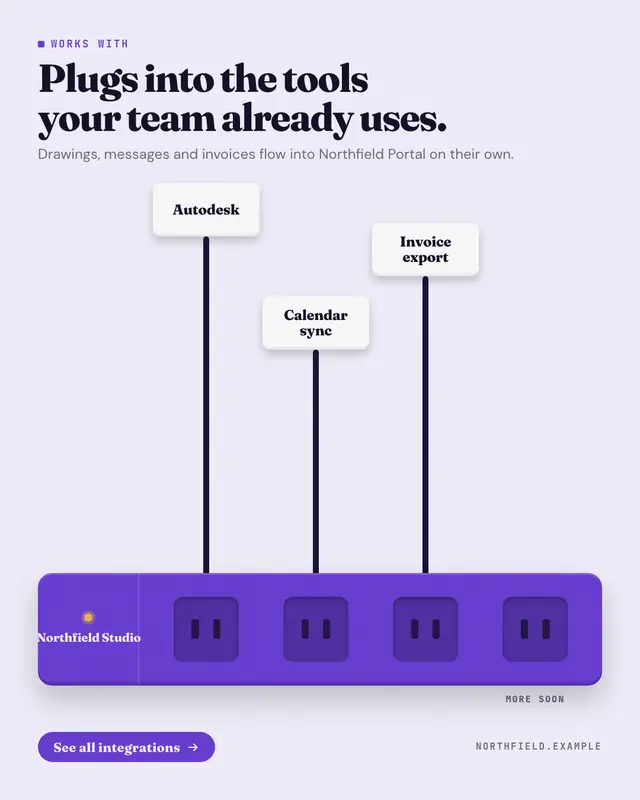
Plugs into your stack
'Works with' drawn as a power strip in the brand colour
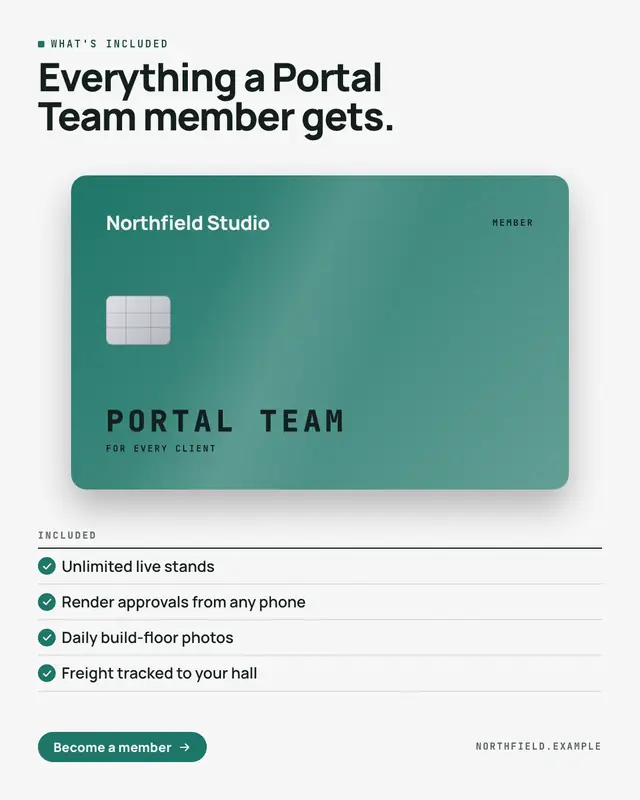
Membership card
'What's included' as the member card a customer gets: a premium card in the brand colour
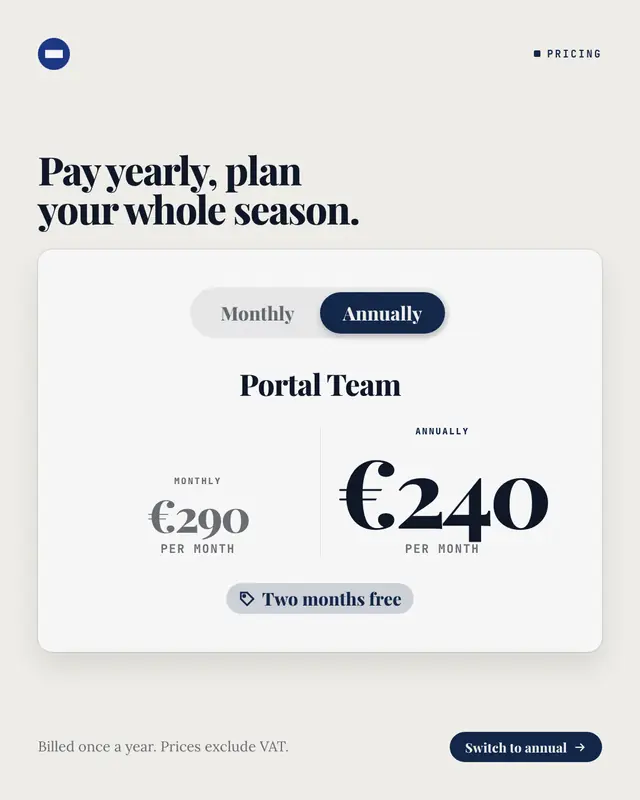
Monthly or annual switch
The billing switch from a pricing page, flipped to annual: a pill toggle with 'Monthly' and the selected 'Annually' in the brand colour, the plan's name, both prices…
Make a Price swing tags with your brand.
MarketiQ writes the post, picks the template that carries it best — this one, when it fits — and fills it with your logo, colours, facts and copy.