Pricing & integrations templates
What it costs, what is included and what it works with: tags, tables, notices, offers and partner announcements. MarketiQ’s Creative Director picks from these 10 templates whenever a post’s message fits one of them, then fills it with your brand, facts and copy.
All Pricing & integrations templates
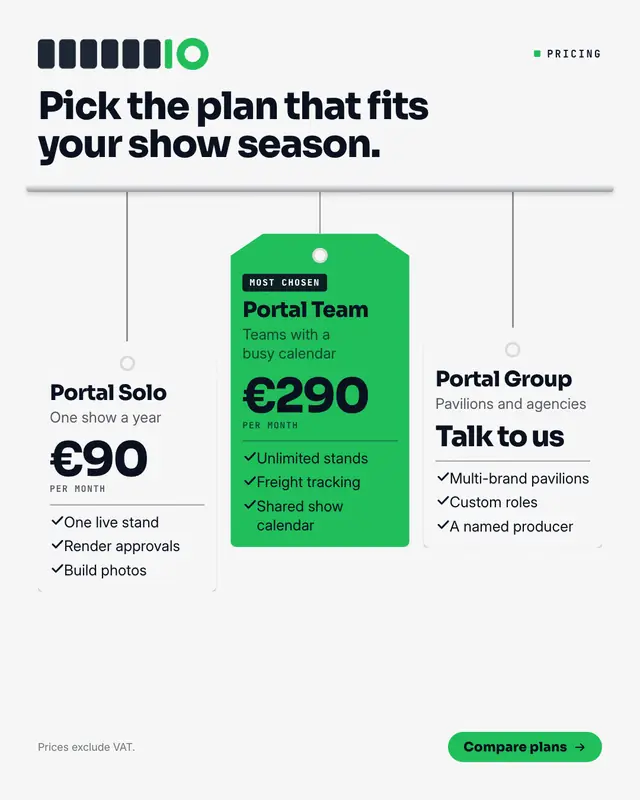
Price swing tags
Plans as swing tags hanging from a rail on strings of different lengths: each tag punched with a hole and carrying the plan's name, who it is for, the price set big and…
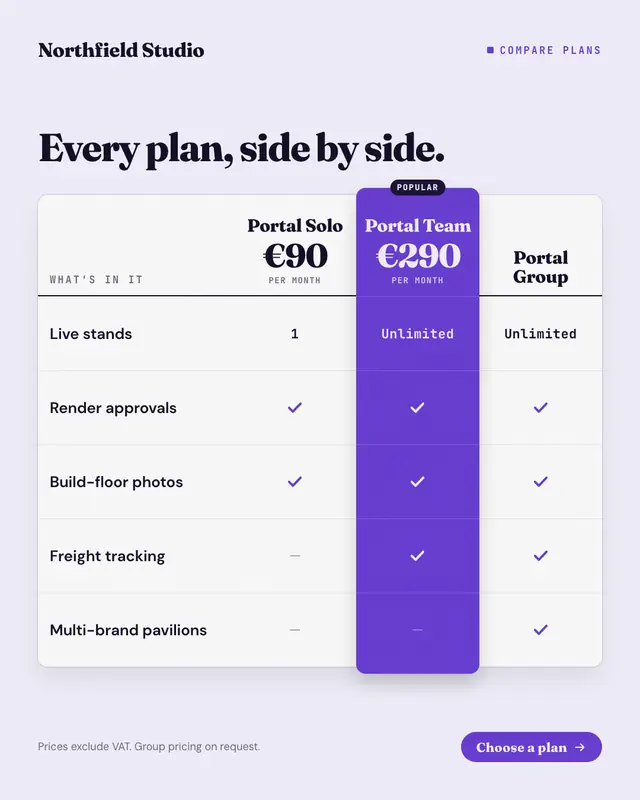
Pricing table
The plan comparison table buyers scroll to on a pricing page: plans across the top with their prices, features down the side, ticks, dashes and short values in each cell
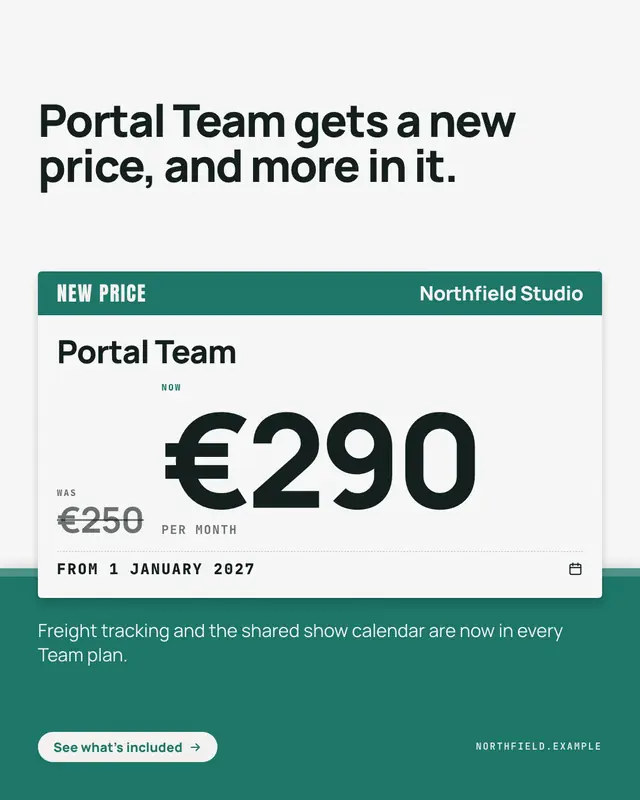
New-price shelf label
A price change announced on the shelf-edge label shoppers already trust: a brand-colour header with 'NEW PRICE', the plan's name, the old price struck through beside the…
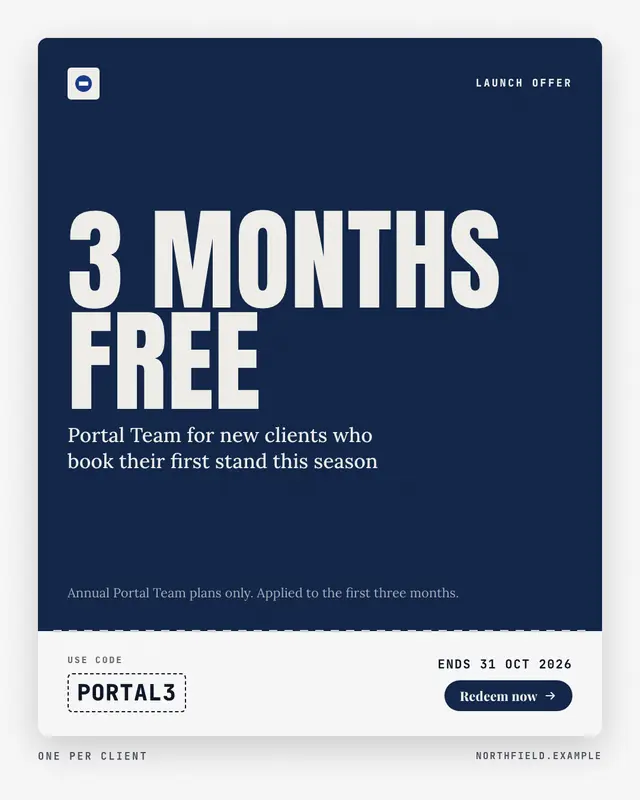
Tear-off coupon
An introductory offer cut out as a coupon: a brand-colour face with the offer set in huge condensed capitals and what it applies to, a perforated tear-off stub with the…
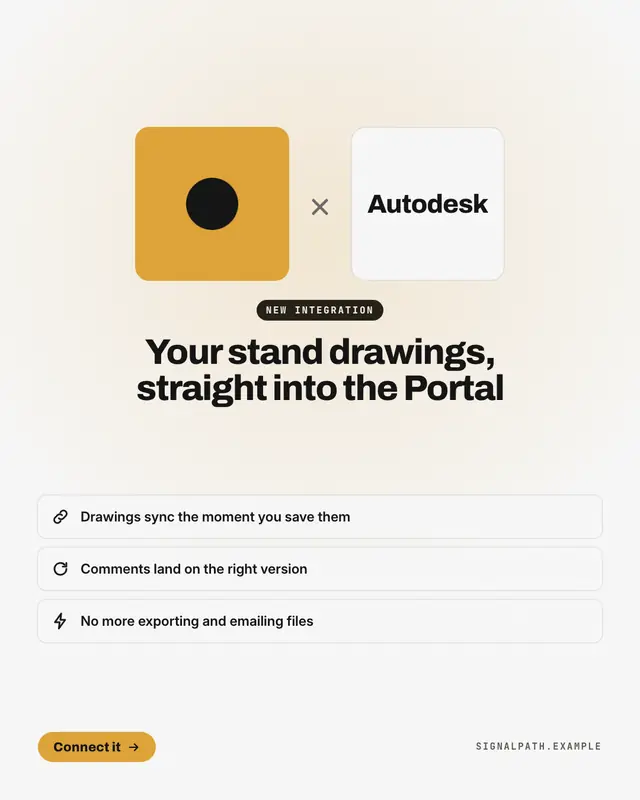
Co-brand lockup
A new integration or a 'partnership with' another brand, announced the way brands announce it to each other: the co-branded lockup
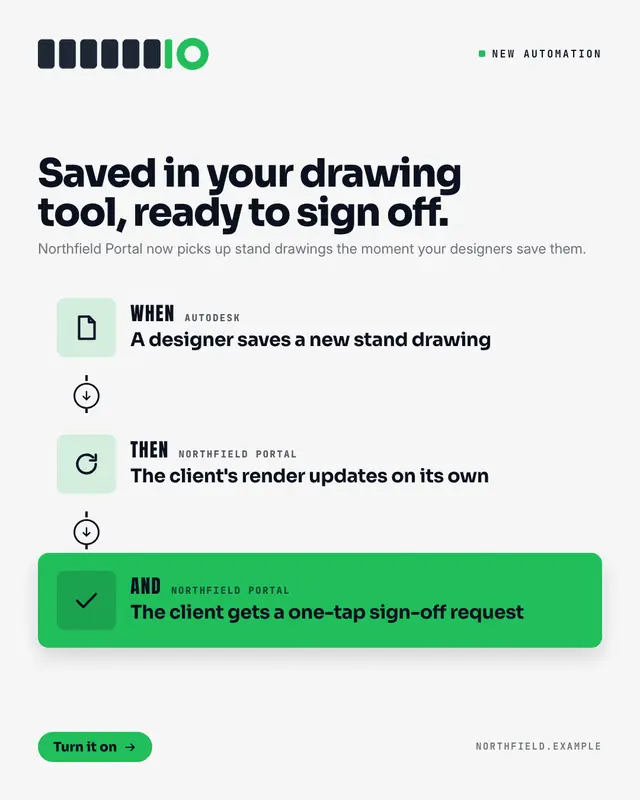
Automation recipe
An integration explained as the automation it enables: a recipe card of two or three steps joined by a dashed line
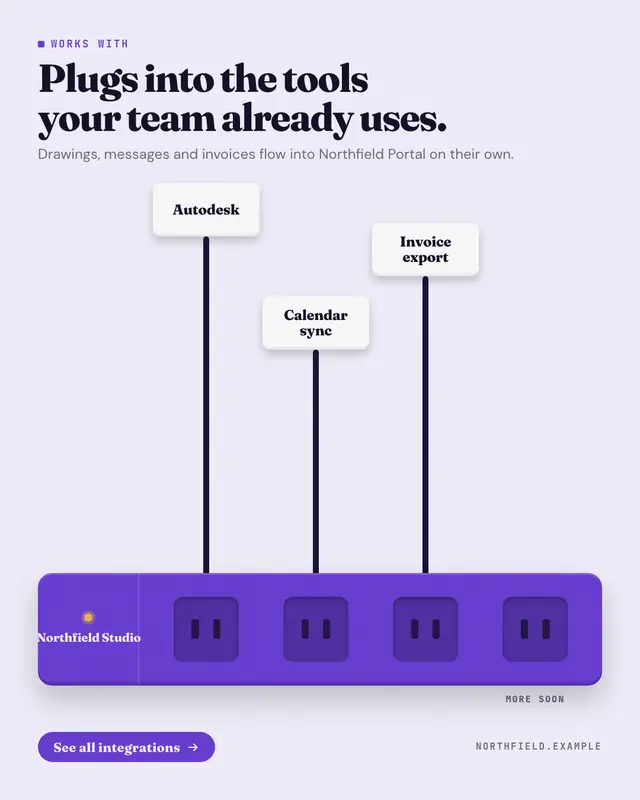
Plugs into your stack
'Works with' drawn as a power strip in the brand colour
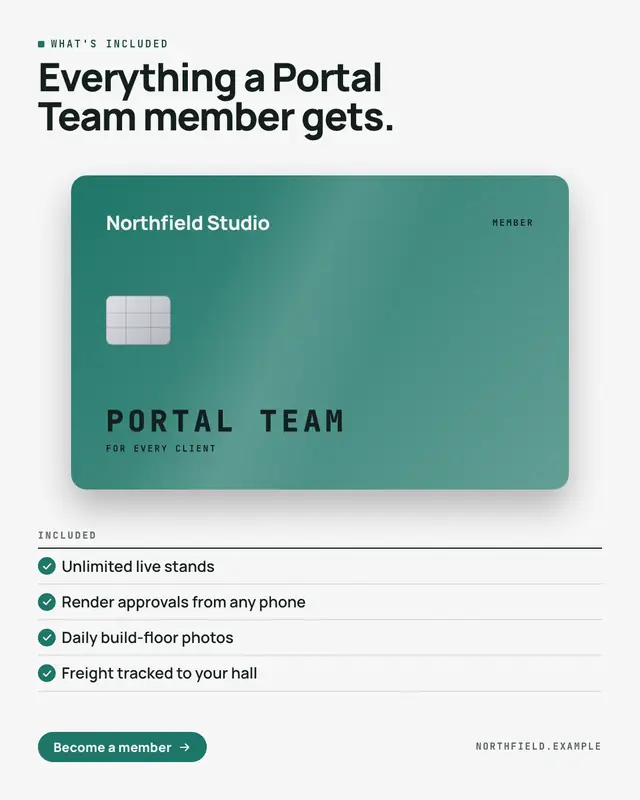
Membership card
'What's included' as the member card a customer gets: a premium card in the brand colour
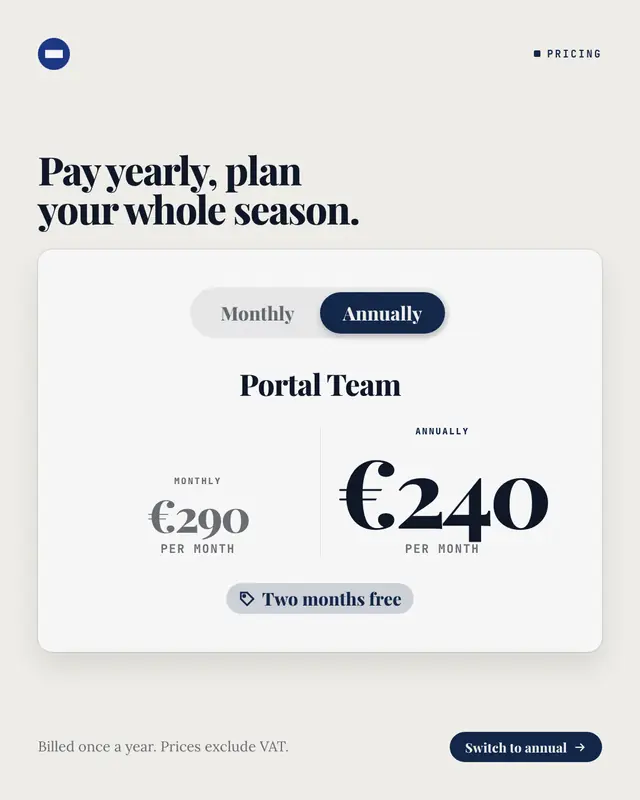
Monthly or annual switch
The billing switch from a pricing page, flipped to annual: a pill toggle with 'Monthly' and the selected 'Annually' in the brand colour, the plan's name, both prices…
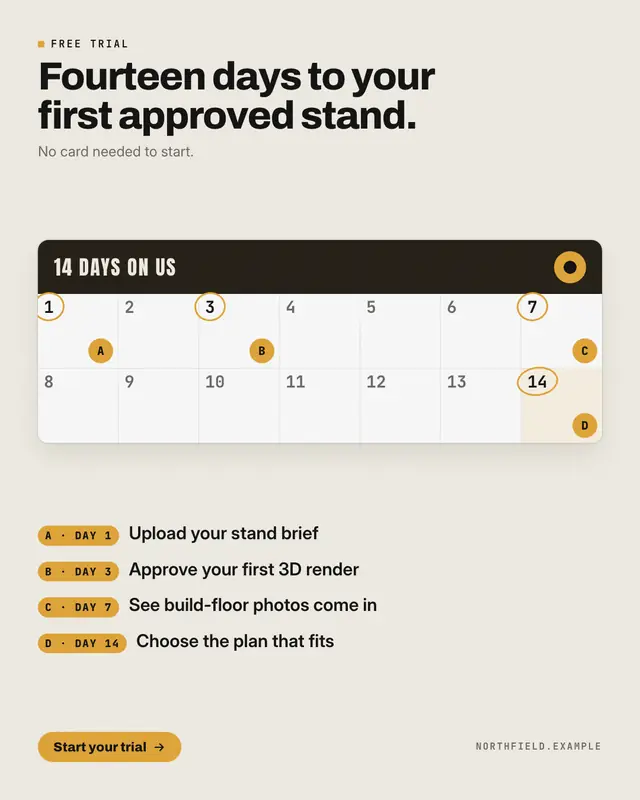
Free-trial calendar
A free trial laid out on the calendar it lasts: a card with every day of the trial numbered
Samples use fictional brands; MarketiQ fills each template with your brand, facts and copy.
More ways to carry a message
Let the AI pick the right Pricing & integrations template.
Write the post, or let your AI team write it. The Creative Director reads it, picks the template that carries it best and fills it with your brand; it goes out on the approval rules you set.