Search autocomplete
A search box mid-query with the autocomplete dropdown revealing what people really search for — the brand's answer is the highlighted suggestion and a caption names the truth behind it.
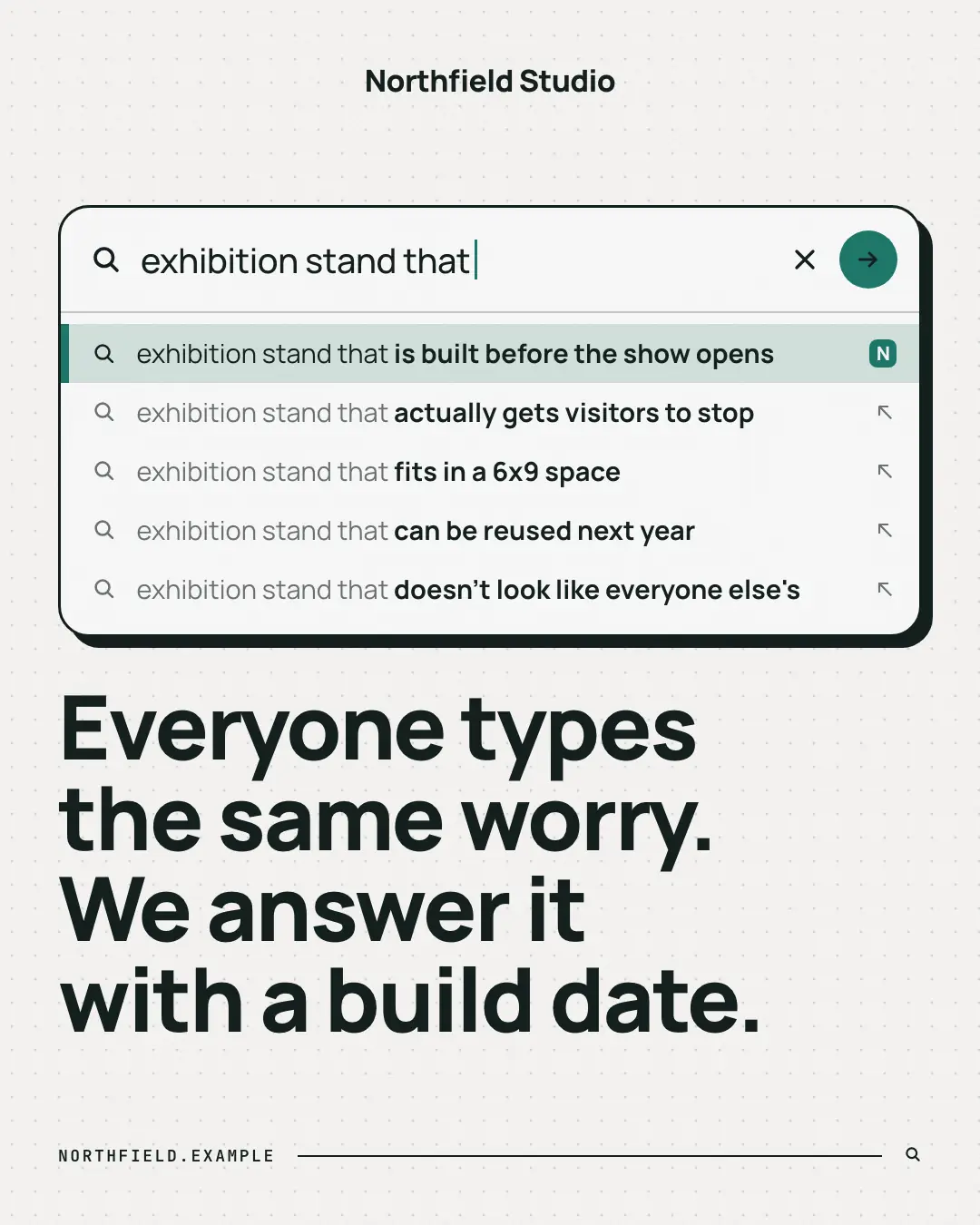
When the AI picks it
MarketiQ’s Creative Director favours the Search autocomplete for posts that teach, start a conversation or entertain, when the message is a list, a question or one sharp insight. It is built first to teach.
It reads each post’s goal and shape first, then its own words, the platform and the facts you have, and offers this template only where it fits.
Who it’s for
Any business. Nothing in it assumes what you sell, so the Director can offer it to a software company, a café or a coaching centre alike — whenever the post fits.
Platforms and sizes
| Size | Where |
|---|---|
| 4:51080 × 1350 px | Instagram, Facebook, LinkedIn, Threads, Reddit |
| 1:11080 × 1080 px | Ads |
| 9:161080 × 1920 px | TikTok |
| 2:31000 × 1500 px | |
| 16:91600 × 900 px | X, YouTube |
| 1.91:11200 × 628 px | Newsletter, Blog |
Single image. Each size is laid out for its canvas, not cropped; the sample above is the 4:5 version.
What it needs
Only your post. It is made from your copy and your brand kit — there is nothing else to prepare.
Rules the AI follows
Word for word from the template library. The Director follows the copy rules when it writes into the template, and the visual review checks every creative against the visual rules.
Copy rules
- Suggestions start with the typed query so the completion reads as autocomplete; lower case, no punctuation.
- They are honest, slightly funny things the audience really wonders — the first is what the brand delivers.
- No invented statistics; the caption may not claim search volumes.
Visual rules
- A white search panel with an ink outline and hard shadow on the dotted wall; typed text regular, completions bold; the first suggestion highlighted with a brand bar and the brand's app tile.
- The caption is set big in the heading face beneath (beside it on landscape); website in mono at the foot.
More UI mimic templates
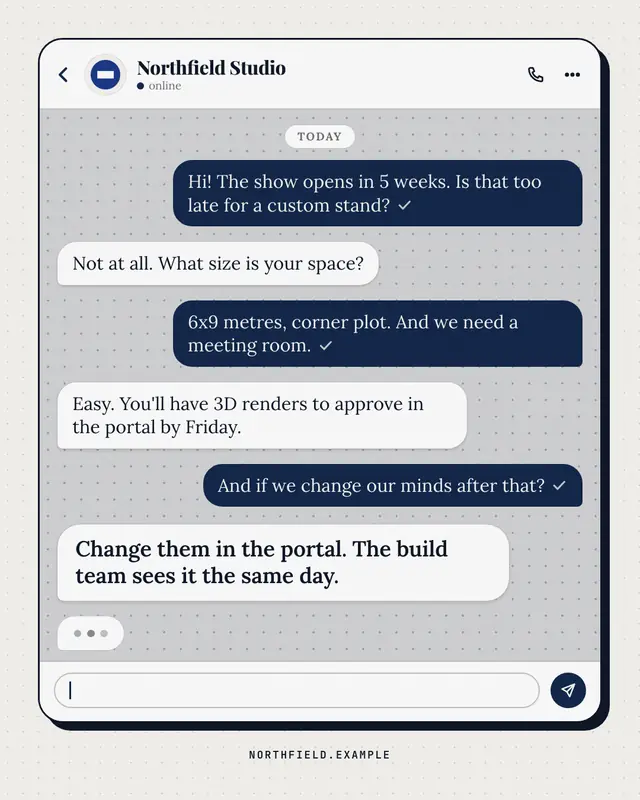
Chat thread
A generic messaging thread between a customer and the brand
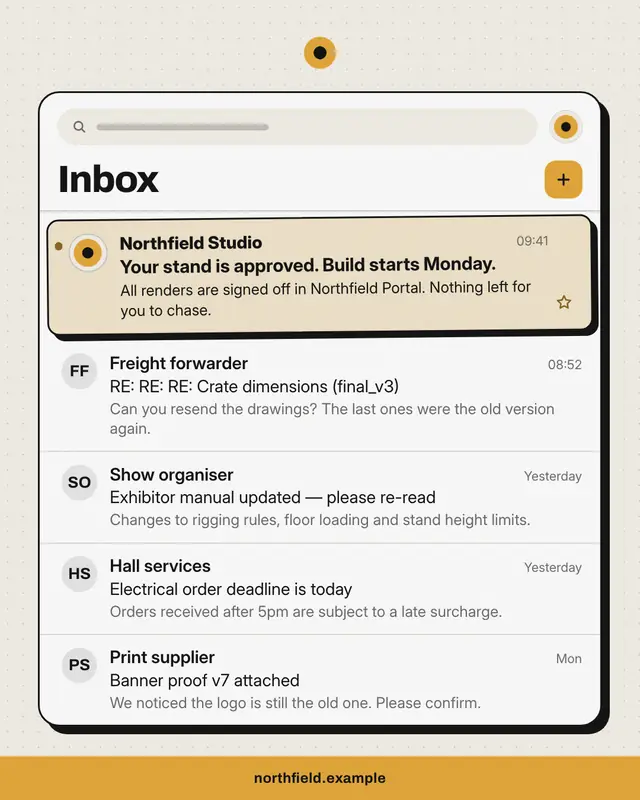
Inbox
An email inbox full of the buyer's everyday noise
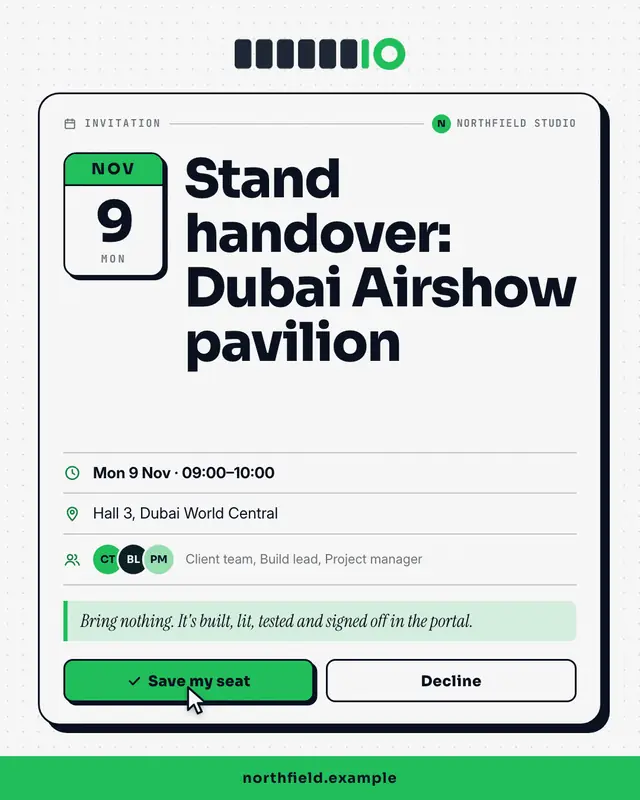
Calendar invite
A calendar invitation card
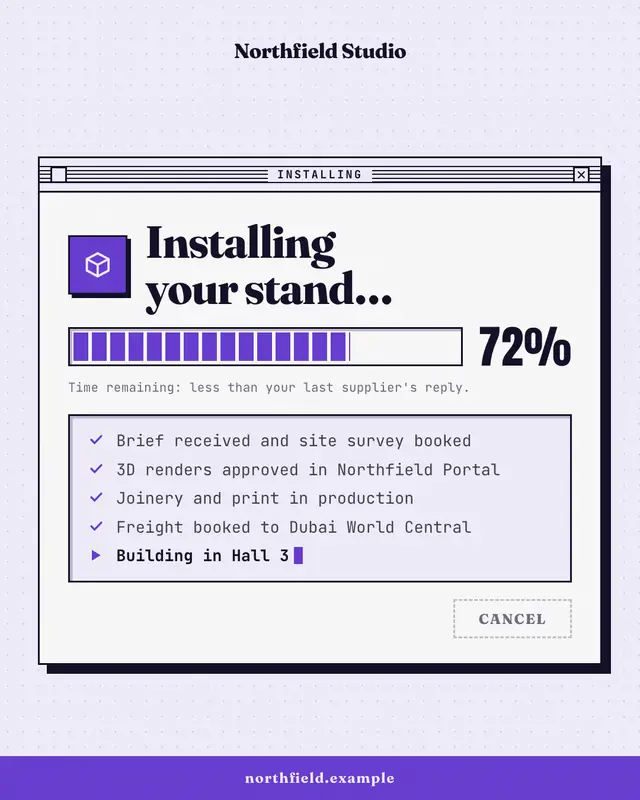
Progress dialog
A retro installer window
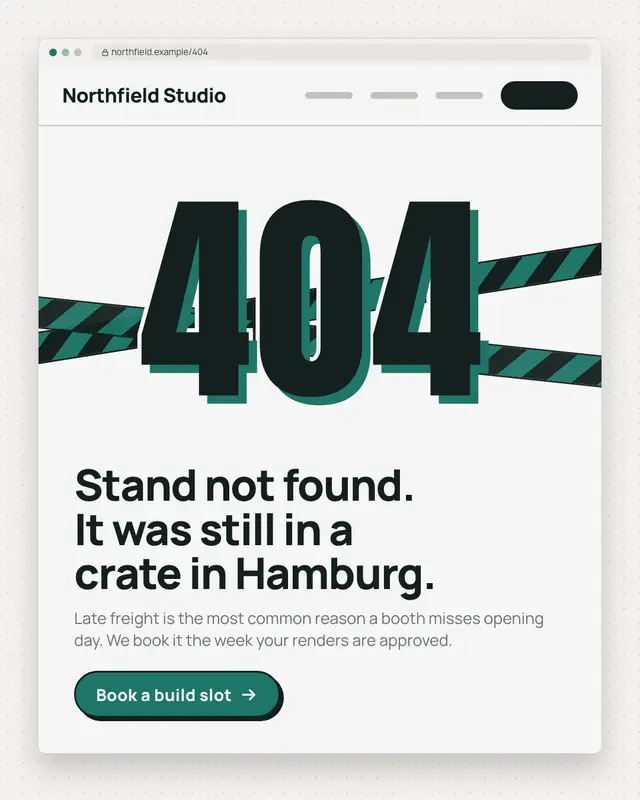
Error page
A browser window showing a 404-style error page
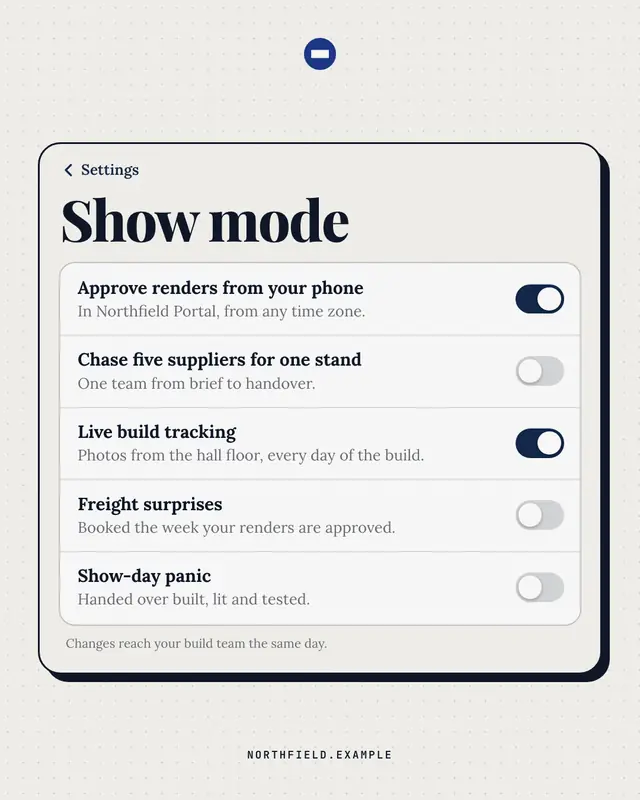
Settings toggles
A phone settings screen whose switches say it all
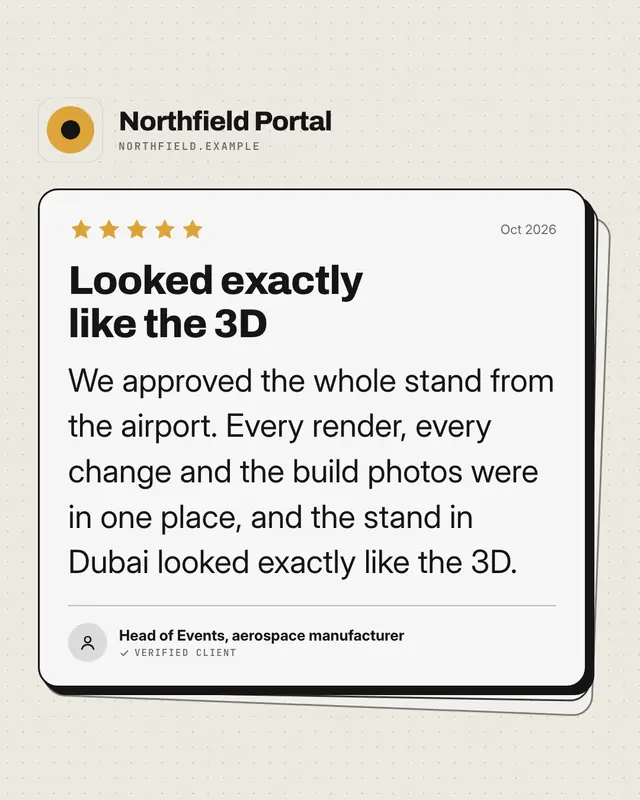
App review
An app-store review card
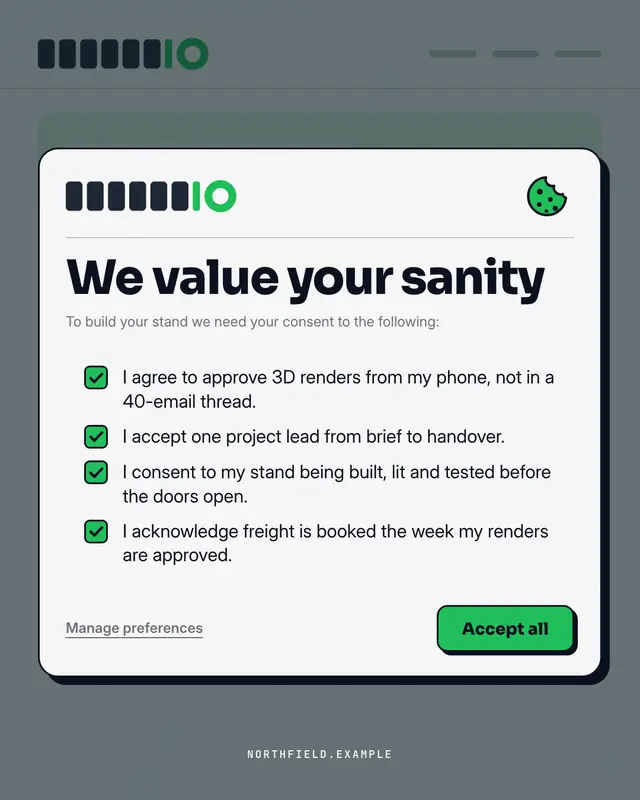
Consent modal
A cookie / terms consent pop-up over the brand's own site
Make a Search autocomplete with your brand.
MarketiQ writes the post, picks the template that carries it best — this one, when it fits — and fills it with your logo, colours, facts and copy.