UI mimic templates
Familiar interface moments — dialogs, notifications, chats — carrying the message. MarketiQ’s Creative Director picks from these 14 templates whenever a post’s message fits one of them, then fills it with your brand, facts and copy.
All UI mimic templates
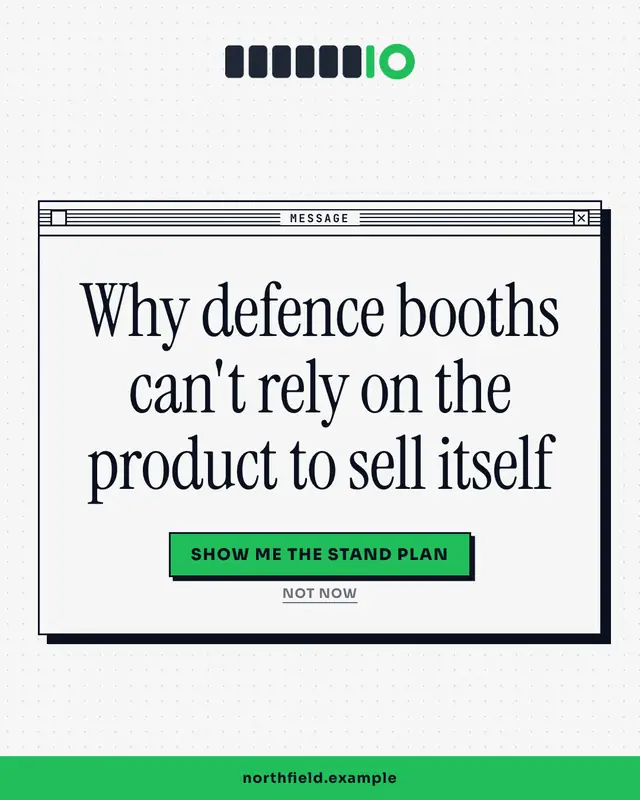
System dialog
A crisp OS alert box with the insight as the message and two buttons as the punchline
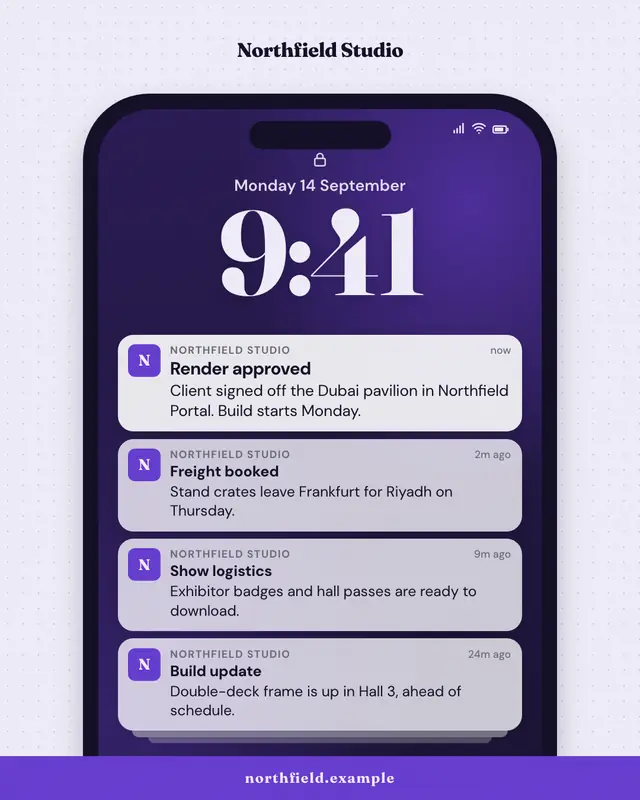
Push notification stack
A phone lock screen with a stack of notifications from the brand
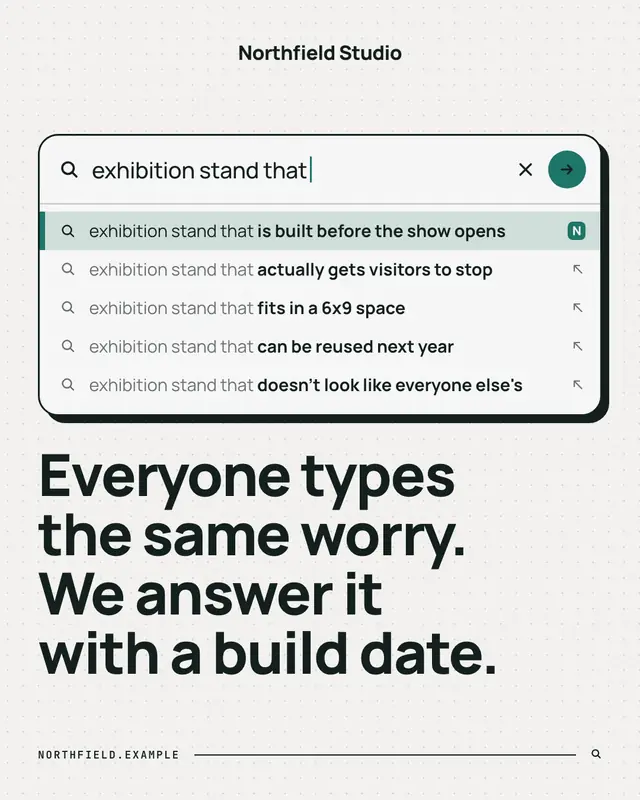
Search autocomplete
A search box mid-query with the autocomplete dropdown revealing what people really search for
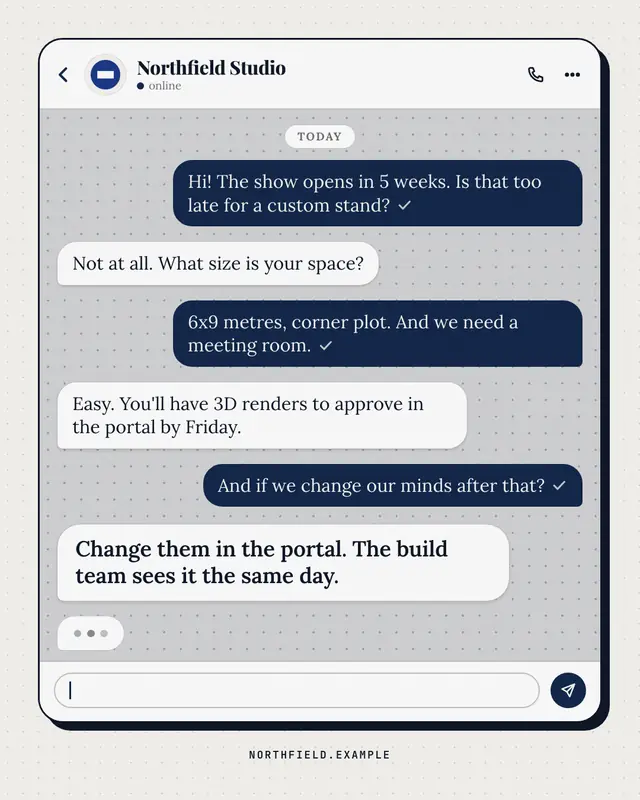
Chat thread
A generic messaging thread between a customer and the brand
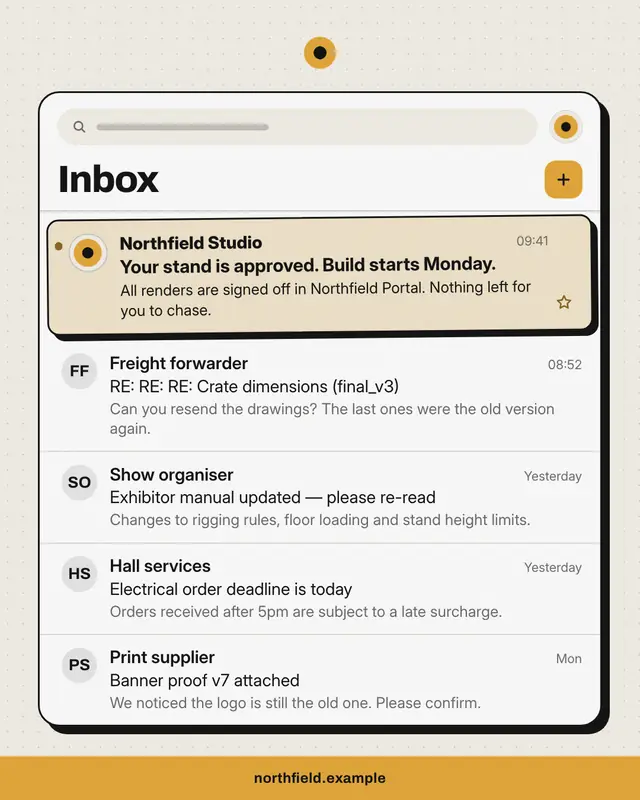
Inbox
An email inbox full of the buyer's everyday noise
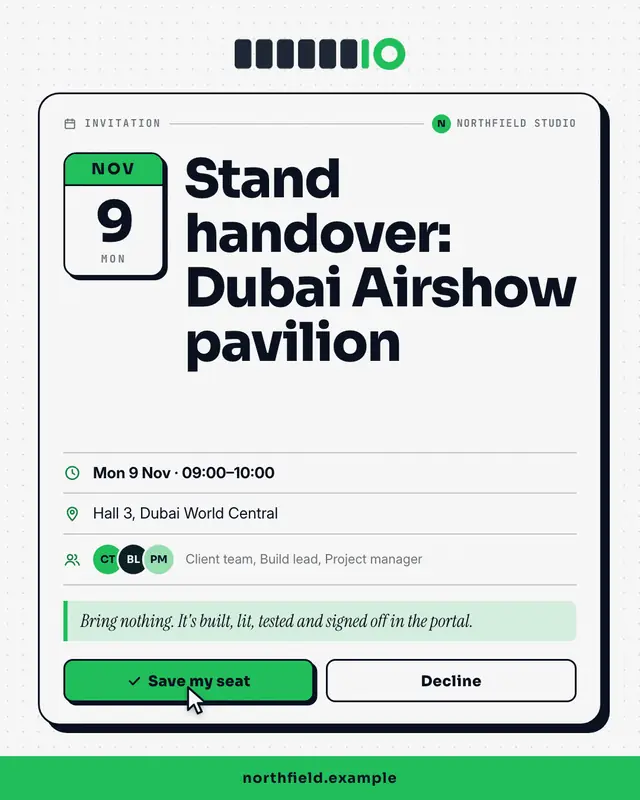
Calendar invite
A calendar invitation card
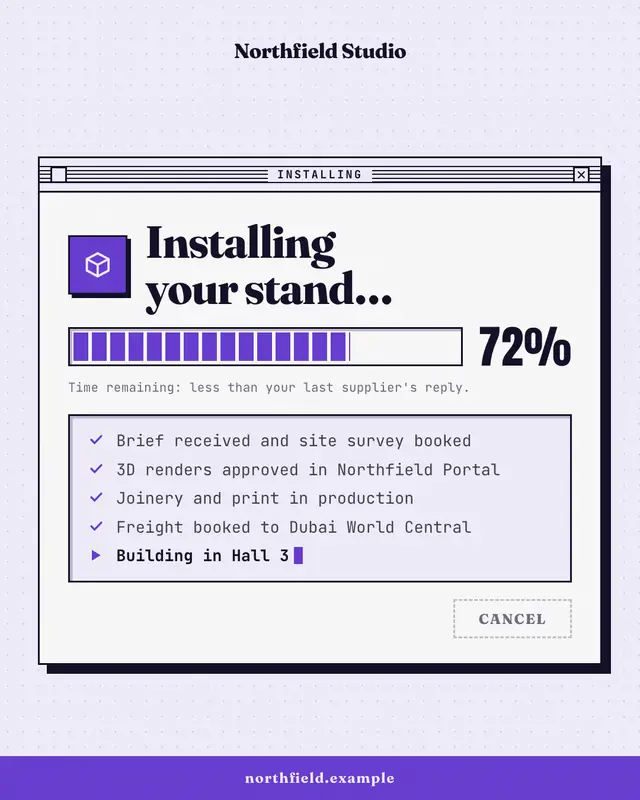
Progress dialog
A retro installer window
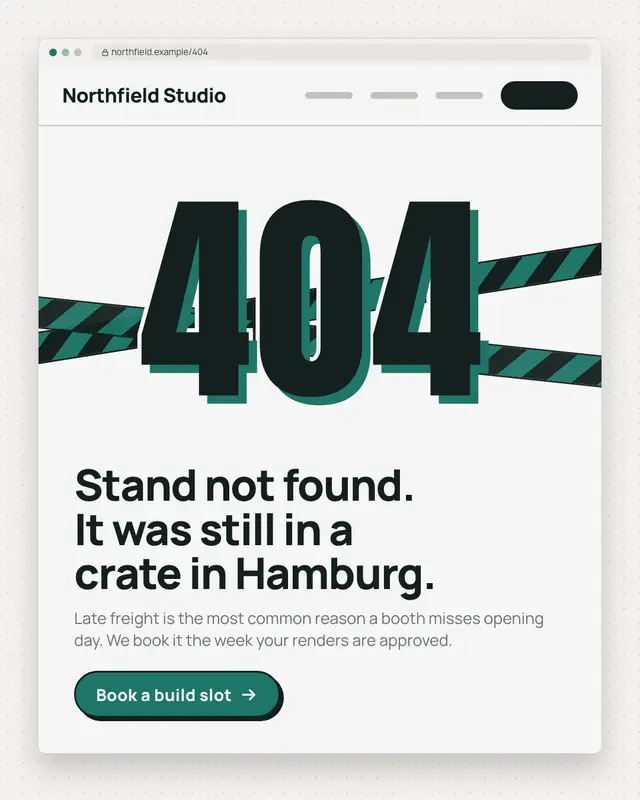
Error page
A browser window showing a 404-style error page
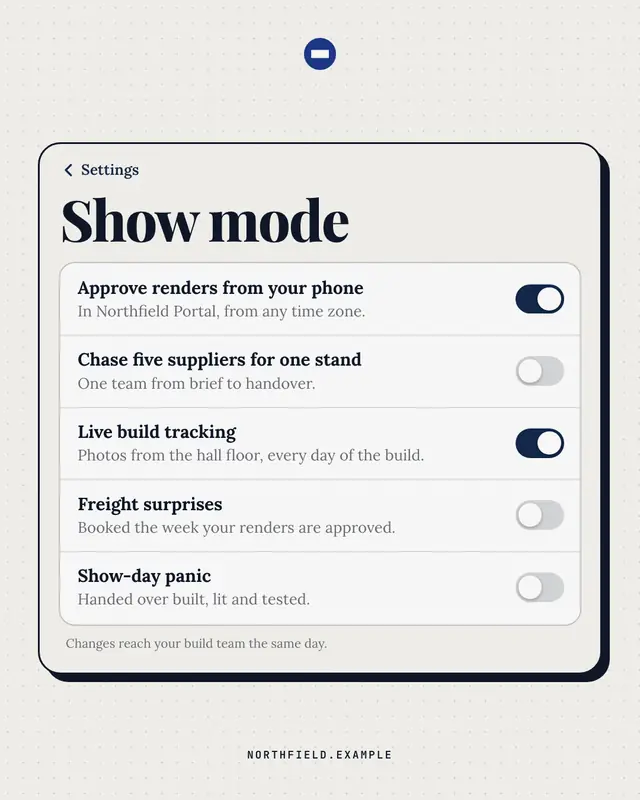
Settings toggles
A phone settings screen whose switches say it all
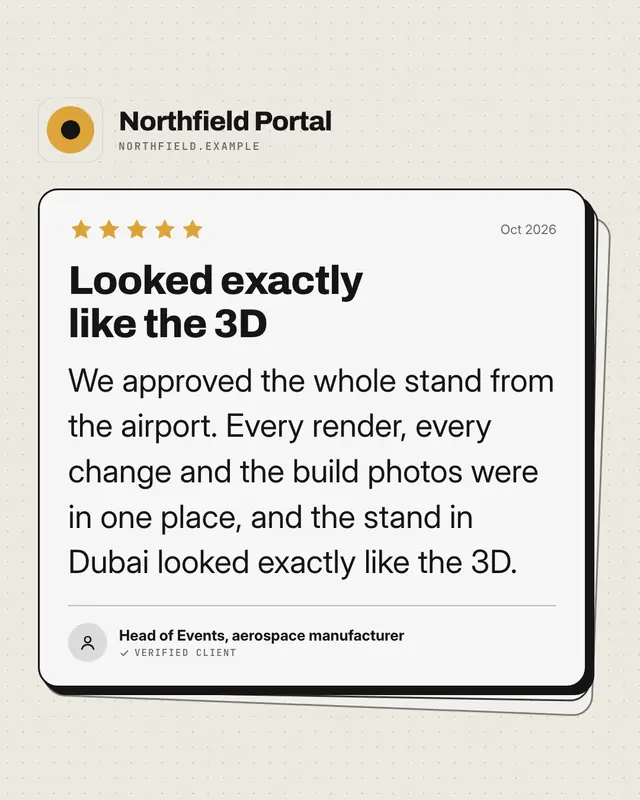
App review
An app-store review card
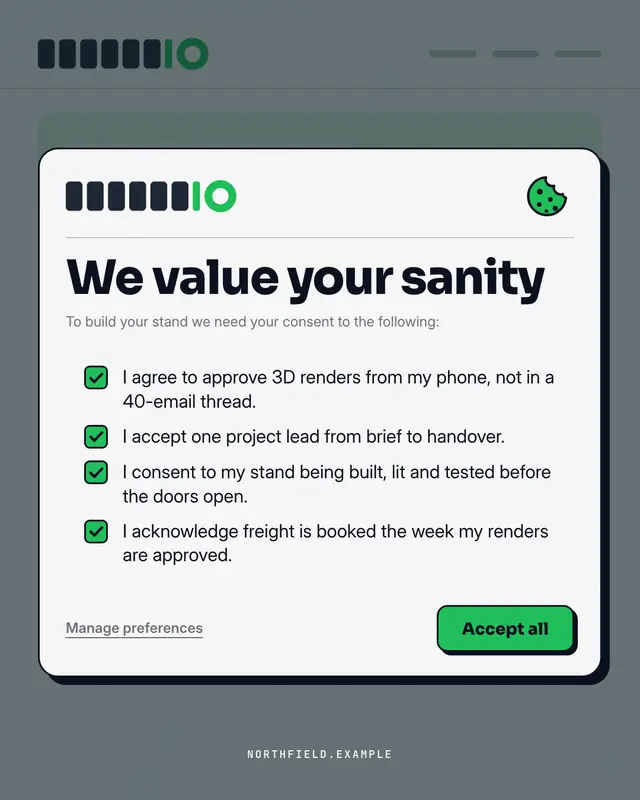
Consent modal
A cookie / terms consent pop-up over the brand's own site
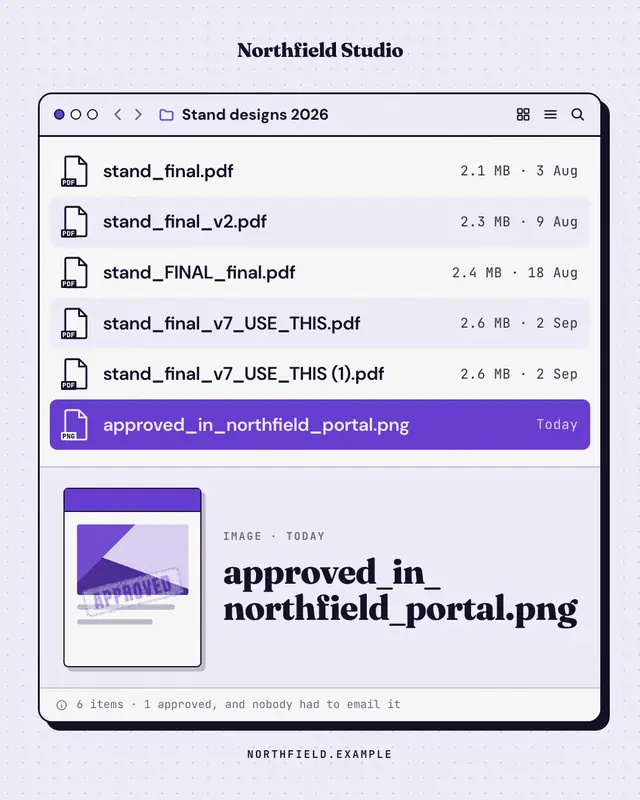
File window
A desktop file window whose file names tell the story
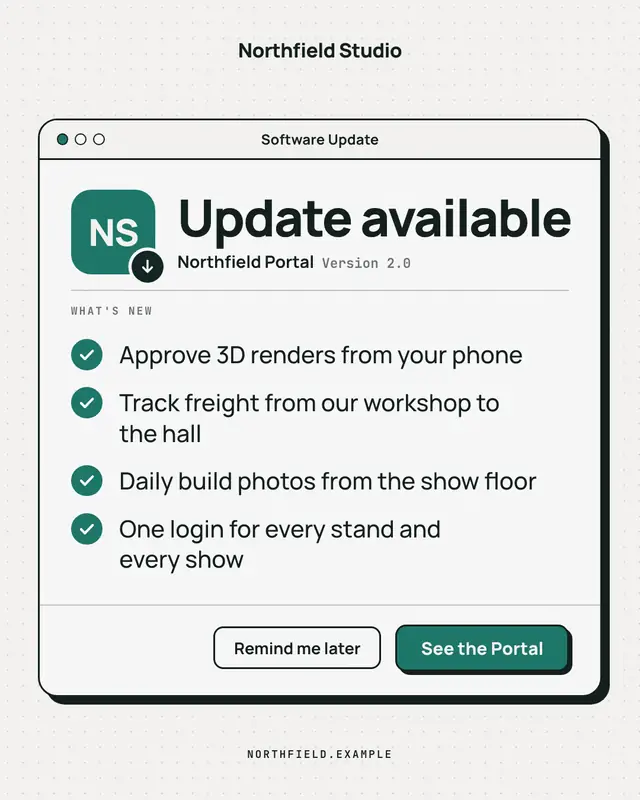
Update available
A clean, OS-agnostic software-update window: the brand as the app icon, 'Update available', a ruled What's-new list of what the offering now does and an 'Update now'…
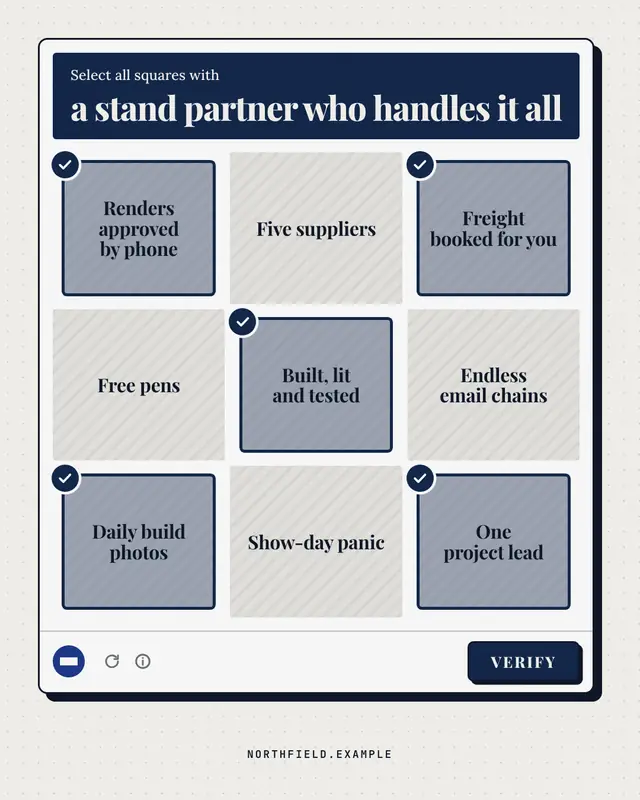
Are you human? check
A generic 'select all squares with…' verification panel: the challenge names what a good choice looks like, nine text tiles mix the brand's real strengths (ticked) with…
Samples use fictional brands; MarketiQ fills each template with your brand, facts and copy.
More ways to carry a message
Let the AI pick the right UI mimic template.
Write the post, or let your AI team write it. The Creative Director reads it, picks the template that carries it best and fills it with your brand; it goes out on the approval rules you set.