Consent modal
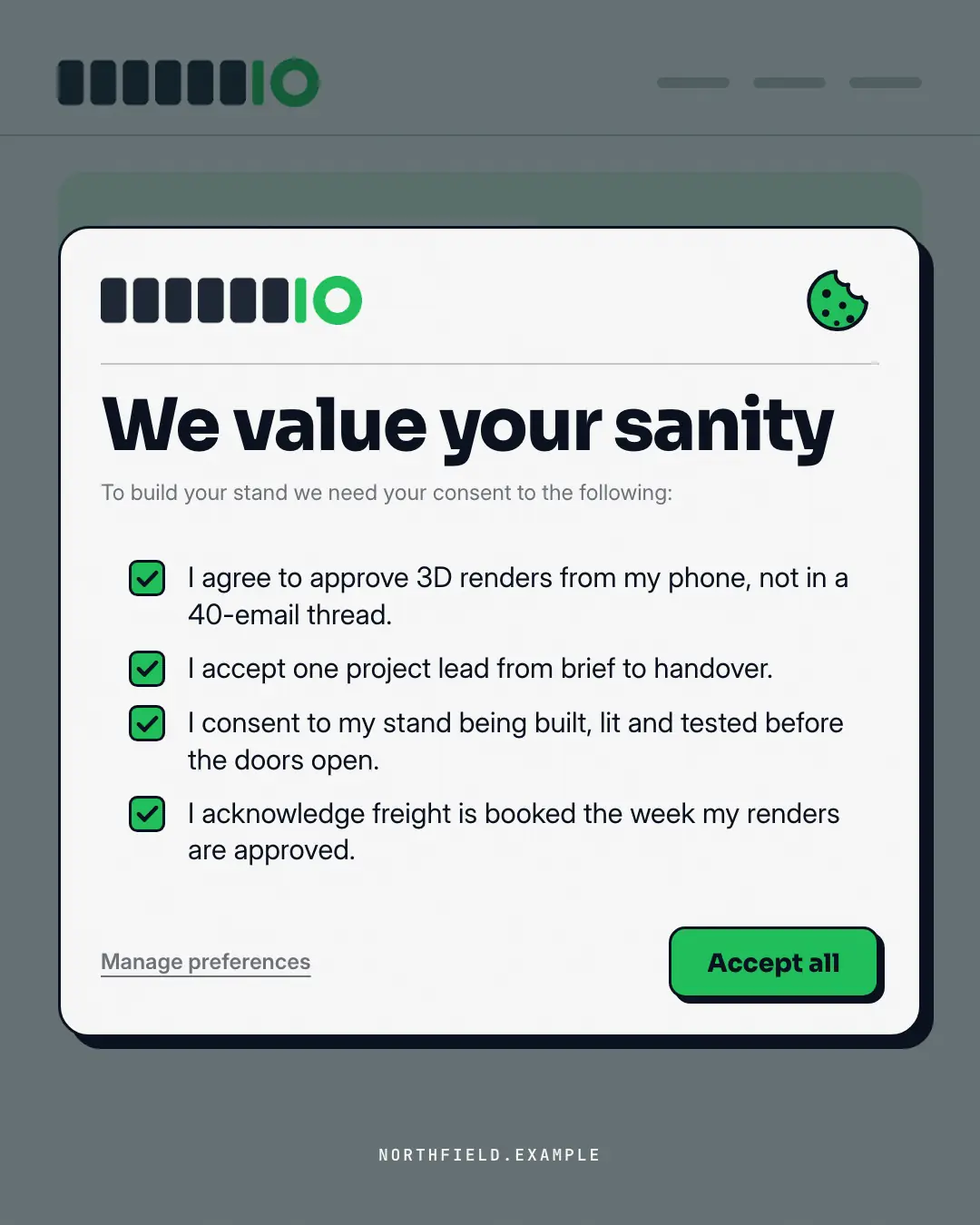
A cookie / terms consent pop-up over the brand's own site — but the pre-ticked boxes are honest, witty terms of working with the brand, and the only real button is 'Accept all'.
When the AI picks it
MarketiQ’s Creative Director favours the Consent modal for posts that entertain, start a conversation or get people to act, when the message is a list or one sharp insight. It is built first to entertain.
It reads each post’s goal and shape first, then its own words, the platform and the facts you have, and offers this template only where it fits.
Who it’s for
Any business. Nothing in it assumes what you sell, so the Director can offer it to a software company, a café or a coaching centre alike — whenever the post fits.
Platforms and sizes
| Size | Where |
|---|---|
| 4:51080 × 1350 px | Instagram, Facebook, LinkedIn, Threads, Reddit |
| 1:11080 × 1080 px | Ads |
| 9:161080 × 1920 px | TikTok |
| 2:31000 × 1500 px | |
| 16:91600 × 900 px | X, YouTube, Blog |
Single image. Each size is laid out for its canvas, not cropped; the sample above is the 4:5 version.
What it needs
Only your post. It is made from your copy and your brand kit — there is nothing else to prepare.
Rules the AI follows
Word for word from the template library. The Director follows the copy rules when it writes into the template, and the visual review checks every creative against the visual rules.
Copy rules
- Terms read like legal consent lines ('I agree that…', 'I accept…') but state real benefits of the offering.
- Keep each term under 14 words; no invented numbers or guarantees the copy doesn't make.
Visual rules
- A dimmed skeleton of the brand's site behind a white modal with an ink outline and hard shadow, a brand cookie mark, brand-filled ticked boxes on a paper panel, a grey decline link and a brand 'Accept all'.
More UI mimic templates
File window
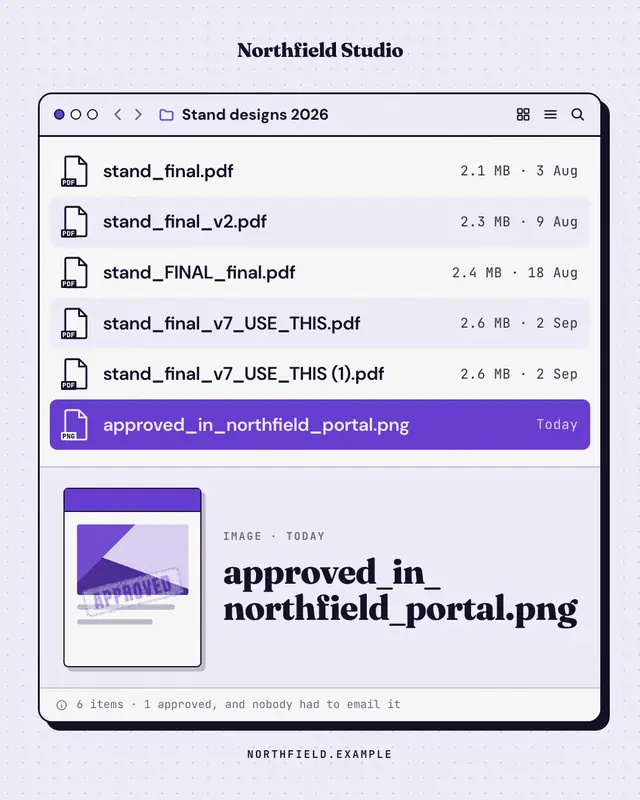
A desktop file window whose file names tell the story
Update available
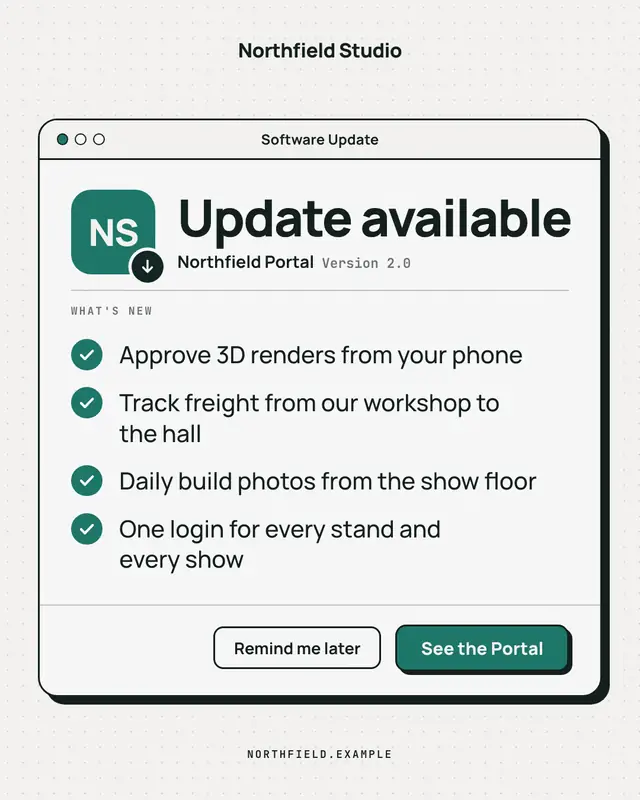
A clean, OS-agnostic software-update window: the brand as the app icon, 'Update available', a ruled What's-new list of what the offering now does and an 'Update now'…
Are you human? check
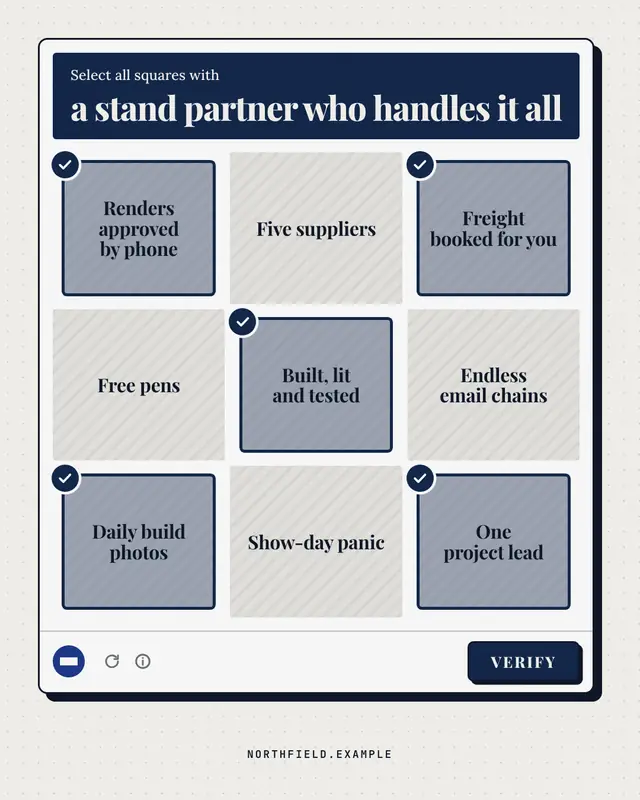
A generic 'select all squares with…' verification panel: the challenge names what a good choice looks like, nine text tiles mix the brand's real strengths (ticked) with…
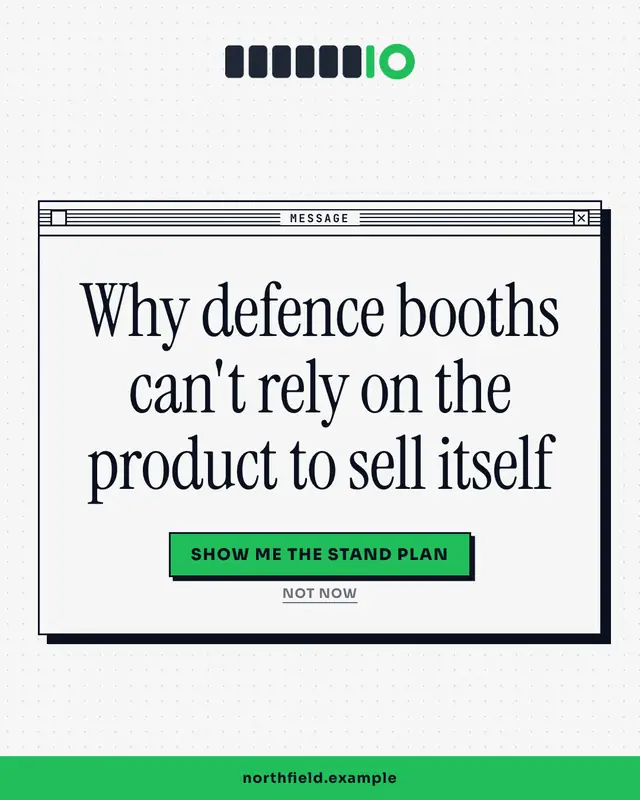
System dialog
A crisp OS alert box with the insight as the message and two buttons as the punchline
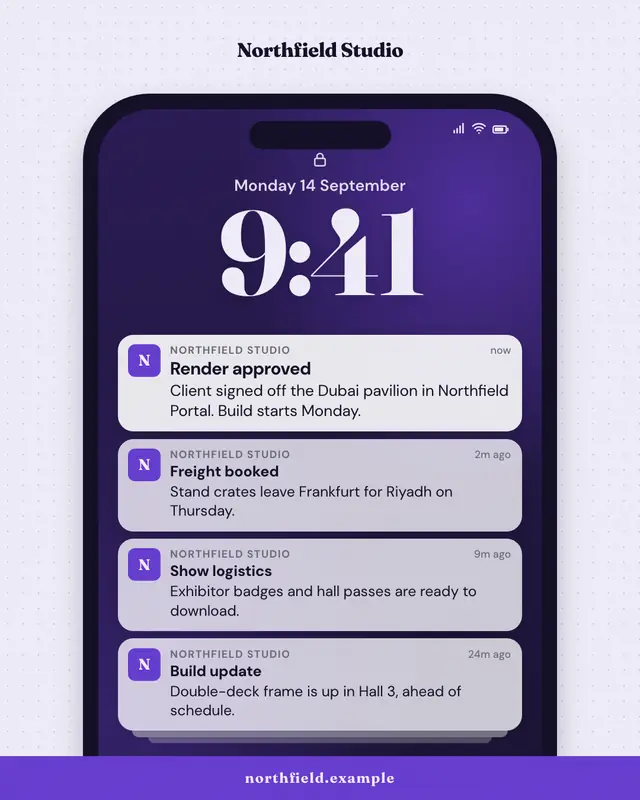
Push notification stack
A phone lock screen with a stack of notifications from the brand
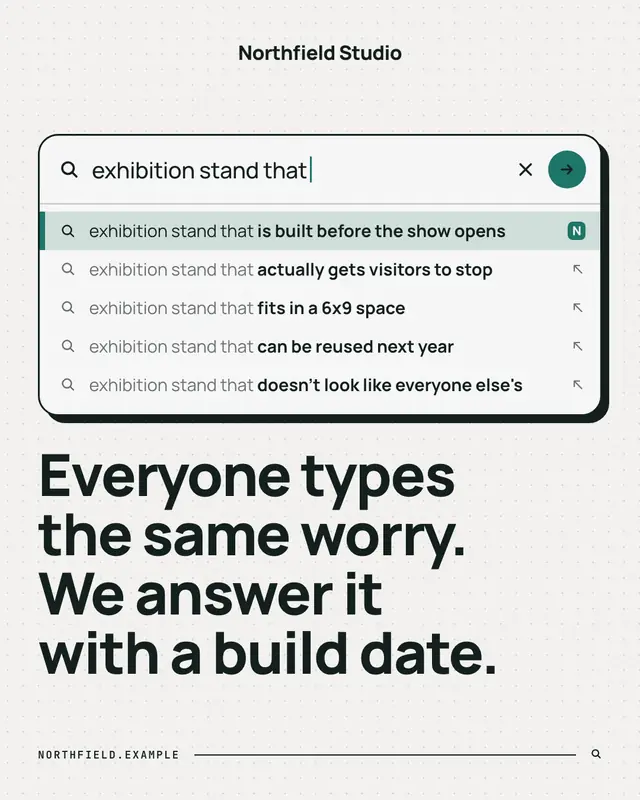
Search autocomplete
A search box mid-query with the autocomplete dropdown revealing what people really search for
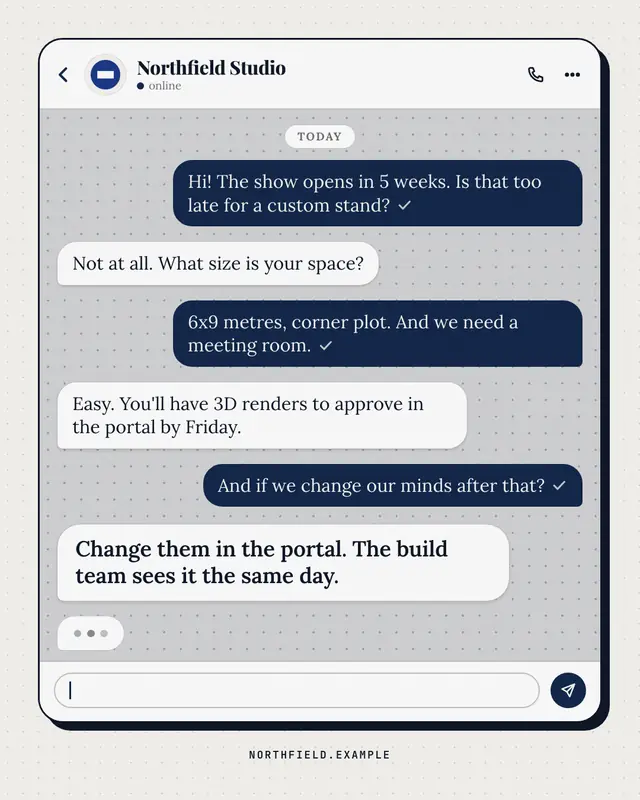
Chat thread
A generic messaging thread between a customer and the brand
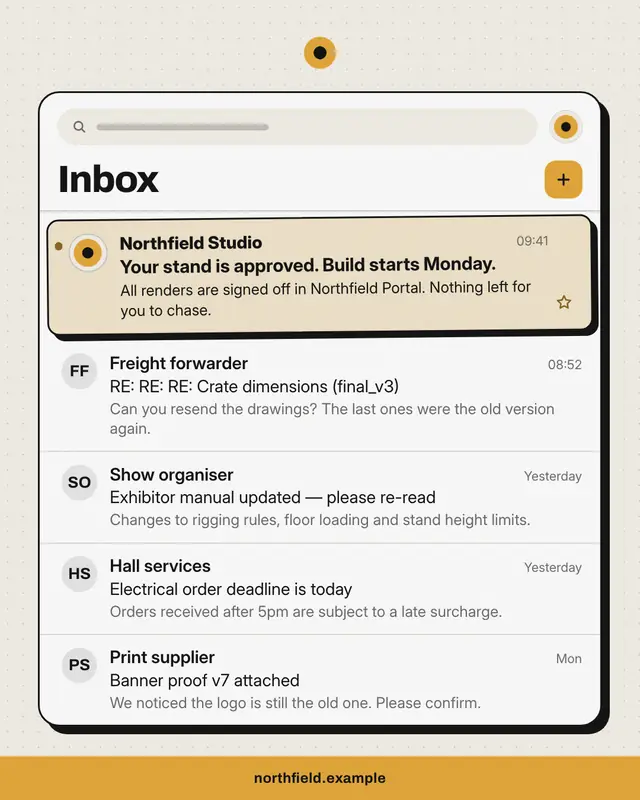
Inbox
An email inbox full of the buyer's everyday noise
Make a Consent modal with your brand.
MarketiQ writes the post, picks the template that carries it best — this one, when it fits — and fills it with your logo, colours, facts and copy.