Autocorrect knows
A phone keyboard mid-message: the old way is underlined as a mistake and the suggestion bar offers the brand's way as the highlighted correction — a tiny, familiar moment that says 'there's a better word for that'.
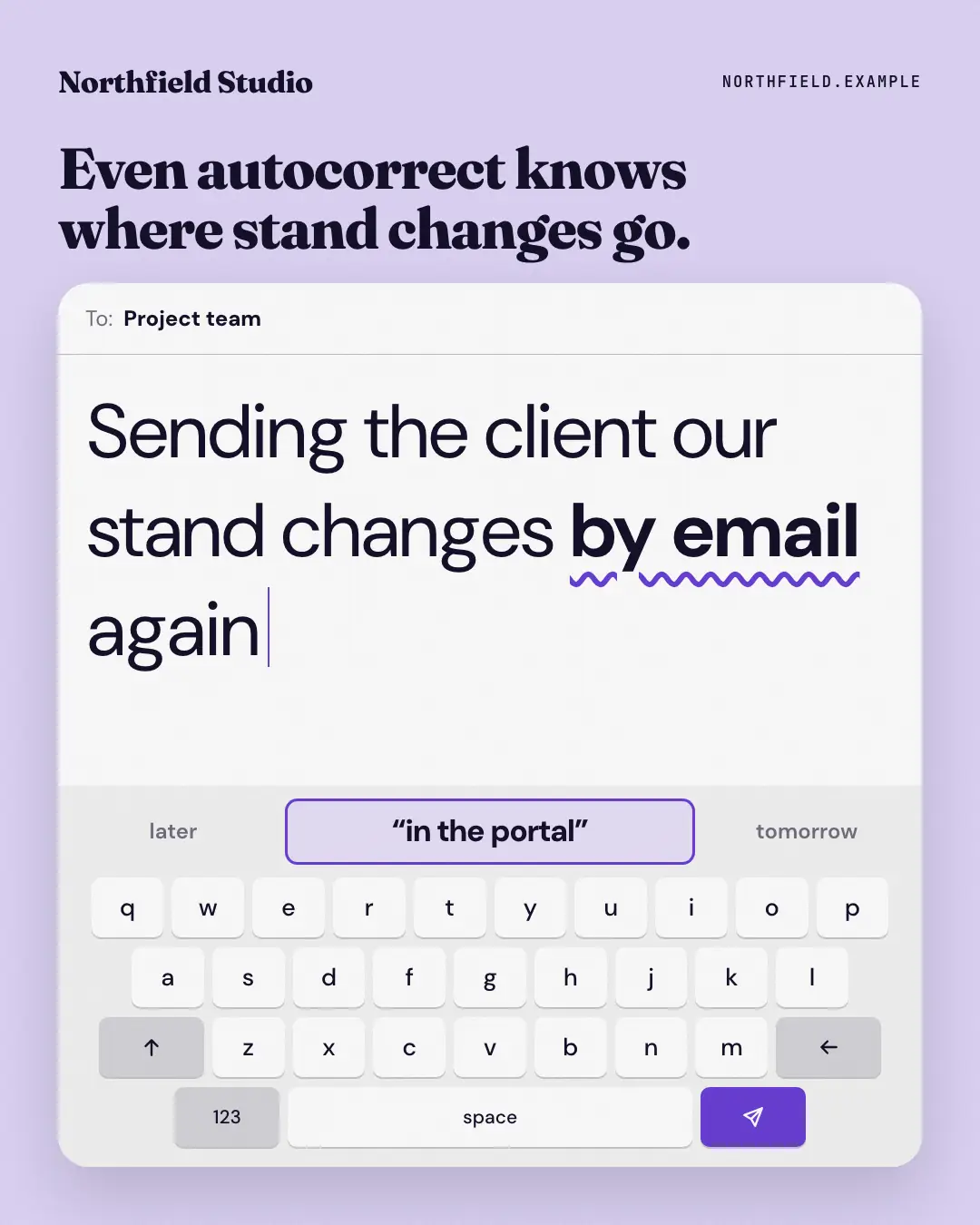
When the AI picks it
MarketiQ’s Creative Director favours the Autocorrect knows for posts that entertain, teach or start a conversation, when the message is a contrast (this, not that) or one sharp insight. It is built first to entertain.
It reads each post’s goal and shape first, then its own words, the platform and the facts you have, and offers this template only where it fits.
Who it’s for
Any business. Nothing in it assumes what you sell, so the Director can offer it to a software company, a café or a coaching centre alike — whenever the post fits.
Platforms and sizes
| Size | Where |
|---|---|
| 4:51080 × 1350 px | Instagram, Facebook, LinkedIn, Threads, Reddit |
| 1:11080 × 1080 px | X, Ads |
| 9:161080 × 1920 px | TikTok |
| 2:31000 × 1500 px |
Single image. Each size is laid out for its canvas, not cropped; the sample above is the 4:5 version.
What it needs
Only your post. It is made from your copy and your brand kit — there is nothing else to prepare.
Rules the AI follows
Word for word from the template library. The Director follows the copy rules when it writes into the template, and the visual review checks every creative against the visual rules.
Copy rules
- 'wrong' must appear word for word inside the message; 'right' is the brand's way from the copy.
- Keep it light: one swap, no lecture; square leaves the headline out.
Visual rules
- A white phone message card on a pale brand ground: 'To:' line, the typed sentence with the old way under a wavy brand underline and a brand caret, then a suggestion bar whose highlighted middle cell is the correction.
- A generic grey keyboard below with a brand send key; optional headline above the card, logo top-left.
More Messengers & calls templates
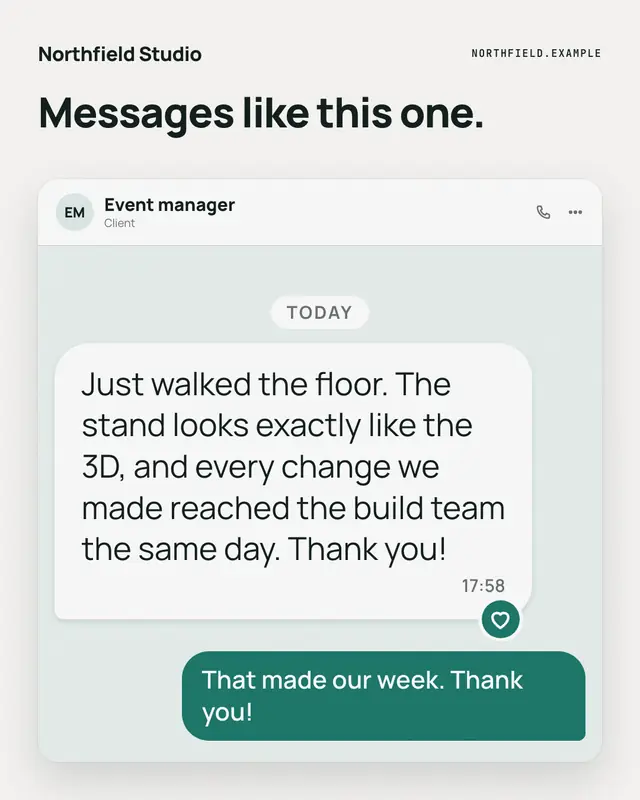
Testimonial, as sent
A client's own message, shown the way it arrived
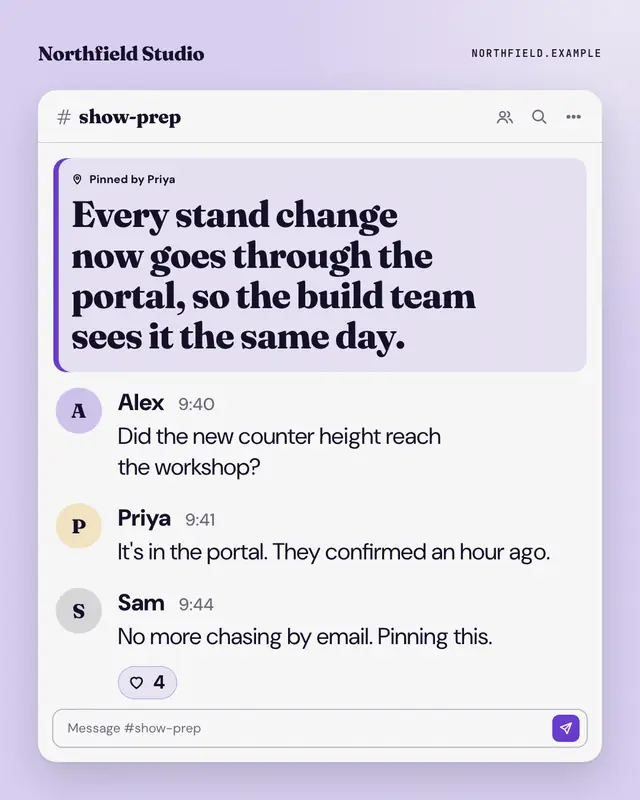
Pinned for the team
A 'team channel' whose pinned message is the post's point, with the short exchange that led to it underneath
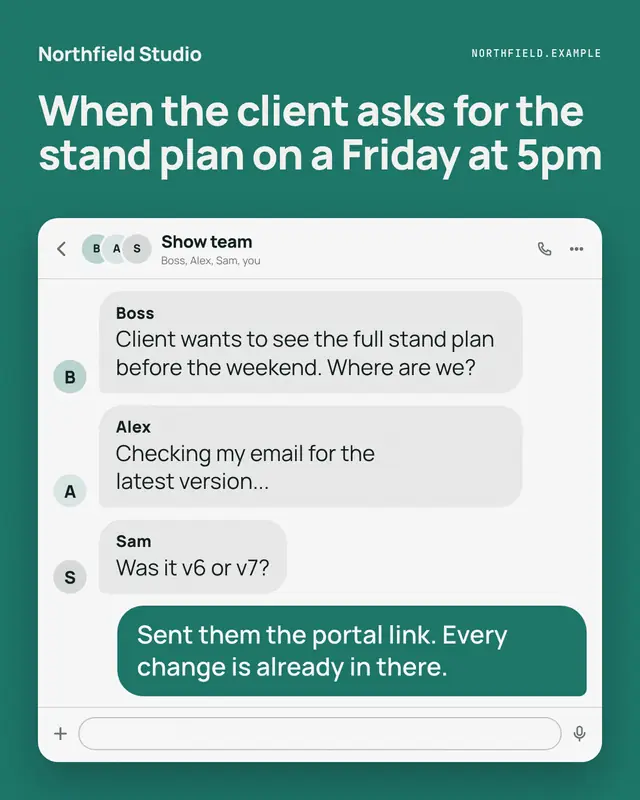
Group chat
A group chat where a hard question lands and the reader's side ('me') answers it
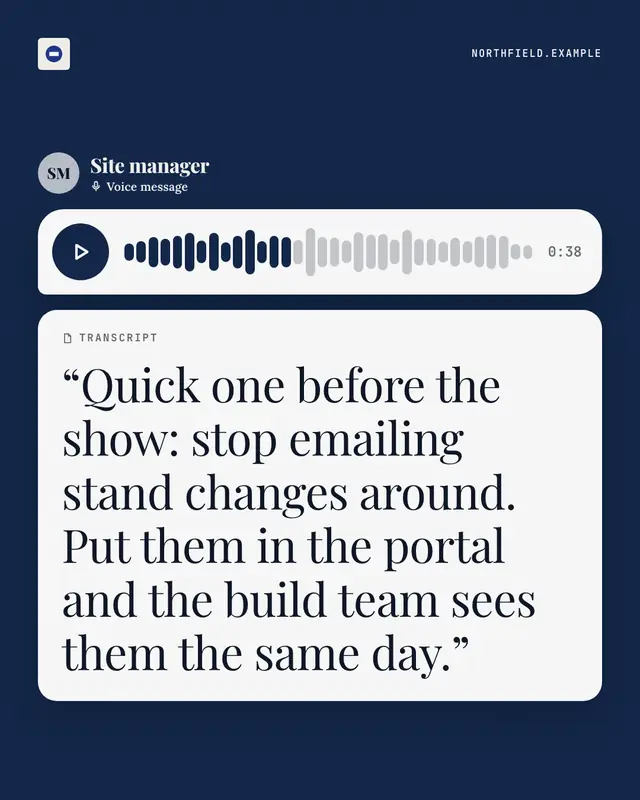
Voice note + transcript
A voice message bubble
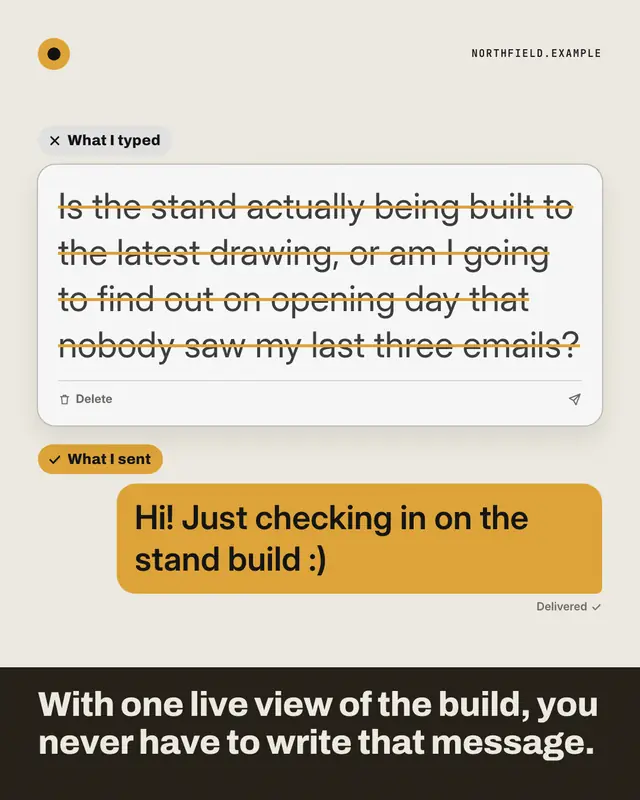
Typed vs sent
A message composer holding the long, honest message someone typed and deleted, above the short, polite one they actually sent
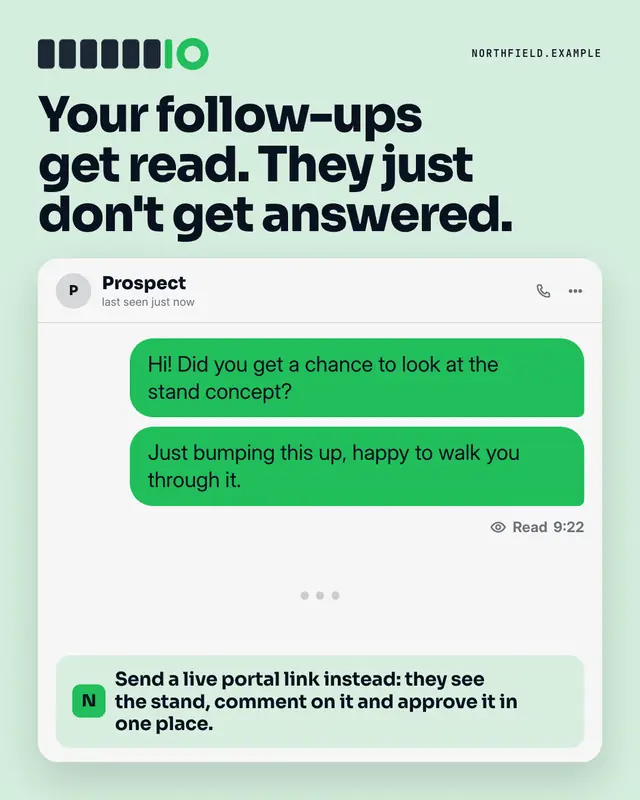
Read, no reply
A chat where the reader's follow-ups sit marked 'Read' with nothing after them
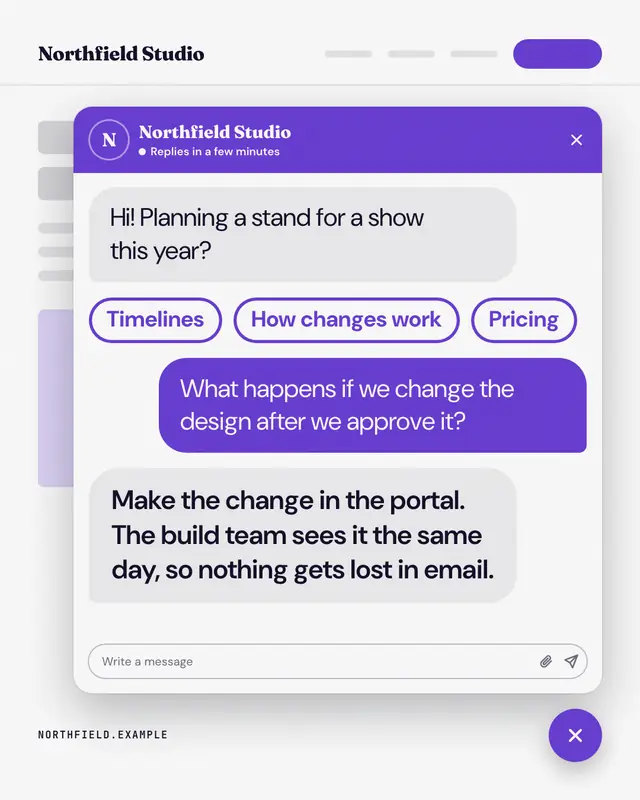
Help widget
The brand's own website with its help-chat widget open: a greeting, quick-reply chips, the visitor's question and the brand's answer
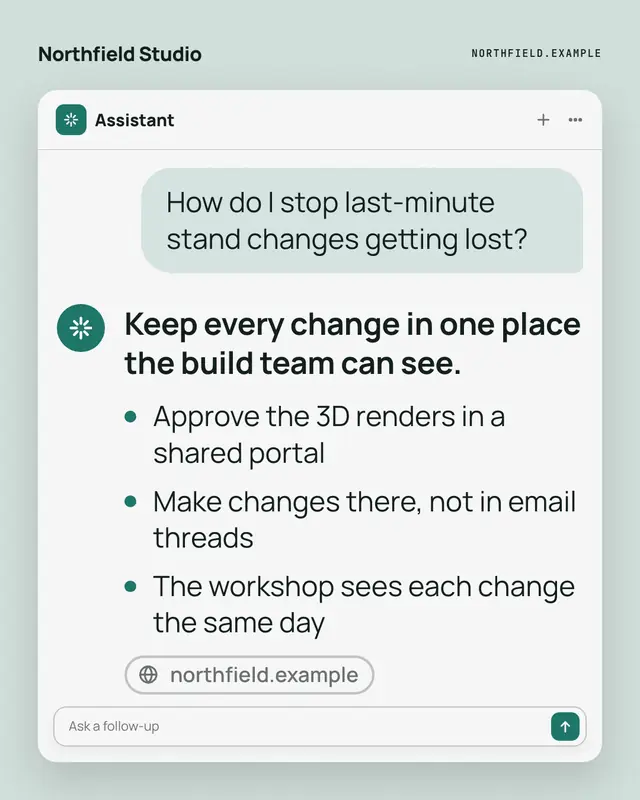
Assistant answer
A generic AI-assistant screen: the buyer's question in a bubble and the answer below it
Make a Autocorrect knows with your brand.
MarketiQ writes the post, picks the template that carries it best — this one, when it fits — and fills it with your logo, colours, facts and copy.