What's new magazine
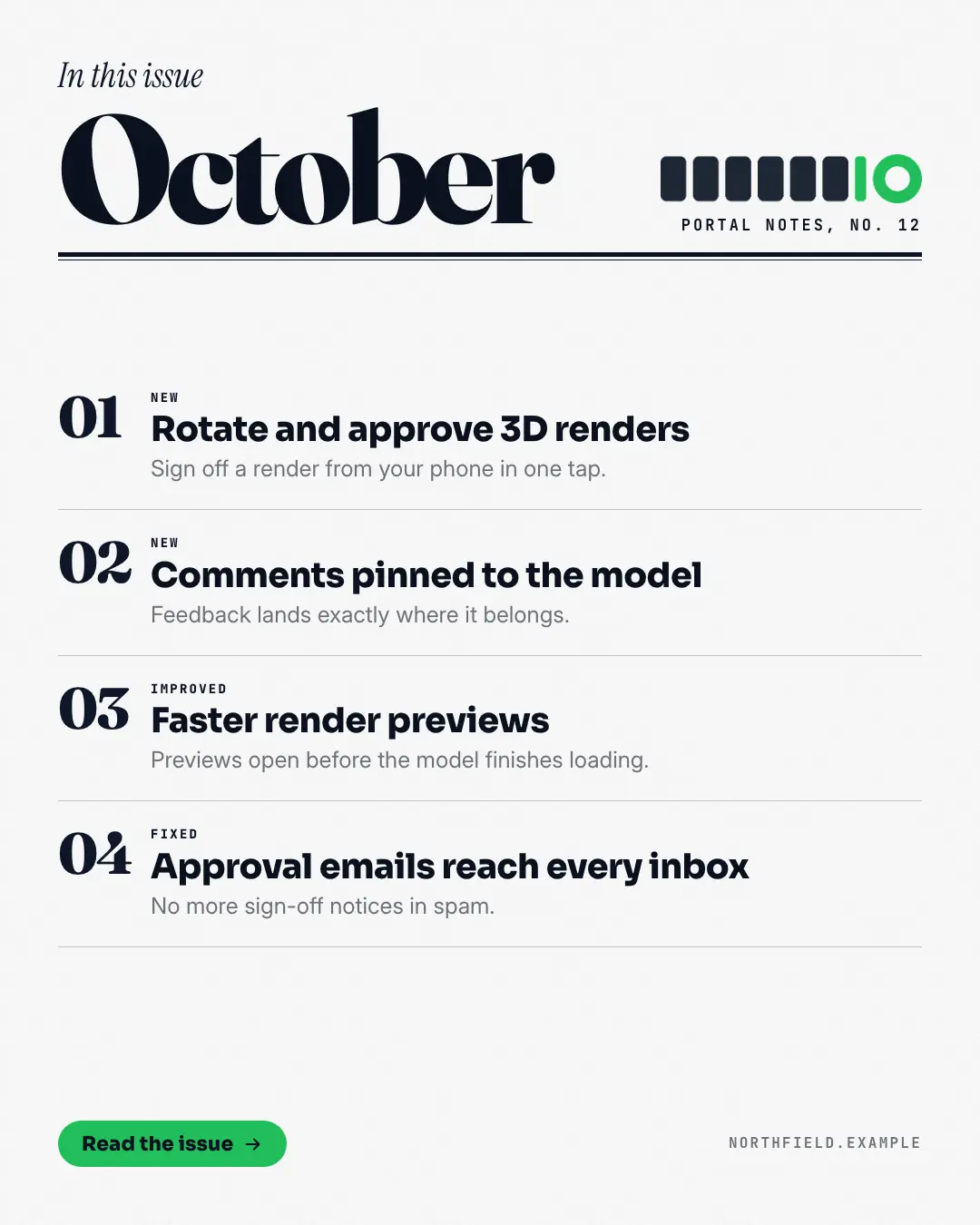
A month of product updates set as a magazine's table of contents: an in-this-issue line in italic serif over the month in huge editorial type, a heavy double rule, then the updates as numbered entries — big brand numerals, a section label, the title and one line. Makes a monthly round-up feel like an edition worth reading, and every entry is scannable.
When the AI picks it
MarketiQ’s Creative Director favours the What's new magazine for posts that announce news or teach, when the message is a list. It is built first to announce news.
It reads each post’s goal and shape first, then its own words, the platform and the facts you have, and offers this template only where it fits.
Who it’s for
Any business. Nothing in it assumes what you sell, so the Director can offer it to a software company, a café or a coaching centre alike — whenever the post fits.
Platforms and sizes
| Size | Where |
|---|---|
| 4:51080 × 1350 px | Instagram, Facebook, LinkedIn, Threads, Pinterest, Reddit |
| 1:11080 × 1080 px | Ads |
| 9:161080 × 1920 px | TikTok |
| 16:91600 × 900 px | X, YouTube |
| 1.91:11200 × 628 px | Newsletter, Blog |
Single image. Each size is laid out for its canvas, not cropped; the sample above is the 4:5 version.
What it needs
Only your post. It is made from your copy and your brand kit — there is nothing else to prepare.
Rules the AI follows
Word for word from the template library. The Director follows the copy rules when it writes into the template, and the visual review checks every creative against the visual rules.
Copy rules
- Every entry is a real update from the post; section labels only NEW, IMPROVED, FIXED or a plain word.
- The month is the post's month; the issue line only when stated.
Visual rules
- Editorial contents page: an italic serif 'In this issue' in the brand colour above the month in huge editorial type, the logo top right, a heavy ink double rule.
- Numbered entries on hairlines with big brand-colour numerals, mono section labels, bold titles and a muted line each (two columns on square and landscape); button and website at the foot.
More Releases & roadmaps templates
API release card
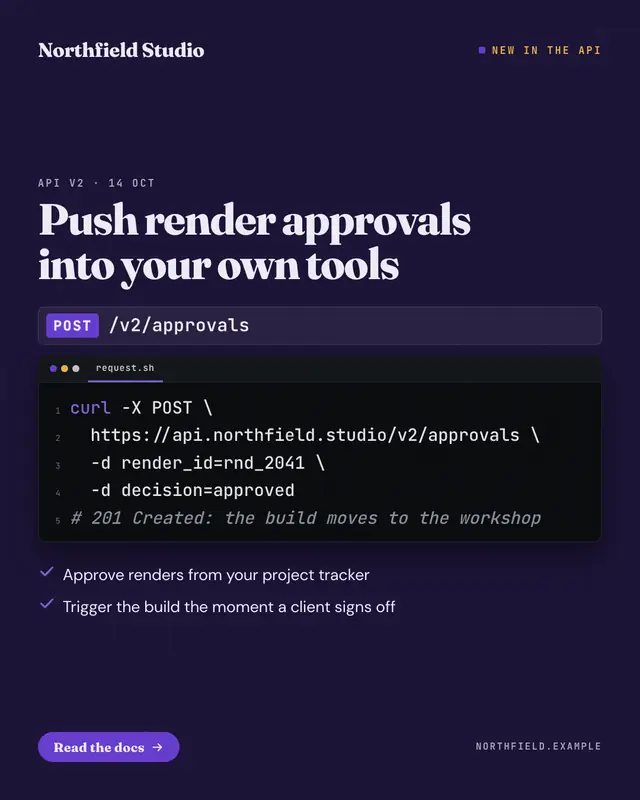
A developer release on a dark grid: the endpoint as a method chip and a mono path, the request in a code editor with line numbers and quiet highlighting, the headline…
Hotkey keycaps
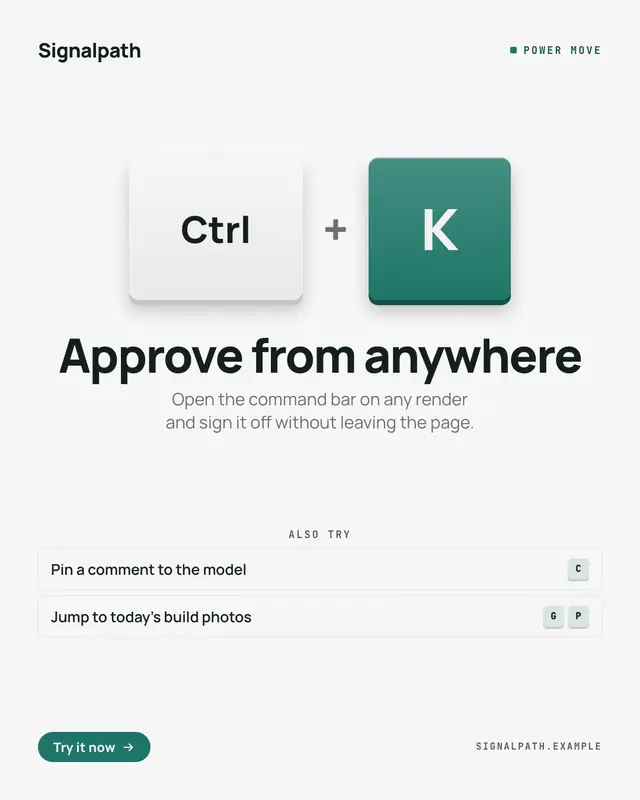
A power feature taught as the keys to press: two or three big chunky keycaps
We're-moving card
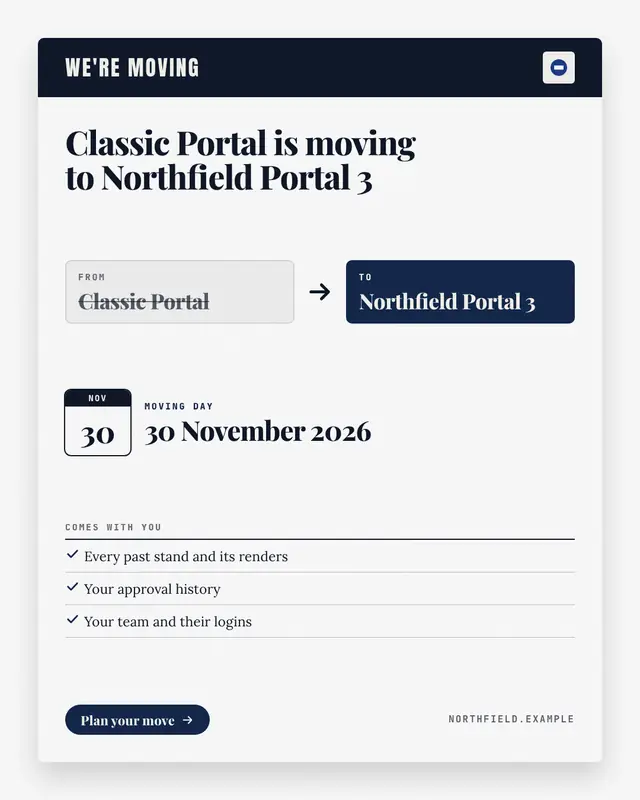
A sunset or migration notice written as a 'change of address' card: the old product or plan in a struck-through FROM box, an arrow to the new one in a brand-colour TO…
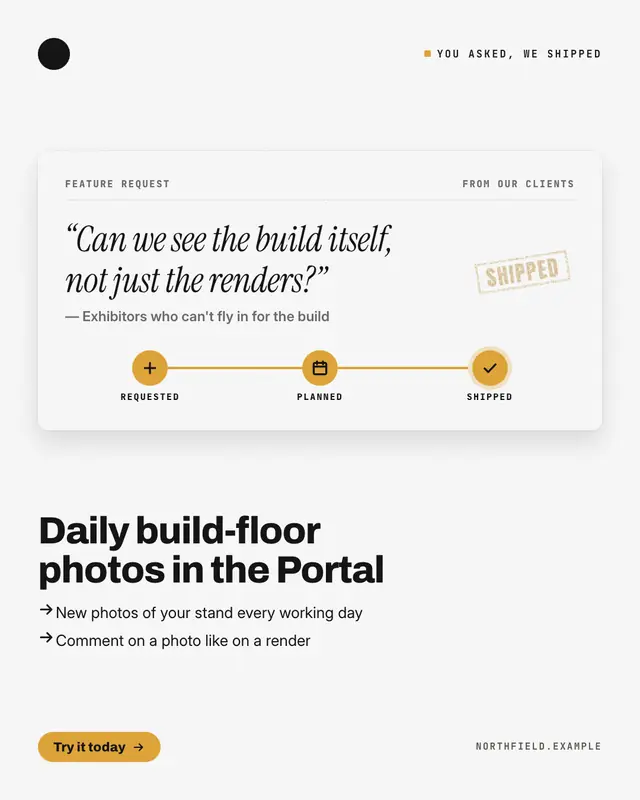
You asked, it's here
A customer-requested feature told through its request ticket: the ask quoted in italic serif, who asked, a three-stop tracker
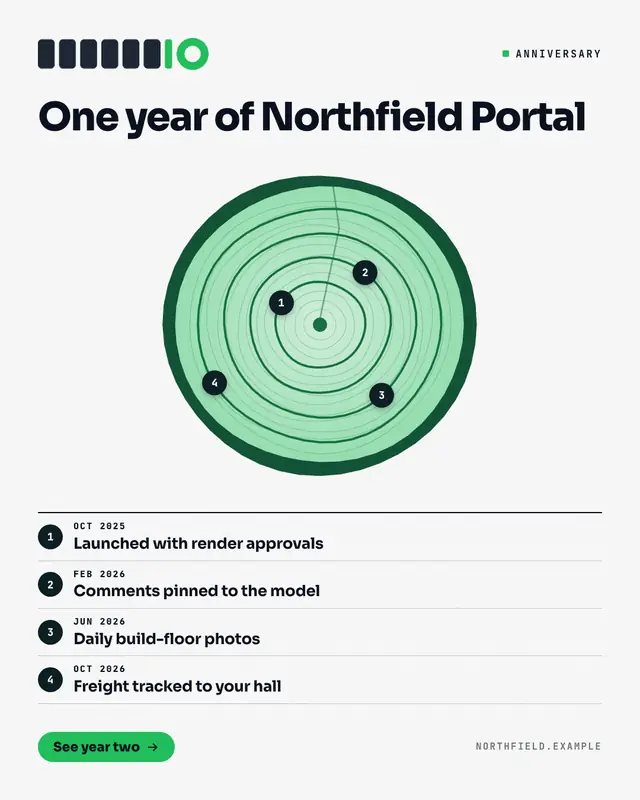
Tree-ring timeline
A product's first year drawn as the cross-section of a trunk: bark in the deep brand colour, pale wood, fine 'growth rings' and one heavier ring per milestone, each…
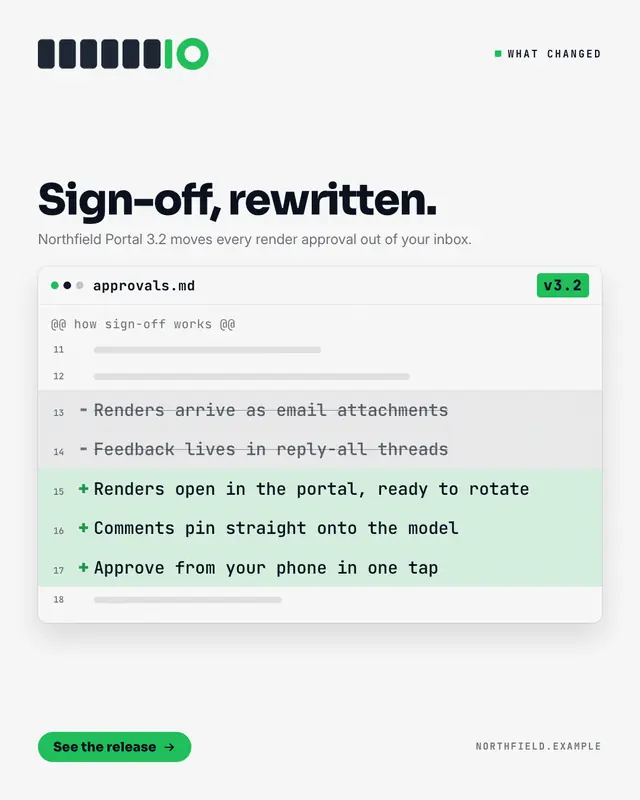
Release diff
What changed, shown as a reviewed diff in a code-review window: the old behaviour on struck-out '−' lines in grey, the new behaviour on '+' lines tinted in the brand…
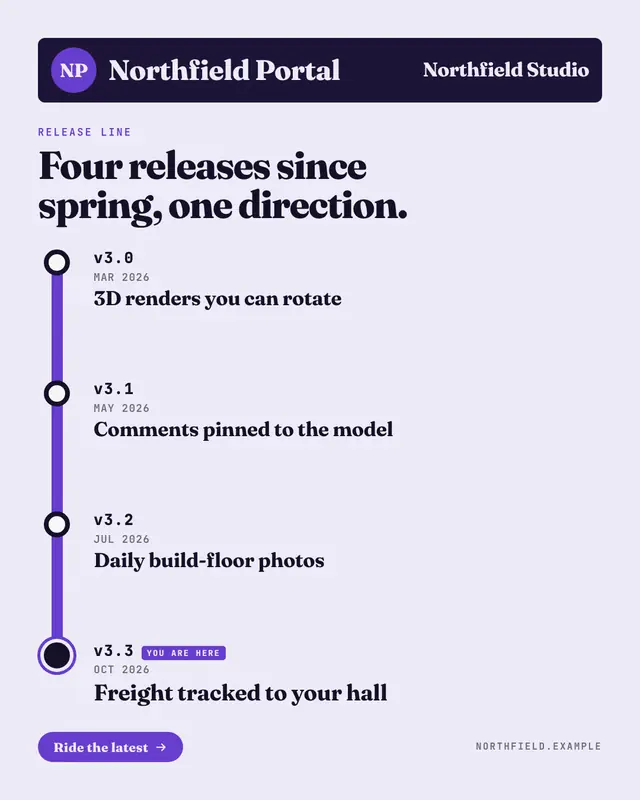
Release line
A product's releases drawn as a transit line: a station sign with a round line bullet and the product's name, then a thick brand-colour line whose stations are the…
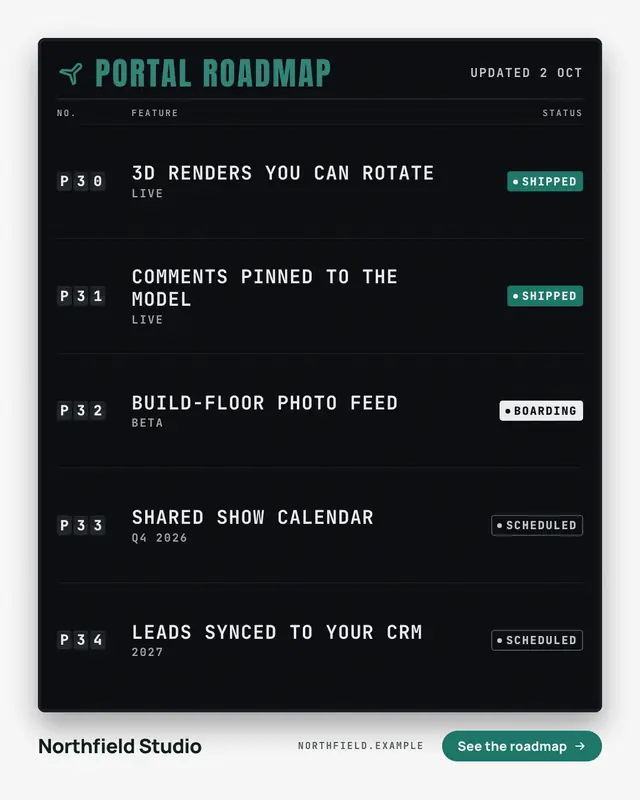
Departures board
Shipped versus planned as an airport departures board: dark split-flap code tiles, the features in white mono caps and a status chip for each
Make a What's new magazine with your brand.
MarketiQ writes the post, picks the template that carries it best — this one, when it fits — and fills it with your logo, colours, facts and copy.