Command palette
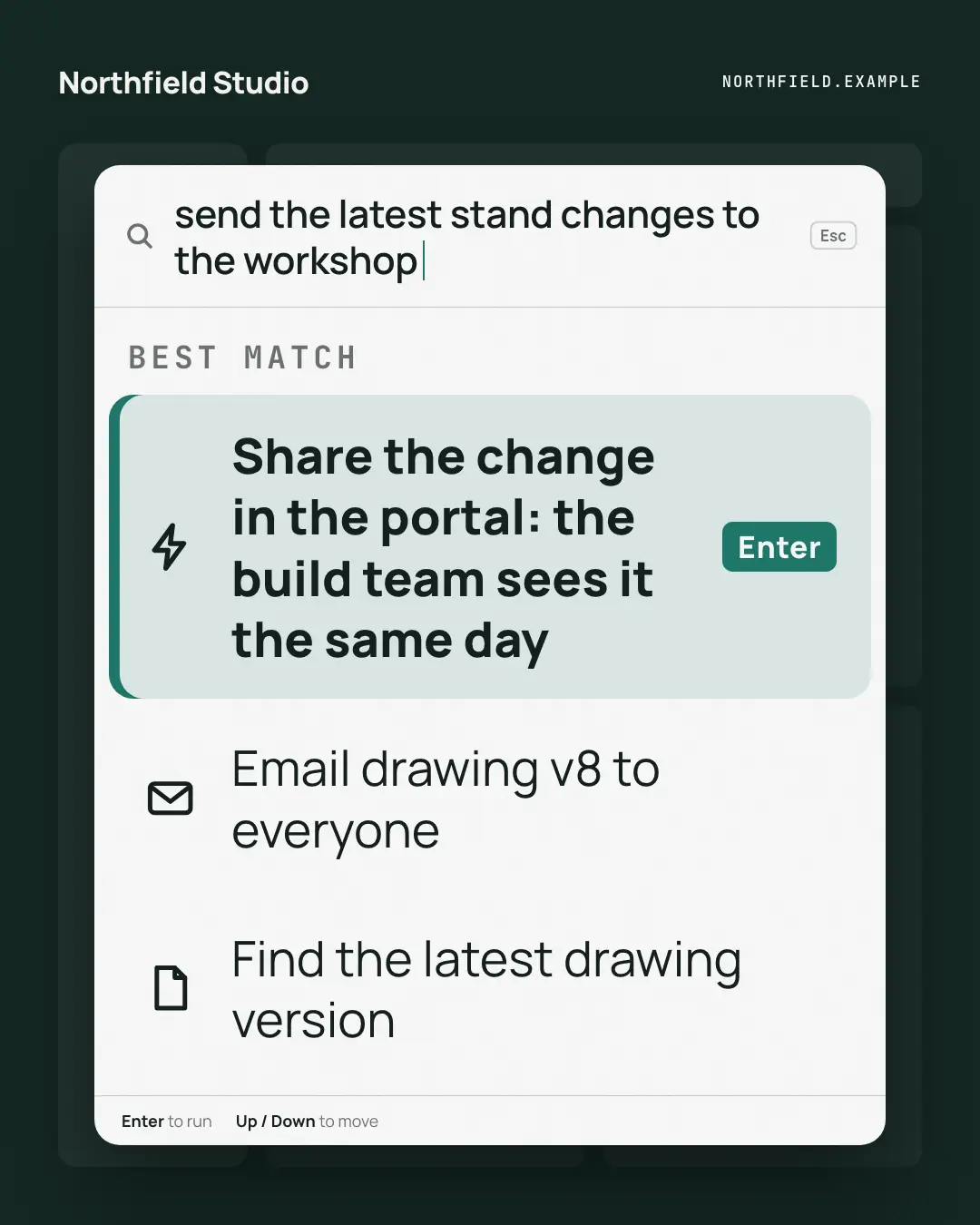
A keyboard command palette over a dimmed app: the reader's intent typed in the search line, and the brand's way to do it as the highlighted first command, one Enter away — the product's answer framed as a shortcut power users already reach for.
When the AI picks it
MarketiQ’s Creative Director favours the Command palette for posts that teach, get people to act or announce news, when the message is one sharp insight or a list. It is built first to teach.
It reads each post’s goal and shape first, then its own words, the platform and the facts you have, and offers this template only where it fits.
Who it’s for
Made for Sells to businesses. The Director offers it only to brands of that kind, so it never turns up for a business it does not suit.
Platforms and sizes
| Size | Where |
|---|---|
| 4:51080 × 1350 px | Instagram, Facebook, LinkedIn, Threads, Pinterest, Reddit |
| 1:11080 × 1080 px | Ads |
| 9:161080 × 1920 px | TikTok |
| 16:91600 × 900 px | X, YouTube |
| 1.91:11200 × 628 px | Newsletter, Blog |
Single image. Each size is laid out for its canvas, not cropped; the sample above is the 4:5 version.
What it needs
The Director offers it only when these exist. Without them it simply picks another template.
- A real product or service you sell
Rules the AI follows
Word for word from the template library. The Director follows the copy rules when it writes into the template, and the visual review checks every creative against the visual rules.
Copy rules
- The query is the reader's goal in their words; the top command is how the brand's offering does it, from the copy — an action, not a slogan.
- Other commands are believable alternatives (often the old way), never invented features.
Visual rules
- A white command palette over a dimmed night app (a faint sidebar, top bar and tiles): a search line with the typed query and a brand caret, a mono group label, the top command highlighted with a brand edge and an Enter key.
- Lesser commands below in plain rows, a hint bar at the foot; logo top-left on the night ground.
More Work apps templates
Out-of-office autoreply
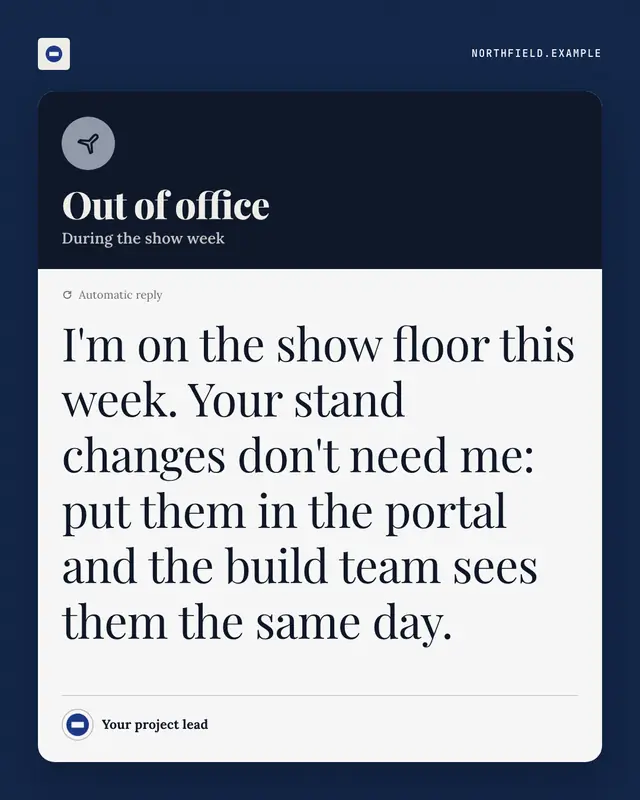
An automatic out-of-office reply
Status page
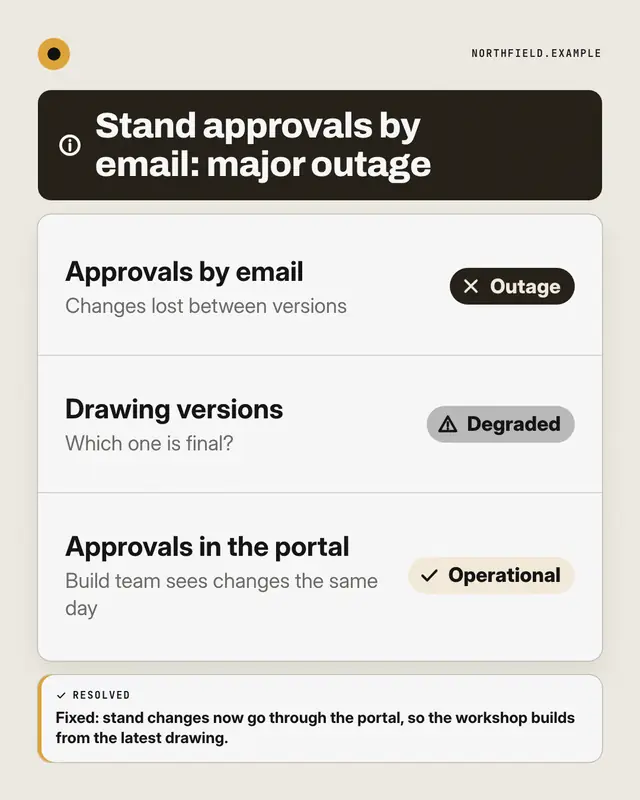
A public system-status page for the reader's way of working: components listed with Operational, Degraded or Outage pills
Dashboard KPI tile
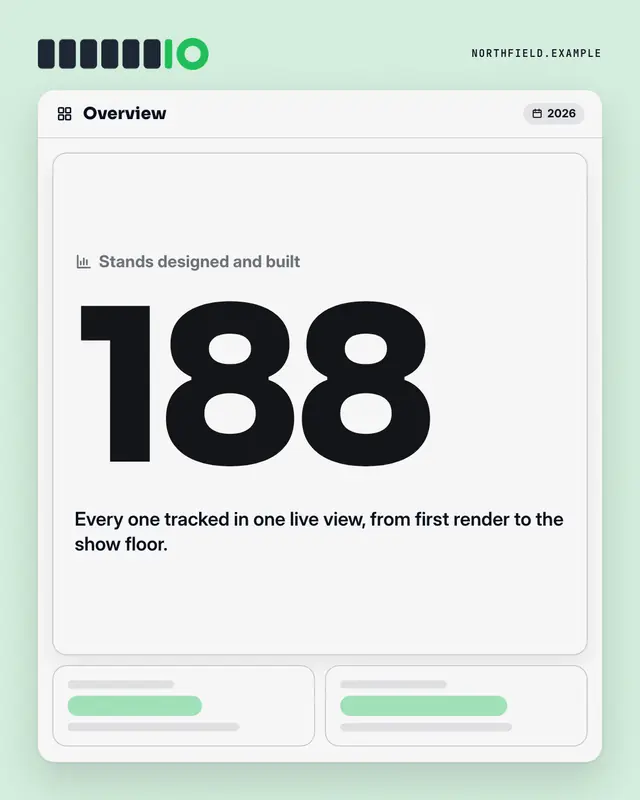
An analytics dashboard where one tile is lit: the label, one real number from the post set huge in the brand colour, its change and a line of context
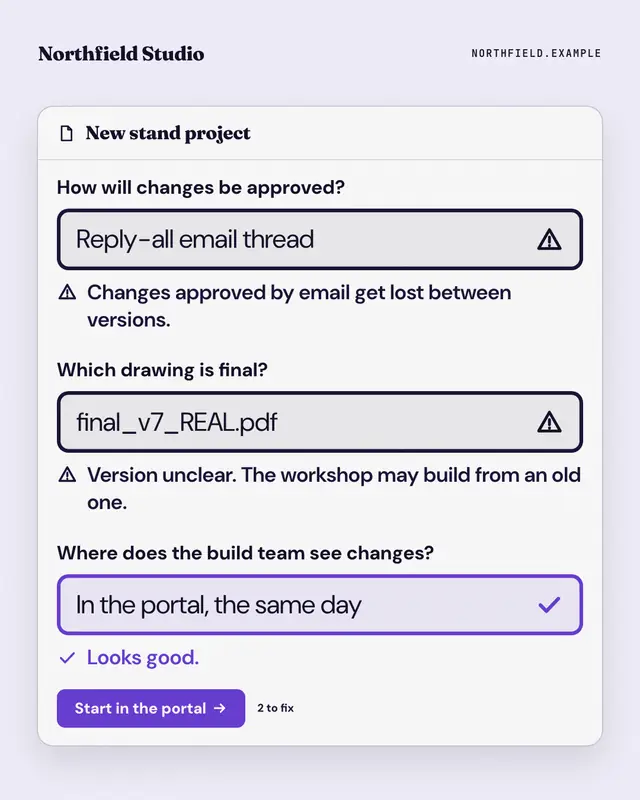
Form validation
A form that won't submit: the reader's old habits typed into its fields, each flagged with an error message, and the brand's way passing with a tick above the submit…
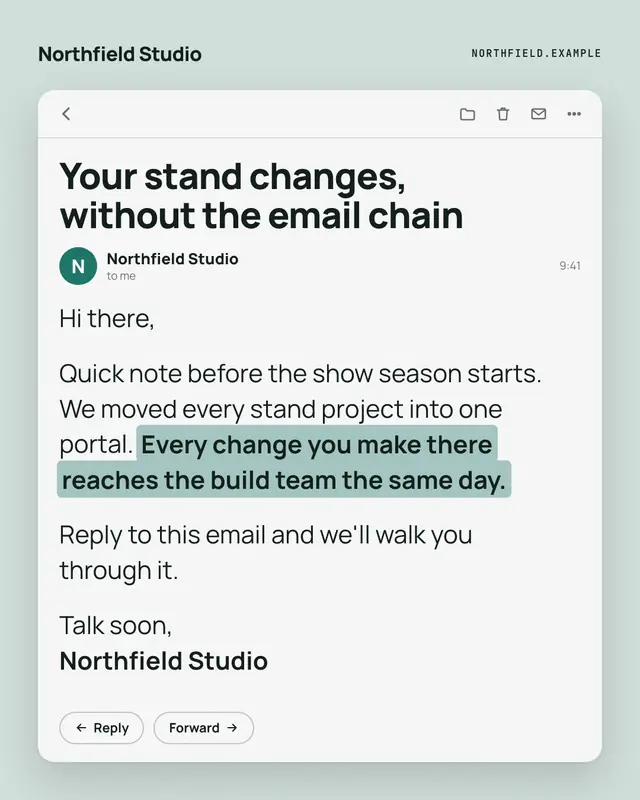
Opened email
An opened email from the brand
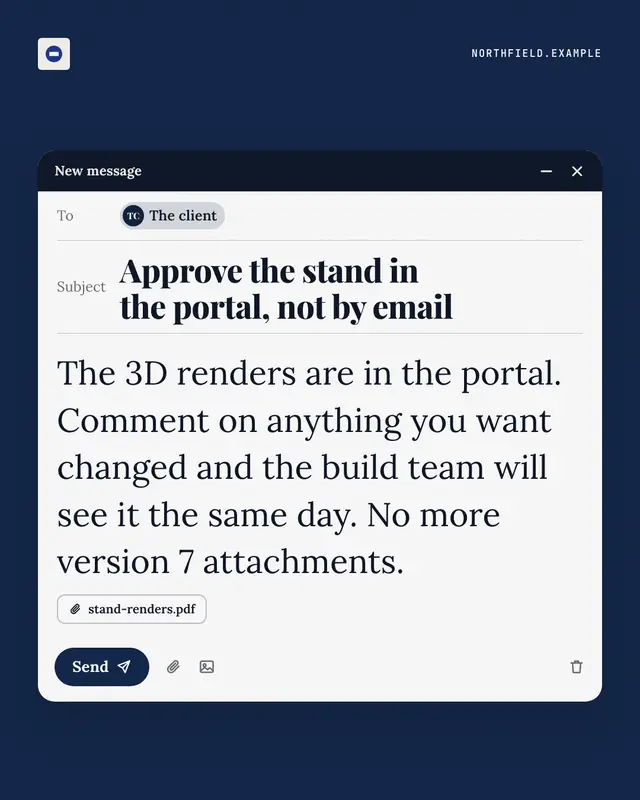
Unsent email
A compose window caught just before sending
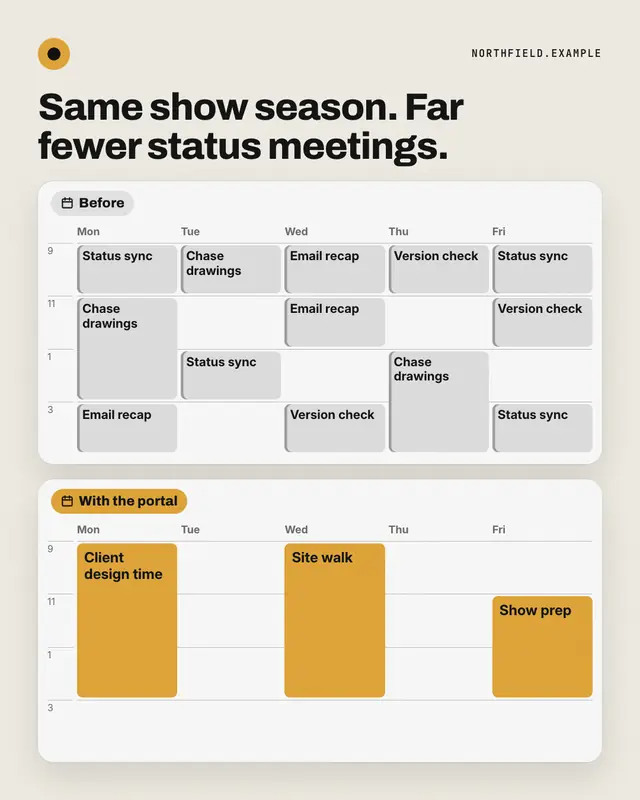
Week before / after
Two weeks in calendar view: before, every day packed with grey status meetings, errands and busywork; after, the same week opened up with a few long brand-coloured…
Meeting notes
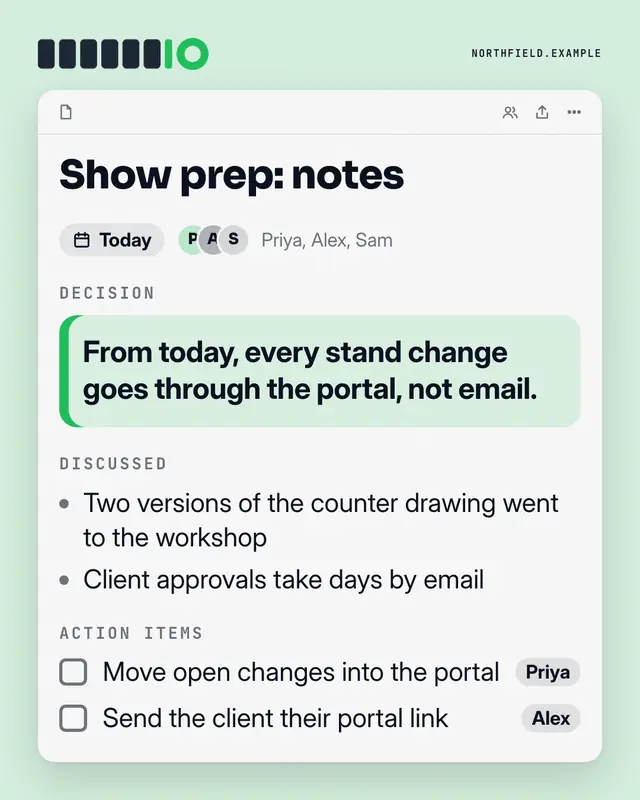
A shared notes doc from a meeting
Make a Command palette with your brand.
MarketiQ writes the post, picks the template that carries it best — this one, when it fits — and fills it with your logo, colours, facts and copy.