Work apps templates
Email, calendars, docs, sheets, boards, tickets, code review, terminals and forms — the work apps buyers live in, carrying the point. MarketiQ’s Creative Director picks from these 15 templates whenever a post’s message fits one of them, then fills it with your brand, facts and copy.
All Work apps templates
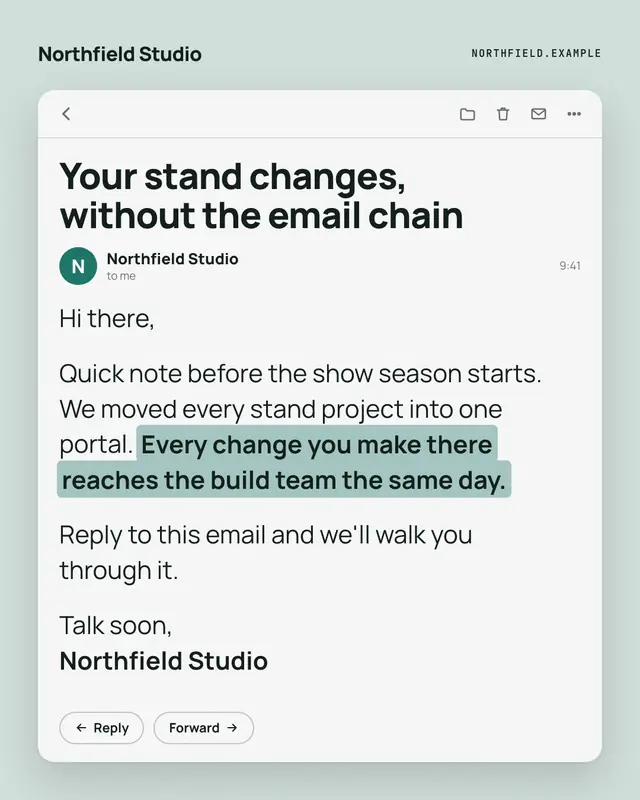
Opened email
An opened email from the brand
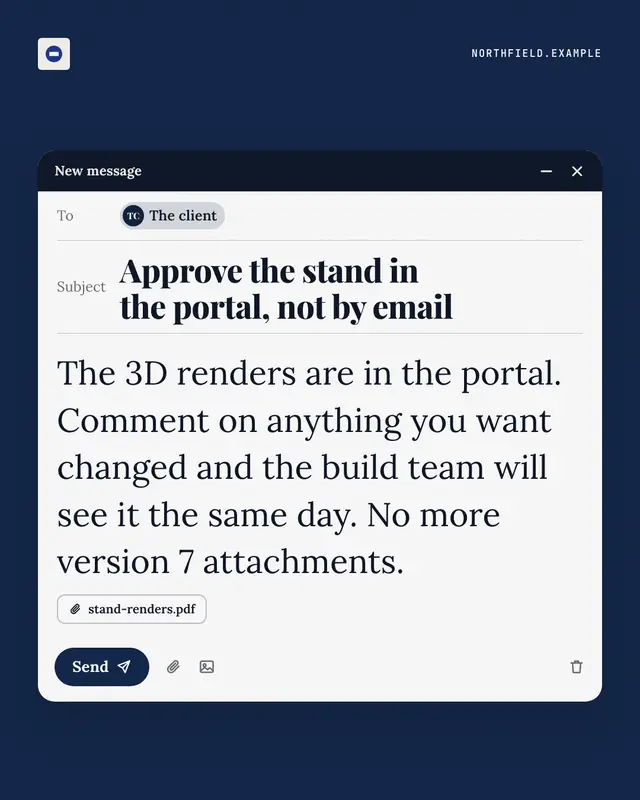
Unsent email
A compose window caught just before sending
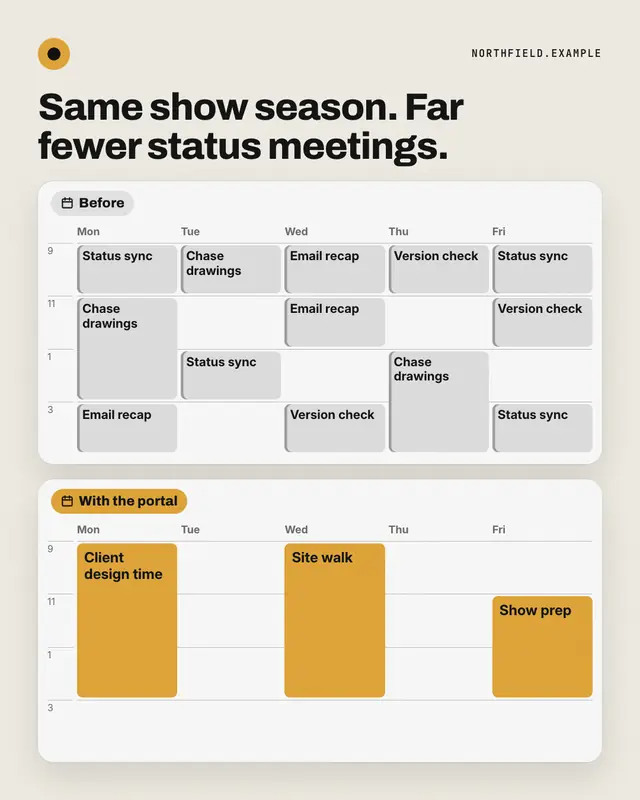
Week before / after
Two weeks in calendar view: before, every day packed with grey status meetings, errands and busywork; after, the same week opened up with a few long brand-coloured…
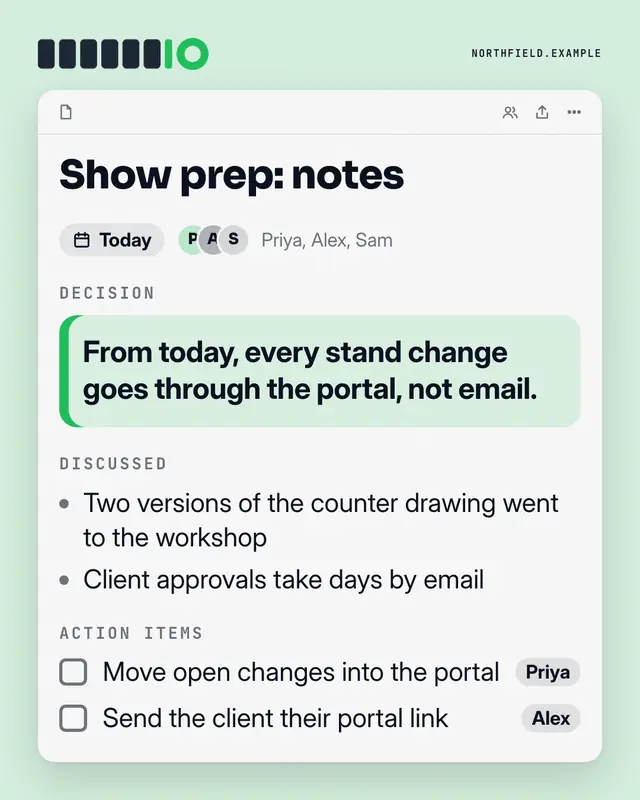
Meeting notes
A shared notes doc from a meeting
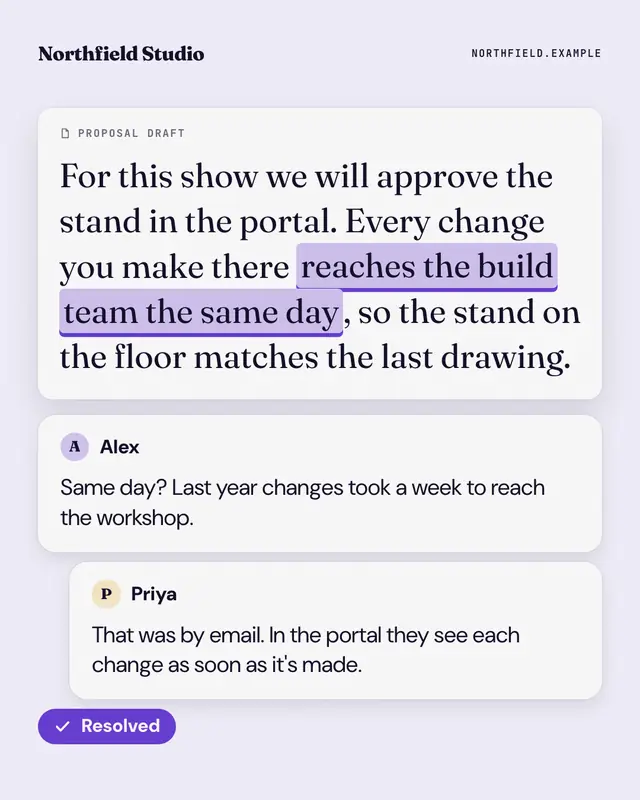
Shared doc, resolved
A shared document with one phrase highlighted and a comment thread beside it: a teammate's doubt, the answer, and a brand 'Resolved' tick.
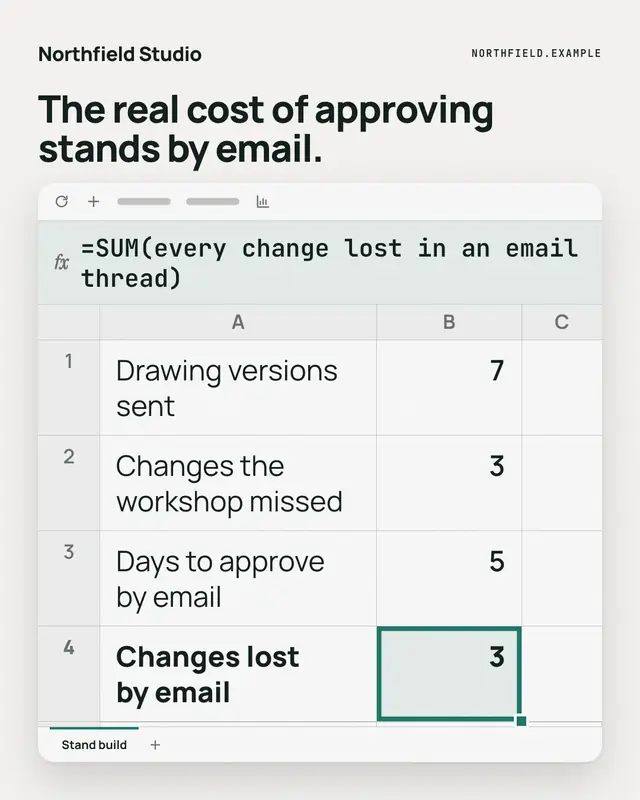
Spreadsheet formula
A spreadsheet with a few rows of the reader's reality, one cell selected in the brand colour
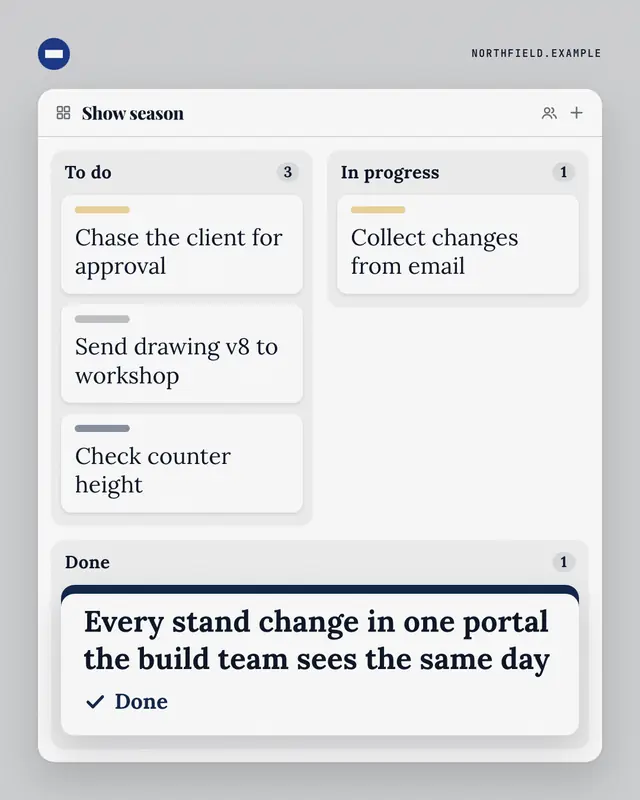
Kanban board
A three-column task board
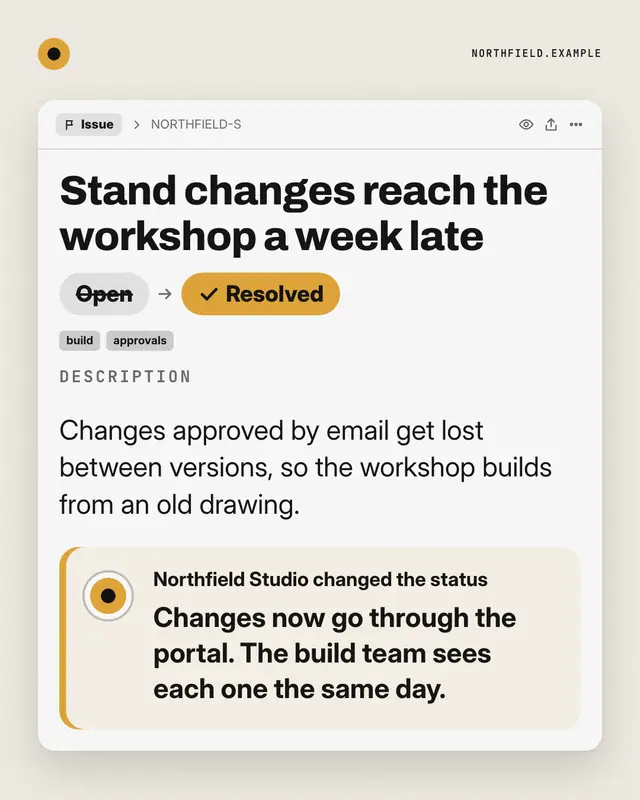
Ticket, resolved
An issue tracker ticket for the reader's recurring problem
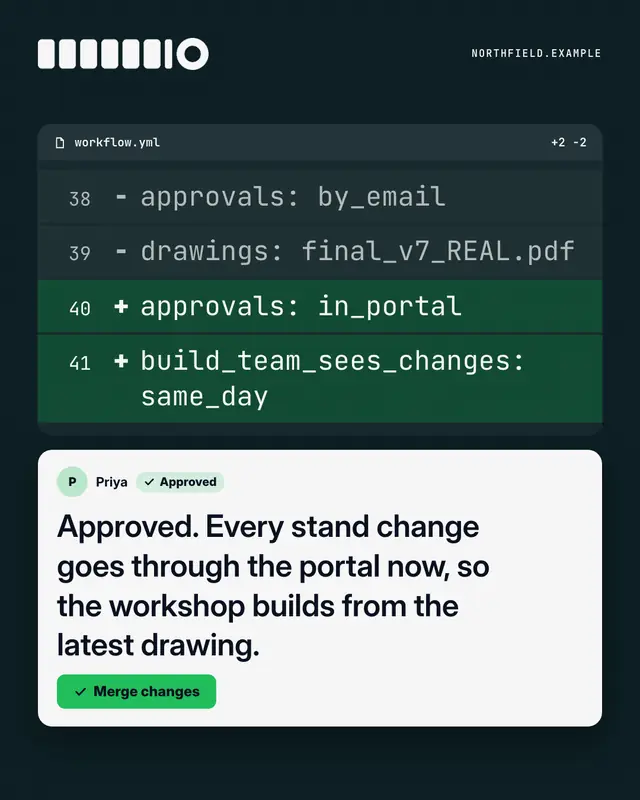
Code review
A dark 'pull request' diff
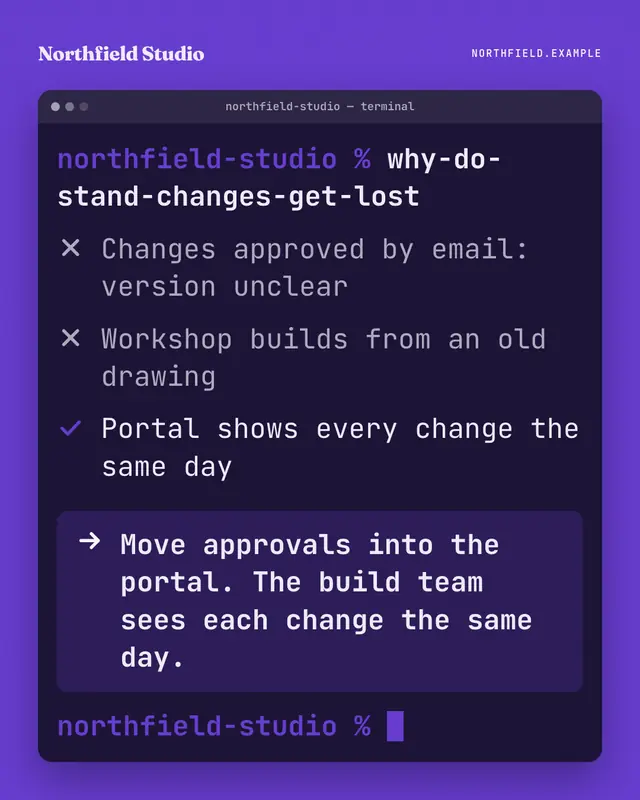
Terminal
A terminal window on the brand ground: someone types a blunt question as a command, the output ticks through what is and isn't working, and the highlighted last line…
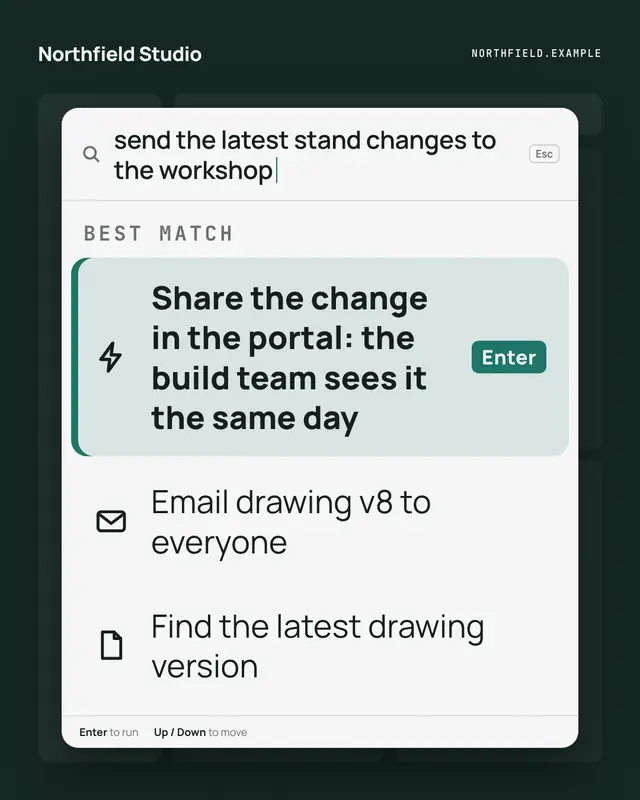
Command palette
A keyboard command palette over a dimmed app: the reader's intent typed in the search line, and the brand's way to do it as the highlighted first command, one Enter away
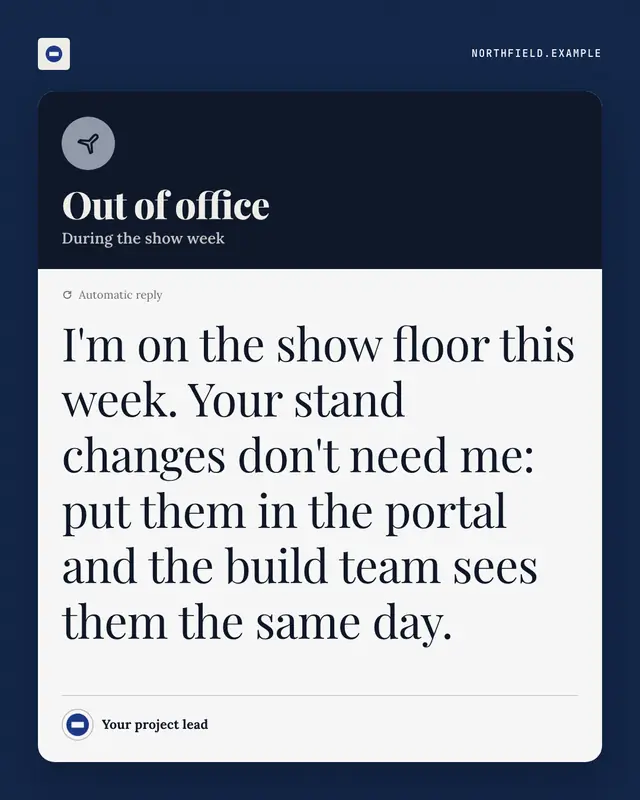
Out-of-office autoreply
An automatic out-of-office reply
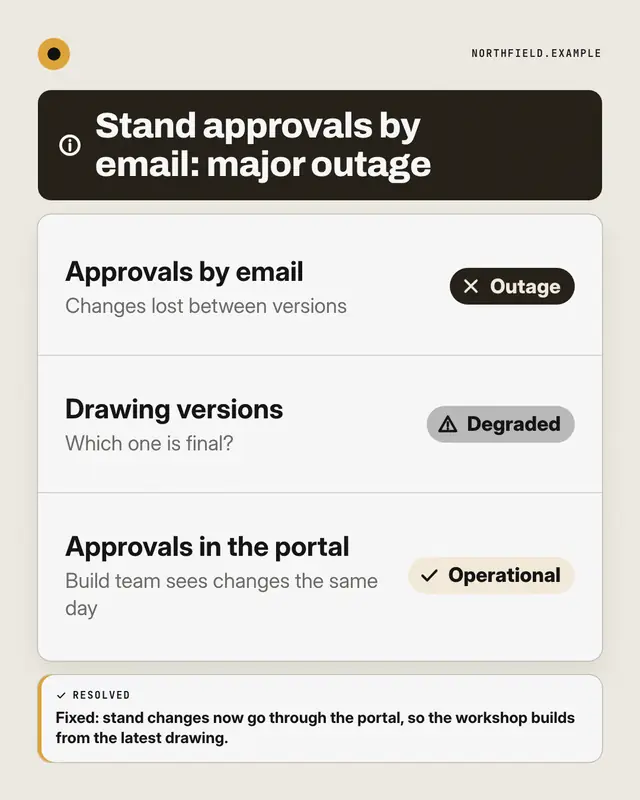
Status page
A public system-status page for the reader's way of working: components listed with Operational, Degraded or Outage pills
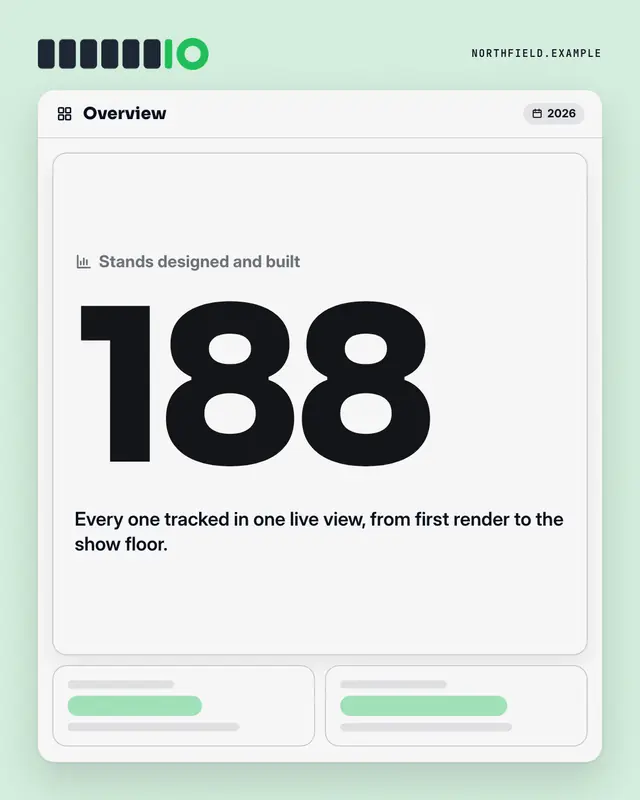
Dashboard KPI tile
An analytics dashboard where one tile is lit: the label, one real number from the post set huge in the brand colour, its change and a line of context
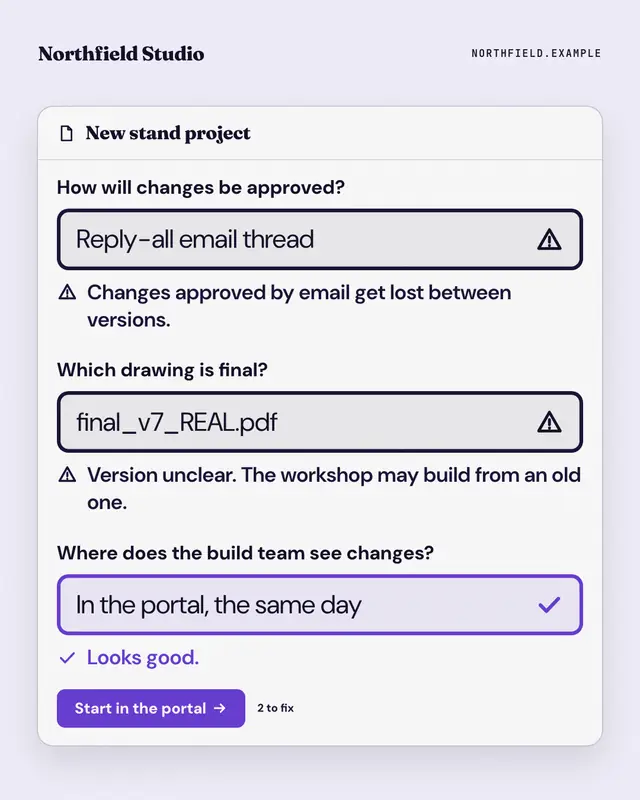
Form validation
A form that won't submit: the reader's old habits typed into its fields, each flagged with an error message, and the brand's way passing with a tick above the submit…
Samples use fictional brands; MarketiQ fills each template with your brand, facts and copy.
More ways to carry a message
Let the AI pick the right Work apps template.
Write the post, or let your AI team write it. The Creative Director reads it, picks the template that carries it best and fills it with your brand; it goes out on the approval rules you set.