Opened email
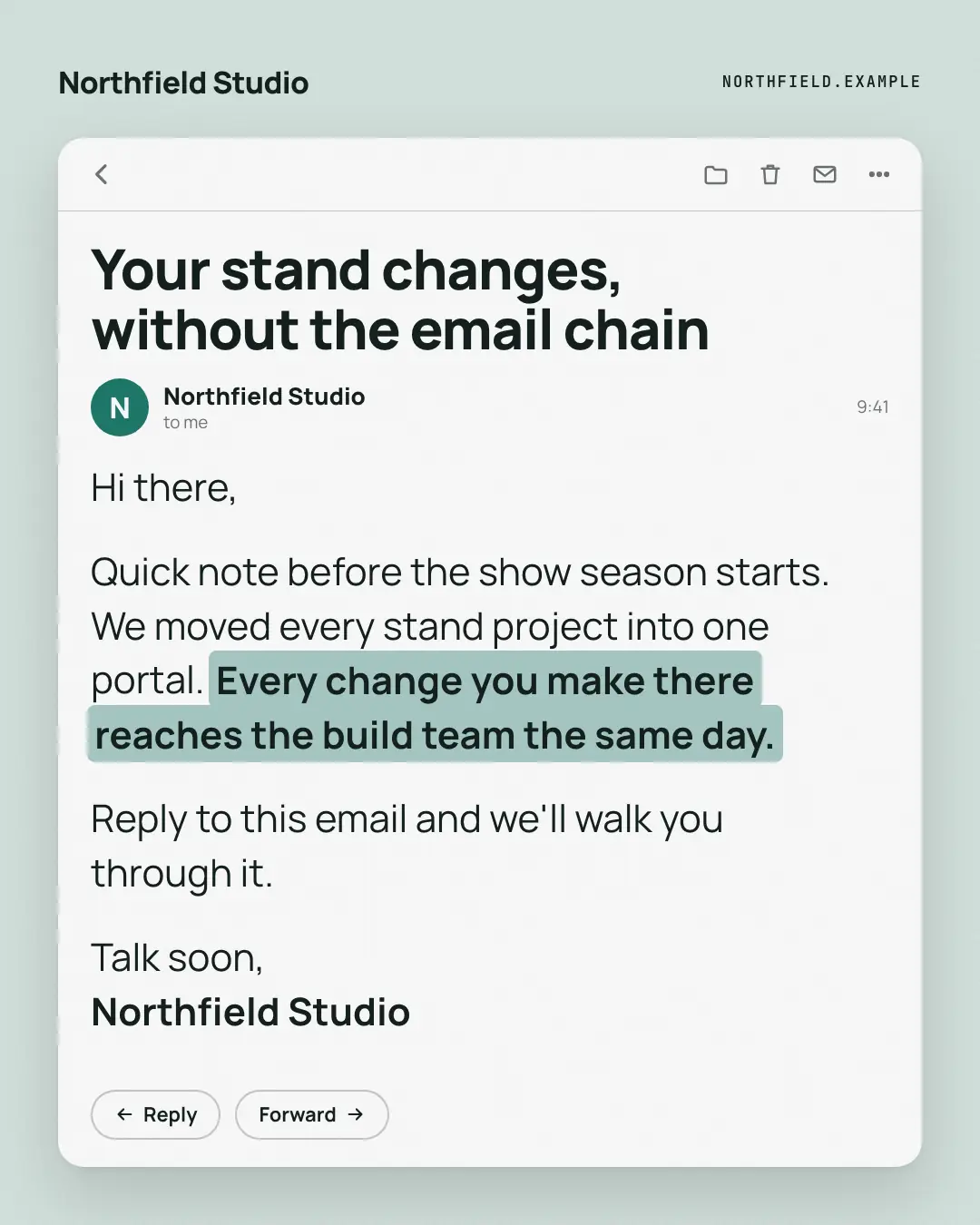
An opened email from the brand — subject, sender, a short note — with the one sentence that matters marked by a highlighter. It reads like a message the reader already received, and the highlight tells them what to remember.
When the AI picks it
MarketiQ’s Creative Director favours the Opened email for posts that teach, get people to act or announce news, when the message is one sharp insight, a story or a quote. It is built first to teach.
It reads each post’s goal and shape first, then its own words, the platform and the facts you have, and offers this template only where it fits.
Who it’s for
Any business. Nothing in it assumes what you sell, so the Director can offer it to a software company, a café or a coaching centre alike — whenever the post fits.
Platforms and sizes
| Size | Where |
|---|---|
| 4:51080 × 1350 px | Instagram, Facebook, LinkedIn, Threads, Pinterest, Reddit |
| 1:11080 × 1080 px | Ads |
| 9:161080 × 1920 px | TikTok |
| 16:91600 × 900 px | X, YouTube |
| 1.91:11200 × 628 px | Newsletter, Blog |
Single image. Each size is laid out for its canvas, not cropped; the sample above is the 4:5 version.
What it needs
Only your post. It is made from your copy and your brand kit — there is nothing else to prepare.
Rules the AI follows
Word for word from the template library. The Director follows the copy rules when it writes into the template, and the visual review checks every creative against the visual rules.
Copy rules
- Write it as a short, real email: a subject people would open, two or three plain sentences, no slogans.
- The highlighted line is the post's point and carries only facts from the copy.
- The sender is the brand unless the post names a role.
Visual rules
- A white mail screen on a pale brand ground: a toolbar, the subject set large, the brand as the sender, then the body with one sentence marked in a brand-tinted highlighter.
- Reply and Forward pills close the portrait screen; landscape adds a folder rail with the logo; logo top-left.
More Work apps templates
Unsent email
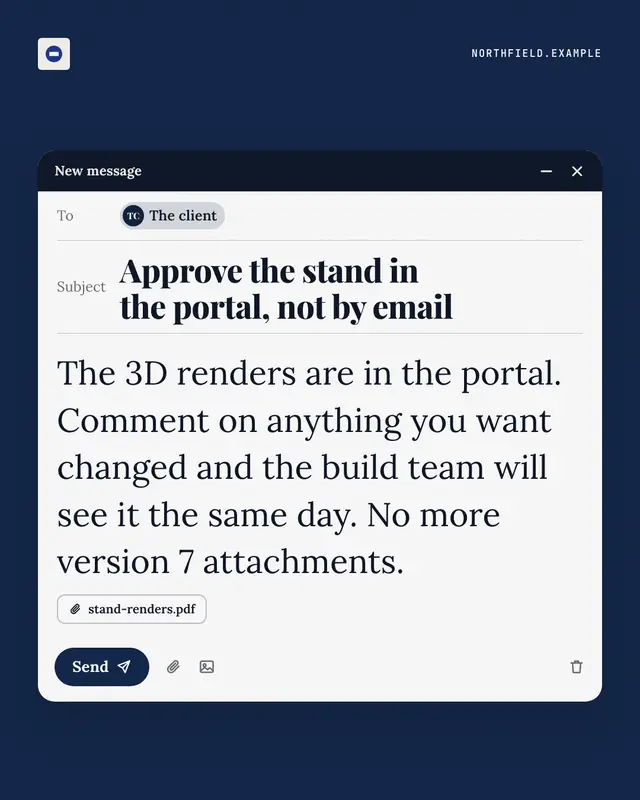
A compose window caught just before sending
Week before / after
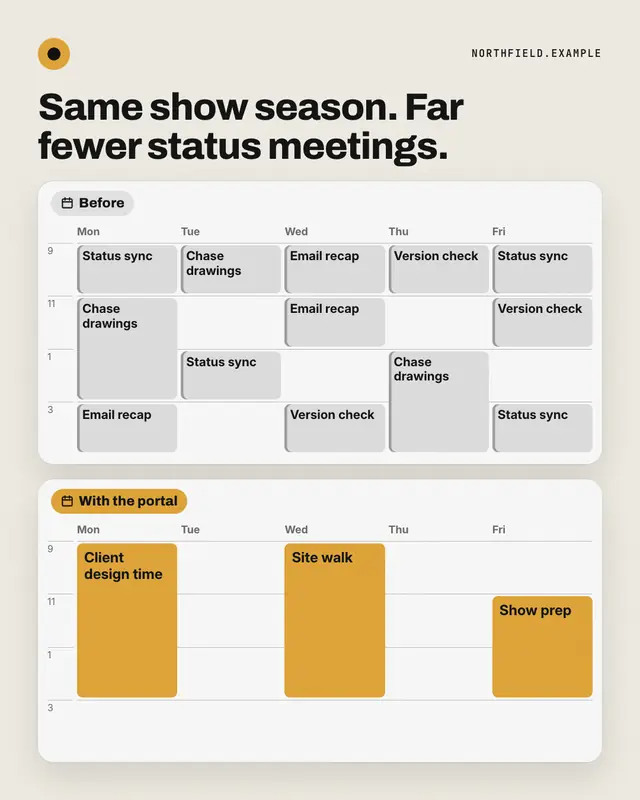
Two weeks in calendar view: before, every day packed with grey status meetings, errands and busywork; after, the same week opened up with a few long brand-coloured…
Meeting notes
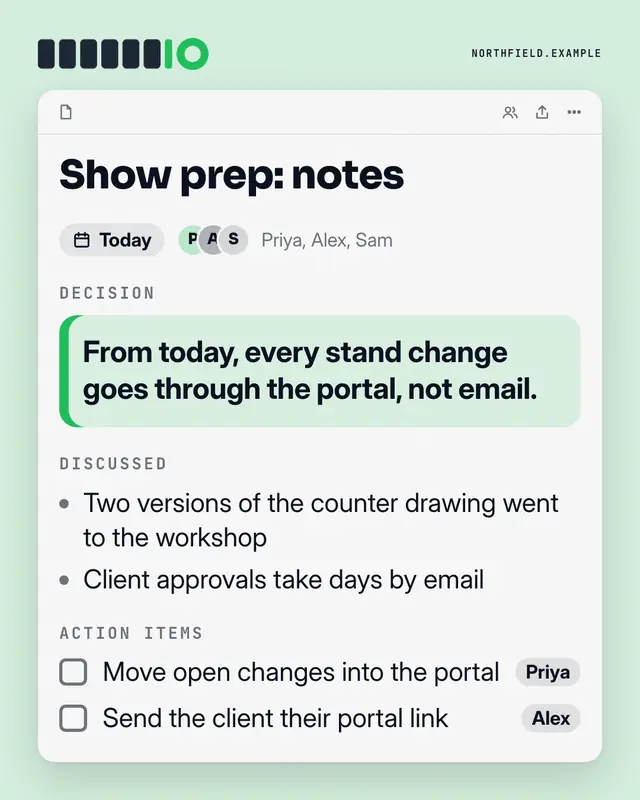
A shared notes doc from a meeting
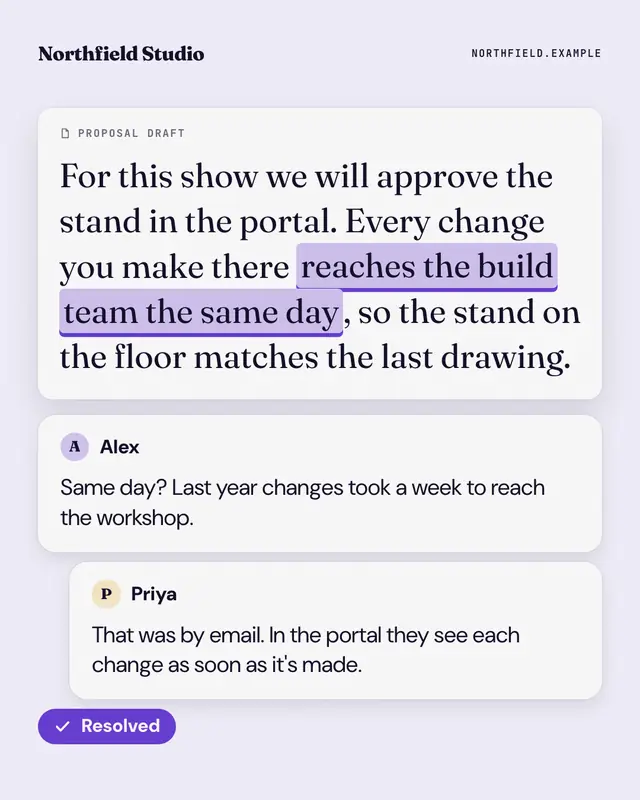
Shared doc, resolved
A shared document with one phrase highlighted and a comment thread beside it: a teammate's doubt, the answer, and a brand 'Resolved' tick.
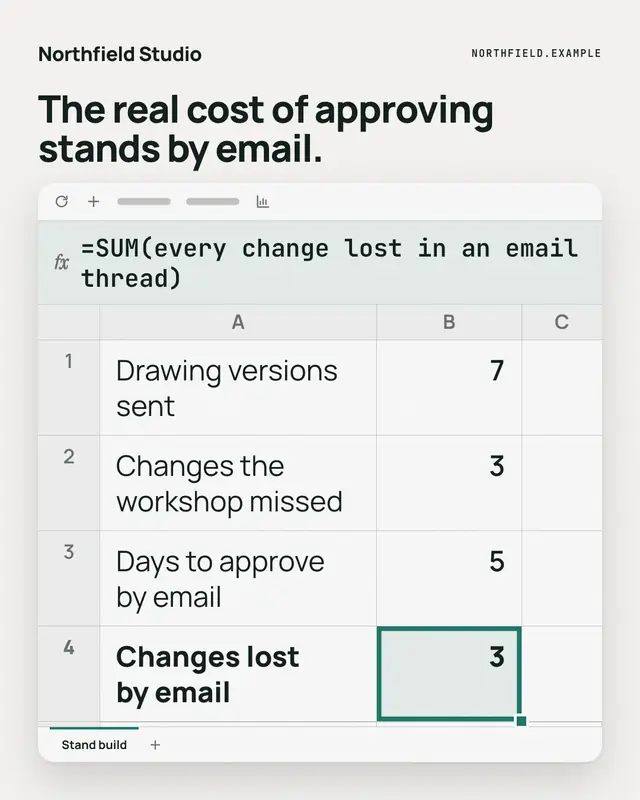
Spreadsheet formula
A spreadsheet with a few rows of the reader's reality, one cell selected in the brand colour
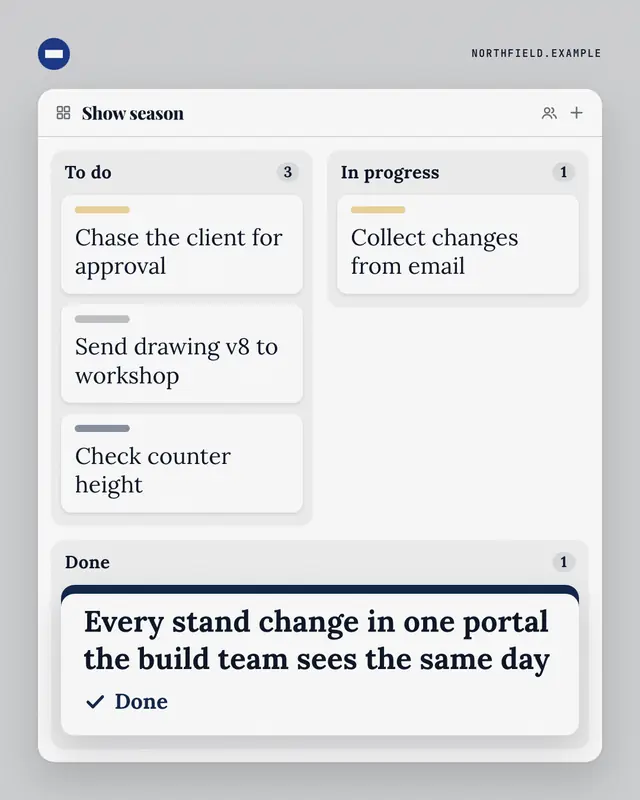
Kanban board
A three-column task board
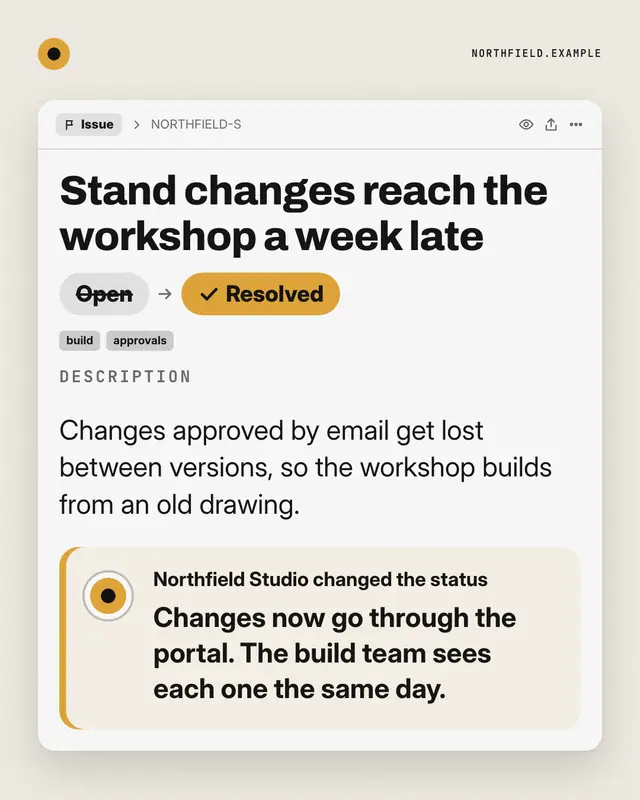
Ticket, resolved
An issue tracker ticket for the reader's recurring problem
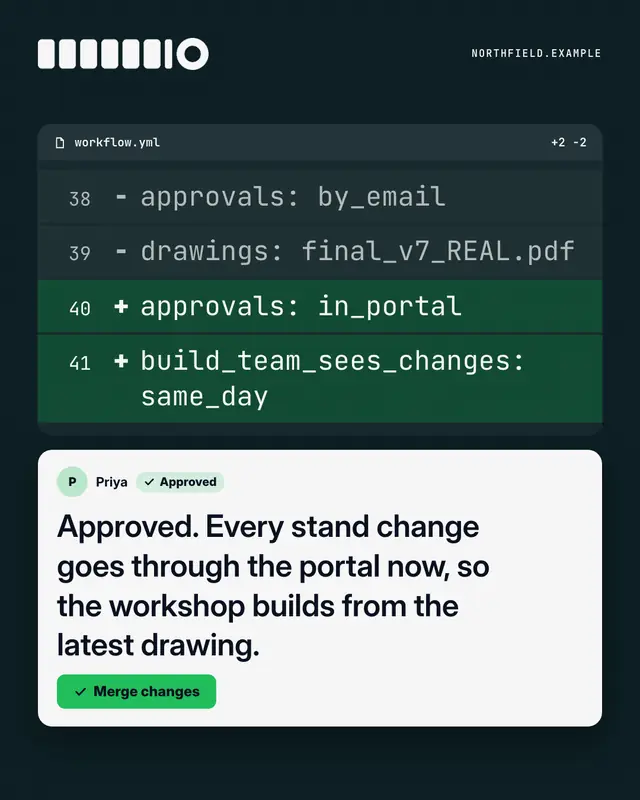
Code review
A dark 'pull request' diff
Make a Opened email with your brand.
MarketiQ writes the post, picks the template that carries it best — this one, when it fits — and fills it with your logo, colours, facts and copy.