Spreadsheet formula
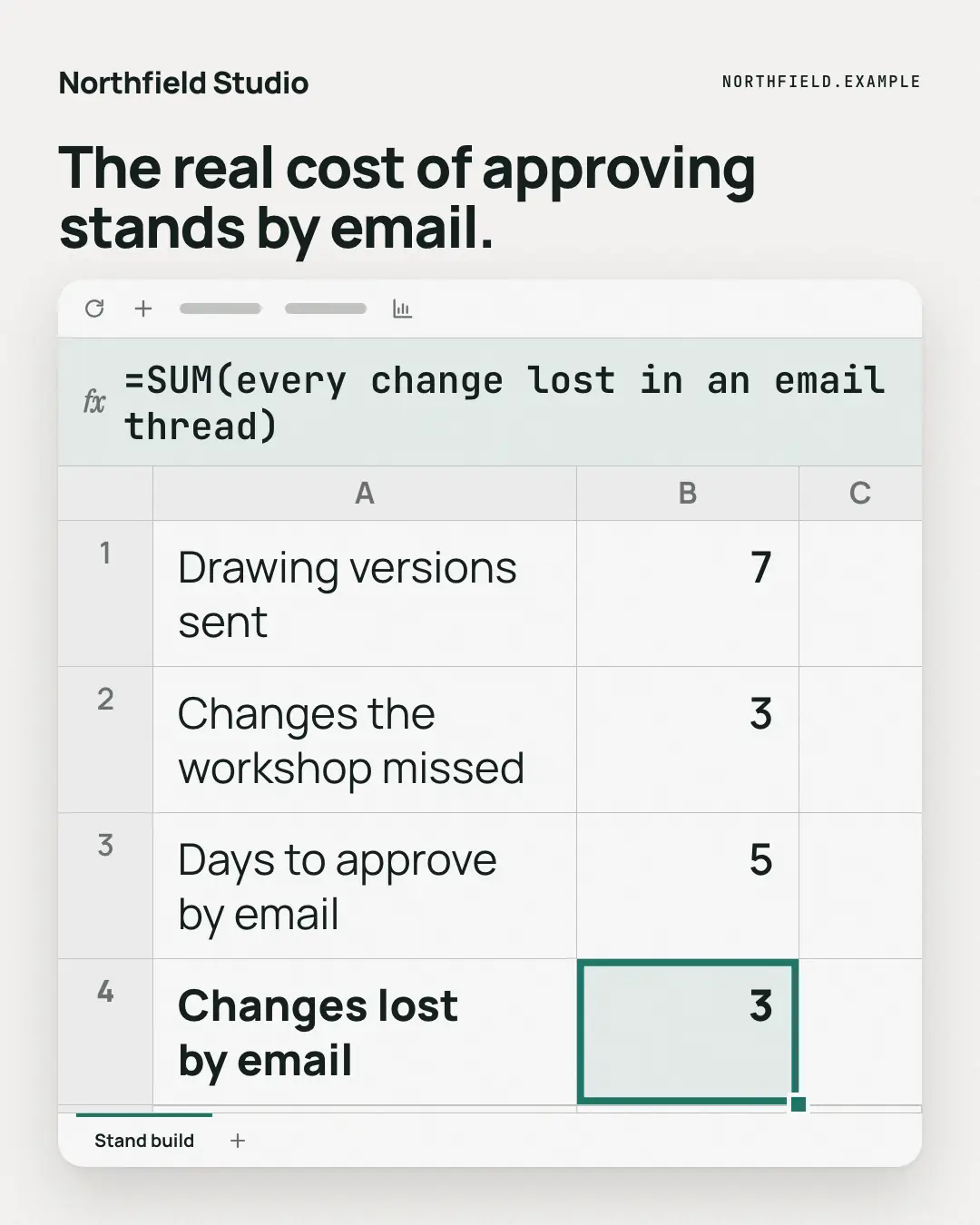
A spreadsheet with a few rows of the reader's reality, one cell selected in the brand colour — and the formula bar spelling out, in words, what that cell really adds up to. The maths of the problem, in the tool everyone uses to do maths.
When the AI picks it
MarketiQ’s Creative Director favours the Spreadsheet formula for posts that teach, prove a point or entertain, when the message is a number, a list or one sharp insight. It is built first to teach.
It reads each post’s goal and shape first, then its own words, the platform and the facts you have, and offers this template only where it fits.
Who it’s for
Any business. Nothing in it assumes what you sell, so the Director can offer it to a software company, a café or a coaching centre alike — whenever the post fits.
Platforms and sizes
| Size | Where |
|---|---|
| 4:51080 × 1350 px | Instagram, Facebook, LinkedIn, Threads, Pinterest, Reddit |
| 1:11080 × 1080 px | Ads |
| 9:161080 × 1920 px | TikTok |
| 16:91600 × 900 px | X, YouTube |
| 1.91:11200 × 628 px | Newsletter, Blog |
Single image. Each size is laid out for its canvas, not cropped; the sample above is the 4:5 version.
What it needs
Only your post. It is made from your copy and your brand kit — there is nothing else to prepare.
Rules the AI follows
Word for word from the template library. The Director follows the copy rules when it writes into the template, and the visual review checks every creative against the visual rules.
Copy rules
- Every number in the rows, the result and the formula comes from the copy; when the copy has no figure, use words ('weekly', 'every show') instead of inventing one.
- The formula is a witty sentence in formula form, not real spreadsheet syntax with made-up cells.
- Square and 16:9 show three rows and 1.91:1 two, so lead with the most telling.
Visual rules
- A white spreadsheet window on paper: a toolbar, a tinted formula bar with an italic 'fx' and the formula set large in mono, a grid with lettered columns and numbered rows, the last row's value cell outlined in the brand colour with a fill handle.
- A sheet tab at the foot underlined in the brand colour; optional headline above (left on landscape); logo top-left.
More Work apps templates
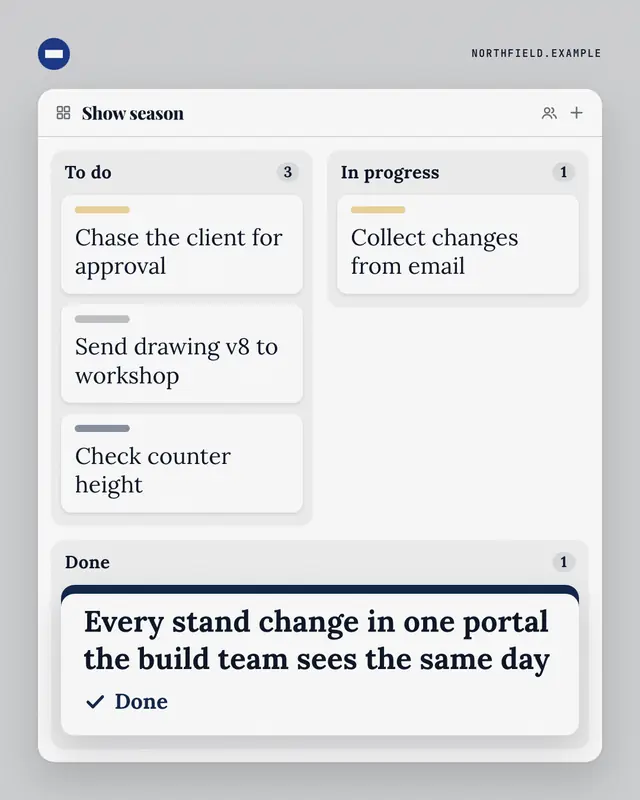
Kanban board
A three-column task board
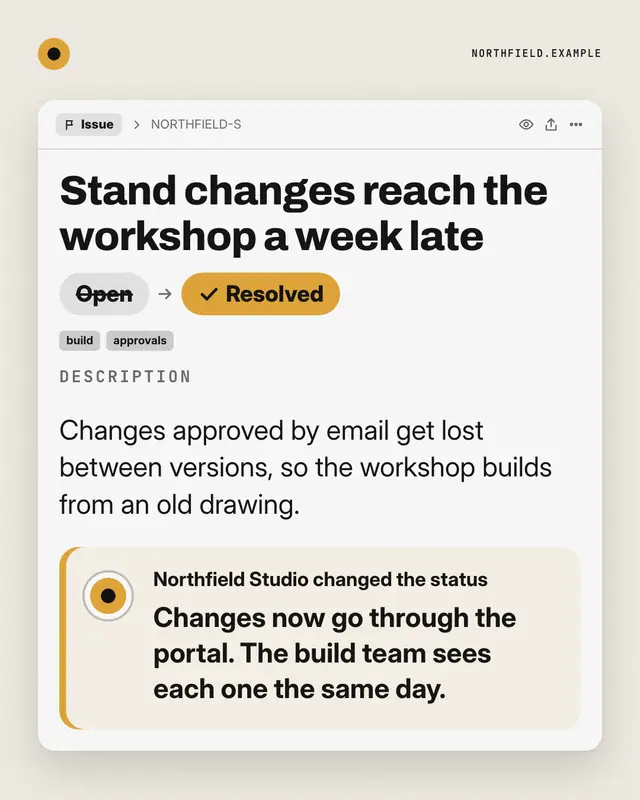
Ticket, resolved
An issue tracker ticket for the reader's recurring problem
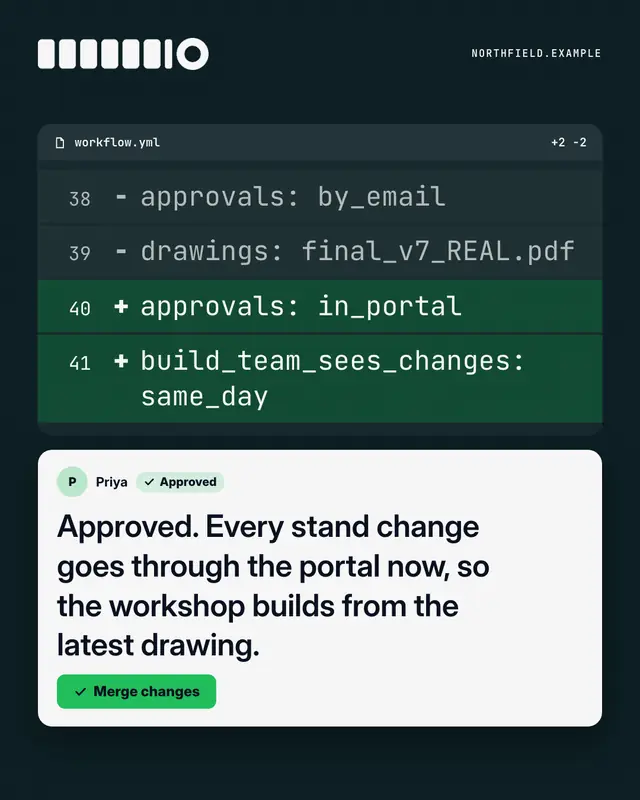
Code review
A dark 'pull request' diff
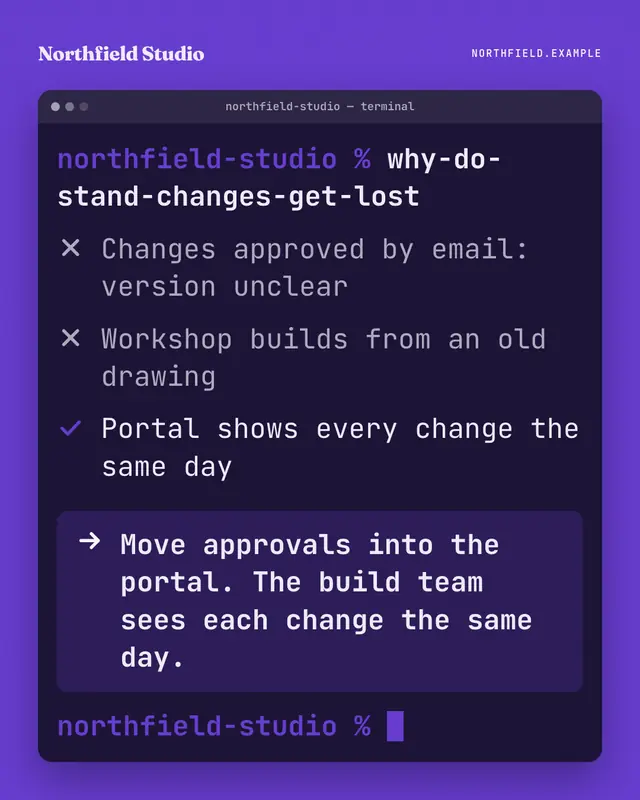
Terminal
A terminal window on the brand ground: someone types a blunt question as a command, the output ticks through what is and isn't working, and the highlighted last line…
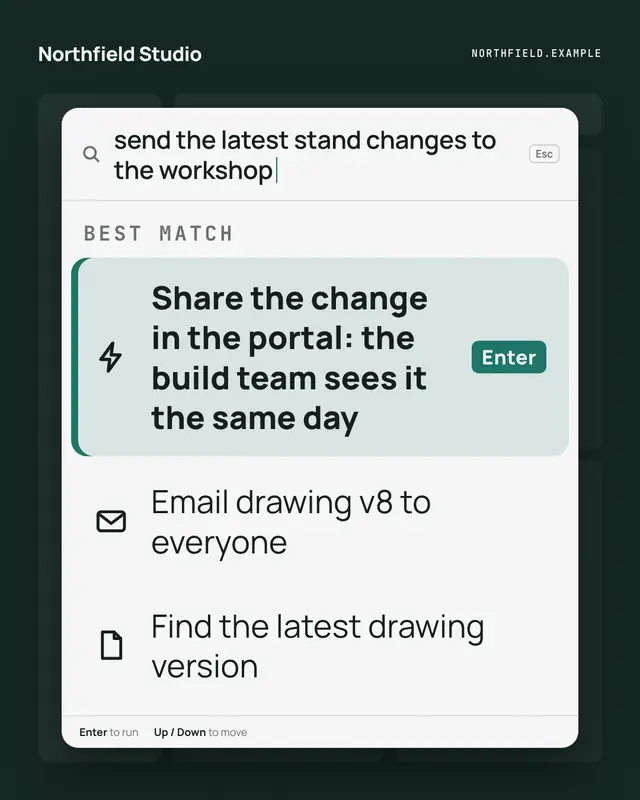
Command palette
A keyboard command palette over a dimmed app: the reader's intent typed in the search line, and the brand's way to do it as the highlighted first command, one Enter away
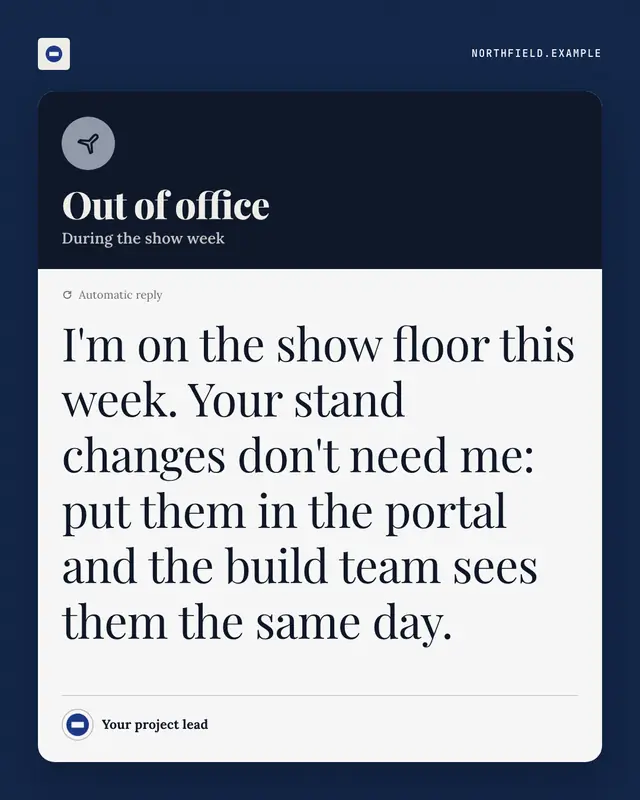
Out-of-office autoreply
An automatic out-of-office reply
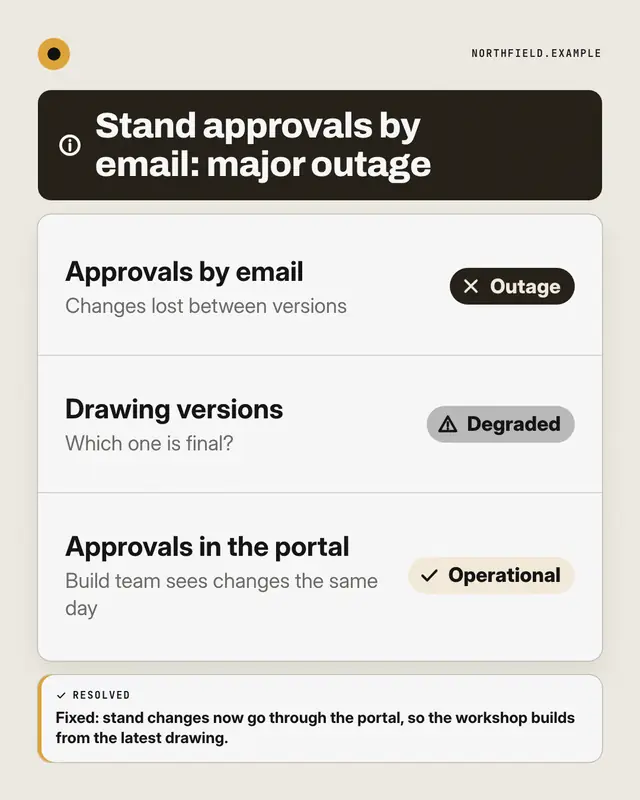
Status page
A public system-status page for the reader's way of working: components listed with Operational, Degraded or Outage pills
Dashboard KPI tile
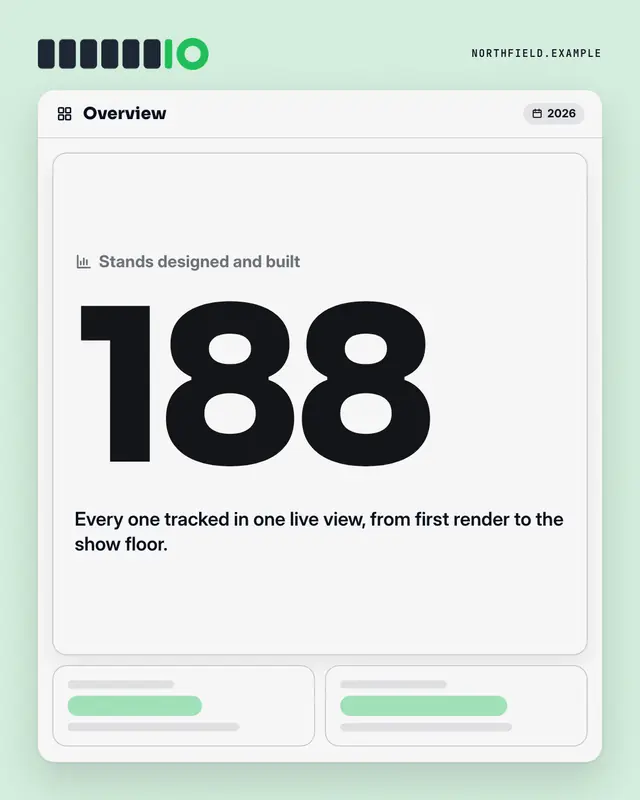
An analytics dashboard where one tile is lit: the label, one real number from the post set huge in the brand colour, its change and a line of context
Make a Spreadsheet formula with your brand.
MarketiQ writes the post, picks the template that carries it best — this one, when it fits — and fills it with your logo, colours, facts and copy.