Ticket, resolved
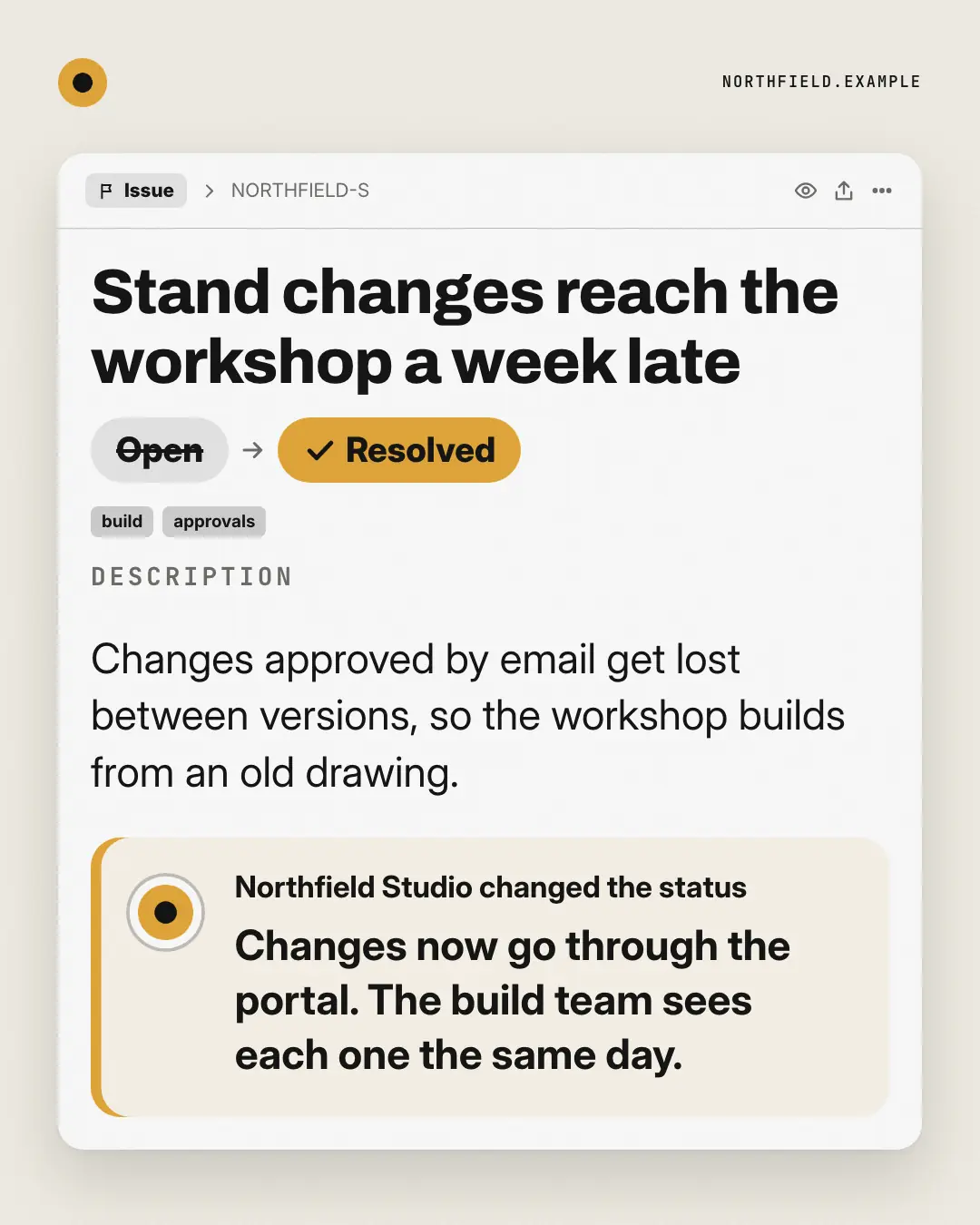
An issue tracker ticket for the reader's recurring problem — its title, labels and description — with the status struck from Open to Resolved and the brand's resolution note in the activity. The pain logged like a bug, and closed.
When the AI picks it
MarketiQ’s Creative Director favours the Ticket, resolved for posts that teach, announce news or prove a point, when the message is one sharp insight, a contrast (this, not that) or a story. It is built first to teach.
It reads each post’s goal and shape first, then its own words, the platform and the facts you have, and offers this template only where it fits.
Who it’s for
Made for Sells to businesses. The Director offers it only to brands of that kind, so it never turns up for a business it does not suit.
Platforms and sizes
| Size | Where |
|---|---|
| 4:51080 × 1350 px | Instagram, Facebook, LinkedIn, Threads, Pinterest, Reddit |
| 1:11080 × 1080 px | Ads |
| 9:161080 × 1920 px | TikTok |
| 16:91600 × 900 px | X, YouTube |
| 1.91:11200 × 628 px | Newsletter, Blog |
Single image. Each size is laid out for its canvas, not cropped; the sample above is the 4:5 version.
What it needs
The Director offers it only when these exist. Without them it simply picks another template.
- A real product or service you sell
Rules the AI follows
Word for word from the template library. The Director follows the copy rules when it writes into the template, and the visual review checks every creative against the visual rules.
Copy rules
- The title names the problem the way a frustrated user files it; the resolution is the brand's answer from the copy, in one or two sentences.
- No ticket numbers, dates or names the copy does not give.
- The widest banner (1.91:1) shows the title and the resolution only, so each must read on its own; 16:9 keeps the first two labels.
Visual rules
- A white ticket window centred on paper: a breadcrumb bar, the title set large, then the status change as the hero — a struck grey Open pill, an arrow and a big brand Resolved pill — labels, the description and a tinted activity note with the brand tile.
- Landscape adds a sidebar with status, the brand as assignee and labels; logo top-left.
More Work apps templates
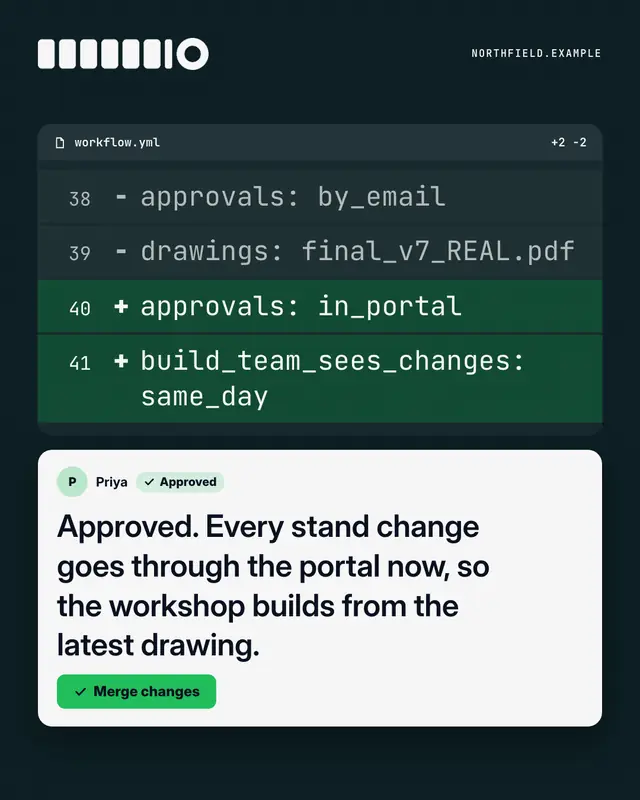
Code review
A dark 'pull request' diff
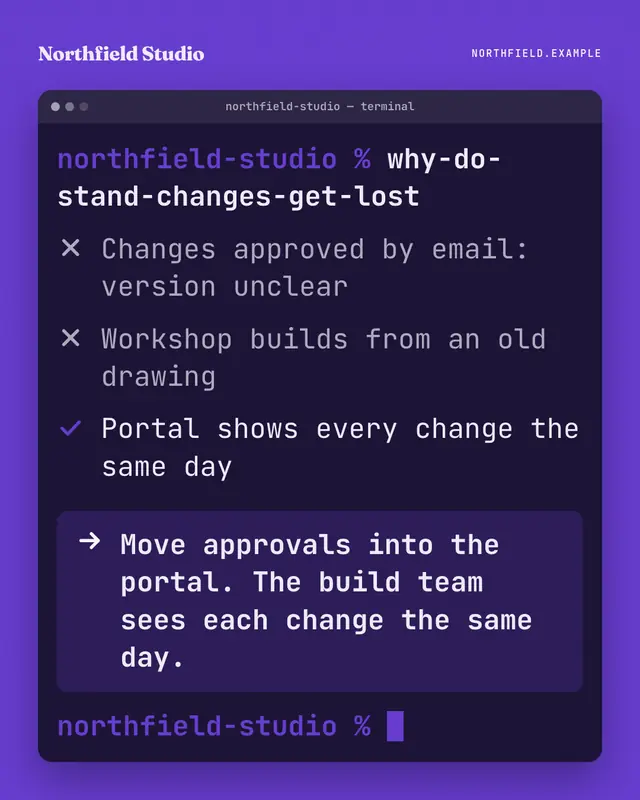
Terminal
A terminal window on the brand ground: someone types a blunt question as a command, the output ticks through what is and isn't working, and the highlighted last line…
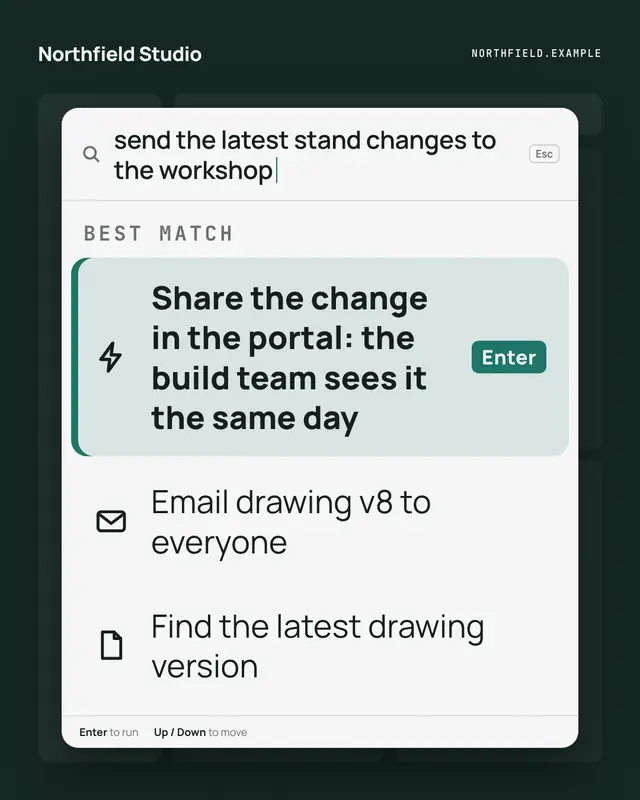
Command palette
A keyboard command palette over a dimmed app: the reader's intent typed in the search line, and the brand's way to do it as the highlighted first command, one Enter away
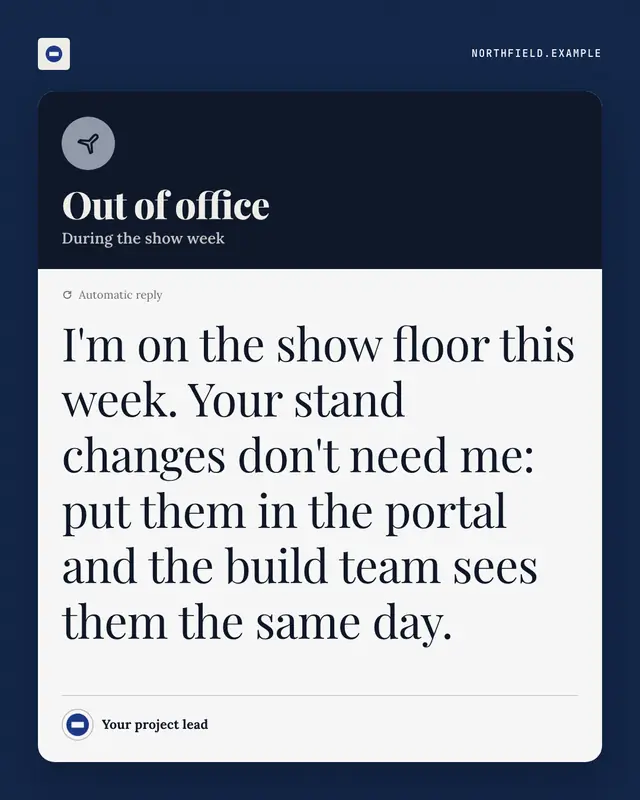
Out-of-office autoreply
An automatic out-of-office reply
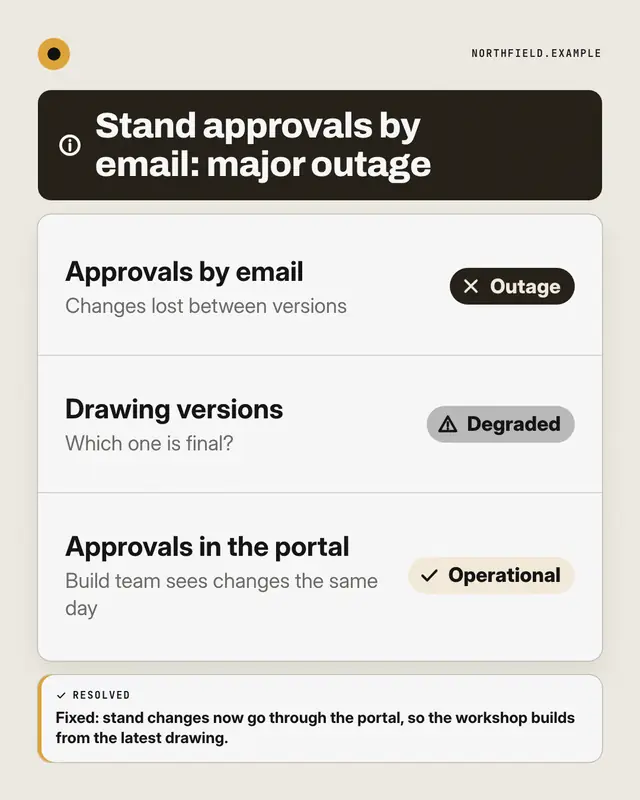
Status page
A public system-status page for the reader's way of working: components listed with Operational, Degraded or Outage pills
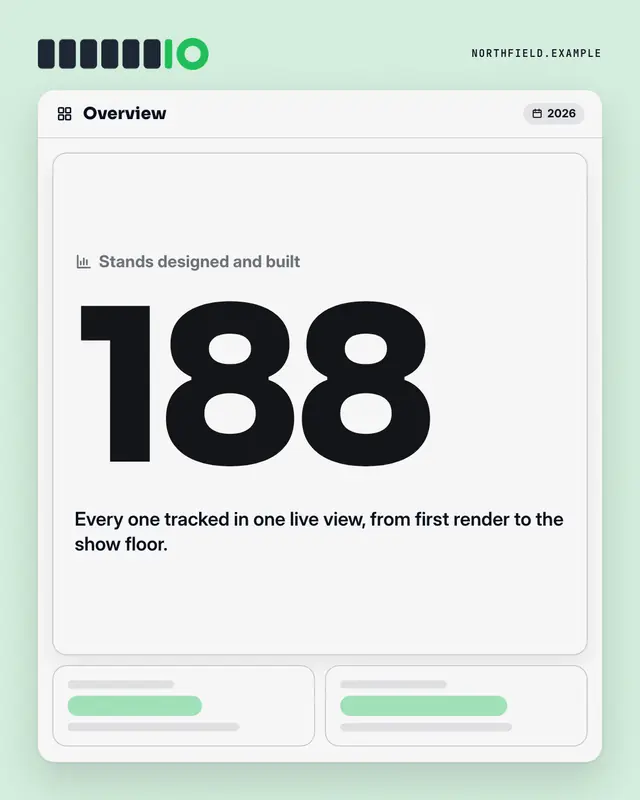
Dashboard KPI tile
An analytics dashboard where one tile is lit: the label, one real number from the post set huge in the brand colour, its change and a line of context
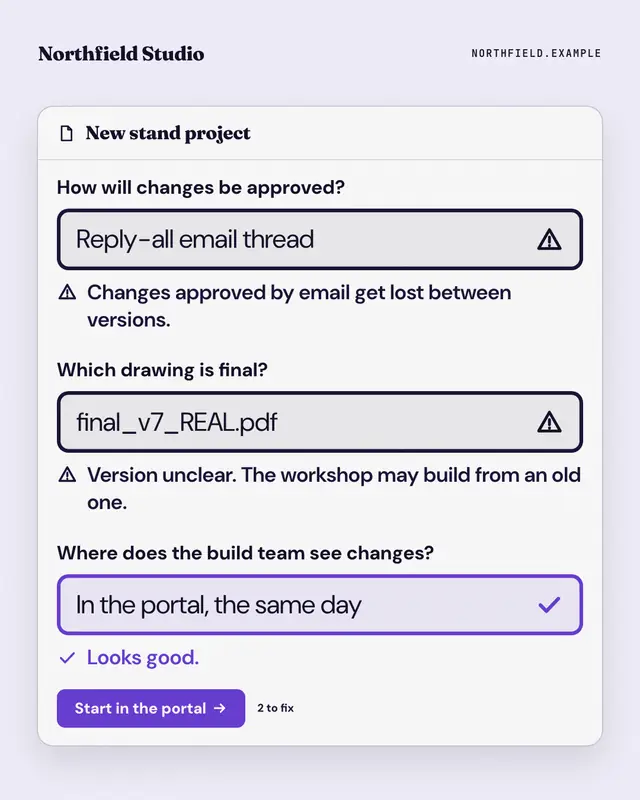
Form validation
A form that won't submit: the reader's old habits typed into its fields, each flagged with an error message, and the brand's way passing with a tick above the submit…
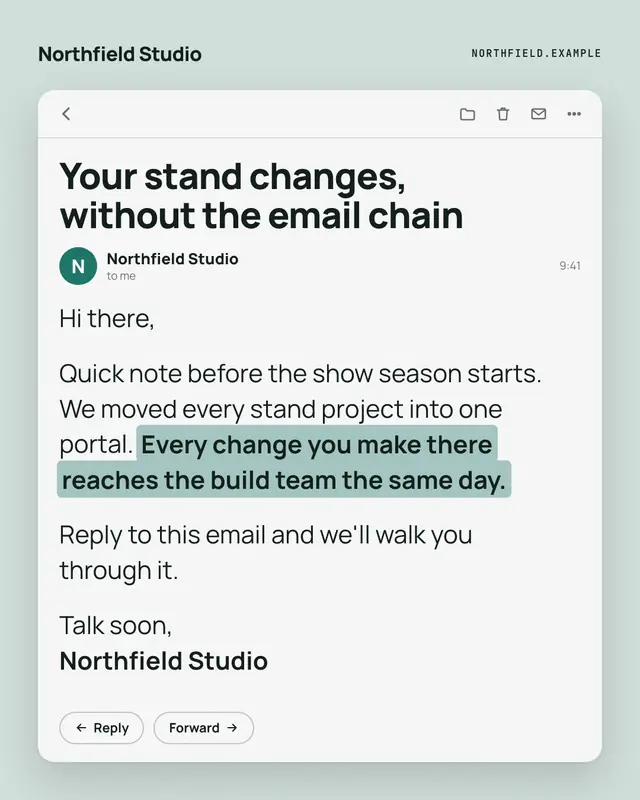
Opened email
An opened email from the brand
Make a Ticket, resolved with your brand.
MarketiQ writes the post, picks the template that carries it best — this one, when it fits — and fills it with your logo, colours, facts and copy.