Spectrum
A knob along one graded scale with a stop per position, for a post that places options between two ends — each page moves the knob to its stop above that position's name and what it looks like, with the post's own two ends at either side, and the closing page asks where on the 'spectrum' the reader sits.
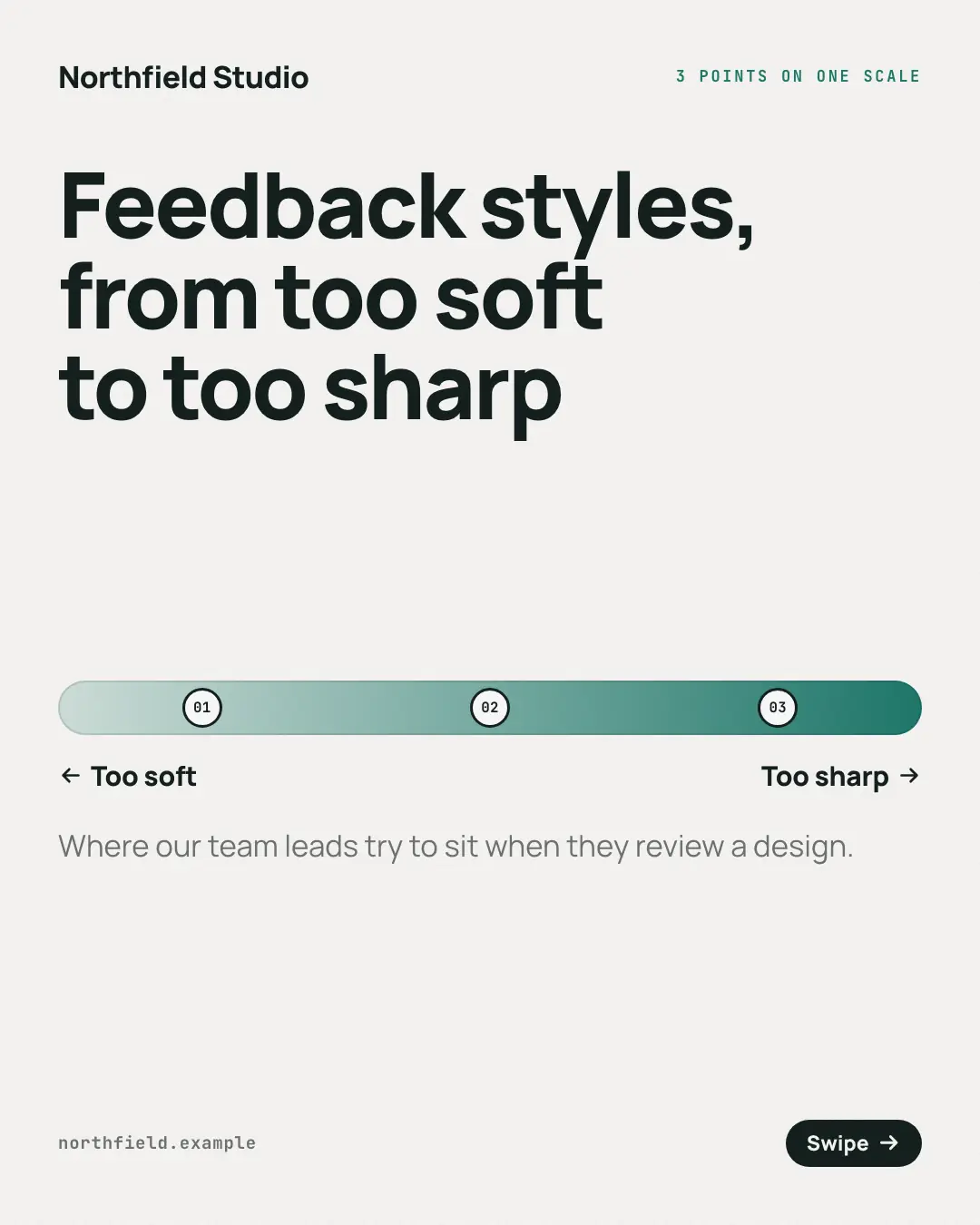
When the AI picks it
MarketiQ’s Creative Director favours the Spectrum for posts that teach, when the message is a side-by-side comparison or a list. It is built first to teach.
It reads each post’s goal and shape first, then its own words, the platform and the facts you have, and offers this template only where it fits.
Who it’s for
Any business. Nothing in it assumes what you sell, so the Director can offer it to a software company, a café or a coaching centre alike — whenever the post fits.
Platforms and sizes
| Size | Where |
|---|---|
| 4:51080 × 1350 px | Instagram, Facebook, LinkedIn, Threads |
Carousel of 4–10 slides. Each size is laid out for its canvas, not cropped; the sample above is the 4:5 version.
What it needs
Only your post. It is made from your copy and your brand kit — there is nothing else to prepare.
Rules the AI follows
Word for word from the template library. The Director follows the copy rules when it writes into the template, and the visual review checks every creative against the visual rules.
Copy rules
- Use it only when the post places options in order along one scale between two ends — never for unrelated tips or a sequence of steps.
- Each row is one position, from one end to the other: its name and what it looks like.
- Fill the two ends only as the post names them; the closing line asks the reader where they sit.
Visual rules
- A graded track across the page with one numbered stop per position and the post's two ends above it.
- Each position page moves a dark knob with its number onto its stop, above (below the track) the position's name and body.
- The cover shows the empty scale between title and subtitle; the closing page lights every stop under 'Where do you sit?'.
More Mental models templates
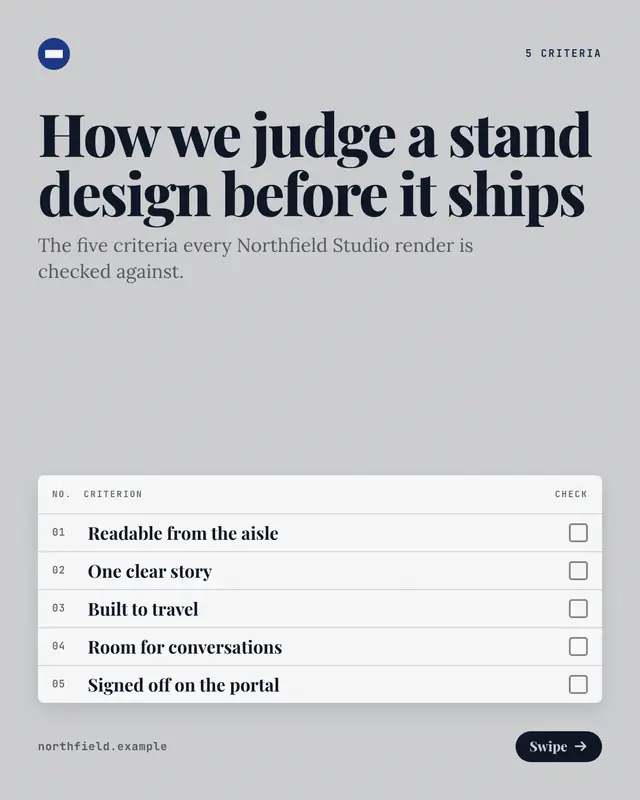
Rubric
A grading sheet of criteria with empty check boxes, for a post that sets out how to judge something
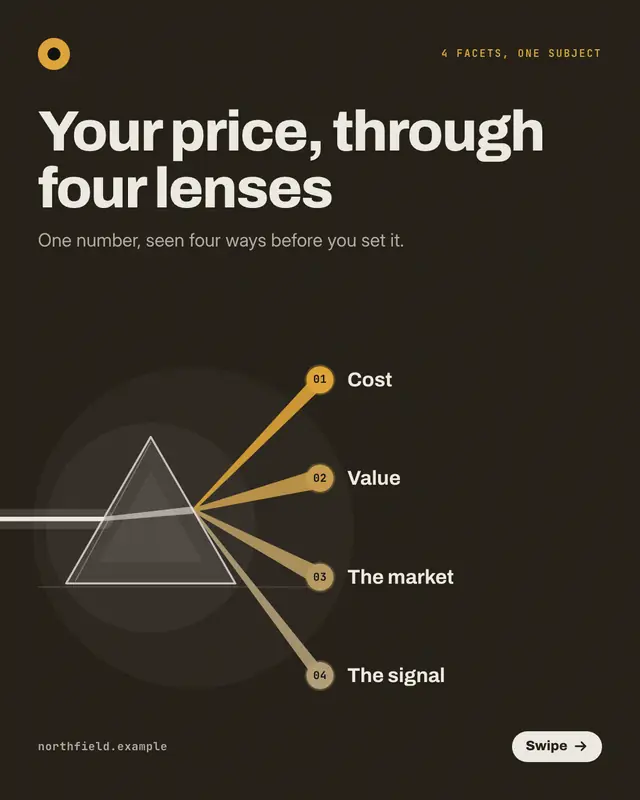
Prism facets
A glass prism splitting one white beam into a fan of coloured rays on a dark ground, for a post that looks at one subject 'through four lenses'
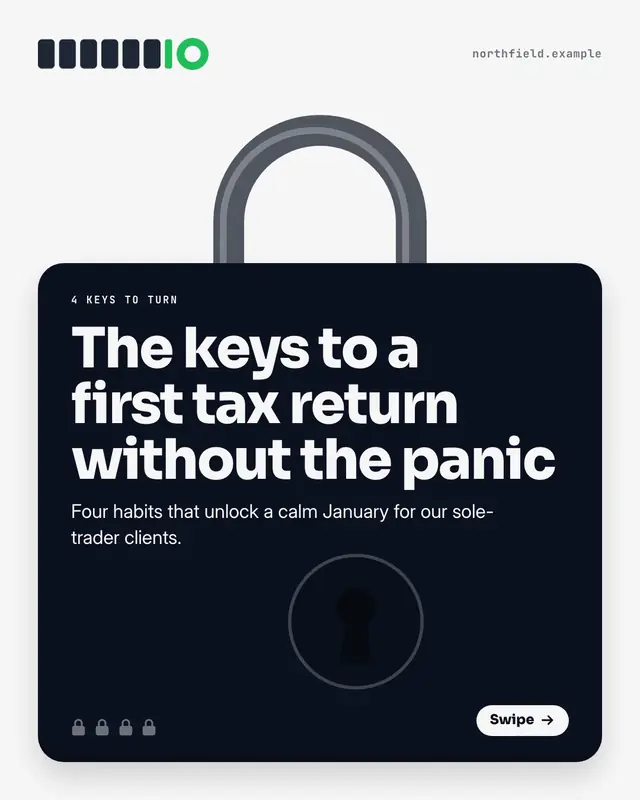
Padlocks
A padlock as big as the page whose shackle springs open on every page, for a post that hands over the keys to something
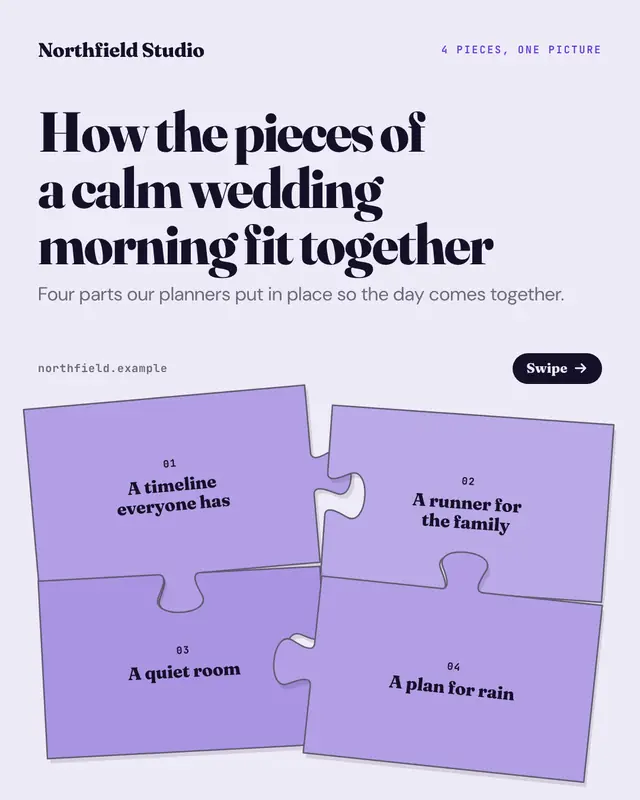
Jigsaw
A jigsaw whose pieces lock into place one per page, for a post about the 'pieces of the puzzle'
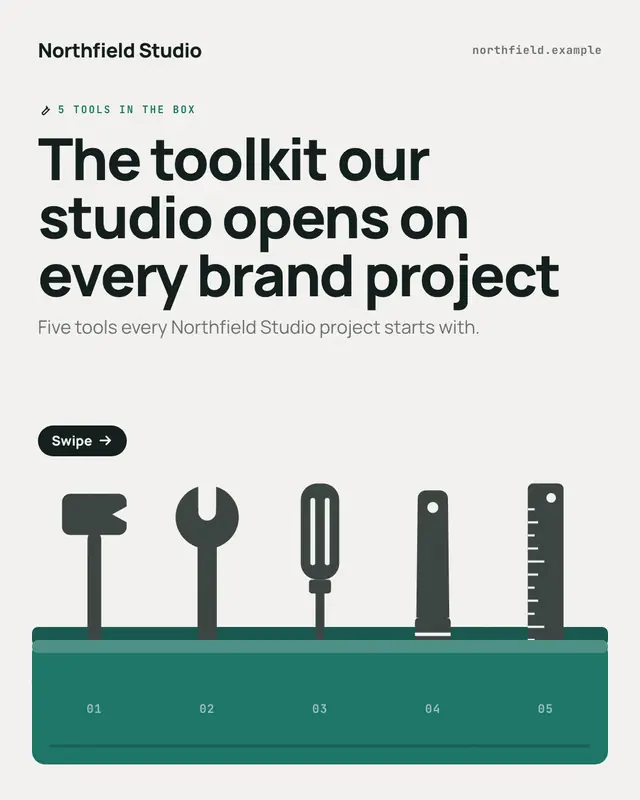
Toolbox
An open toolbox with one generic tool lifted out per page, for a post that lays out a 'toolkit'
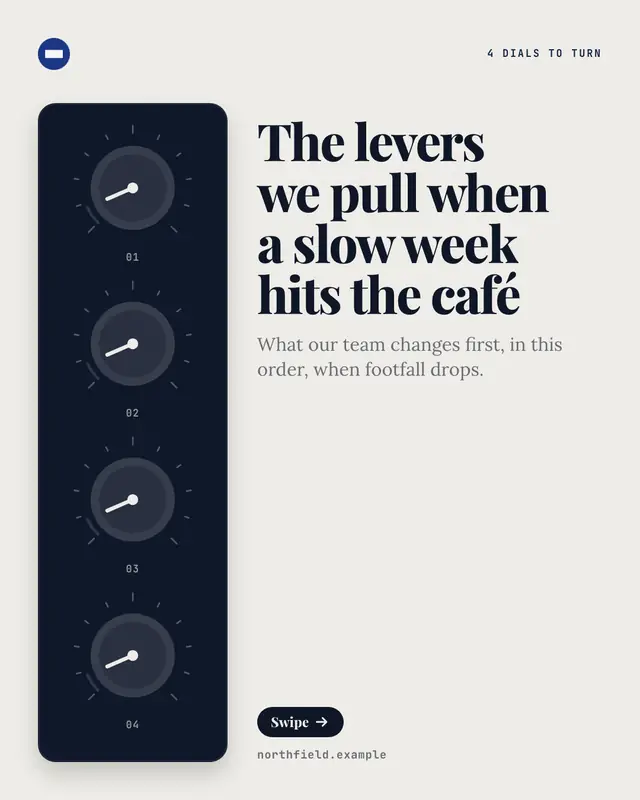
Dials and levers
A control panel of dials beside the copy, one dial turned right up per page, for a post about the 'levers to pull'
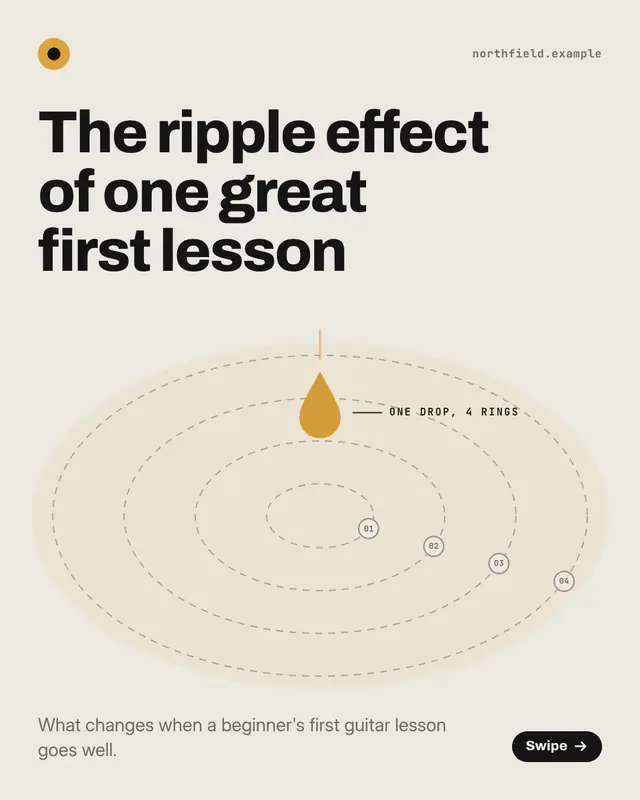
Ripple effect
'Ripples' spreading from one drop, a ring further out per page, for a post about the 'ripple effect' of one change
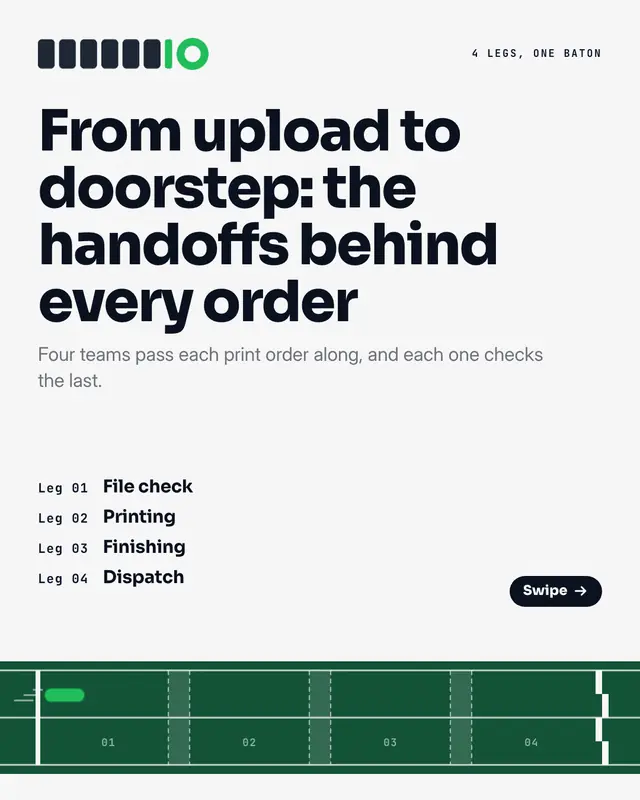
Relay baton
A relay race run one leg per page, for a post about handoffs
Make a Spectrum with your brand.
MarketiQ writes the post, picks the template that carries it best — this one, when it fits — and fills it with your logo, colours, facts and copy.