Dials and levers
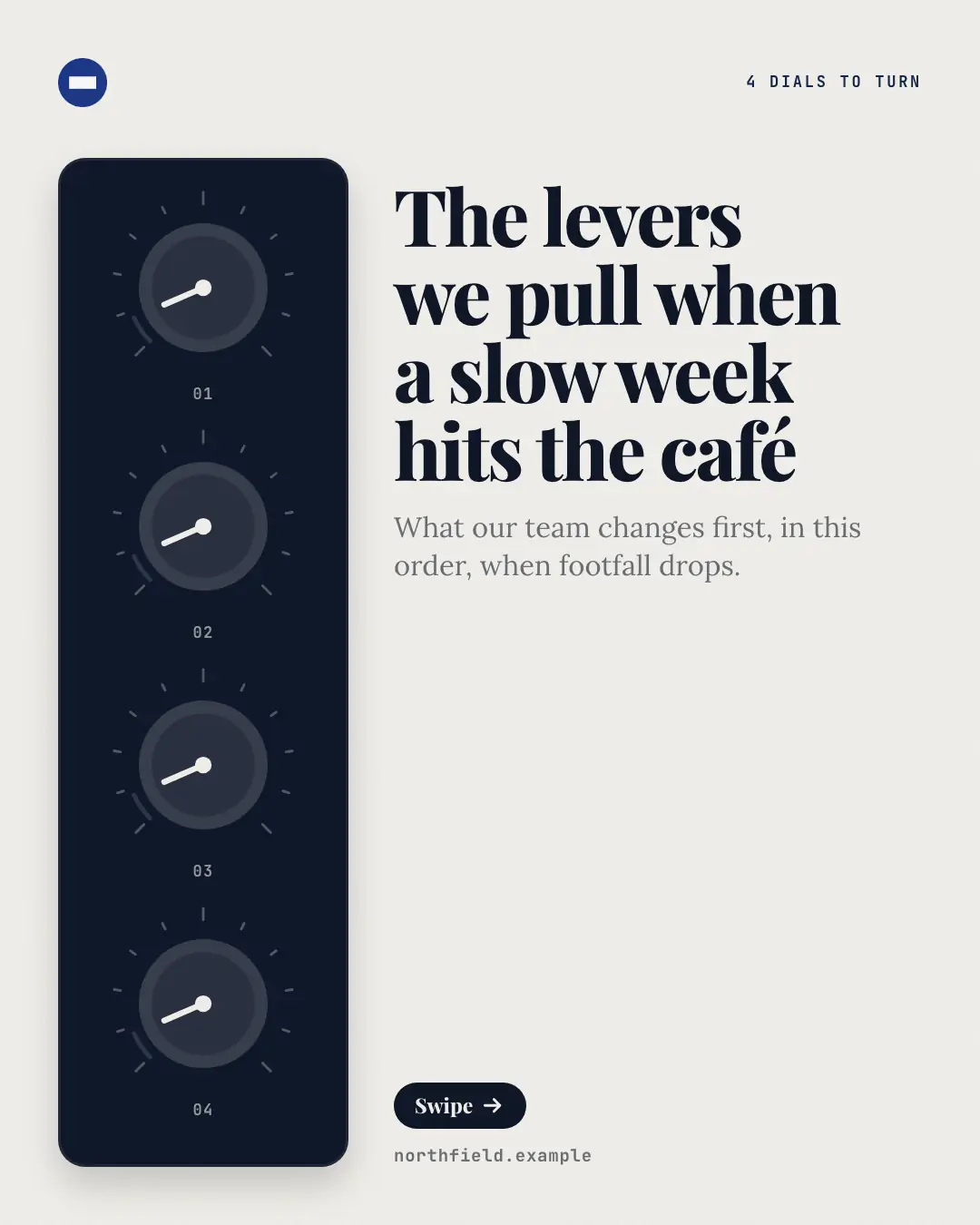
A control panel of dials beside the copy, one dial turned right up per page, for a post about the 'levers to pull' — the 'levers' or settings someone can turn to change a result: each page turns its dial to the top of its scale in the brand colour beside the setting's name and what turning it does, and the closing page shows every dial turned up.
When the AI picks it
MarketiQ’s Creative Director favours the Dials and levers for posts that teach, when the message is a list. It is built first to teach.
It reads each post’s goal and shape first, then its own words, the platform and the facts you have, and offers this template only where it fits.
Who it’s for
Any business. Nothing in it assumes what you sell, so the Director can offer it to a software company, a café or a coaching centre alike — whenever the post fits.
Platforms and sizes
| Size | Where |
|---|---|
| 4:51080 × 1350 px | Instagram, Facebook, LinkedIn, Threads |
Carousel of 4–10 slides. Each size is laid out for its canvas, not cropped; the sample above is the 4:5 version.
What it needs
Only your post. It is made from your copy and your brand kit — there is nothing else to prepare.
Rules the AI follows
Word for word from the template library. The Director follows the copy rules when it writes into the template, and the visual review checks every creative against the visual rules.
Copy rules
- Use it only when the post names things someone can adjust — levers, settings, dials, controls — and what each changes; never for a how-to's actions, facts or reasons.
- Each row is one dial: a short name for the setting and what turning it does, from the copy.
- The title names the result the dials change; the call to action asks the reader to turn the first one.
Visual rules
- A dark control panel down the left of the page holding one dial per setting (one column up to three, then two), each with a 270-degree scale of ticks and a number; the copy sits in the column beside it.
- Each setting's page turns its dial right up, its scale lit in the brand colour (dials already turned stay up and paler, the rest turned down), beside the setting's name and body.
- The cover shows every dial turned down beside the title; the closing page turns them all up.
More Mental models templates
Ripple effect
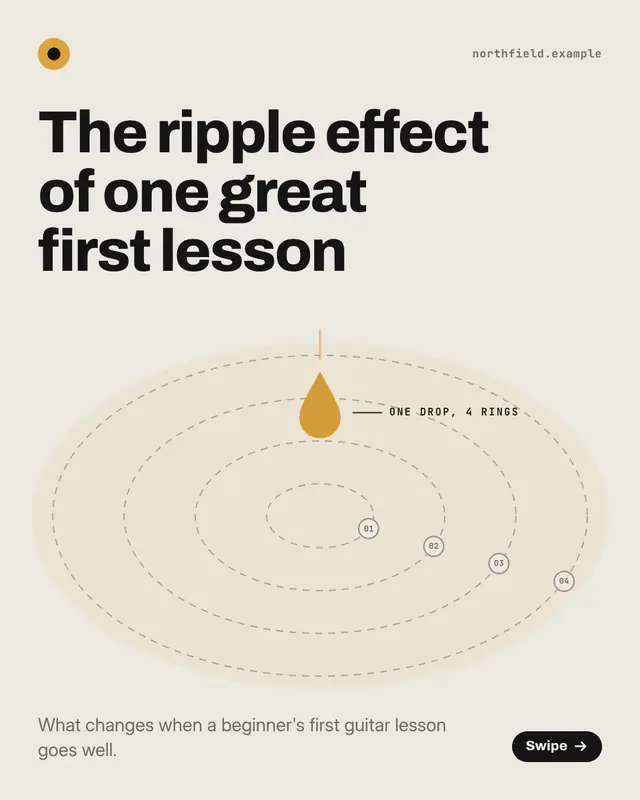
'Ripples' spreading from one drop, a ring further out per page, for a post about the 'ripple effect' of one change
Relay baton
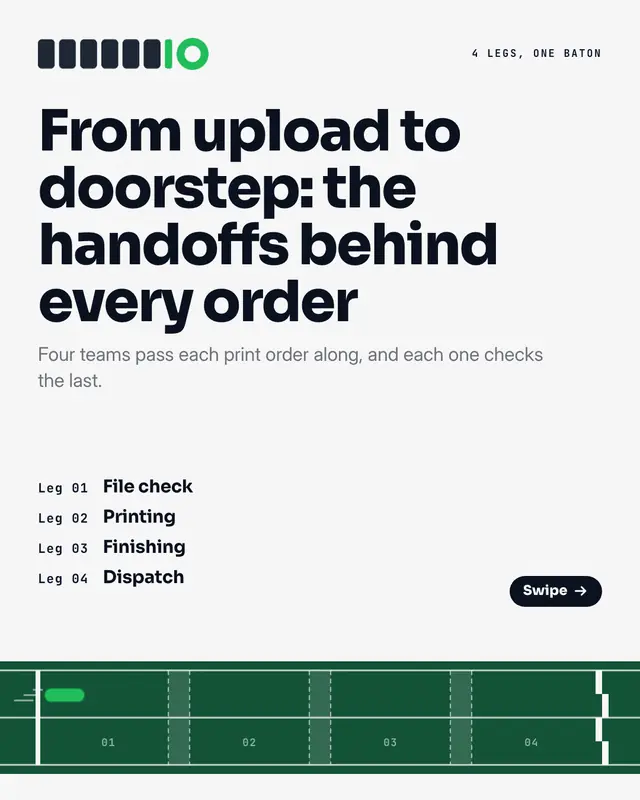
A relay race run one leg per page, for a post about handoffs

Iceberg waterline
An iceberg cut at the waterline, for a post about what lies beneath a visible surface
Flywheel
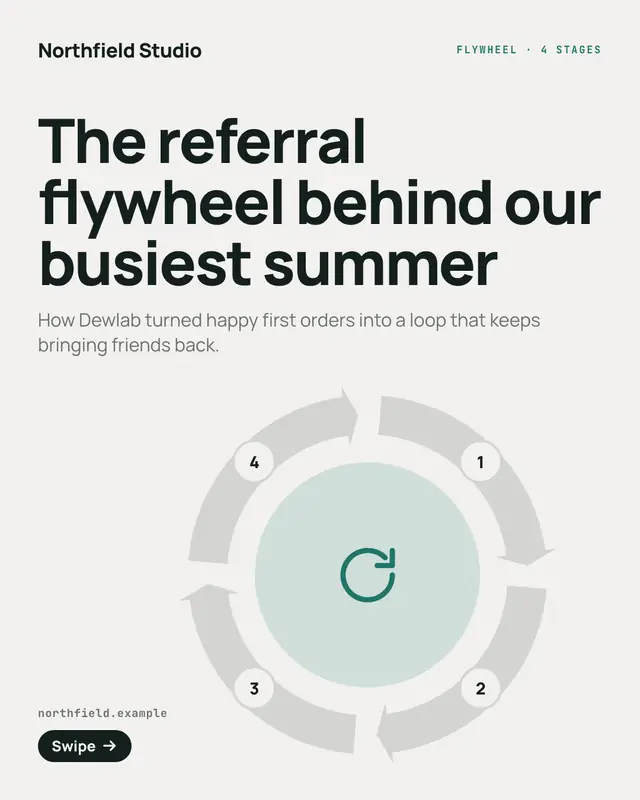
A flywheel ring of stages, each arc arrowing into the next, for a post about a loop that feeds itself, a 'virtuous cycle'

Layer stack
An exploded isometric stack of slabs, one per layer, for a post about something built 'layer by layer'
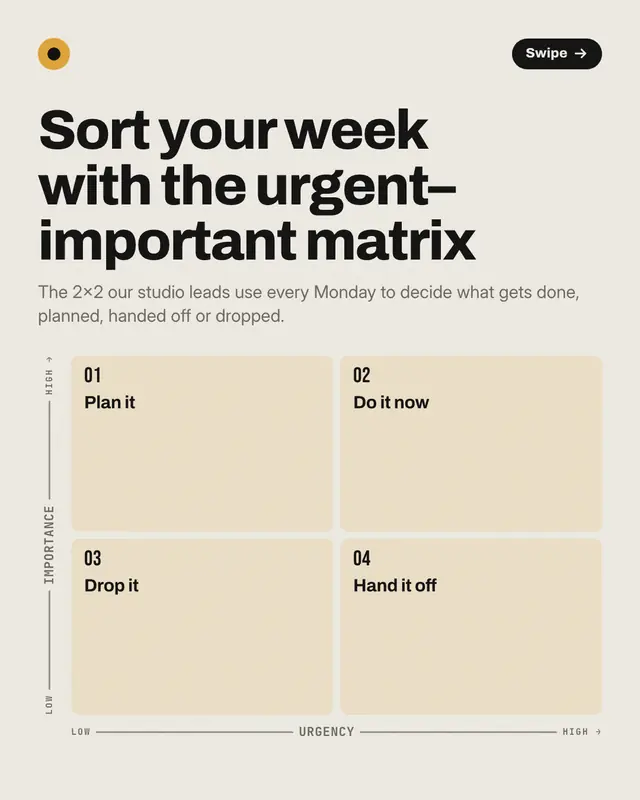
Quadrant matrix
A 2×2 quadrant matrix toured one quadrant per page, for a post that sorts things on two axes
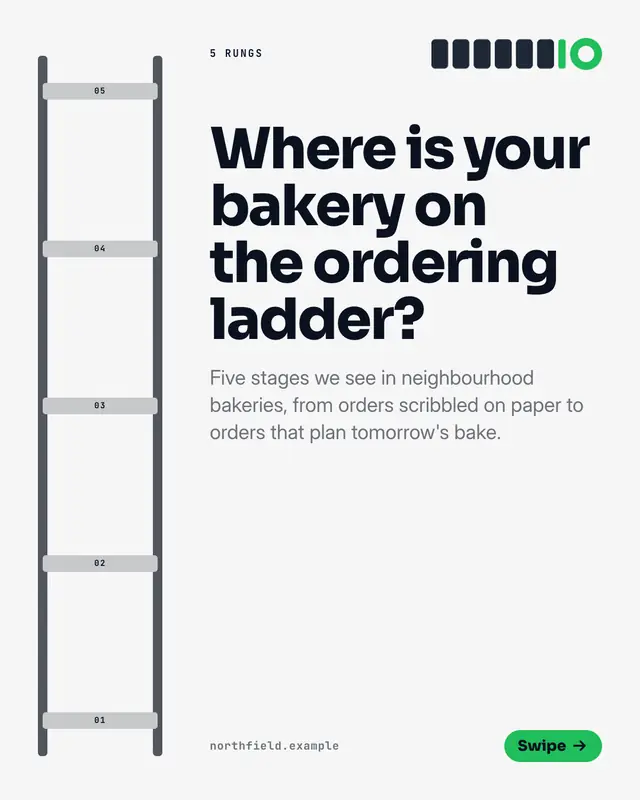
Maturity ladder
A tall ladder with one rung per stage, for a post about levels of maturity from first steps to mastery
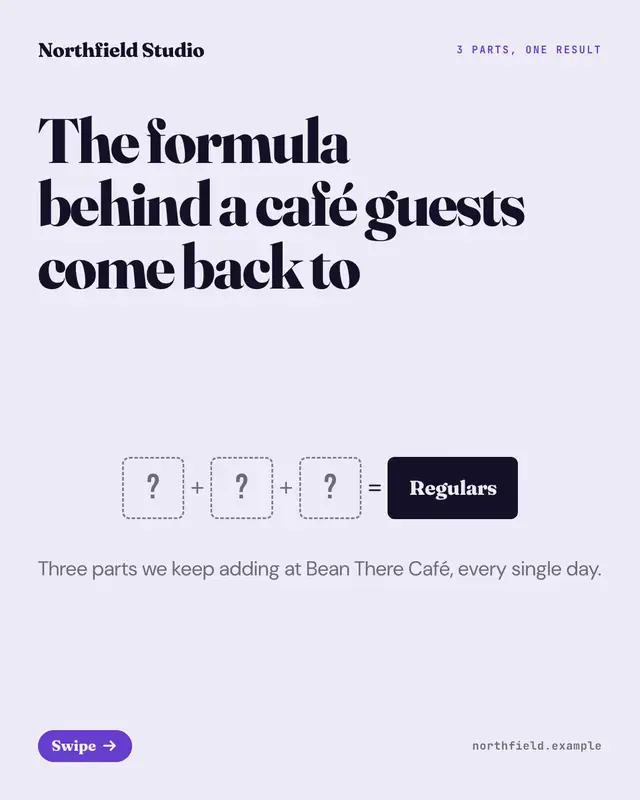
Equation
An equation built term by term
Make a Dials and levers with your brand.
MarketiQ writes the post, picks the template that carries it best — this one, when it fits — and fills it with your logo, colours, facts and copy.